 EN
 IT Italiano
 ES Español
 FR Français
 DE Deutsch
Description
What it is
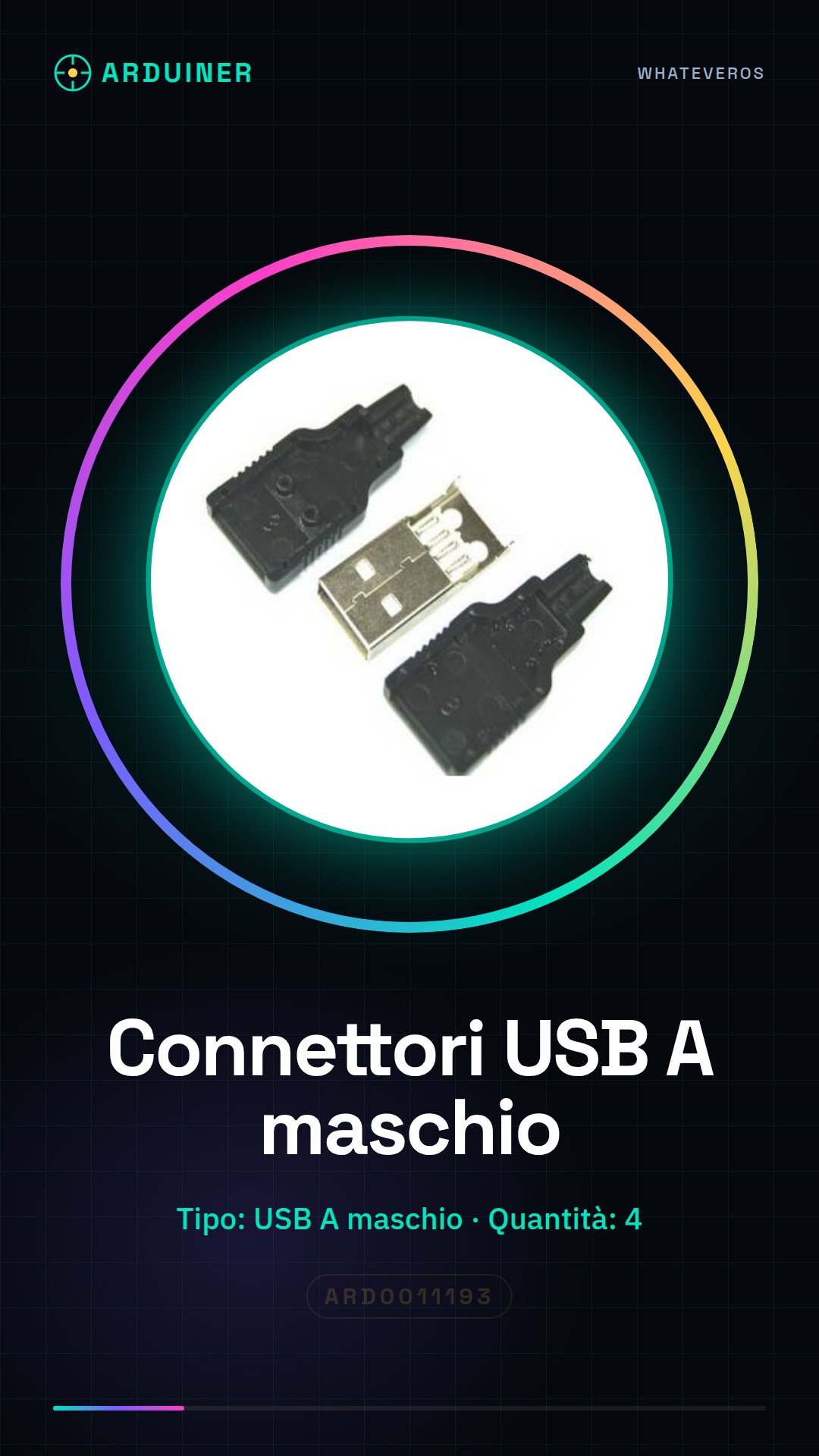
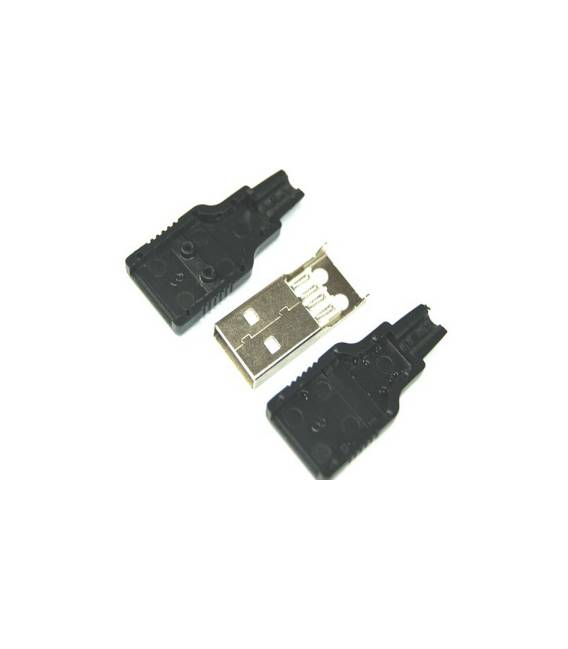
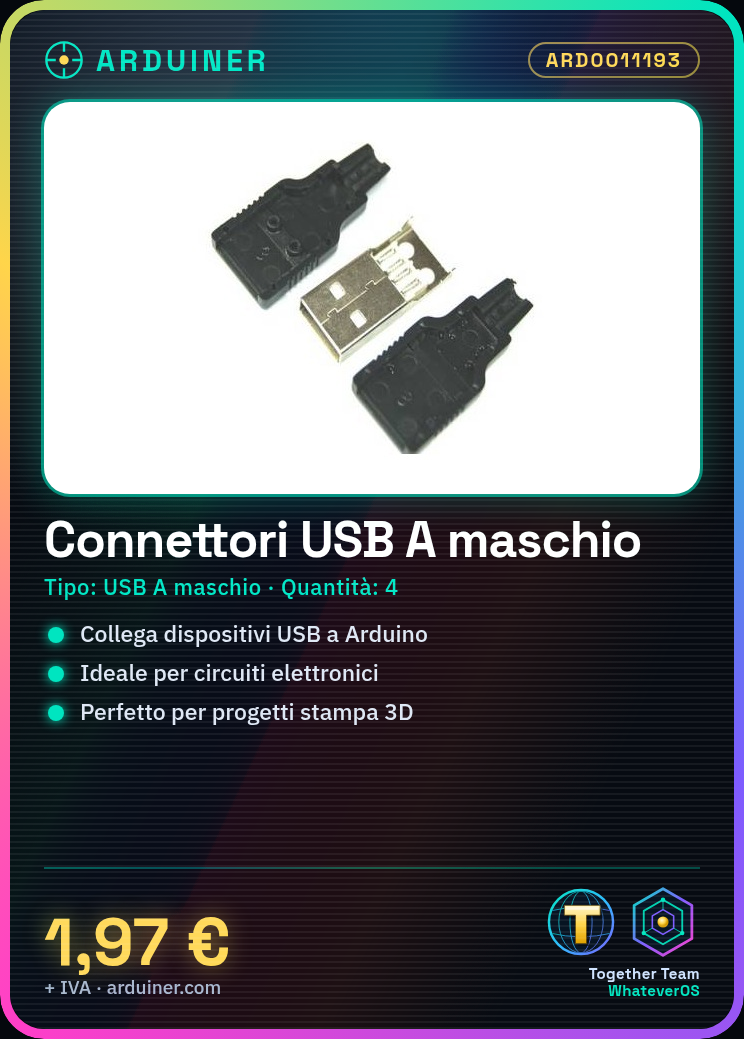
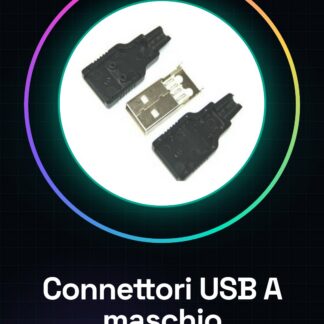
USB Type-A Male Connector, pack of 4 pieces.
Features
- Type: USB Type-A Male
- Quantity: 4 pieces
- SKU: ARD0011193
- Price: 1.97 €
What it is for
These USB Type-A Male connectors are used to connect USB devices to Arduino boards or other USB ports. They are ideal for electronic circuits, 3D printing projects, and applications requiring a standard USB connection.
Tutorial: How to use USB Type-A Male Connectors
These connectors are ideal for connecting USB devices to Arduino boards or other USB ports. Useful for beginners and intermediates.
What you need
- 4 pieces of USB Type-A Male connectors
- Cutting Tools
- Soldering Tape
- Arduino Board or USB Device
Steps
- 1. Check that the connectors are clean and undamaged.
- 2. Cut a USB wire if necessary.
- 3. Attach the connectors to the wire using soldering tape.
- 4. Check the datasheet for the correct wire length.
- 5. Connect the connector to the USB device.
- 6. Connect the Arduino board to the connector.
- 7. Check the connection and functionality.
- 8. If necessary, install a USB driver if missing.
Mini project
Create a simple power circuit for an LED using a USB connector and an Arduino board.
Common mistakes
- Do not use damaged connectors.
- Check the correct polarity of the connection.
- Do not use excessively long cables without a driver.
- Ensure the cable is securely attached.
Recommended accessories
- USB cable
- Soldering tape
- LED
- Resistor
Frequently asked questions
How can I verify the correct length of the cable?
Check the cable USB datasheet.
Do I need to install a USB driver?
Only if the cable is too long and requires a driver.
Can I use any type of soldering tape?
Yes, but make sure it is suitable for metals.



Reviews
There are no reviews yet.