 EN
 IT Italiano
 ES Español
 FR Français
 DE Deutsch
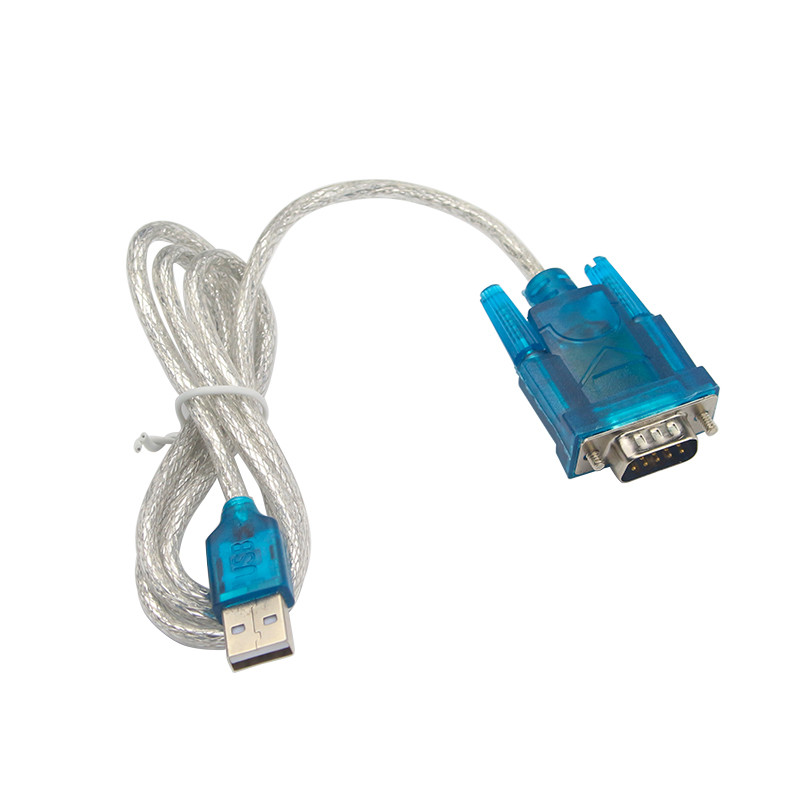
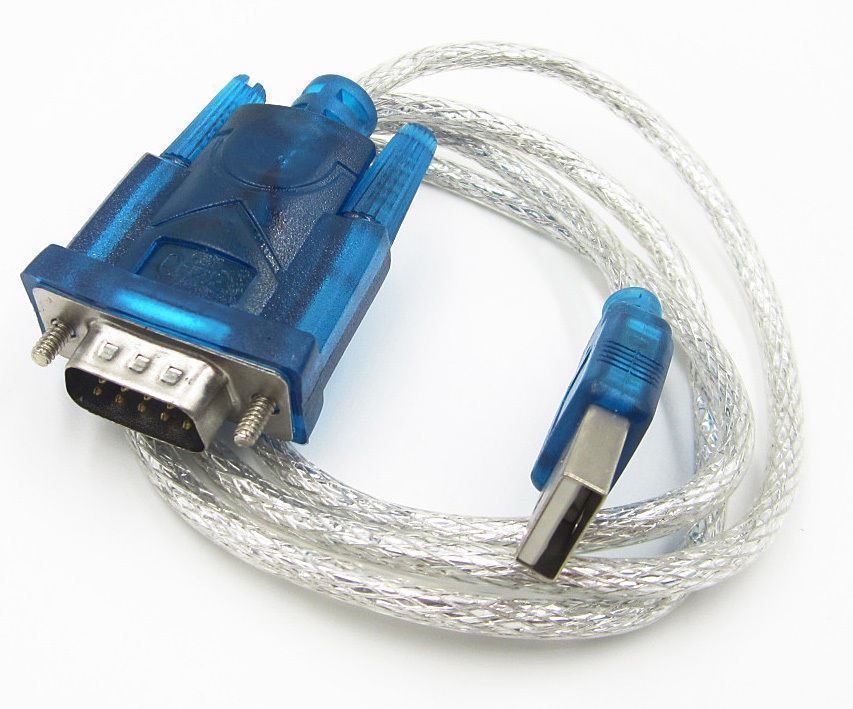
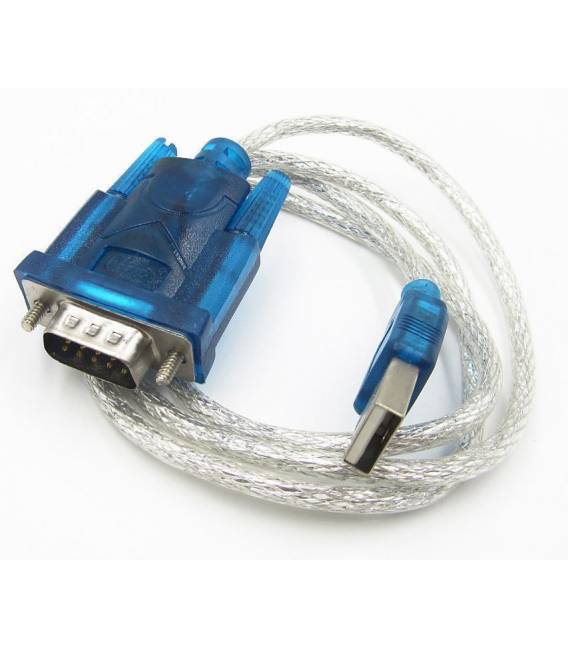
Description
What it is
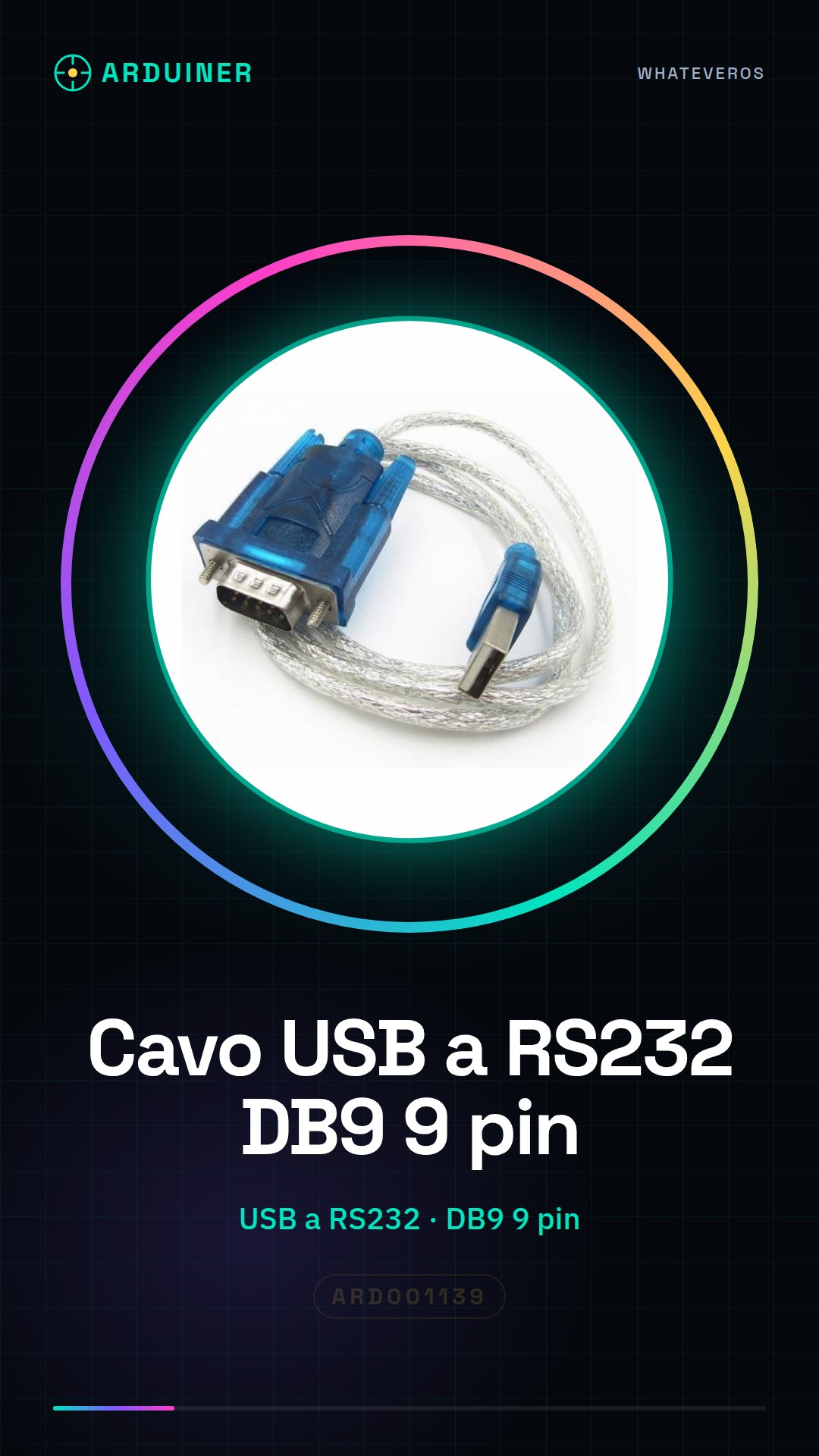
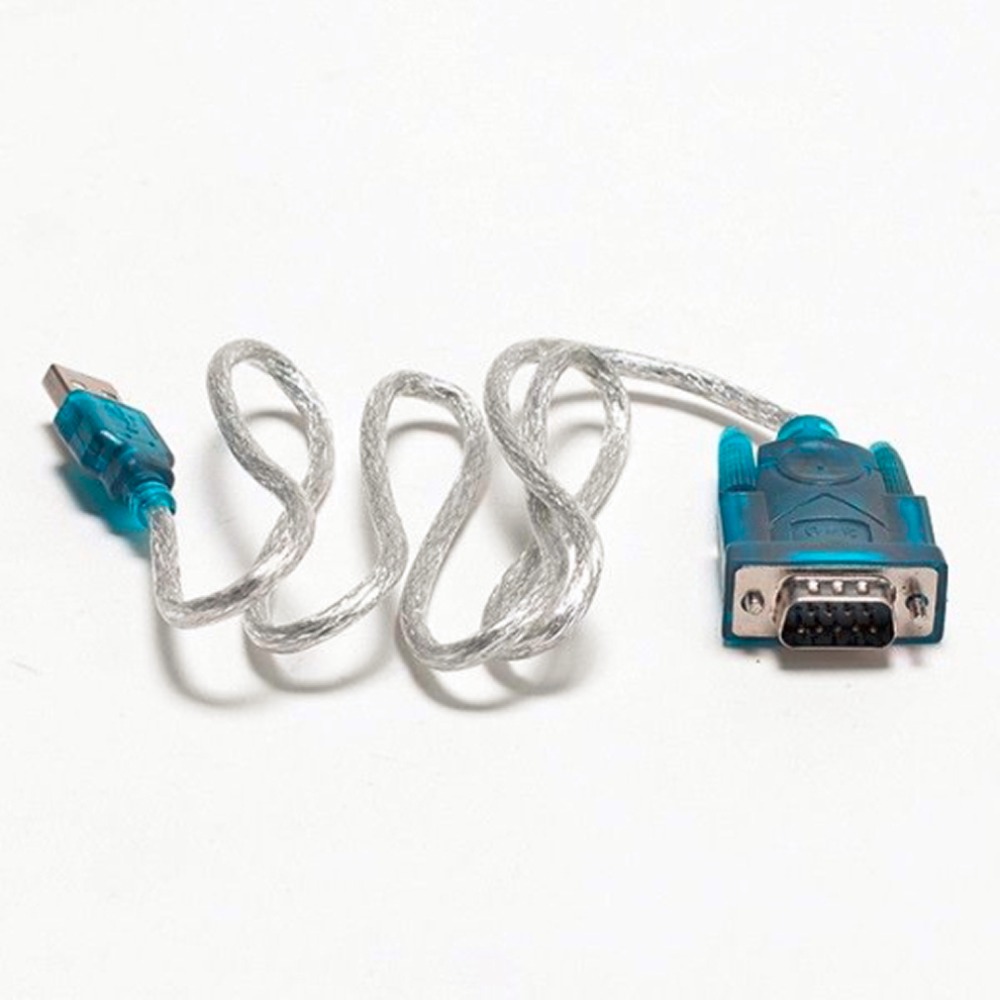
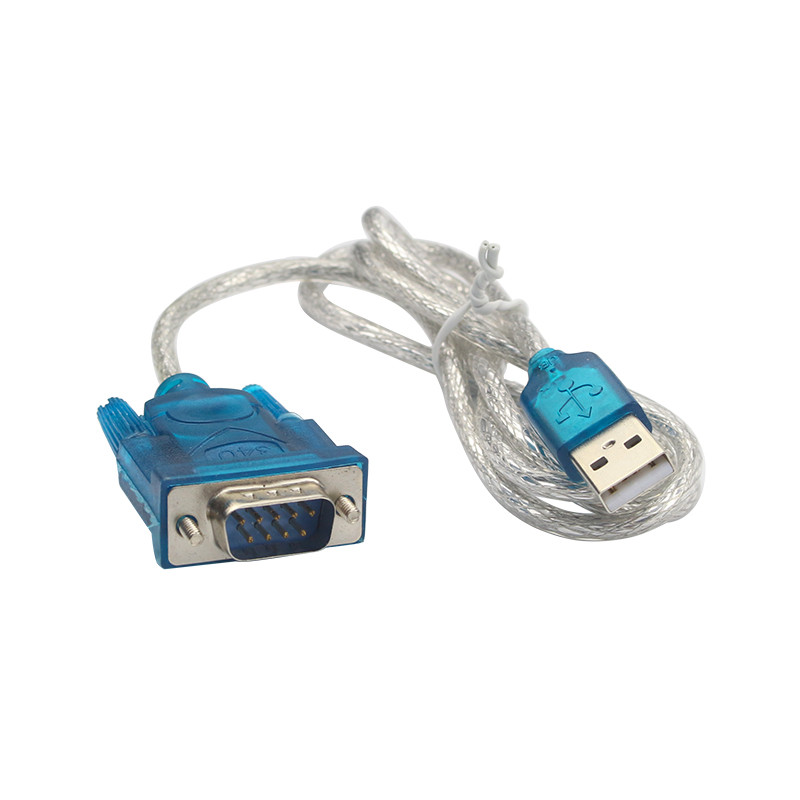
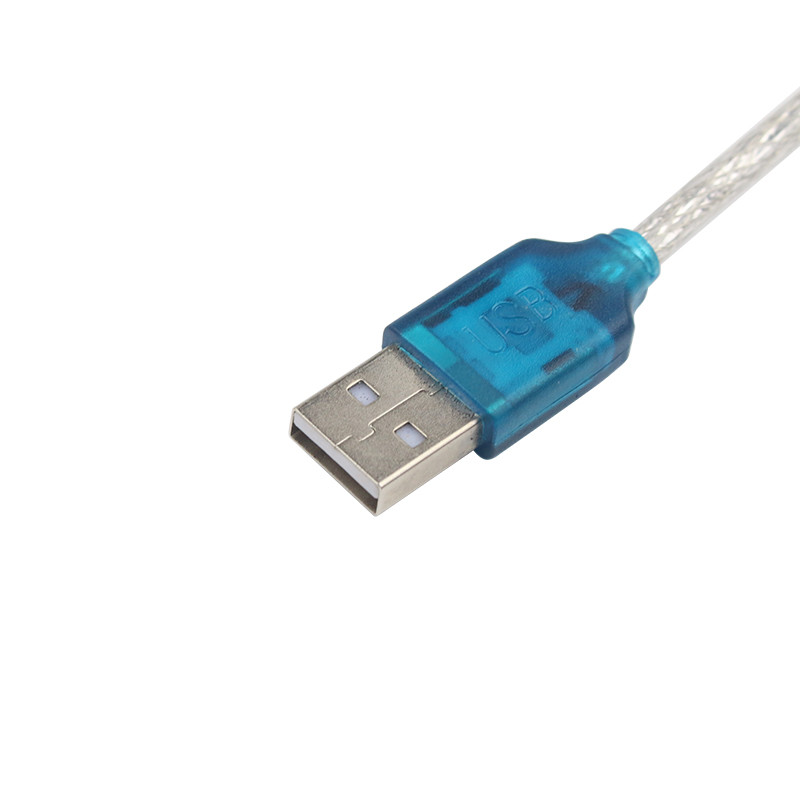
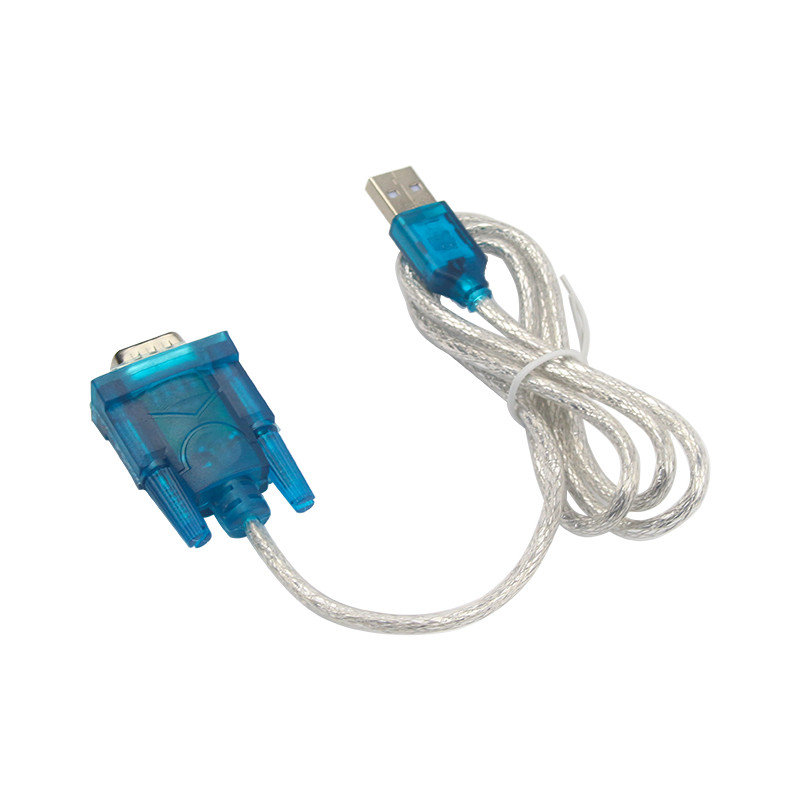
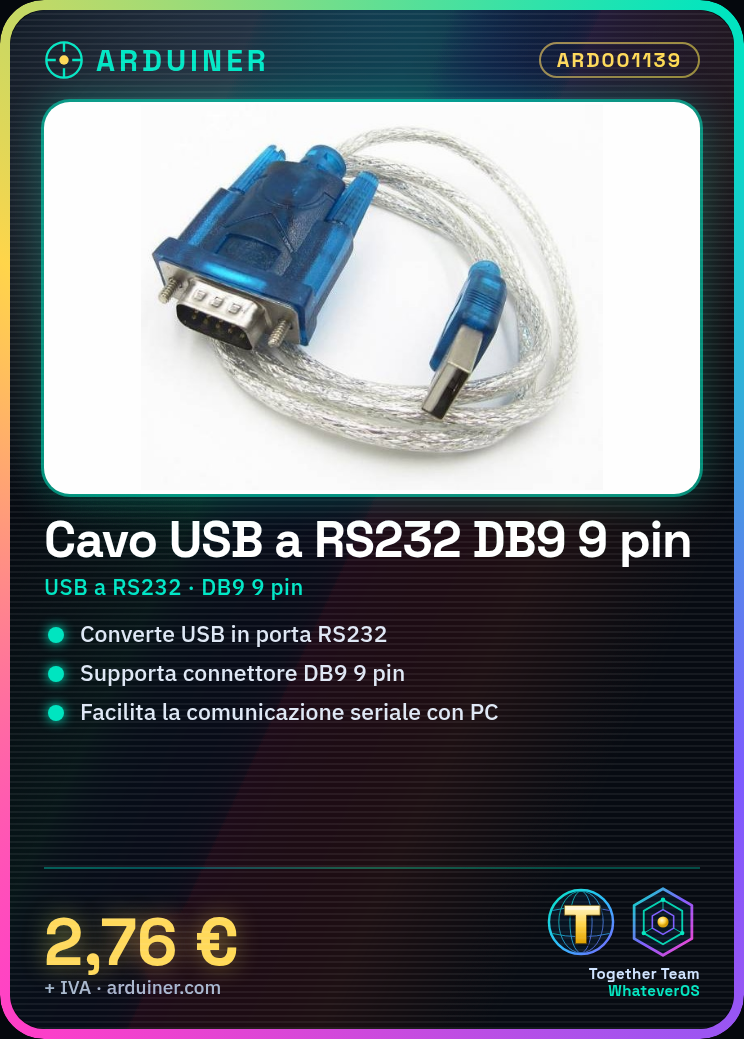
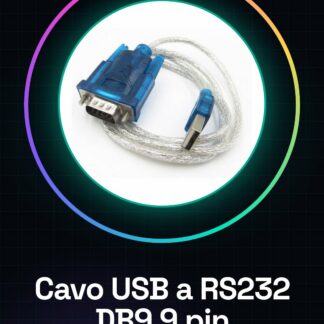
The USB to RS232 Serial Converter Cable DB9 9 pin is a device that allows connecting RS232 interface devices to a computer via USB port. This converter facilitates serial communication between the devices and the computer.
Features
- USB to RS232 Serial Converter Cable
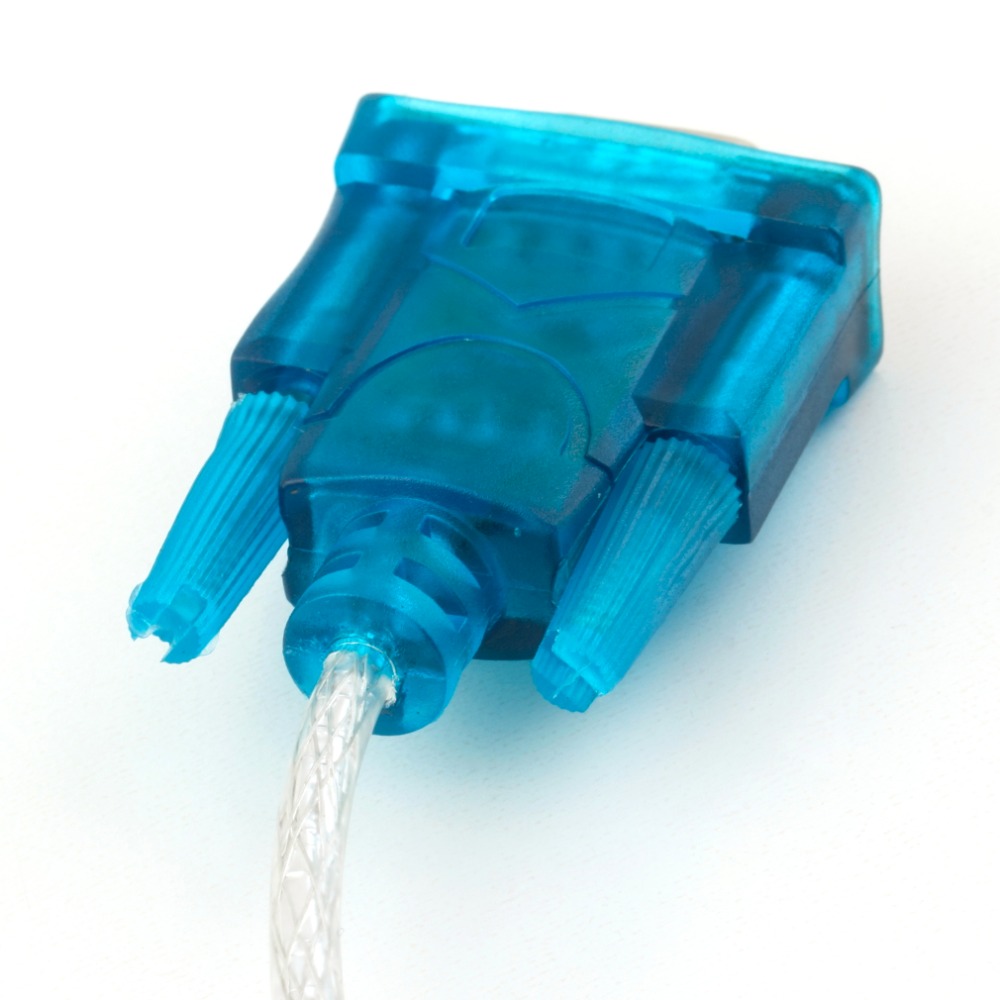
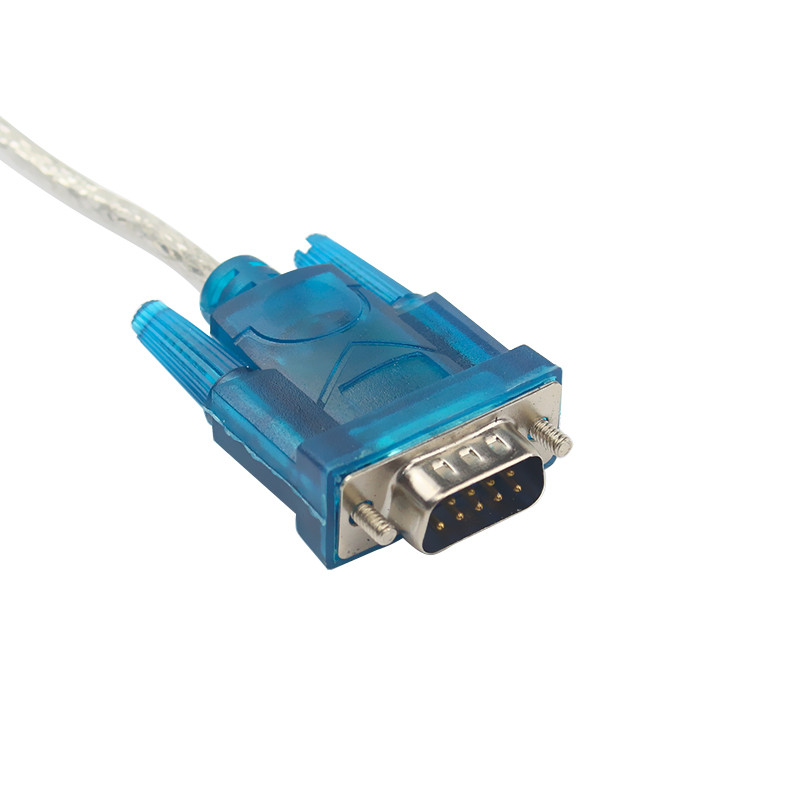
- Provides DB9 9 pin connectors for the RS232 interface
What it is for
This cable is useful for connecting GPS modules, serial communication devices, and other RS232 interface devices to a computer. It is ideal for prototyping projects and applications that require reliable serial communication.
Tutorial: How to use USB to RS232 Serial Converter Cable DB9
This converter allows you to connect RS232 devices to a computer via USB. Useful for connecting a GPS module, a serial communication module, or any RS232 device to a computer.
What you need
- USB to RS232 Serial Converter Cable DB9
- RS232 Device
- Computer with USB
- Serial software (e.g., TeraTerm, PuTTY)
Steps
- 1. Check the datasheet for your RS232 device specifications.
- 2. Connect the USB cable to the computer.
- 3. Connect the DB9 cable to the RS232 device.
- 4. Power on the RS232 device.
- 5. Open the serial software.
- 6. Configure the software settings (baud rate, data bits, etc.).
- 7. Verify communication with the device.
- 8. Begin using the RS232 device via the computer.
Mini project
Connecting a GPS module to a computer to view real-time coordinates.
Common mistakes
- Forgetting to properly configure the serial software settings.
- Connecting the USB cable to the RS232 device instead of the computer.
- Not verifying communication before using the device.
- Not using serial software.
Recommended accessories
- GPS Module
- Serial communication module
- Serial software (e.g., TeraTerm, PuTTY)
Frequently asked questions
The cable does not work, what can I do?
Check that the RS232 device is powered and correctly connected. Check the serial software settings.
What are the specifications of the cable?
Check the datasheet.
Can I use the cable with any RS232 device?
Check the specifications of the device and the cable.
Does the cable work with all computers?
Check the cable compatibility with your computer.
Reviews
There are no reviews yet.