 EN
 IT Italiano
 ES Español
 FR Français
 DE Deutsch
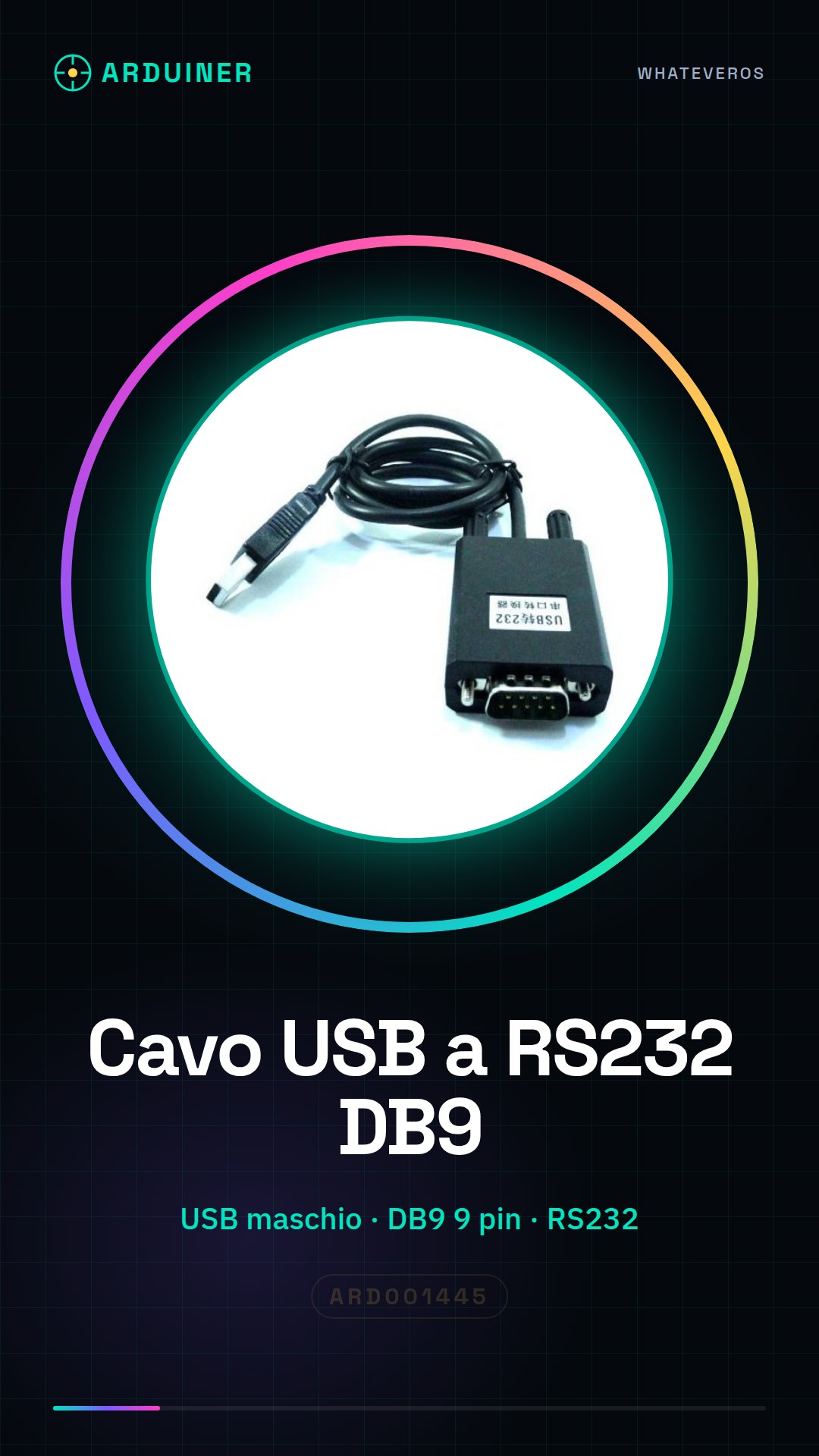
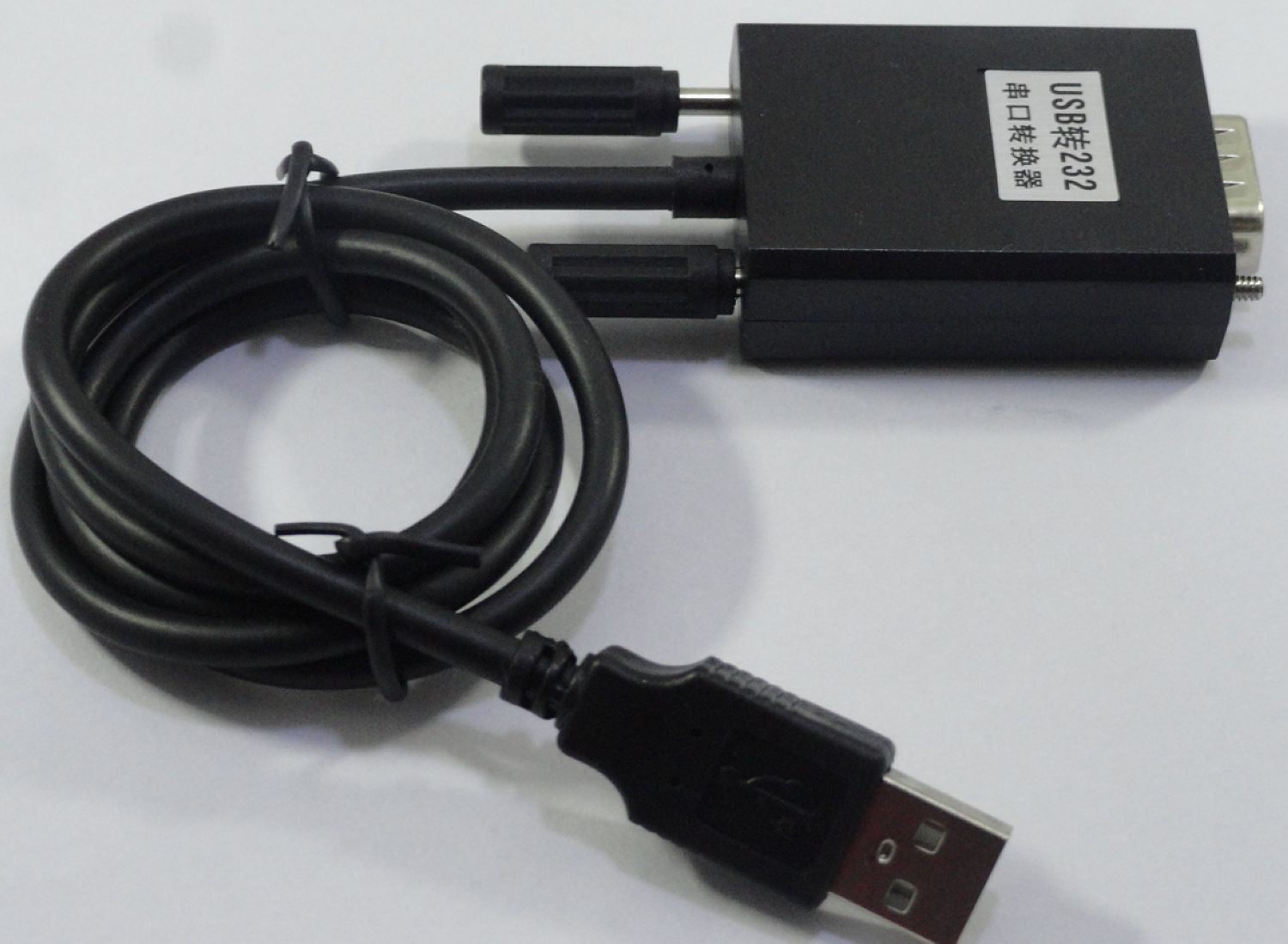
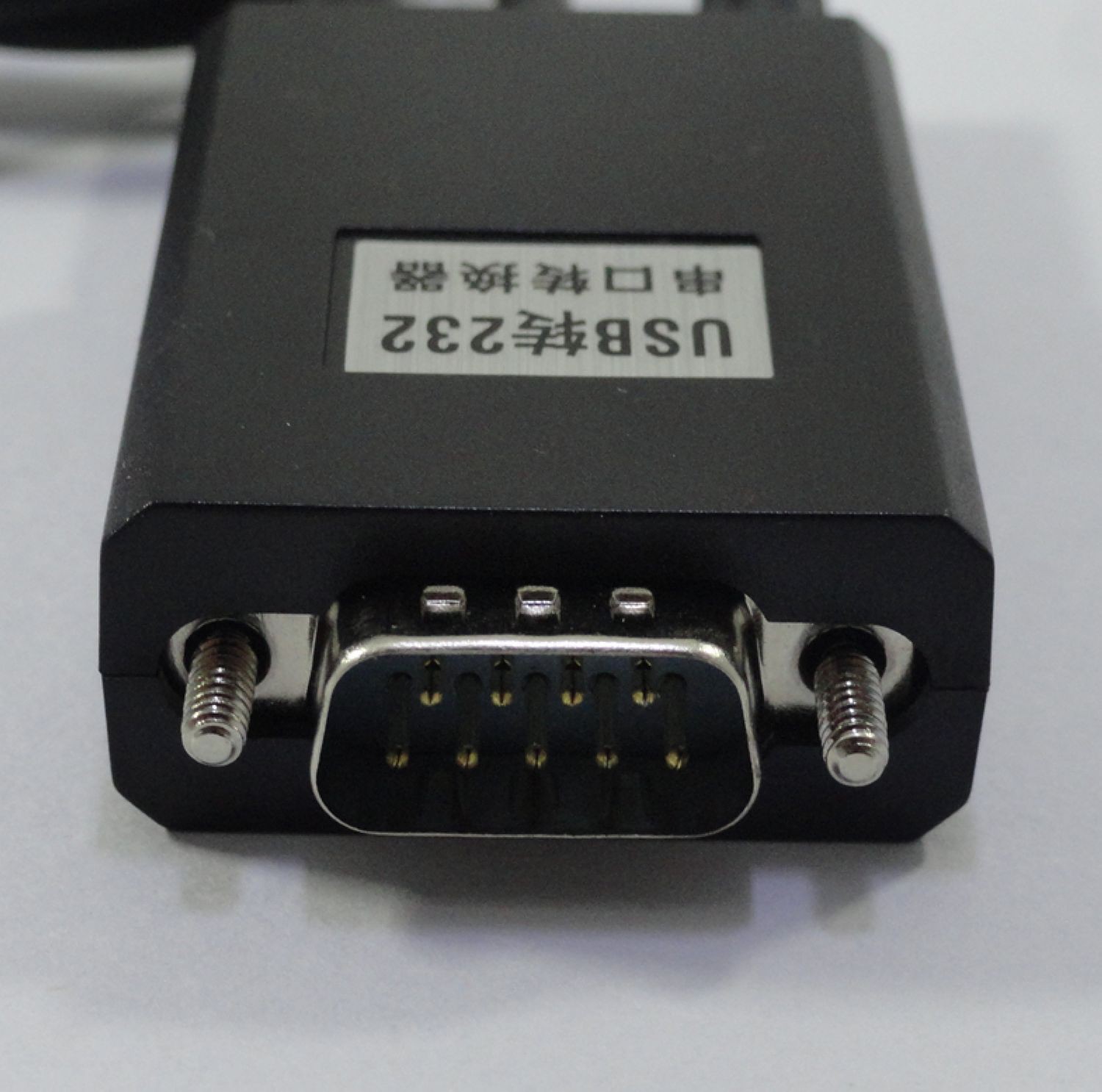
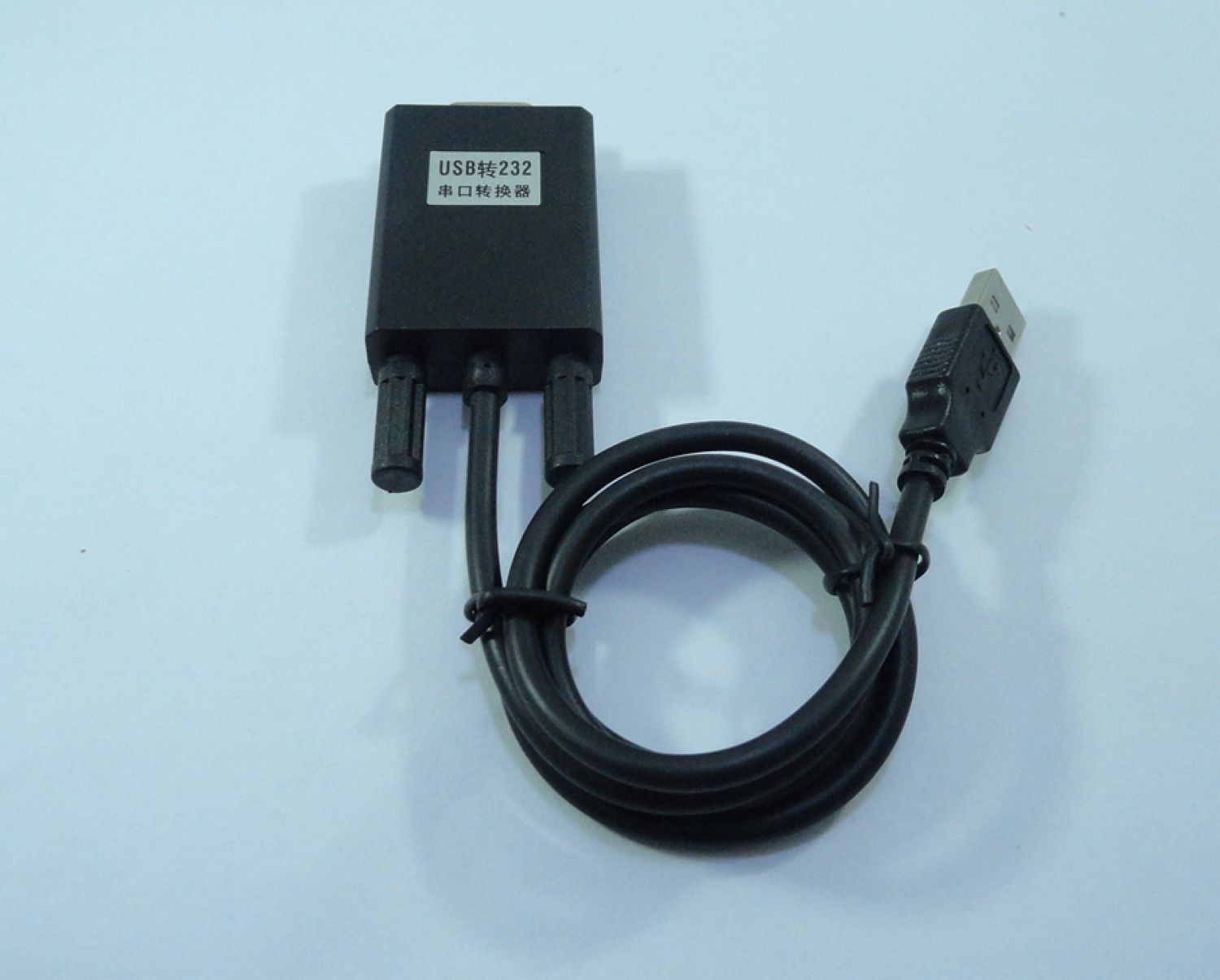
Description
What it is
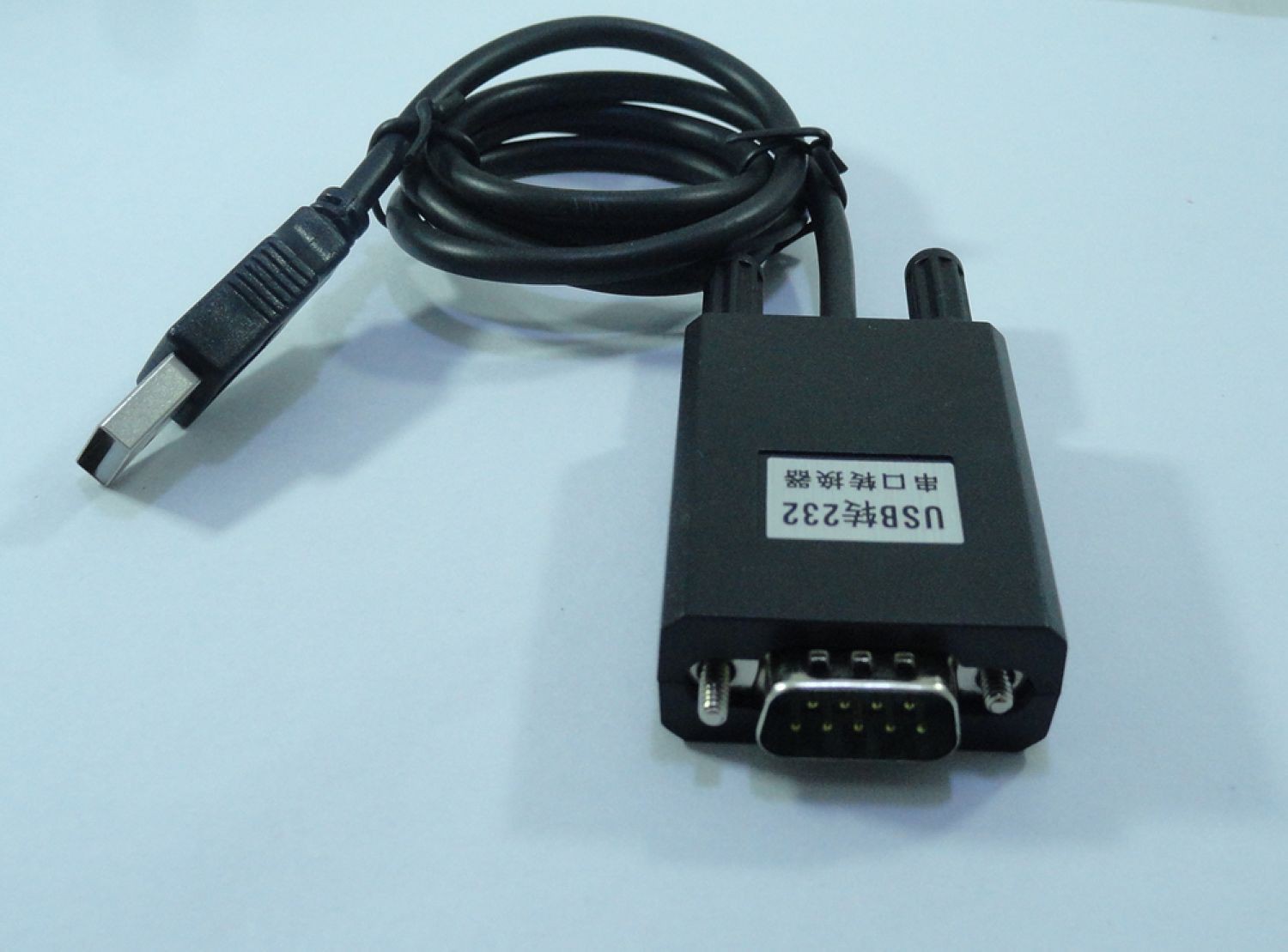
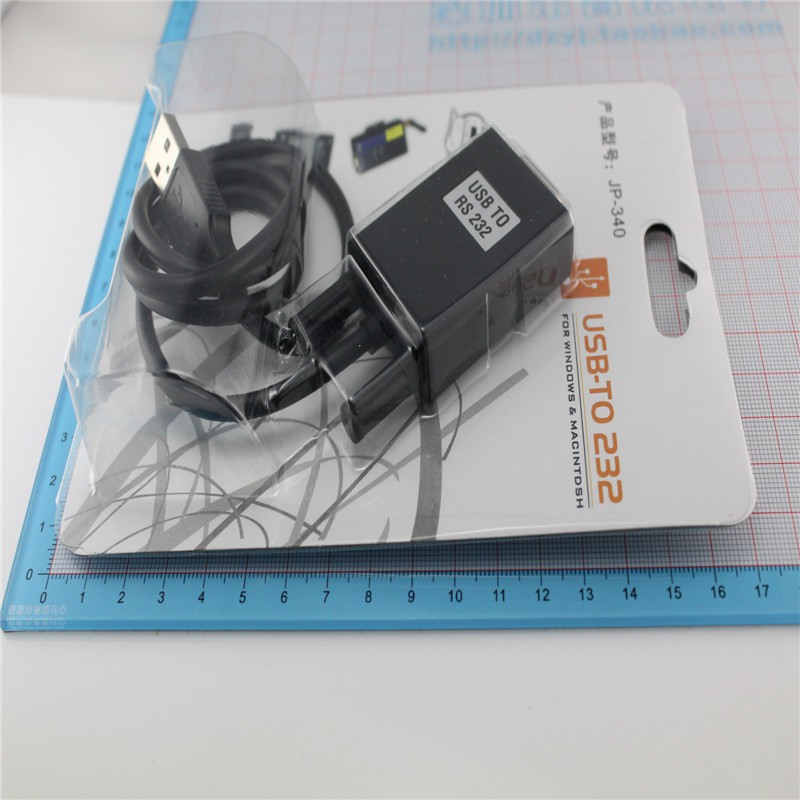
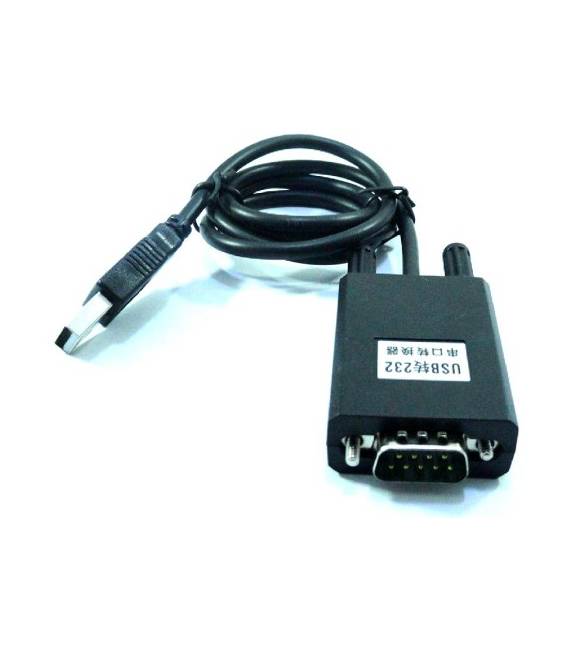
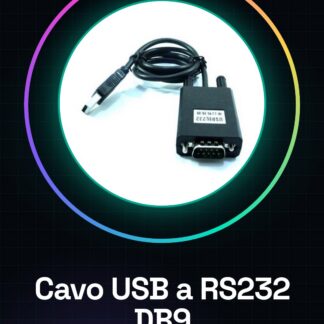
The USB to RS232 DB9 adapter cable is a device that allows connecting RS232 interface devices to a computer via a USB connector. This converter facilitates serial communication between Arduino and other devices, making programming and monitoring possible.
Features
- USB to RS232 DB9 Adapter Cable 9 Pin
- USB Male Connector
What it is for
Cables of this type are useful for configuring GPS modules (available in store) that send coordinates via RS232 to the computer. Additionally, it is useful for serial communication between Arduino and other devices.
Tutorial: How to Use USB to RS232 Serial Adapter Cable DB9 9 Pin USB Male
This converter allows you to connect RS232 devices to a computer via USB, ideal for electronic prototypes.
What you need
- USB to RS232 Serial Adapter Cable DB9 9 Pin USB Male
- RS232 Device
- PC or laptop with USB port
Steps
- 1. Check the datasheet for the device RS232 specifications.
- 2. Connect to the internet for firmware updates if necessary.
- 3. Connect the USB male cable to your computer.
- 4. Connect the DB9 cable to the RS232 device.
- 5. Ensure that the polarity matches correctly (check the datasheet).
- 6. Start the configuration software if necessary.
- 7. Verify the connection with an app like PuTTY or Tera Term.
- 8. Configure the serial settings if necessary (check the datasheet).
Mini project
Configure a GPS module (available in store) to send coordinates via RS232 to the computer.
Common mistakes
- Connect the USB cable to the RS232 device instead of the computer.
- Ignore the configuration of serial settings.
- Do not verify matching polarity.
- Do not use a serial configuration software.
Recommended accessories
- GPS module
- DB9 cable for GPS
- PuTTY or Tera Term
- Arduino for testing
Frequently asked questions
How to configure serial settings?
Check the datasheet or use software like PuTTY.
Which part does the USB male cable connect to?
To the computer or the RS232 device (check the datasheet).
Why is the connection not working?
Check connections and serial settings (check the datasheet).
Can I use this converter with an Arduino?
Yes, connect the DB9 cable to your Arduino and configure the serial settings.
Reviews
There are no reviews yet.