 EN
 IT Italiano
 ES Español
 FR Français
 DE Deutsch
Description
What it is
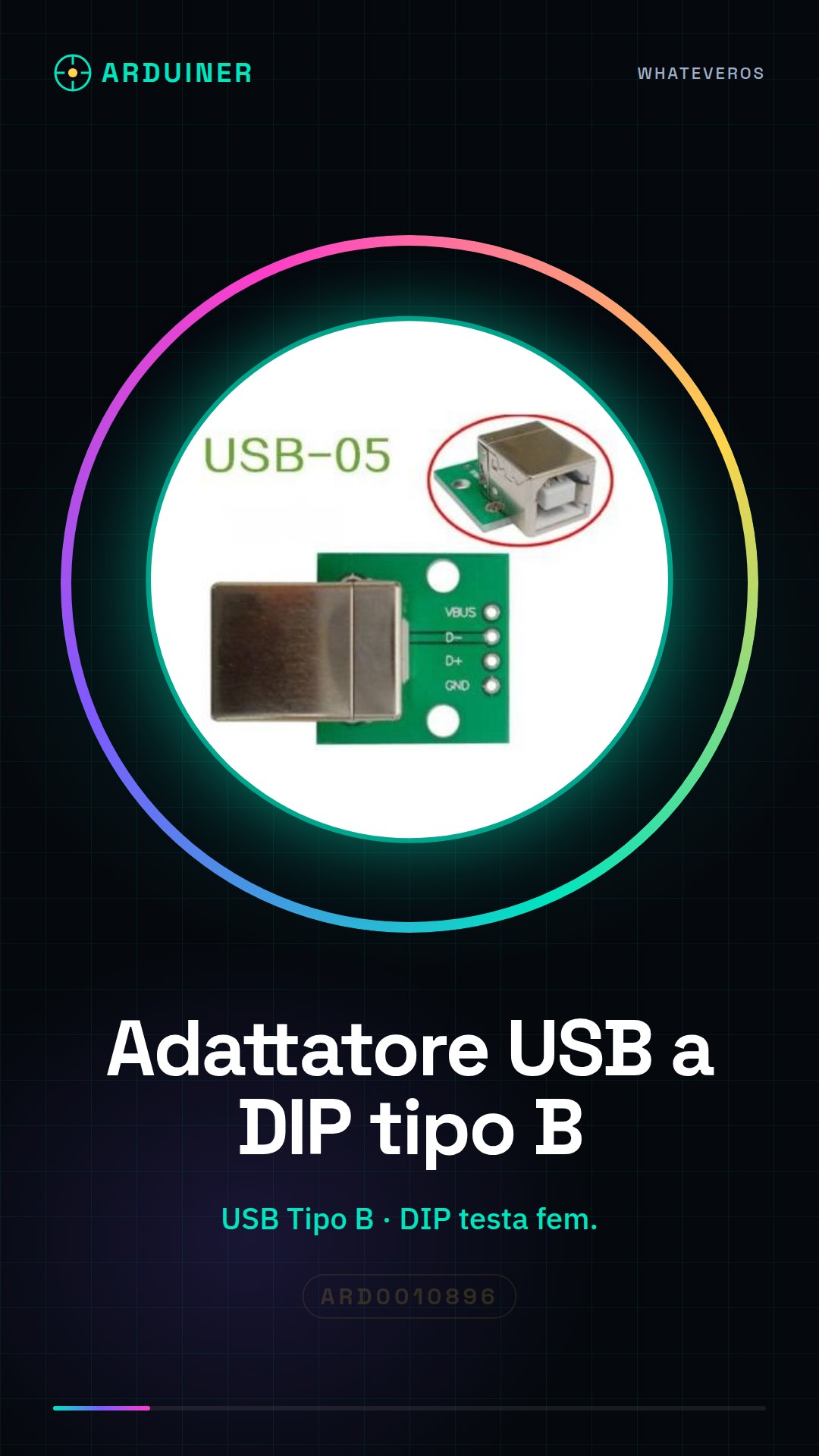
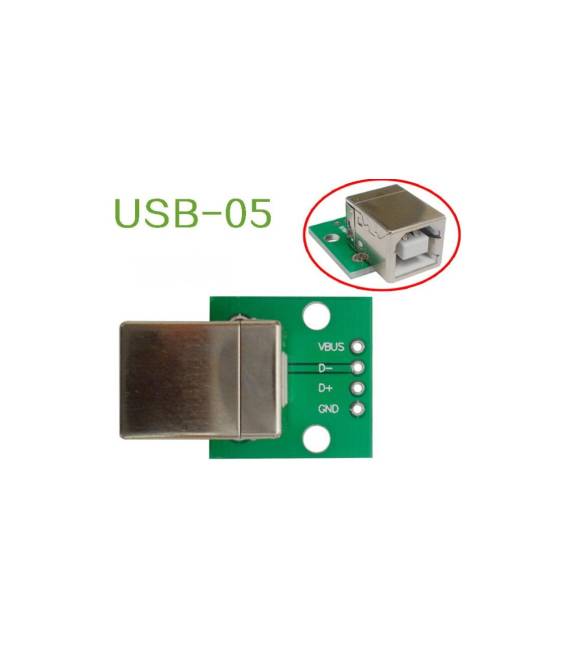
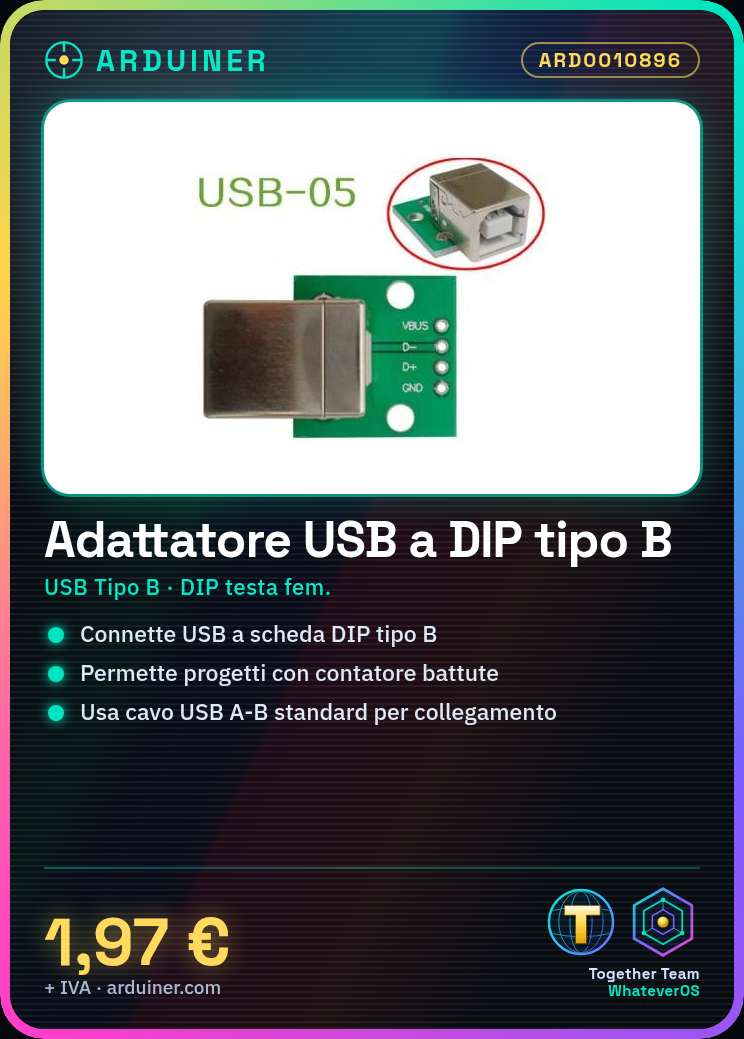
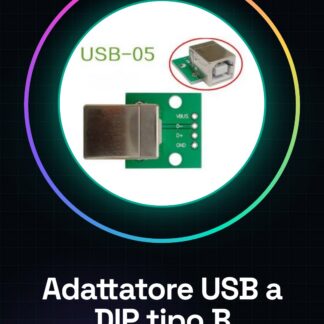
USB Adapter Cable Female DIP Straight Type B Connector. Allows connecting a USB device to a circuit with a DIP (Dual In-Line Package) Type B interface.
Features
- USB Interface Type: Type B
- Connector Type: Female DIP
- Connection Interface: Straight
What it is for
The USB to DIP adapter is useful for connecting USB direct devices to Arduino boards or other DIP microcontrollers. It can be used in projects that require a direct connection, such as creating a beat counter for a DIP microcontroller.
Tutorial: How to Use the USB to DIP Adapter
This USB to DIP adapter is ideal for connecting USB direct devices to Arduino boards or other DIP microcontrollers. Useful for projects that require a direct connection.
What you need
- USB to DIP Adapter
- USB A-B Cable
- DIP Microcontroller
- Arduino or similar board
Steps
- 1. Ensure that the USB A-B cable is functioning.
- 2. Make sure the DIP microcontroller has a USB pin.
- 3. Check the datasheet to see if the microcontroller supports USB DIP.
- 4. Connect the USB A end of the cable to a computer USB port.
- 5. Connect the USB B end of the cable to the DIP microcontroller.
- 6. Ensure that the microcontroller is properly powered.
- 7. Load the code onto Arduino to control the microcontroller.
- 8. Verify functionality with a simple sketch.
Example code
Serial.begin(9600); Serial.println("Hello, World!");Mini project
Create a simple beat counter for a DIP microcontroller.
Common mistakes
- Do not use a USB A-A cable.
- Properly connect the USB B cable to the microcontroller.
- Verify that the microcontroller supports USB DIP.
- Ensure that the microcontroller is properly powered.
Recommended accessories
- DIP microcontroller
- Arduino
- USB A-A cable (for testing)
- Microcontroller datasheet
Frequently asked questions
Can this adapter work with any microcontroller?
Check the datasheet to see if the microcontroller supports USB DIP.
How long does it take to connect the cable?
No more than 5 minutes.
Do I need special software to use this adapter?
No, standard USB software is sufficient.
Reviews
There are no reviews yet.