 EN
 IT Italiano
 ES Español
 FR Français
 DE Deutsch
Description
What it is
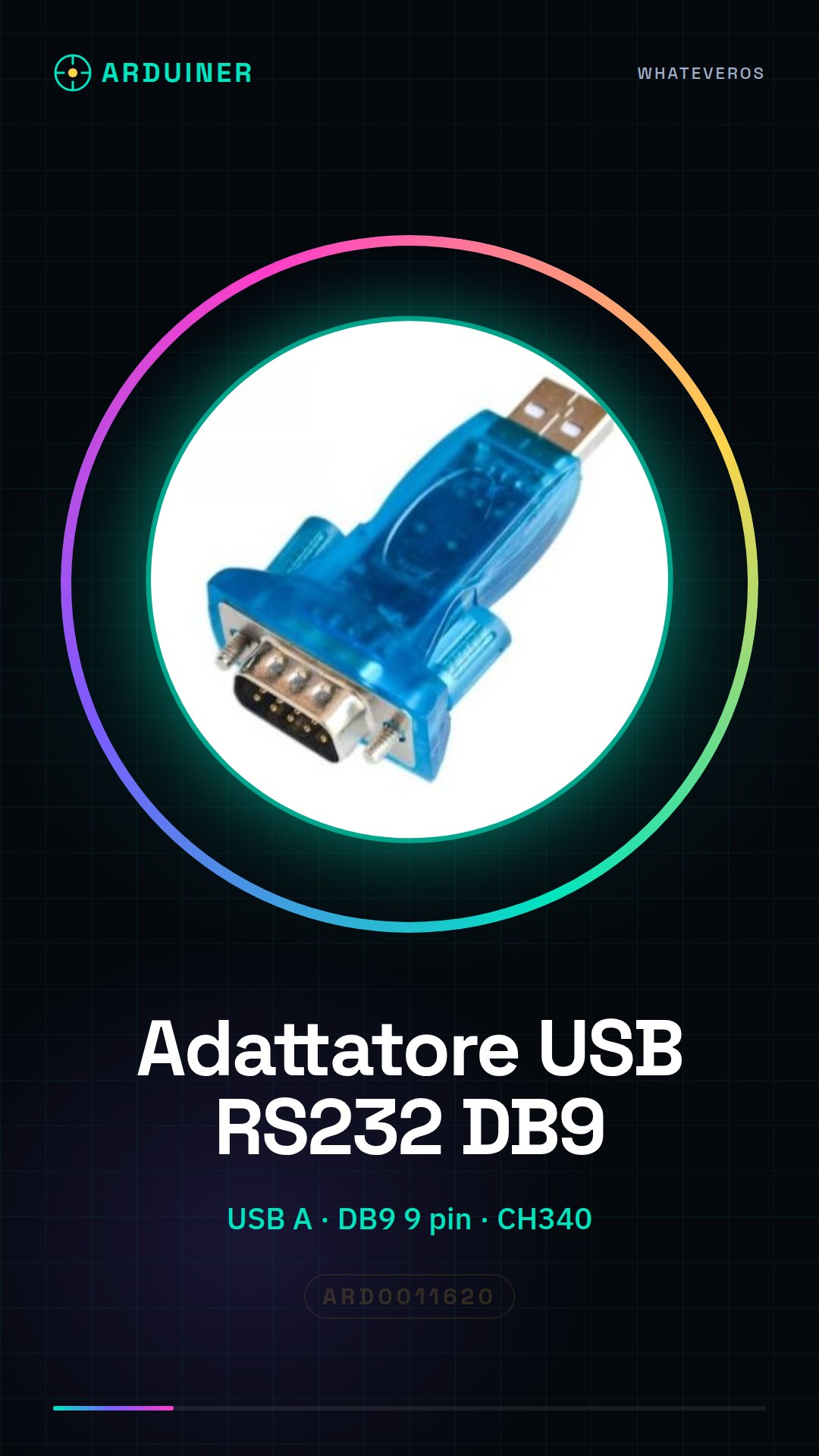
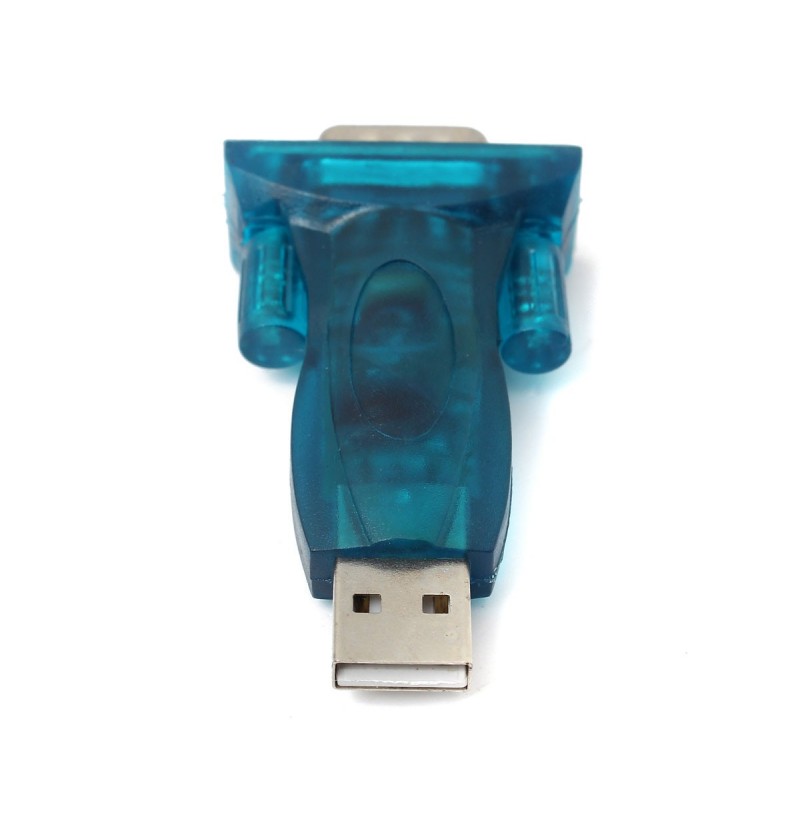
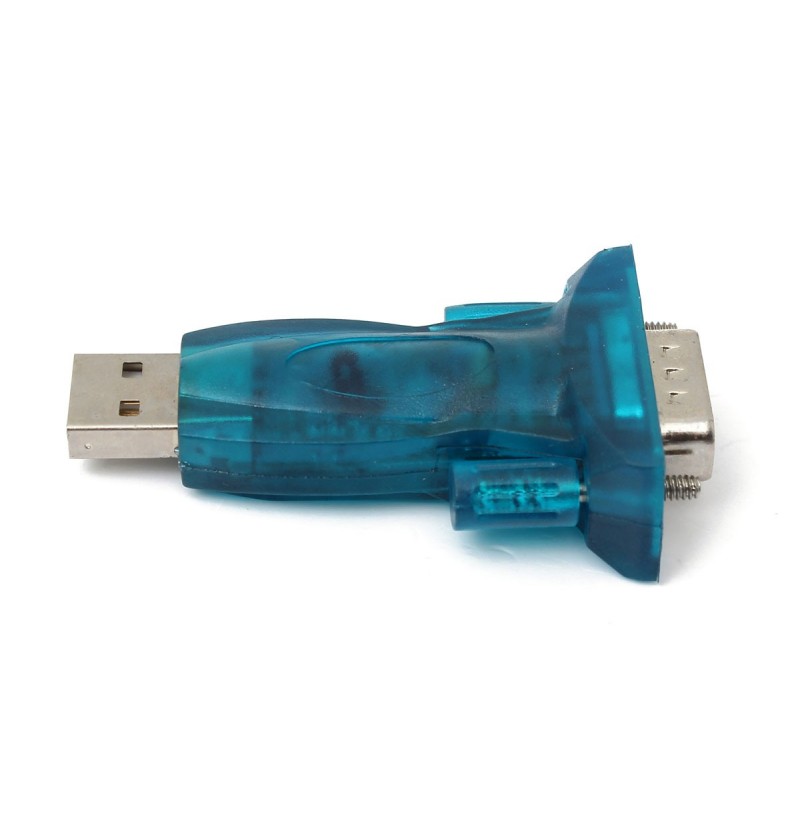
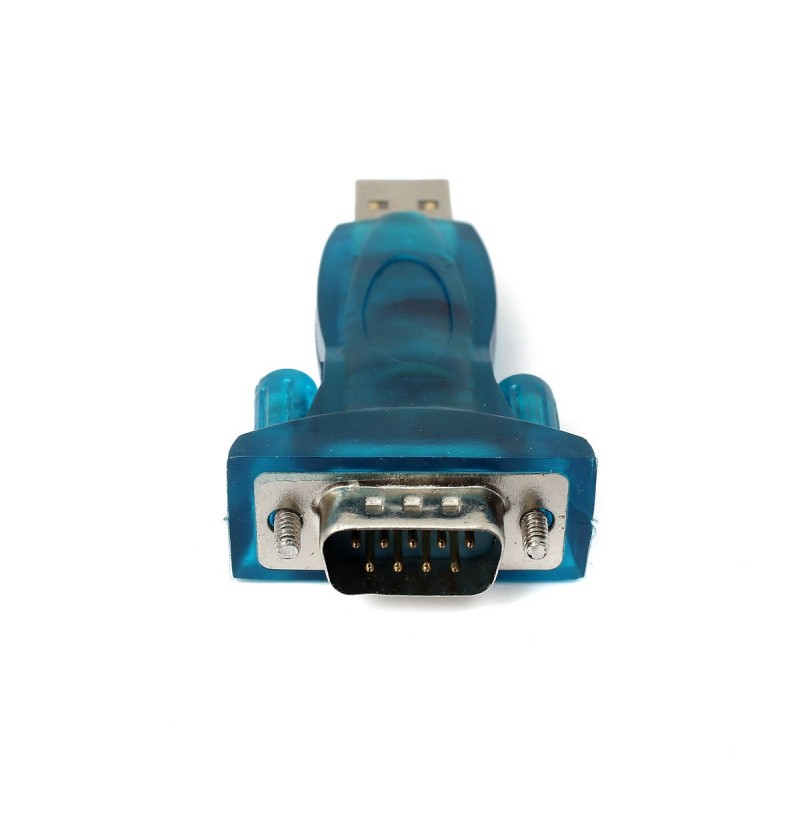
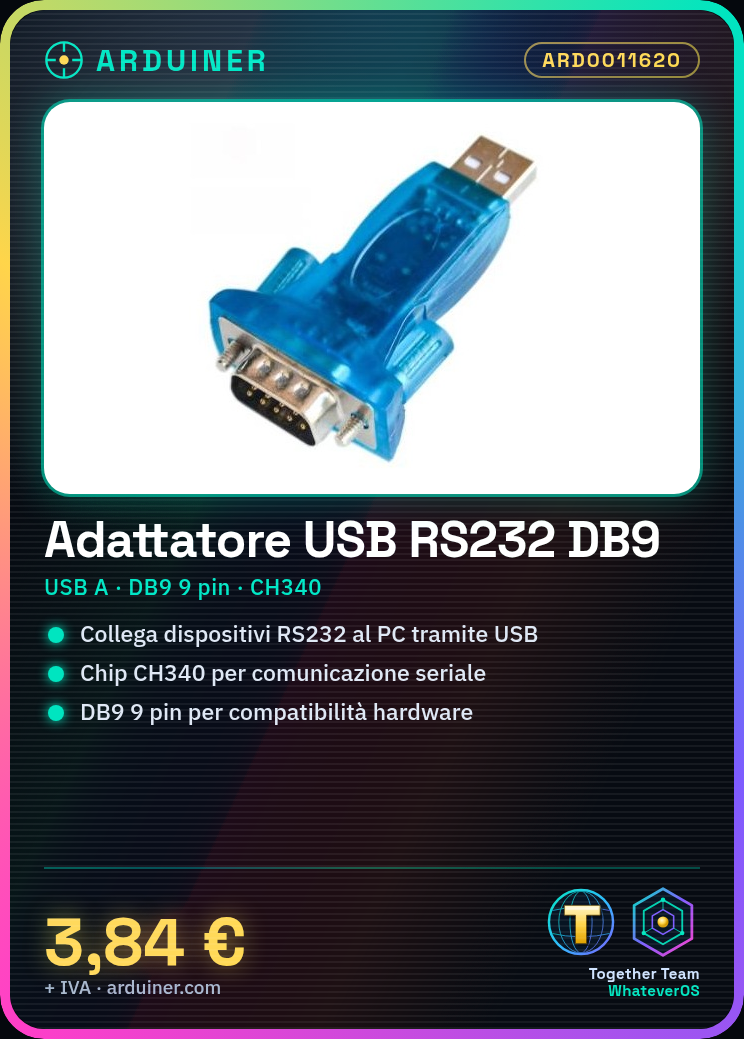
This USB to RS232 serial port adapter allows you to connect devices with a DB9 connector to a computer via USB. Using the CH340 chip, it enables serial communication between devices and your computer.
Features
- USB Type-A connector
- 9-pin DB9 connector
- CH340 chip
- SKU: ARD0011620
- Price: 3.84 €
What it is for
This adapter is useful for connecting RS232 devices to a computer via USB. It can be used with Arduino and other microcontrollers for serial communication with devices such as GPS, communication modules, sensors, and much more.
Tutorial: How to Use the USB A Serial Port RS232 Adapter
This adapter allows you to connect RS232 devices to a computer via USB. Useful for makers and Arduino programmers.
What you need
- USB A Serial Port RS232 Adapter
- PC or laptop with USB 2.0
- RS232 Device (e.g. GPS module)
- RS232 DB9 lead
Steps
- 1. Check the datasheet for your RS232 device specifications.
- 2. Connect the DB9 cable to your RS232 device.
- 3. Connect the other end of the DB9 cable to the USB A adapter.
- 4. Insert the USB A adapter into the USB 2.0 port of your PC.
- 5. Install the CH340 driver on your PC (check the datasheet).
- 6. Start a serial software (e.g., PuTTY) on your PC.
- 7. Configure the serial port in the software (e.g., 9600 baud, 8 data bits, 1 stop bit, no parity).
- 8. Verify the connection with a test message.
Mini project
Configure a GPS module with this adapter and display the coordinates in the serial software.
Common mistakes
- Do not install the CH340 driver.
- Do not configure the serial port correctly.
- Connect the DB9 cable backwards.
- Insert the adapter into an incompatible USB port.
Recommended accessories
- GPS module
- DB9 cable
- Serial software (e.g., PuTTY)
- PC with USB 2.0
Frequently asked questions
The CH340 driver does not install?
Check your operating system compatibility and retry the installation.
Why don’t I see any connection?
Verify the serial port configuration and the physical connection.
Can it work with USB 3.0?
USB 3.0 support is not guaranteed, try with USB 2.0.



Reviews
There are no reviews yet.