 EN
 IT Italiano
 ES Español
 FR Français
 DE Deutsch
Description
What it is
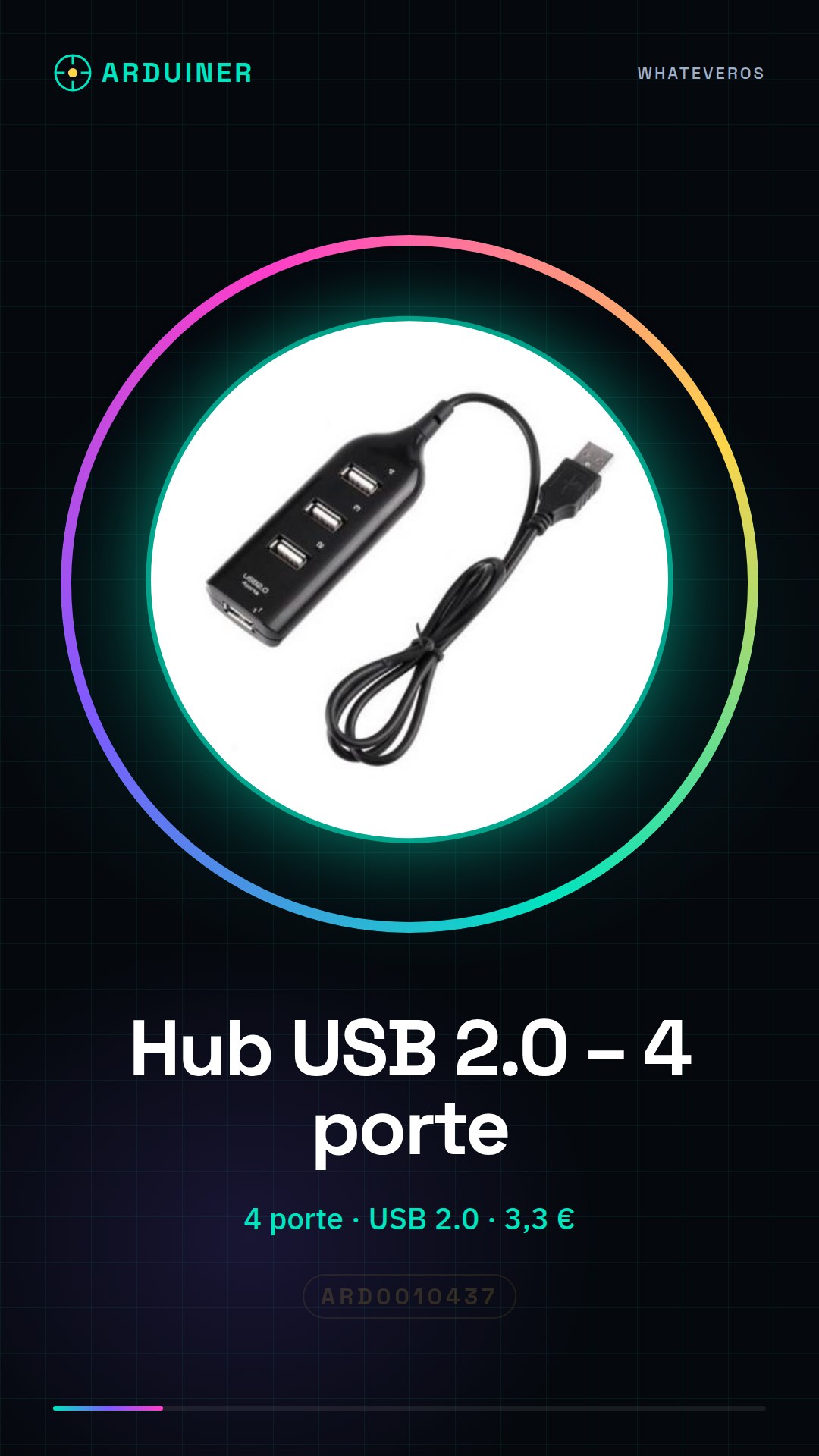
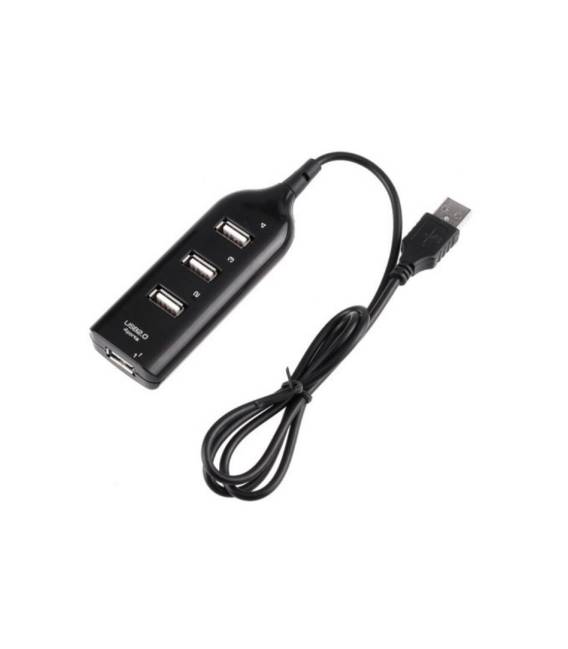
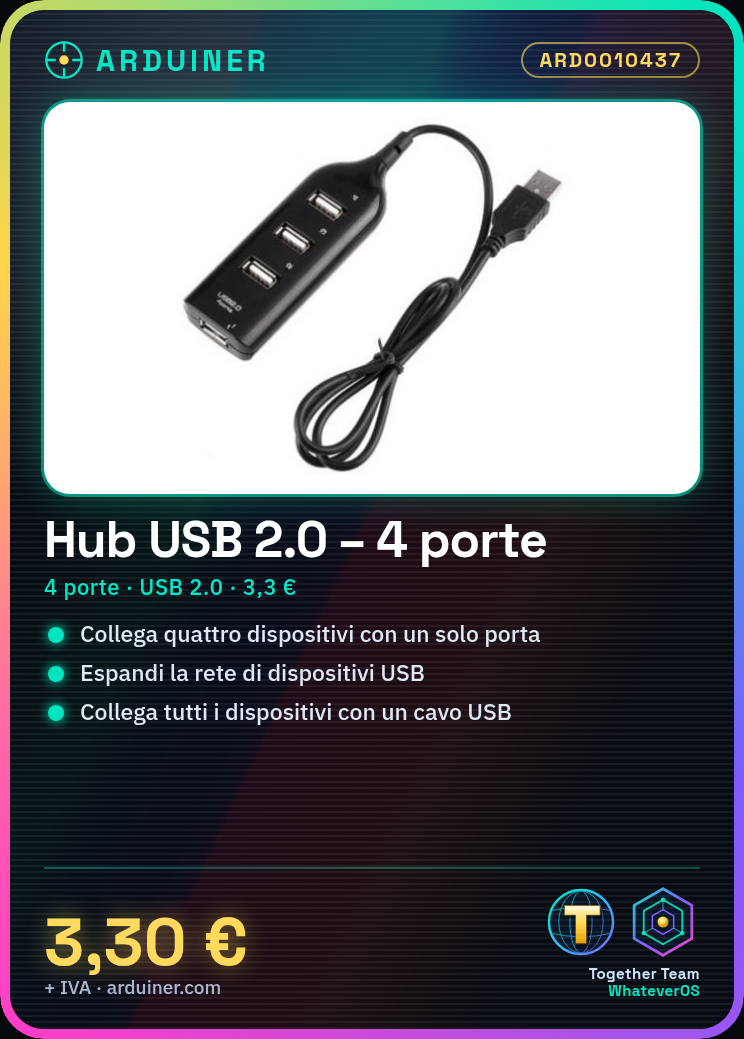
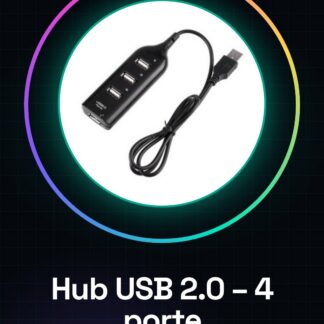
USB 2.0 Hub with 4 ports that allows connecting four electronic devices simultaneously to a single USB port.
Features
- 4 USB 2.0 ports
- SKU: ARD0010437
- Price: 3.3 €
What it is for
Expands your USB device network by connecting multiple peripherals to a single power port. Examples of use: connecting a mouse and a USB music player to your computer. Compatibility with Arduino and ESP is not specified in the product.
Tutorial: How to use USB 2.0 Hub – 4 ports
The USB 2.0 hub with 4 ports allows connecting multiple USB peripherals to a single power port, ideal for expanding your device network.
What you need
- USB 2.0 Hub – 4 ports
- USB cable
- USB devices to connect
- Computer
Steps
- 1. Check the datasheet for your hub specifications.
- 2. Turn on your computer.
- 3. Connect the USB cable of the hub to the USB port of the computer.
- 4. Wait for the operating system to detect the new device.
- 5. Connect USB devices to the available ports on the hub.
- 6. Verify that all devices are detected correctly.
- 7. Configure the hub if necessary (optional).
- 8. Disconnect the devices and shut down the computer when not in use.
Mini project
Connect a mouse and a USB music player to your computer using the hub. Listen to music and control the mouse for 30 minutes.
Common mistakes
- Do not wait for the computer to automatically detect all devices.
- Connecting too many devices at once may cause issues.
- Do not use damaged USB cables with the hub.
- Do not disconnect devices and the hub cable without shutting down the computer.
Recommended accessories
- USB A to B Cable
- USB Devices (e.g., mouse, music player)
- USB Drawers
- USB Cards
Frequently asked questions
Can I connect USB 3.0 devices to my hub?
Check the datasheet. Your hub only supports USB 2.0.
How long can it provide power?
Check the datasheet. Available power may vary.
Can I connect my hub to another hub?
Check the datasheet. Some hubs do not support cascaded connections.
Reviews
There are no reviews yet.