 EN
 IT Italiano
 ES Español
 FR Français
 DE Deutsch
Description
What it is
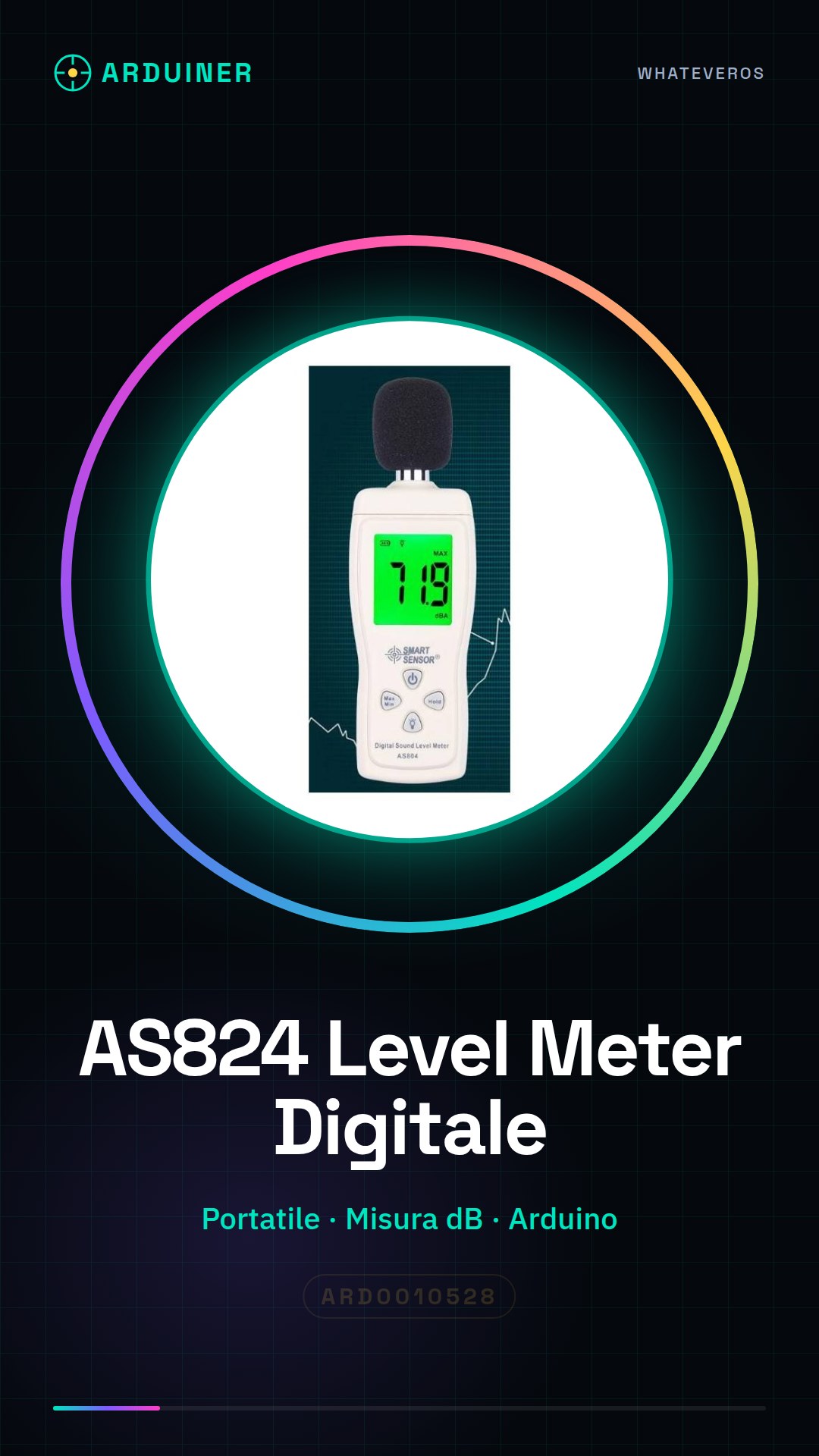
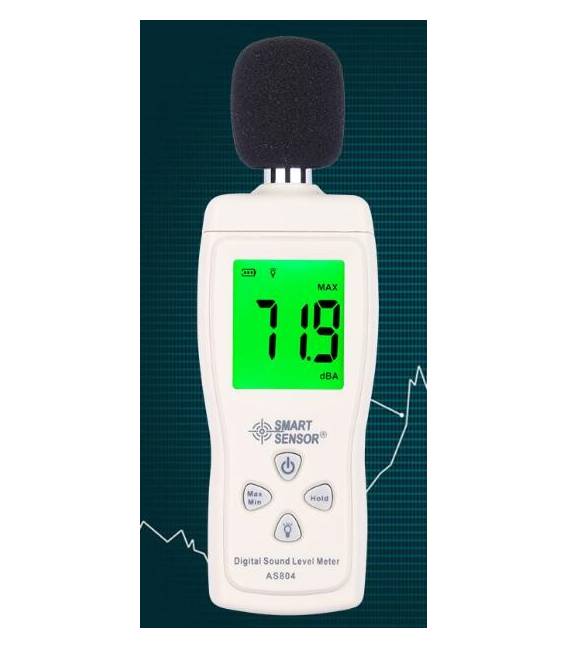
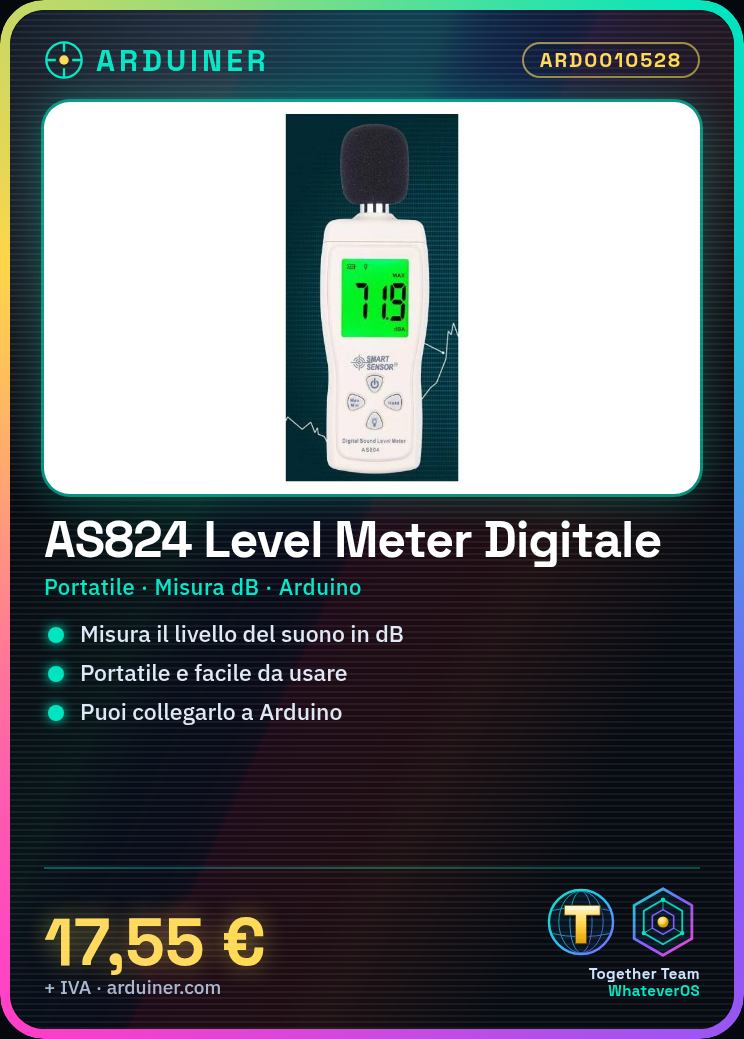
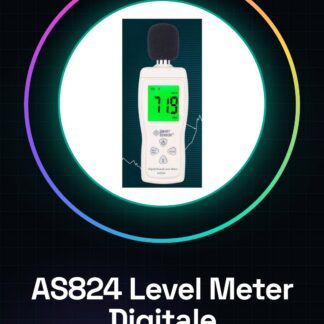
The AS824 is a portable Digital Sound Level Meter designed to measure sound levels in decibels (dB). This tool is ideal for both professional audio applications and hobby and studio projects.
Features
- Portable and easy to use
- Measures sound level in dB
- Compatible with Arduino (check the datasheet)
What it is for
The AS824 can be used to monitor sound conditions in work or musical environments. You can connect it to an Arduino and use the provided code to display the sound level and configure alarms when it exceeds a certain value.
Tutorial: How to use AS824 Portable Sound Level Meter
The AS824 Portable Sound Level Meter is a portable device for measuring sound levels in decibels (dB). Useful for musicians, sound engineers, and those working in noisy environments.
What you need
- AS824 Portable Sound Level Meter
- Arduino
- Jumper Wire
- Micro USB Cable
Steps
- 1. Connect the Sound Level Meter to an Arduino using a jumper wire.
- 2. Connect the Sound Level Meter to the Arduino with a micro USB cable.
- 3. Load the following code onto the Arduino:
- 4. Use the Sound Level Meter to measure the sound level in an environment.
- 5. Check the datasheet for further details on measurement.
- 6. Disconnect and turn off the Sound Level Meter.
Example code
```void loop() { int reading = AS824.readLevel(); Serial.println(reading); delay(1000);}```Mini project
Build a high sound alert system. Connect the Sound Level Meter to an Arduino and use the code above to display the sound level. Configure an alarm when the sound exceeds a certain level.
Common mistakes
- Do not connect the Sound Level Meter directly to the microcontroller without a jumper wire.
- Do not use a micro USB cable other than the specific one.
- Do not forget to check the datasheet for specific parameters.
- Do not use the Sound Level Meter in extreme conditions without appropriate protection.
Recommended accessories
- Arduino Nano
- Jumper Wire
- Micro USB Cable
- LCD Display
Frequently asked questions
How can I connect to the Sound Level Meter?
Connect the Sound Level Meter to an Arduino using a jumper wire and then connect the Arduino to a computer with a micro USB cable.
Can I use this device with any Arduino?
Yes, but make sure your Arduino supports I2C communication.
What are the usage limits of this device?
Use the device under normal conditions and not extreme ones. Check the datasheet for further details.
Can I use the Sound Level Meter in extremely noisy environments?
Yes, but make sure to use appropriate protections and follow the datasheet instructions.
Reviews
There are no reviews yet.