 EN
 IT Italiano
 ES Español
 FR Français
 DE Deutsch
Description
What it is
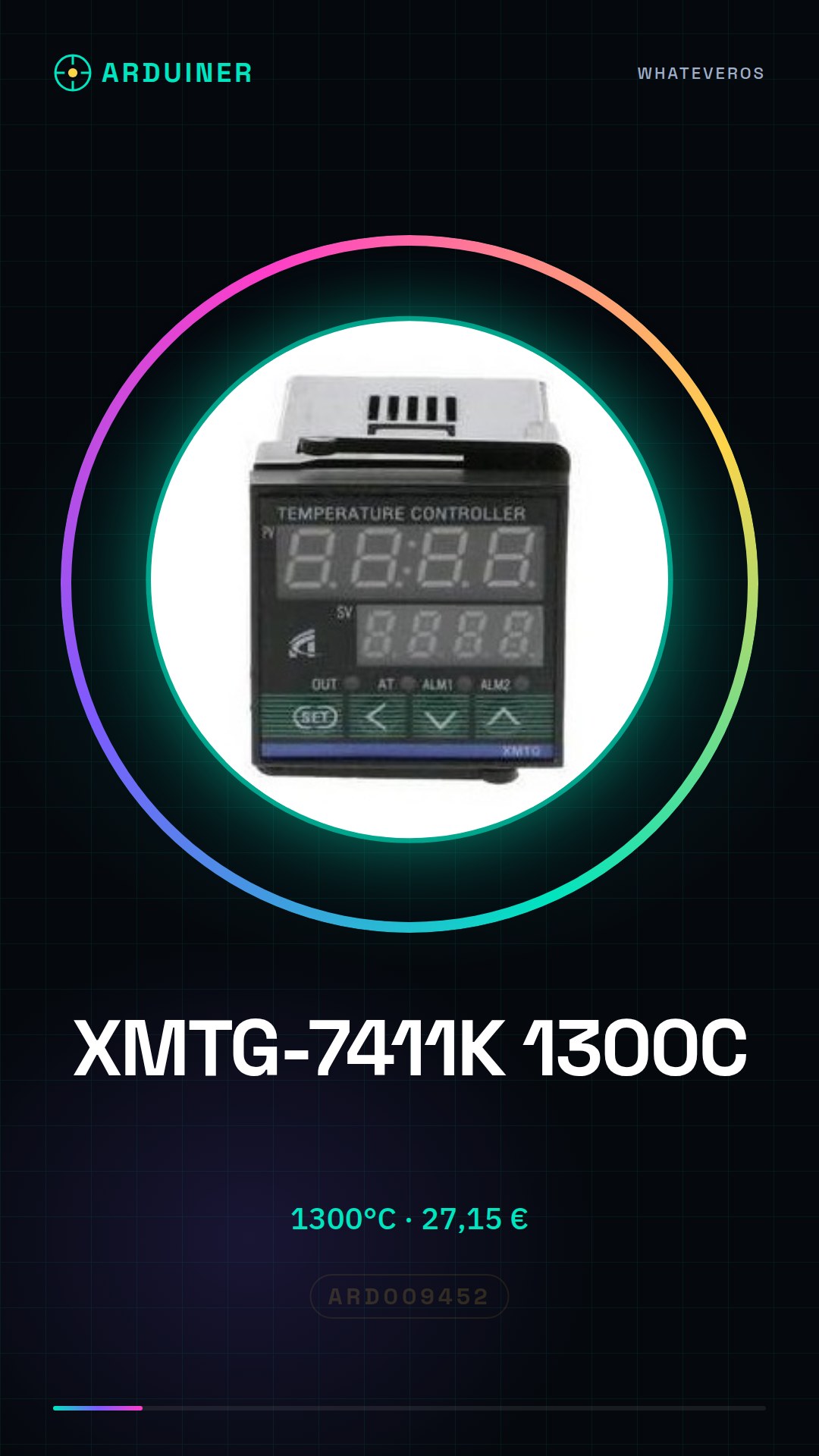
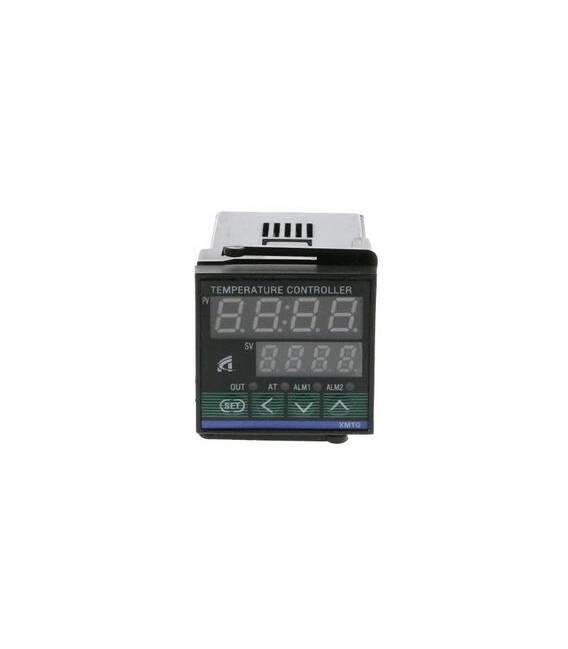
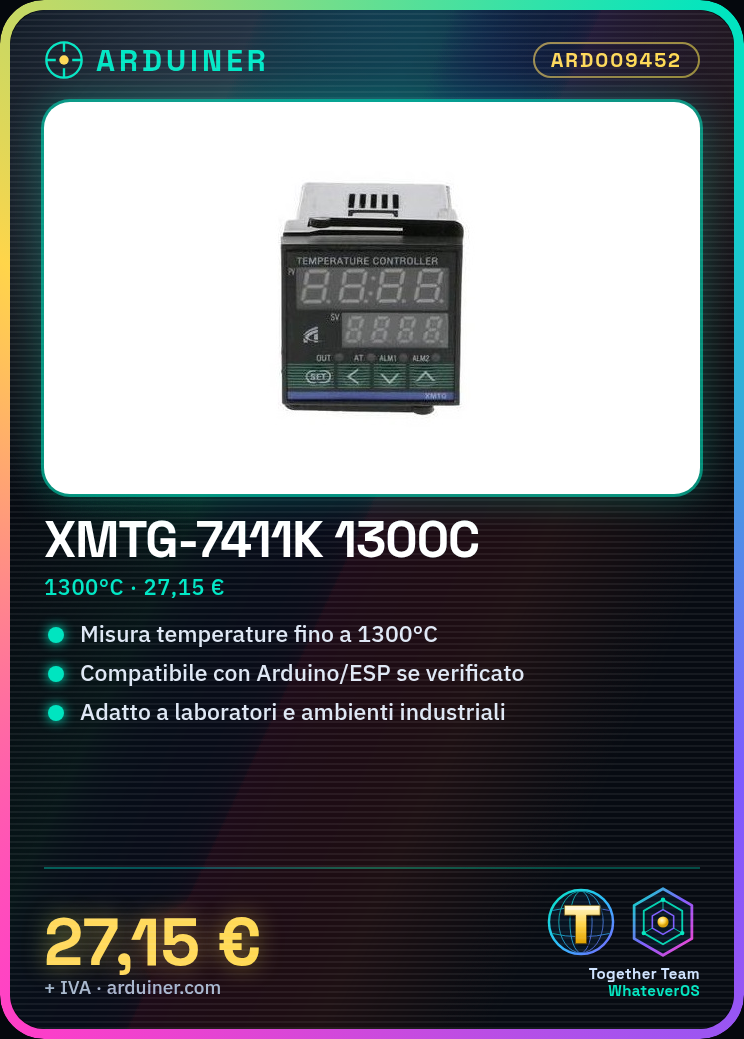
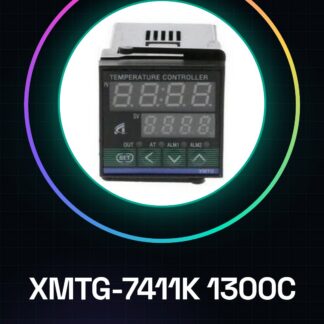
The XMTG-7411K 1300C is an electronic thermometer for measuring temperatures up to 1300°C.
Features
- Measurement range: up to 1300°C
- SKU: ARD009452
- Price: 27.15 €
What it is for
The XMTG-7411K 1300C is useful for monitoring temperatures in domestic or industrial environments. It can be used in laboratories and industrial applications. Check the datasheet for compatibility with Arduino/ESP.
Tutorial: How to use XMTG-7411K 1300C
The electronic thermometer XMTG-7411K 1300C is ideal for monitoring temperatures in domestic or industrial environments. It is perfect for both beginners and experts.
What you need
- Arduino Uno
- USB type B cable
- power supply
Steps
- Connect the XMTG-7411K module to the Arduino Uno’s analog pin A0 using a jumper wire.
- Power the Arduino with a compatible power supply, checking the required input voltage on the module’s datasheet.
- Install the necessary drivers for Arduino-PC connection if they are not already installed.
- Upload the sketch to the Arduino using Arduino IDE.
- Check that the thermometer output is correct by monitoring the Arduino serial console.
- If necessary, adjust the offset and sensitivity values according to the datasheet specifications.
Example code
void setup() {
  Serial.begin(9600);
}

void loop() {
  int rawValue = analogRead(A0);
  float voltage = rawValue * (5.0 / 1023.0);
  float temperatureCelsius = voltage / verifica sul datasheet;
  Serial.print("Temperatura: ");
  Serial.println(temperatureCelsius);
  delay(1000);
}
Mini project
Create a thermal alarm system that sends an email notification when the temperature exceeds a predefined value. Use the XMTG-7411K module to measure and monitor.
Common mistakes
- Do not check the correct power supply of the module before use.
- Omit the calibration of offset and sensitivity values.
- Use the wrong pin to connect the thermometer to the Arduino.
- Forget to install the necessary drivers for Arduino.
Recommended accessories
- USB Type B cable
- Power supply compatible with Arduino Uno
- Jumper connector kit
- ESP8266 WiFi module
Frequently asked questions
Which Arduino pins should I use?
Use the analog pin A0 to read the values from the thermometer.
How can I calibrate the module?
Follow the instructions in the product datasheet for the correct calibration of the offset and sensitivity values.

Reviews
There are no reviews yet.