 EN
 IT Italiano
 ES Español
 FR Français
 DE Deutsch
Description
What it is
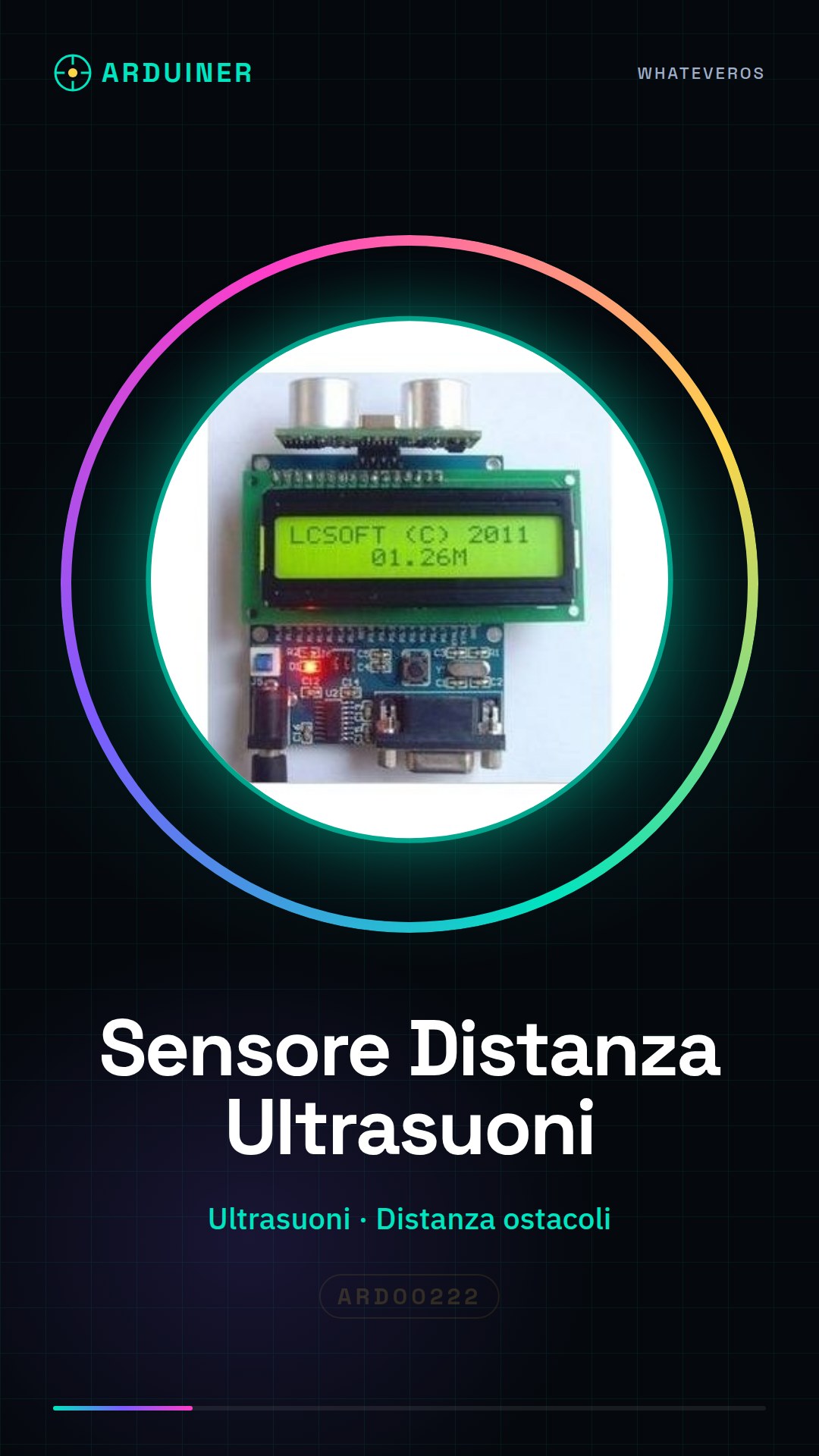
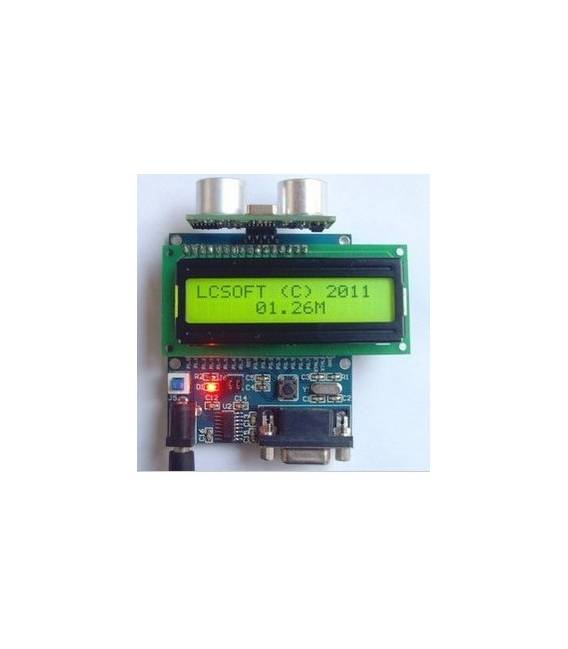
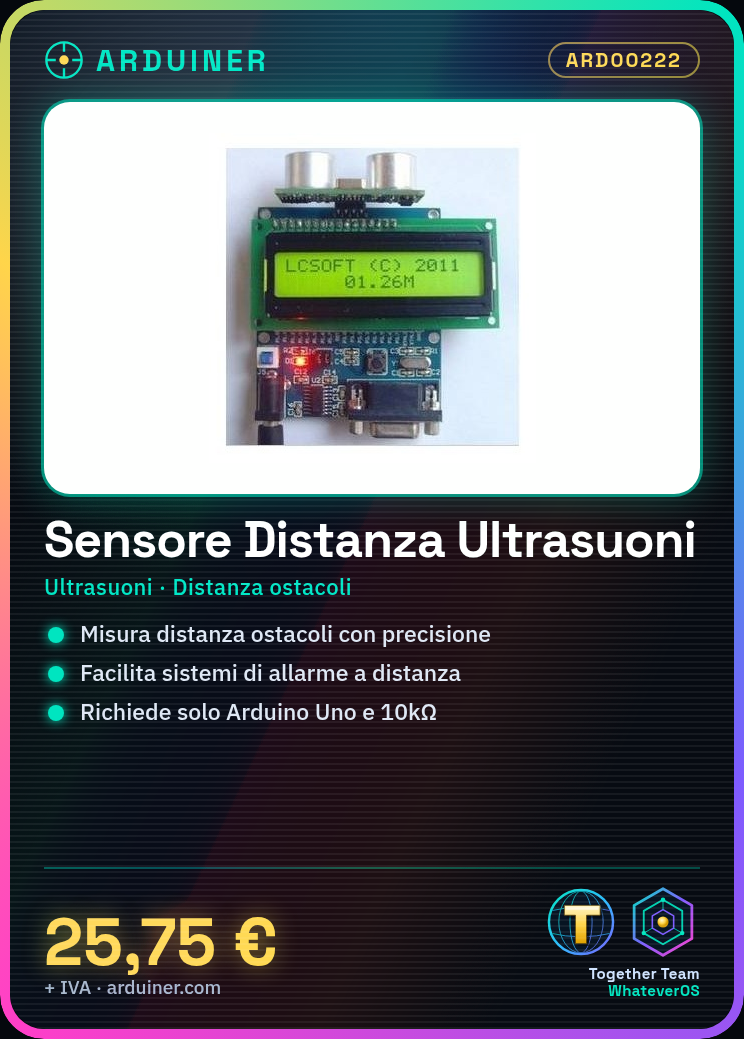
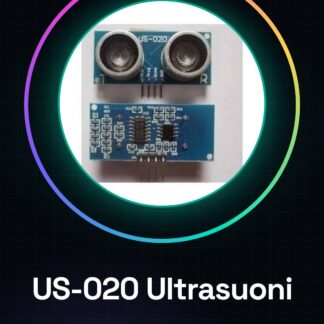
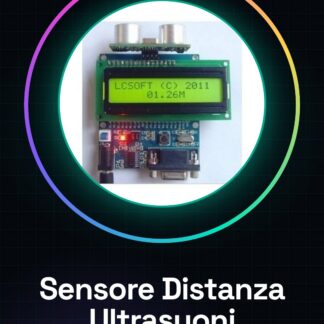
The ultrasonic distance sensor module for Arduino is a device that allows precise measurement of distance from obstacles. This tool is useful for robotics and home automation projects.
Features
- Ideally suited for Arduino projects to measure distance;
- Precise ultrasonic detection system;
- Check the datasheet for detailed technical specifications.
What it is for
Ultrasonic sensor modules are ideal for applications such as remote alarm systems. By connecting the sensor to an Arduino and a bell, a system can be created that sounds when the minimum distance is exceeded.
Tutorial: How to use the Ultrasonic Distance Sensor Module
This ultrasonic sensor helps you measure distance with precision, ideal for robotics and home automation projects.
What you need
- Arduino Uno
- Power supply cable
- 10kΩ resistor
- Connection cable
Steps
- 1. Connect the module to the Arduino via the VCC, GND, TRIG, and ECHO pins.
- 2. Attach the 10kΩ resistor between the VCC and GND pins.
- 3. Load the provided Arduino code.
- 4. Turn on the Arduino and check the communication with the sensor.
- 5. Try moving an object in front of the sensor to view the results.
- 6. Check the datasheet for further details.
- 7. Configure the sensor for the desired measurement limits.
- 8. Test the sensor with different materials to obtain accurate results.
Example code
int ultrasenso; void setup() { ultrasenso = 7; pinMode(ultrasenso, OUTPUT); } void loop() { digitalWrite(ultrasenso, LOW); delayMicroseconds(2); digitalWrite(ultrasenso, HIGH); delayMicroseconds(10); digitalWrite(ultrasenso, LOW); ultrasenso = pulseIn(ultrasenso, HIGH); Serial.println(ultrasenso/58); delay(100); }Mini project
Build a remote alarm system: connect the sensor to an Arduino and a bell. When the minimum distance is exceeded, the bell sounds.
Common mistakes
- Ensure that the TRIG pin is correctly connected to send the ultrasonic signal.
- Make sure the 10kΩ resistor is properly installed between VCC and GND.
- Check that the ECHO pin is not connected to VCC or GND.
- Check communication with the sensor before running the code.
Recommended accessories
- Arduino Uno
- Electric doorbell
- Power supply cable
- 10kΩ resistor
Frequently asked questions
The sensor is not working, what should I do?
Check connections and communication with the sensor. Review the Arduino code.
Can you measure long distances?
The sensor works best up to 4 meters. Check the datasheet for further details.
Which materials are best for the sensor?
The sensor works well with dark-colored materials. Check the datasheet for further details.
Reviews
There are no reviews yet.