 EN
 IT Italiano
 ES Español
 FR Français
 DE Deutsch
Description
What it is
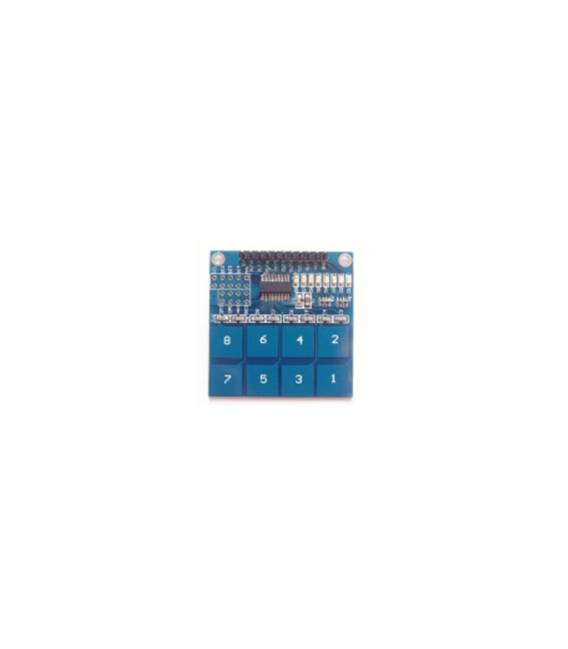
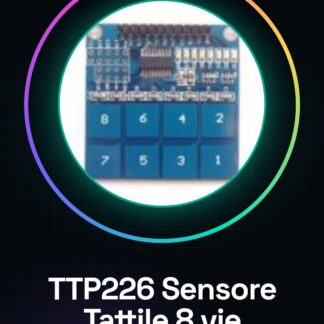
The TTP226 is an 8-channel capacitive touch sensor module for Arduino. It allows touch detection without physical contact, creating touch interfaces for electronic projects.
Features
- 8 touch detection channels
- Capacitive module
- Compatible with Arduino
What it is for
The TTP226 module is ideal for Arduino projects requiring intuitive touch interfaces. It can be used to create touch commands in home control systems, interactive toys, electronic device prototypes, and much more.
Tutorial: How to use TTP226 Touch Sensor
The TTP226 module is an 8-channel touch sensor that allows the creation of capacitive interfaces without physical contact. Ideal for Arduino projects where touch commands are desired to be integrated.
What you need
- Arduino Uno or compatible
- USB cable
- 5V power supply
Steps
- Connect the TTP226 module to the Arduino using a jumper wire.
- Connect VCC to the 5V pin of the Arduino and GND to one of the GND pins.
- For each touch sensor, connect the OUT pins to the digital input pins of the Arduino (from D2 to D9).
- Open the Arduino IDE software and upload the following sketch to the TTP226 module.
- Check that the pins are correctly configured for digital input.
- Compile and run the sketch. Monitor the Serial Monitor console to see the interactions with the sensor.
- Test each touch sensor by lightly pressing on each active area.
- Adapt the code and connections according to the specific requirements of the project.
Example code
const int touchPins[8] = {2, 3, 4, 5, 6, 7, 8, 9};
void setup() {
  for (int i = 0; i < 8; i++) {
    pinMode(touchPins[i], INPUT);
  }
}

void loop() {
  for (int i = 0; i < 8; i++) {
    int touchValue = digitalRead(touchPins[i]);
    Serial.print("Touch Pin ");
    Serial.print(i+1);
    Serial.print(": ");
    Serial.println(touchValue);
  }
}
Mini project
Create a home control system with electronic lighting that responds to touch commands. Each touch sensor activates a different function.
Common mistakes
- Incorrect connection between Arduino and module
- OUT pins not correctly configured for digital input
- Insufficient or inadequate power supply.
- Ignore the voltage specifications of the sensor in the datasheet.
Recommended accessories
- Arduino Uno R3
- USB A-B cable
- 3D Print Cases for Arduino
Frequently asked questions
How can I increase the sensitivity of the sensor?
Check the datasheet and adjust the sensitivity parameters in the code.
How many TTP226 modules can I connect to a single Arduino?
Up to 4, but check the available resources of the Arduino in use.
Reviews
There are no reviews yet.