 EN
 IT Italiano
 ES Español
 FR Français
 DE Deutsch
Description
What it is
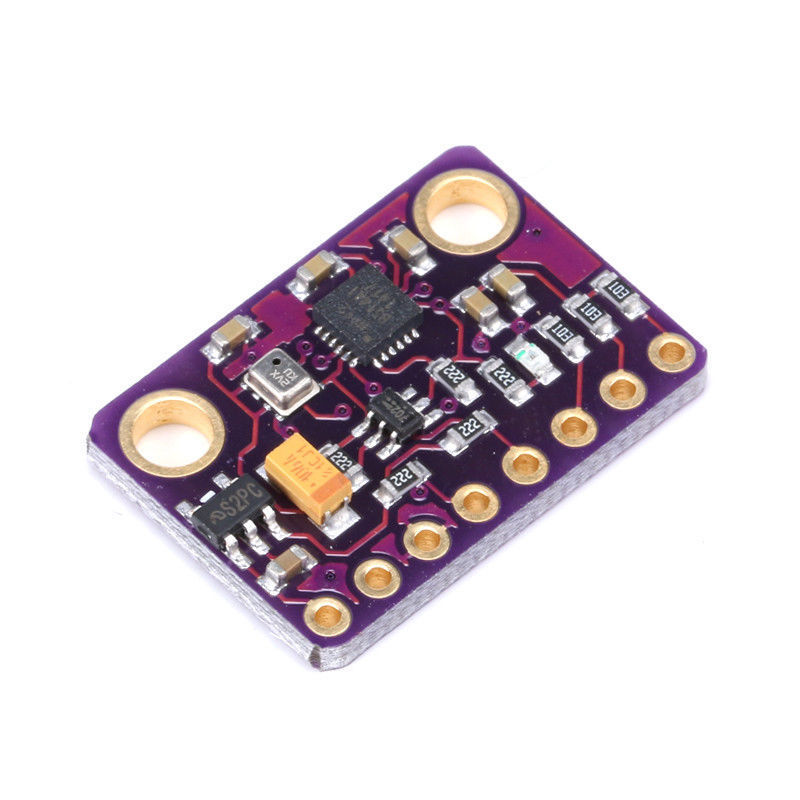
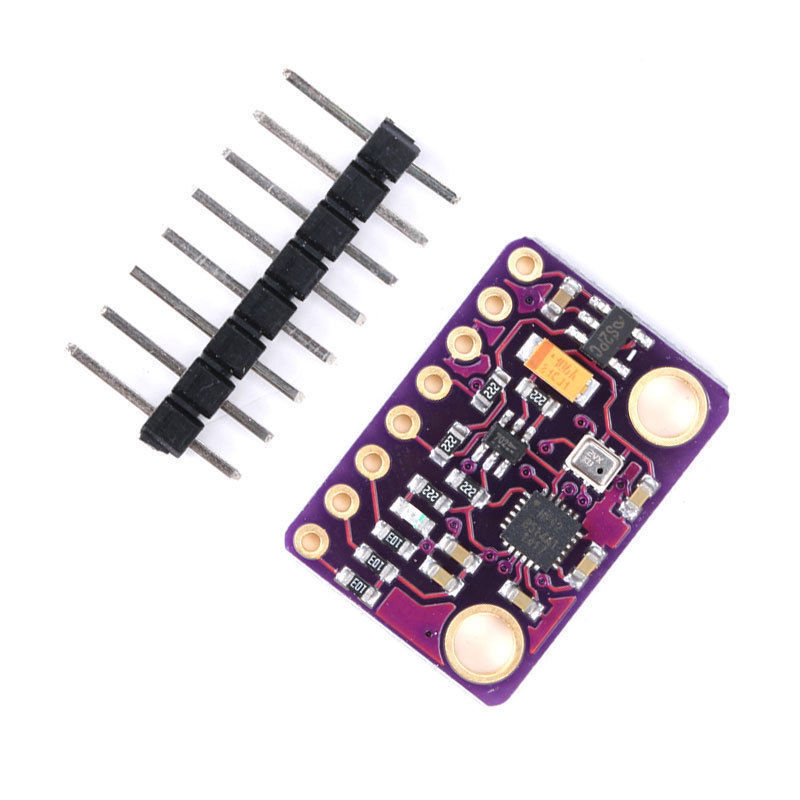
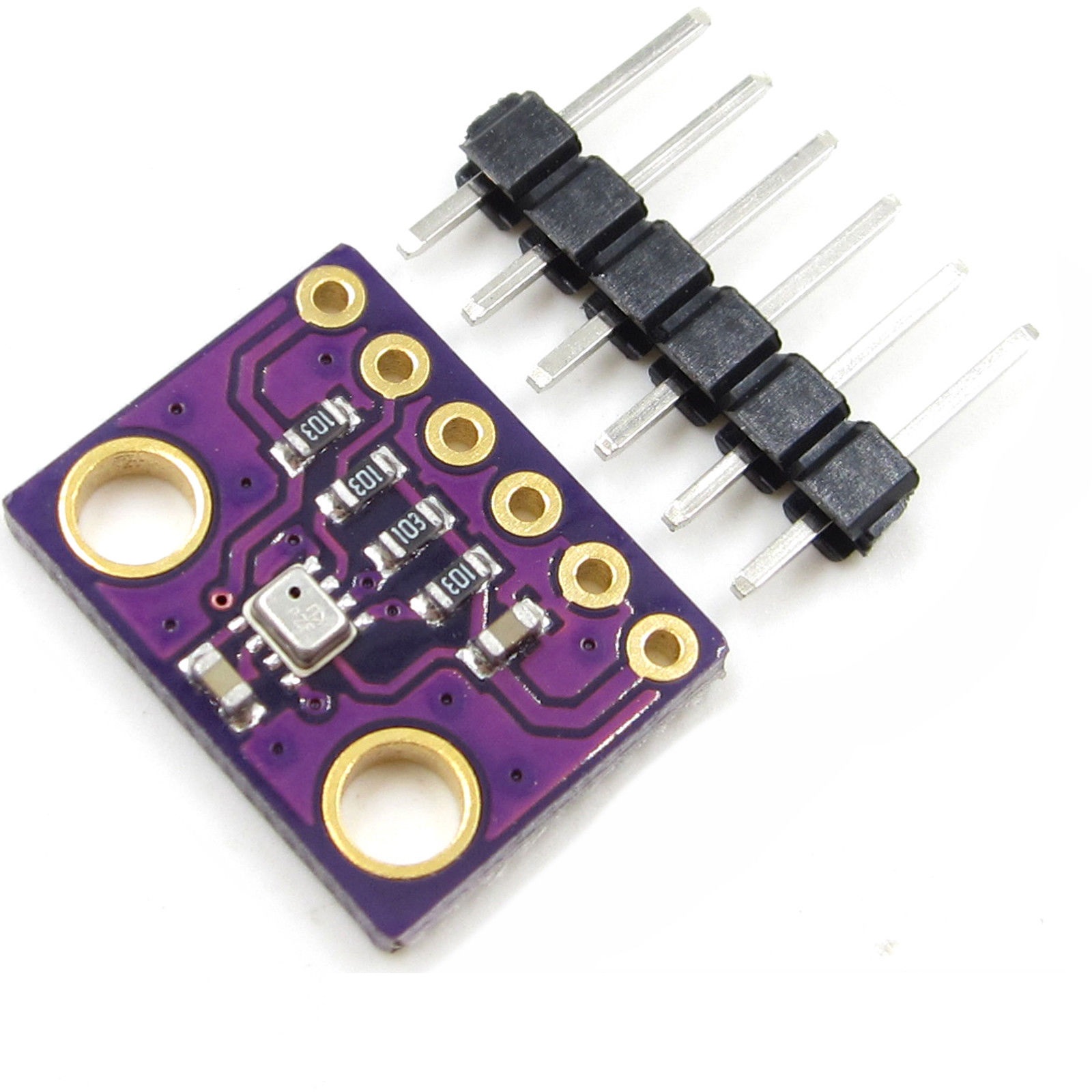
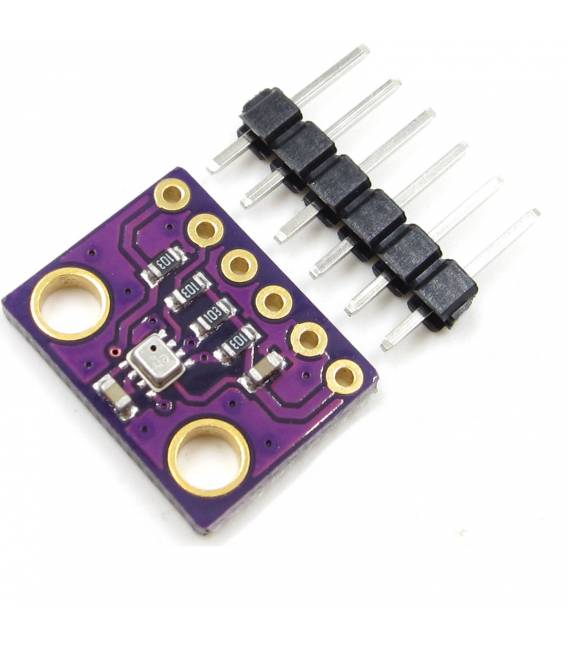
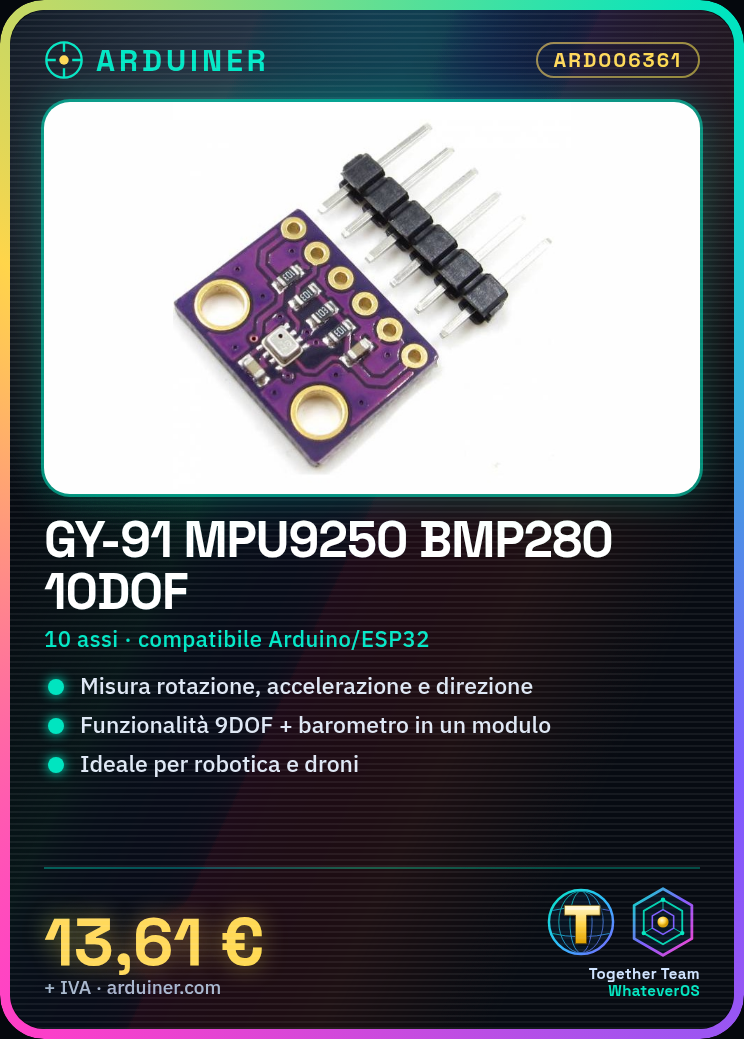
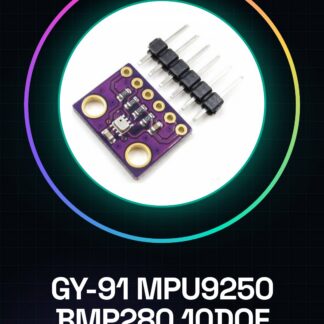
The GY-91 MPU9250 BMP280 is a 10-axis module that integrates gyroscope, accelerometer, and magnetometer functionalities to measure rotation, acceleration, and direction. This multi-platform sensor is designed for applications such as robotics, drones, and motion monitoring systems.
Features
- 10-axis sensor (9DOF + barometer)
- Incorporates MPU9250 and BMP280
- Ideally suited for robotics and drone projects
What it is for
This module is used in projects that require precise measurement of rotation, acceleration, and direction. It is compatible with Arduino and ESP32.
Tutorial: How to use GY-91 MPU9250 BMP280 10DOF
The GY-91 MPU9250 BMP280 module is a 10-axis sensor that combines gyroscope, accelerometer, and magnetometer to measure rotation, acceleration, and direction. Ideal for drone, robotics, and motion monitoring projects.
What you need
- Arduino Uno or compatible
- USB type B cable
- header connector
Steps
- Connect the GY-91 module to the SDA (A4) and SCL (A5) pins of Arduino using a header connector.
- Install the I2Cdevlib library in the Arduino package manager.
- Include the MPU6050 and BMP280 libraries in the sketch code.
- Configure the module for the correct I2C address (check the datasheet).
- Acquire data from the gyroscope, accelerometer, and barometer (BMP280) in the main program loop.
- Display the acquired values on Serial Monitor or save them in variables for further processing.
Example code
// Includi le librerie necessarie
#include <Wire.h>
#include "I2Cdev.h"
#include "MPU6050.h"
#include "BMP280.h"

// Crea un'istanza del sensore MPU6050 e BMP280
MPU6050 accelgyro;
BMP280 bmp;

void setup() {
  Wire.begin();
  Serial.begin(9600);
  accelgyro.initialize();
  bmp.begin(BMP280_ADDRESS_A, BMP280_CHIPID); // Verifica su datasheet per l'indirizzo corretto.
}

void loop() {
  if (accelgyro.getMotion6(&ax, &ay, &az, &gx, &gy, &gz)) {
    Serial.print("Accellerometro: ");
    Serial.print(ax); Serial.print(", "); Serial.print(ay); Serial.print(", "); Serial.println(az);
  }

  if (bmp.read()) {
    float pressure = bmp.pressure;
    float temperature = bmp.temperature;
    Serial.print("Pressione: ");
    Serial.print(pressure, 2);
    Serial.print(" hPa - Temperatura: ");
    Serial.println(temperature, 1); // Una cifra decimale
  }
}
Mini project
Build a test drone with the GY-91 module to control stability and altitude using gyroscope, accelerometer, and barometer data.
Common mistakes
- Incorrect I2C address
- Missing or incorrectly installed libraries
- Inadequate physical connection
- Inconsistent acquired values
Recommended accessories
- Arduino Uno R3
- LiPo battery for Arduino
- Data processor with OLED display
- USB type B power supply
Frequently asked questions
Where can I find the datasheet?
The datasheet is available on the manufacturer’s website or in the GitHub repository of the I2Cdevlib library.
Can I use this module with other microcontrollers?
Yes, but it may be necessary to adapt the code and libraries for the specific hardware.
Reviews
There are no reviews yet.