 EN
 IT Italiano
 ES Español
 FR Français
 DE Deutsch
Description
What it is
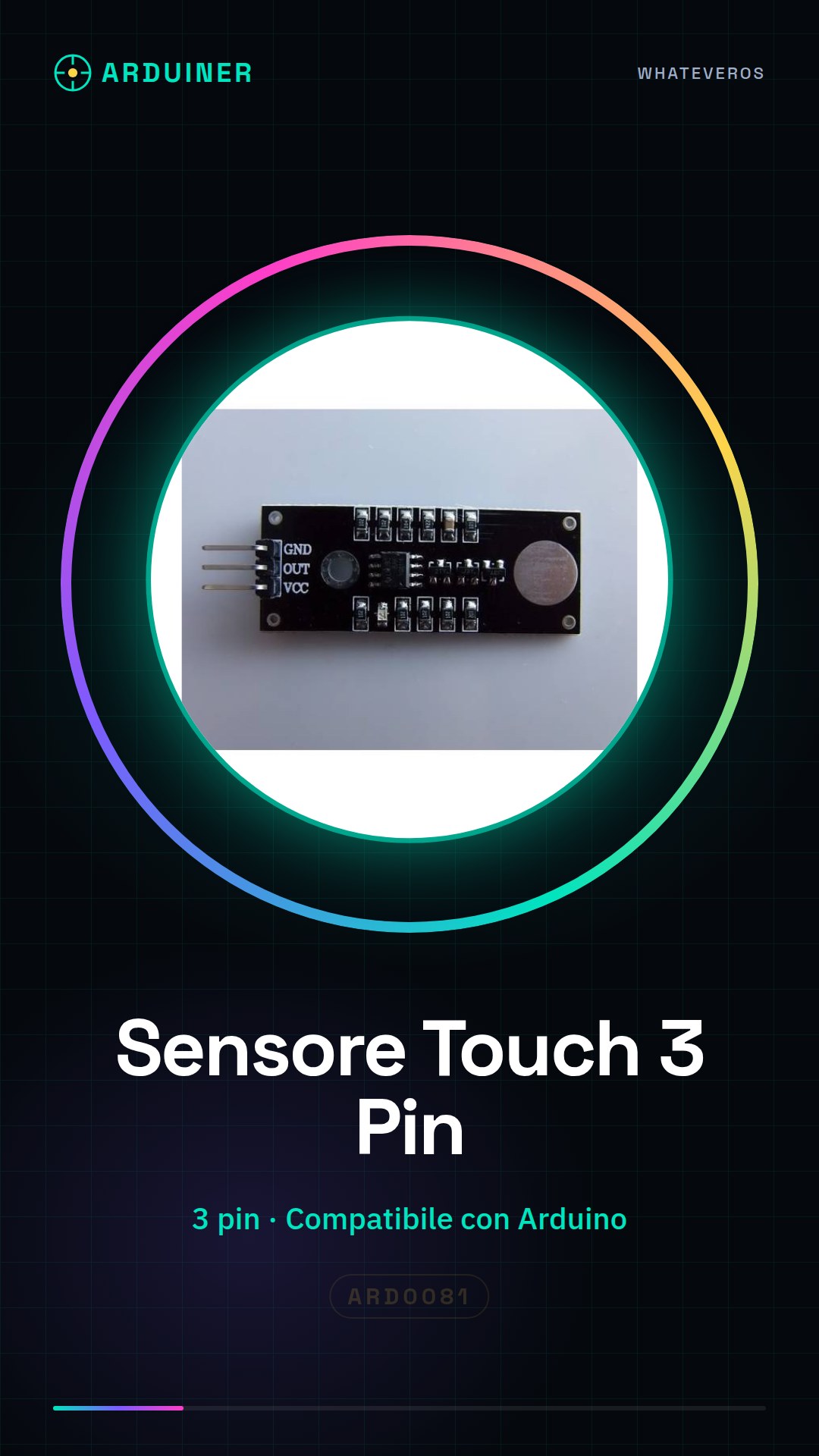
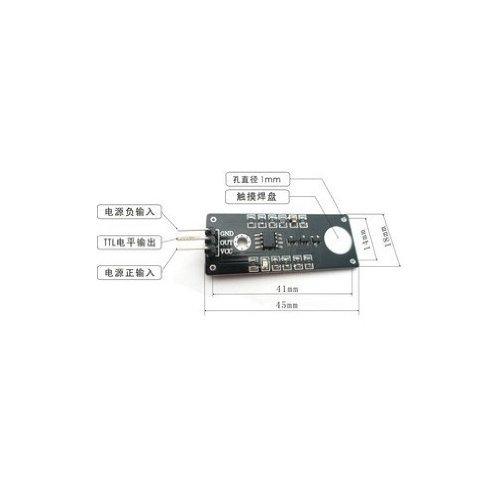
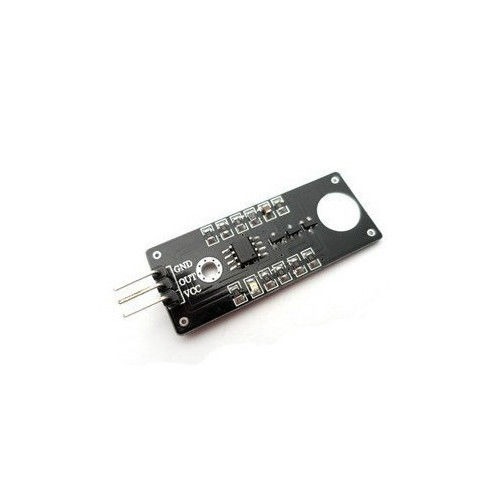
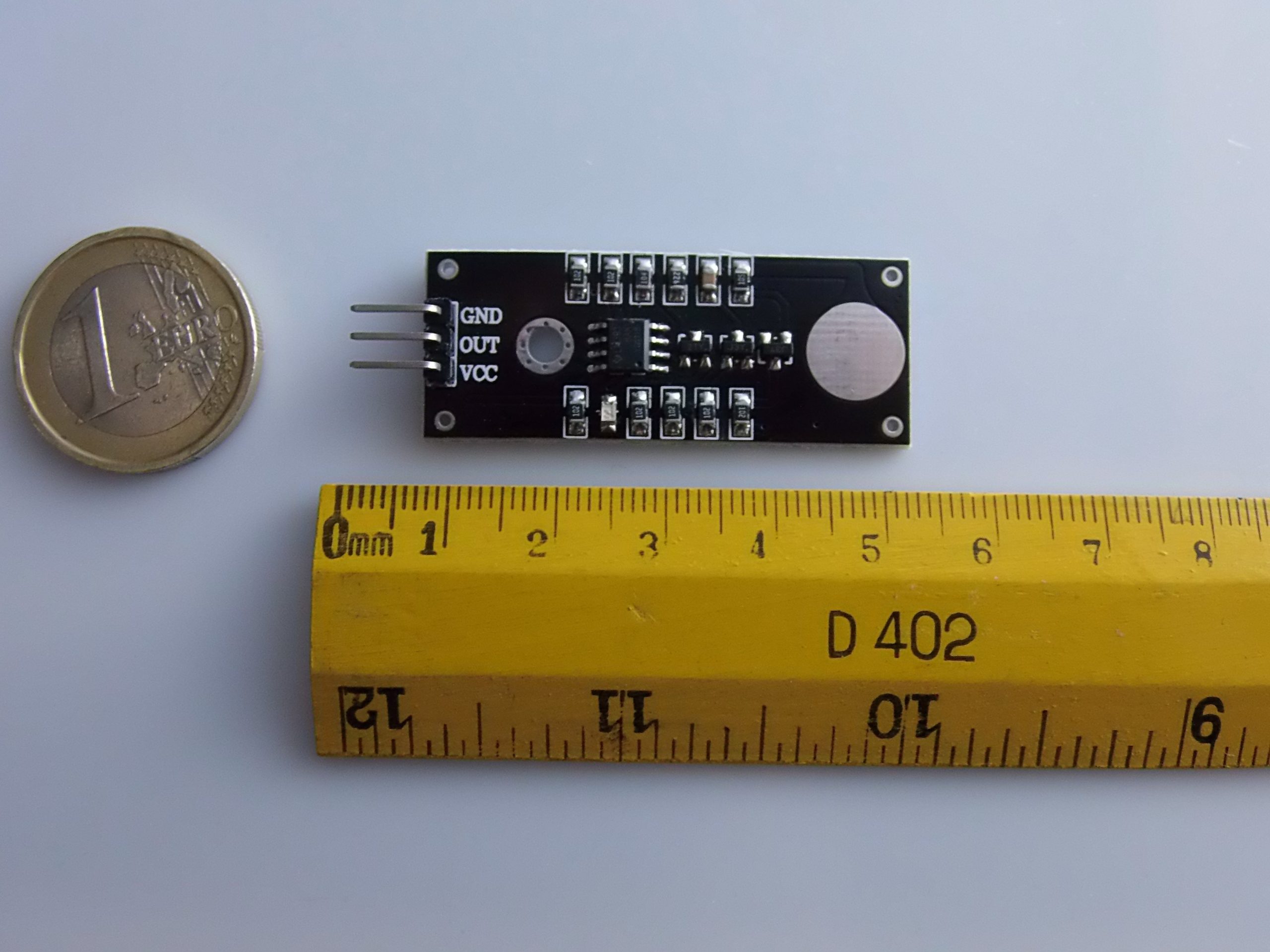
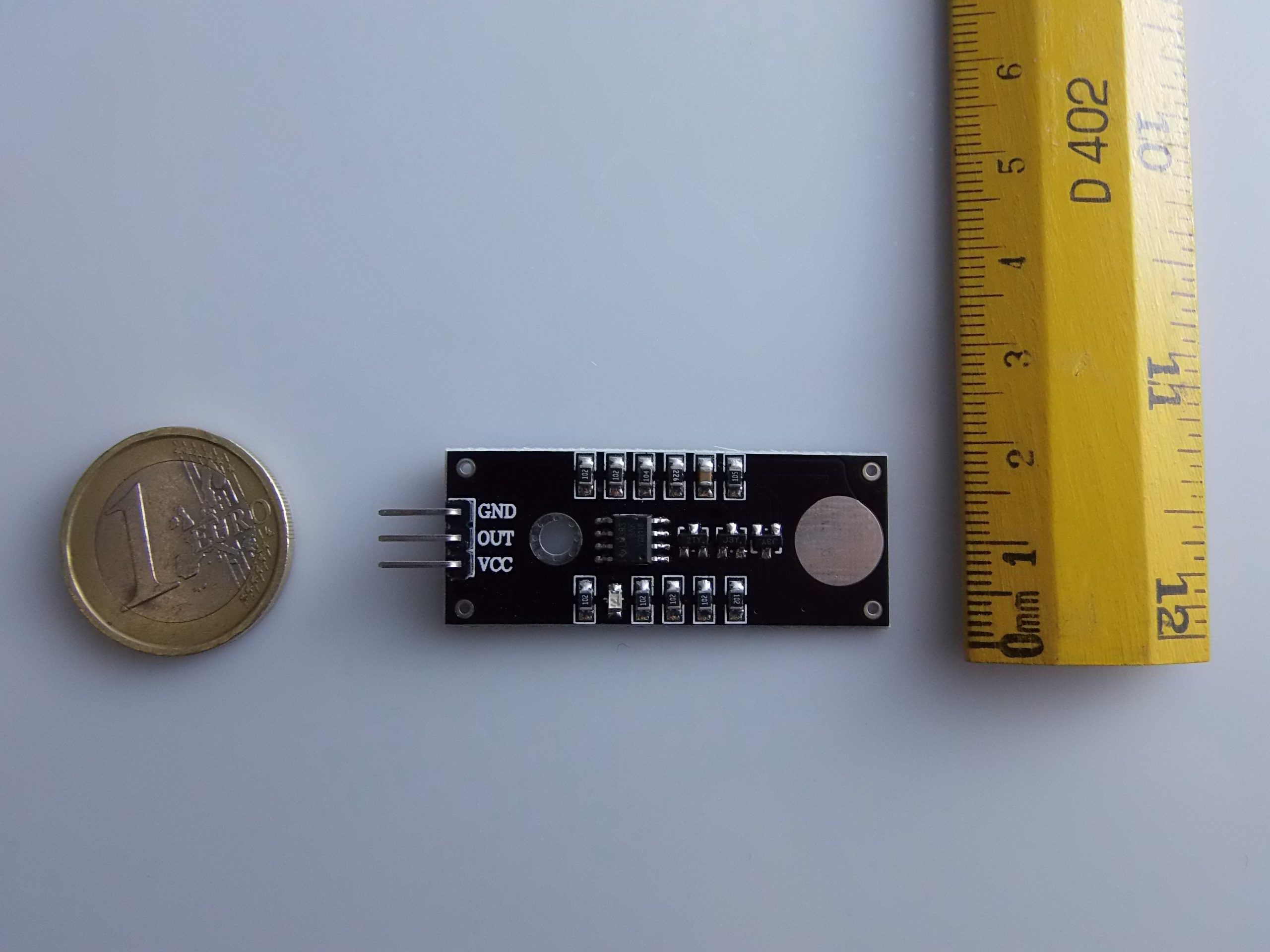
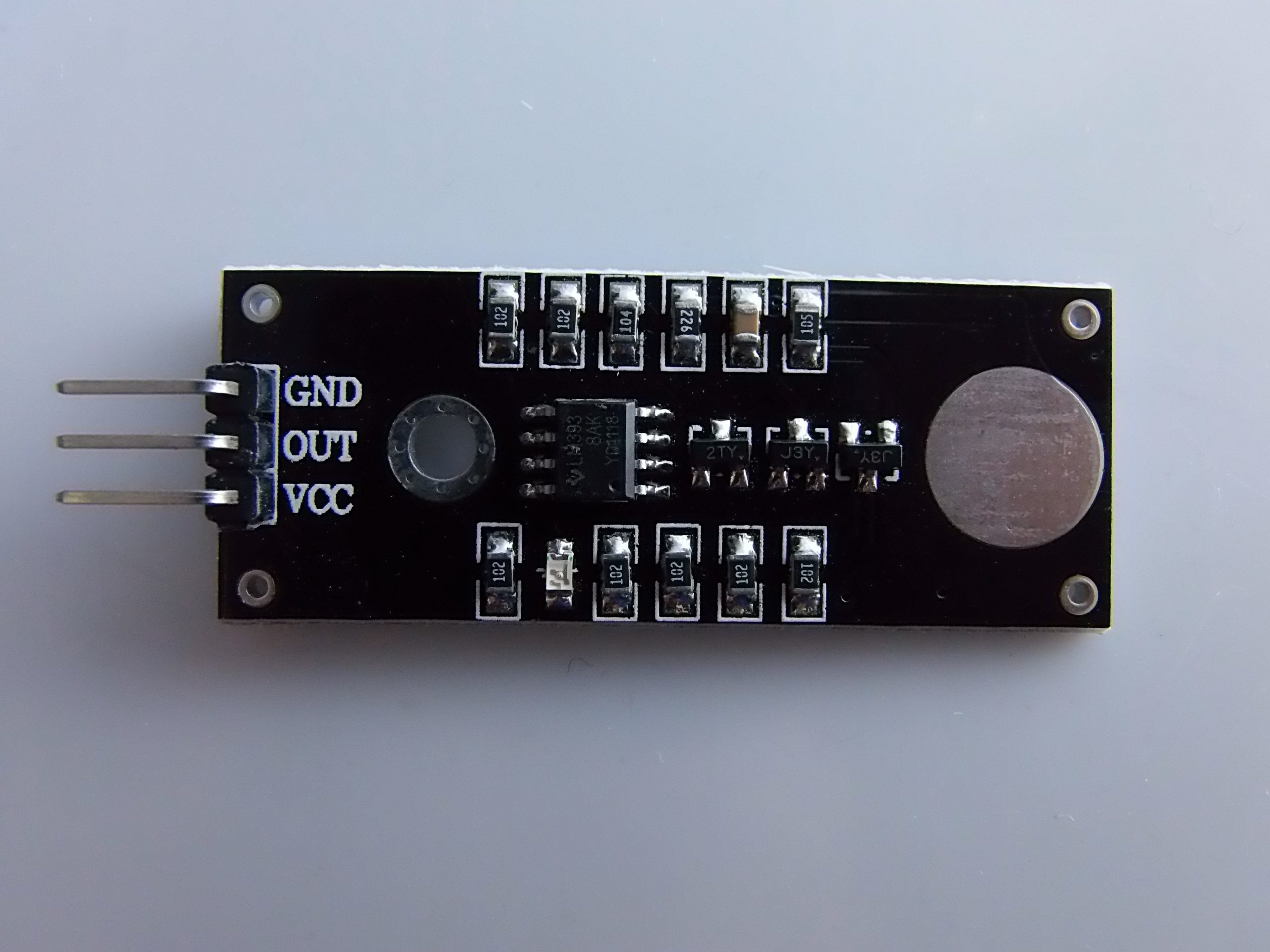
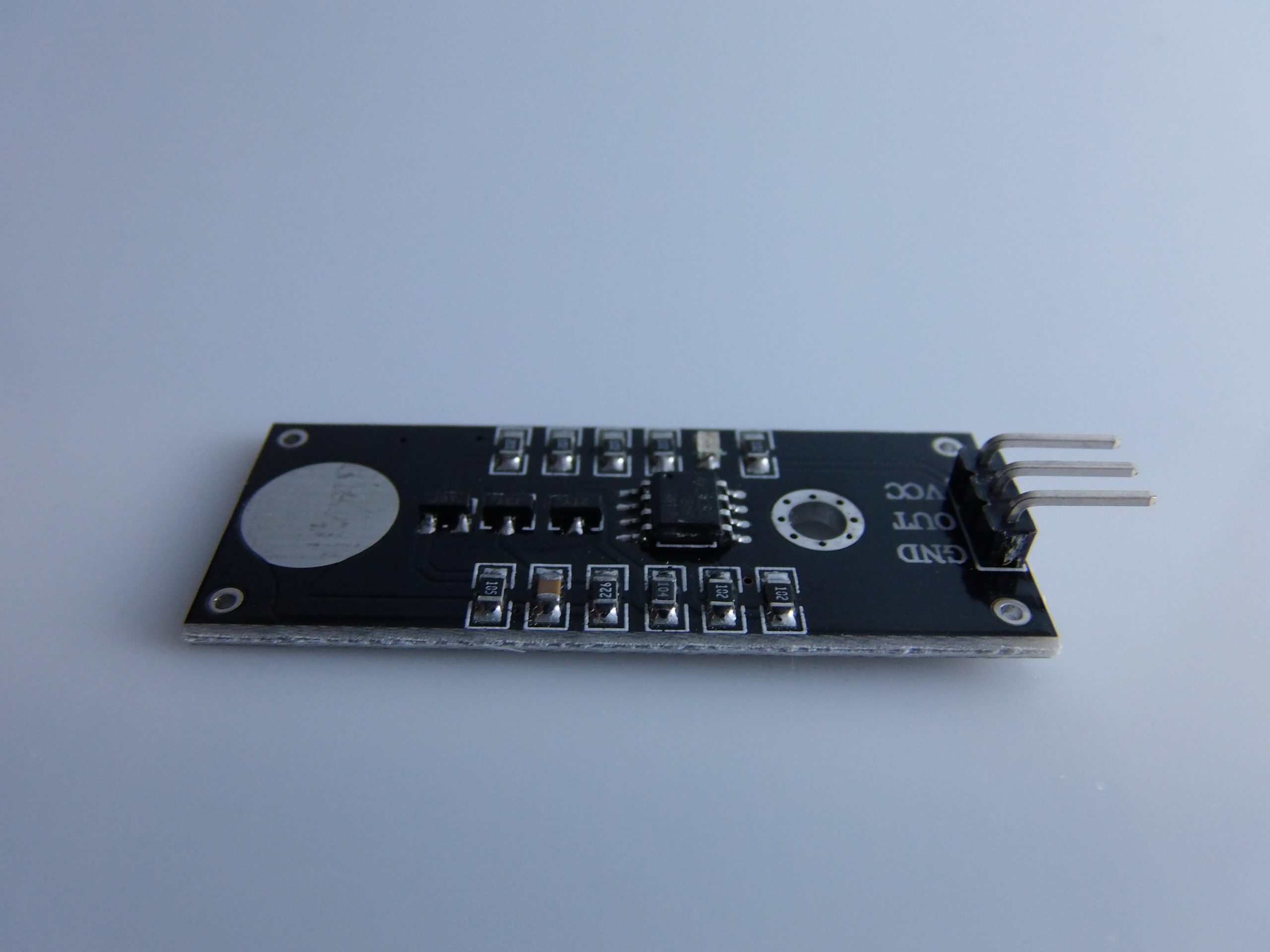
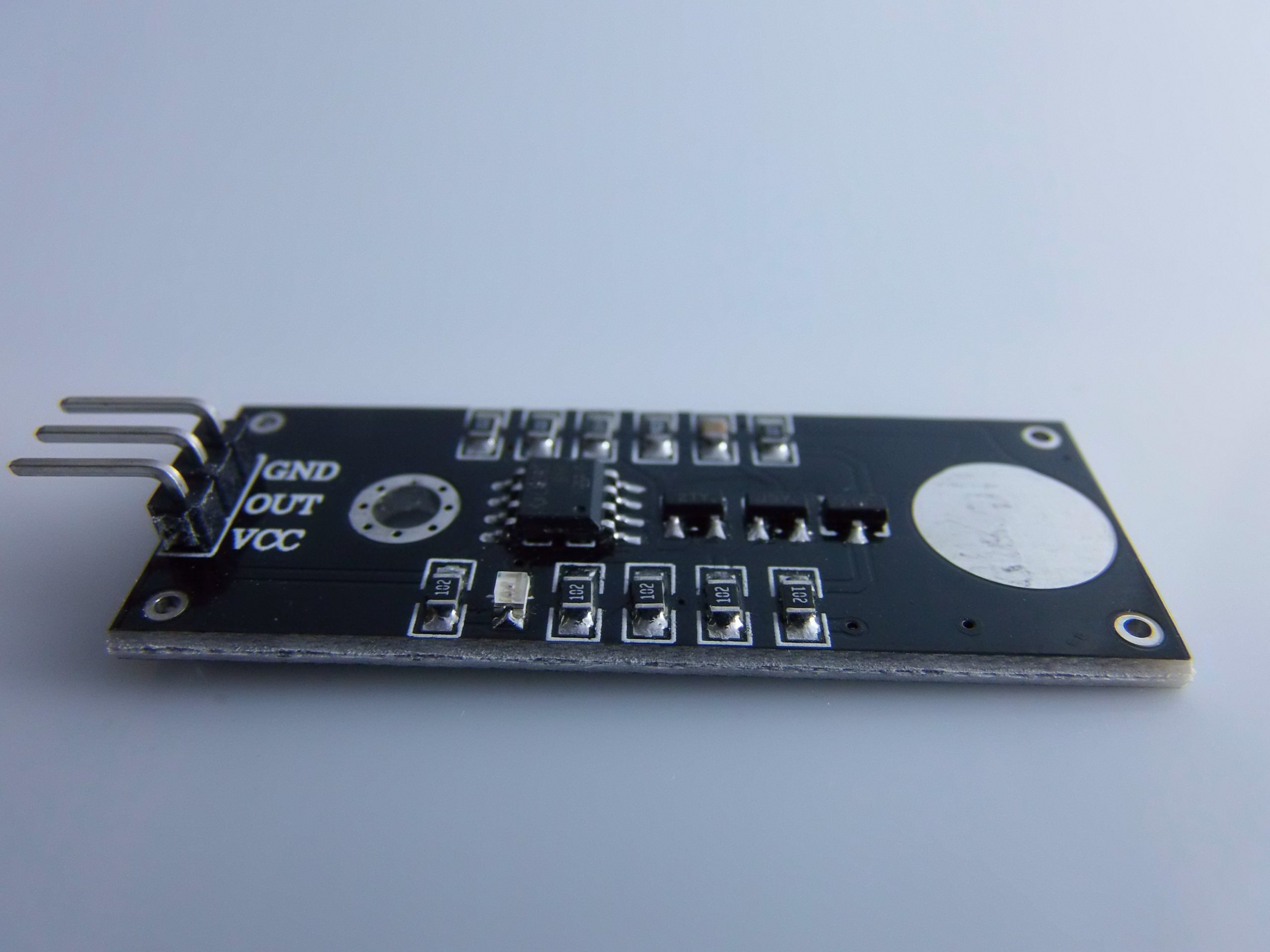
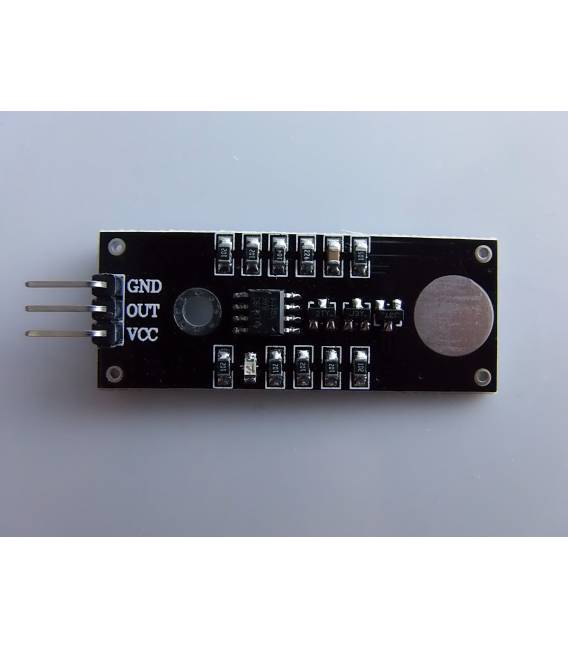
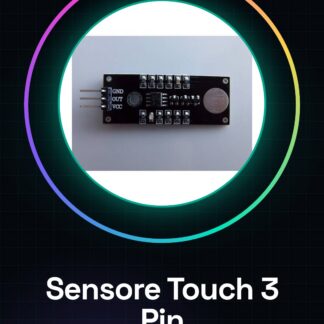
The 3 Pin Touch Contact Sensor Module is an electronic component designed to detect electronic contacts. This sensor can be used in various Arduino projects, allowing the creation of interactive devices.
Features
- Compatible with Arduino
- 3 pin
What it is for
Touch sensor modules are ideal for DIY projects such as small interactive games or home devices. You can use it, for example, to activate an LED or display when the sensor is touched.
Tutorial: How to Use the 3 Pin Touch Contact Sensor Module for Arduino
The touch sensor module is a useful component for detecting electronic contacts. Ideal for DIY projects such as small interactive games or home devices.
What you need
- Arduino Uno
- USB Cable
- Power Supply
Steps
- Connect the touch sensor module to the VCC, GND, and OUT pins of the Arduino. Check the datasheet for specific connection details.
- Download the Arduino IDE and install the necessary libraries from the GitHub repository or the product page.
- Open a new sketch in Arduino IDE and include the library for the touch sensor.
- Add instructions to read the state of the OUT pin connected to the sensor.
- Insert a loop function that checks if the sensor is activated (touch) and sends a message, for example, through Serial.print().
- Compile and upload the sketch to the Arduino. Check the serial monitor for communication.
- Test the sensor by gently touching its surface with a finger.
- Optimize the threshold values and wait time according to your needs.
Example code
void setup() {
Serial.begin(9600);
pinMode(TOUCH_PIN, INPUT); // Verifica sul datasheet il pin corretto
}

void loop() {
if (digitalRead(TOUCH_PIN) == HIGH) {
Serial.println("Touch detected");
}
}
Mini project
Create a small interactive clock that only turns on when you touch it. Use the touch sensor to activate an LED or display.
Common mistakes
- Incorrect pin connection of the sensor
- Missing installation of the necessary library
- Threshold values not optimized
- Insufficient power supply
Recommended accessories
- RGB LED
- LCD Display
- Relay Module
- Buzzer
Frequently asked questions
The sensor does not respond.
Check the electrical connection, threshold values, and power supply.
How to optimize the sensor sensitivity?
Adjust the wait and threshold parameters in the Arduino code.
Reviews
There are no reviews yet.