 EN
 IT Italiano
 ES Español
 FR Français
 DE Deutsch
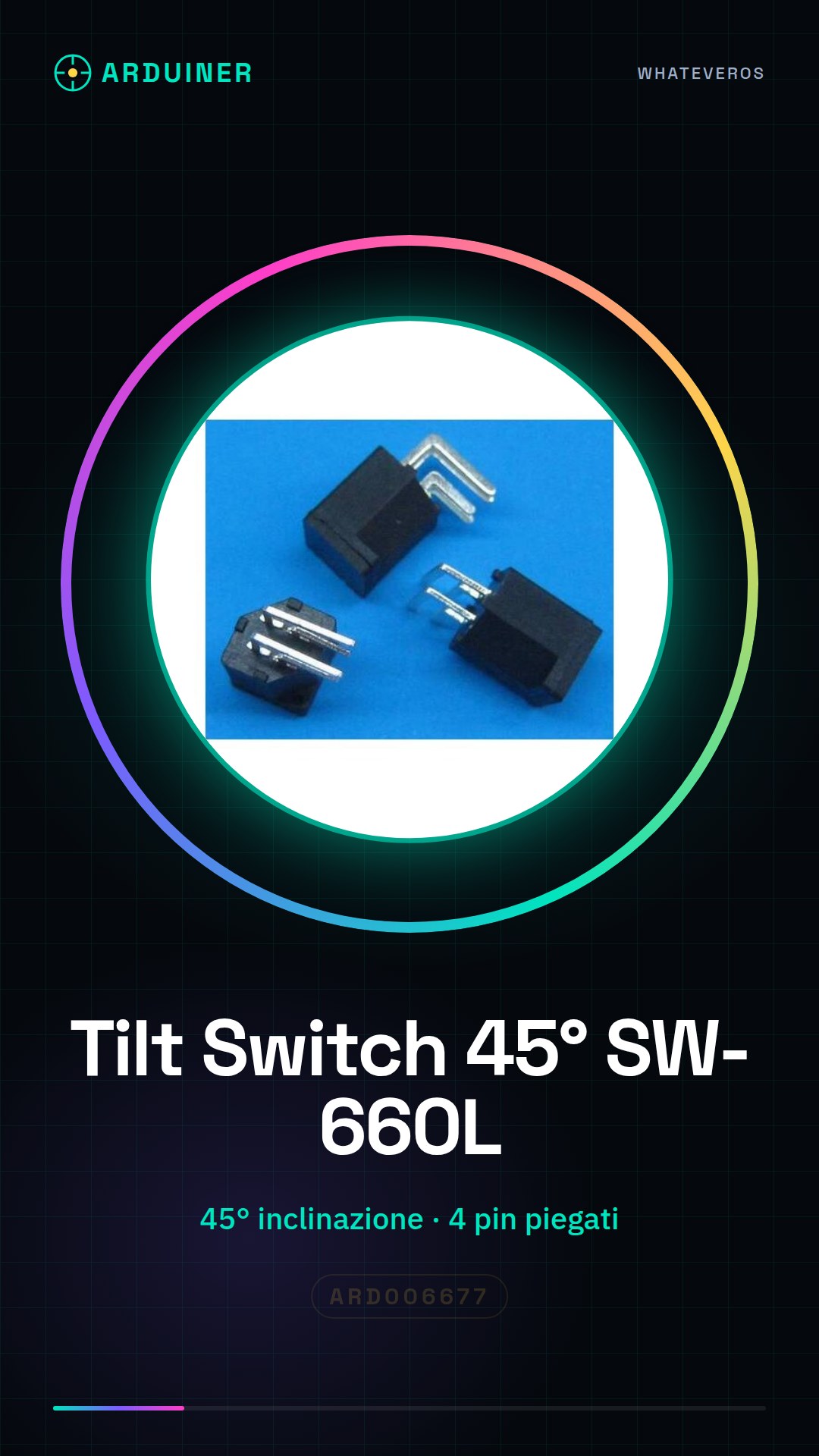
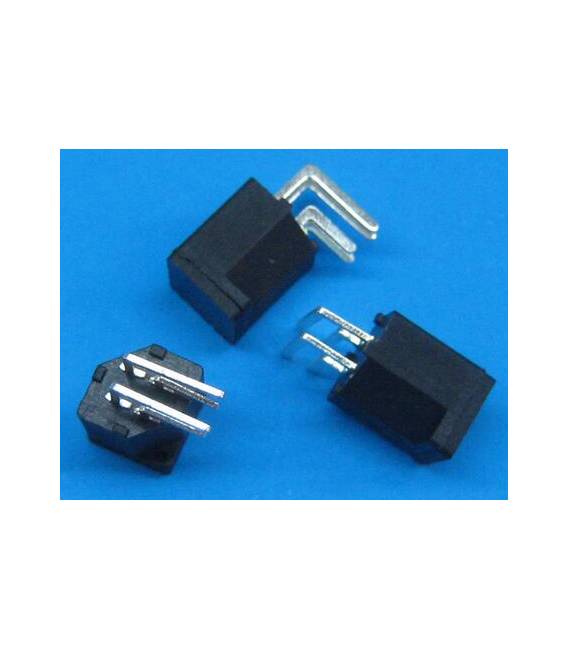
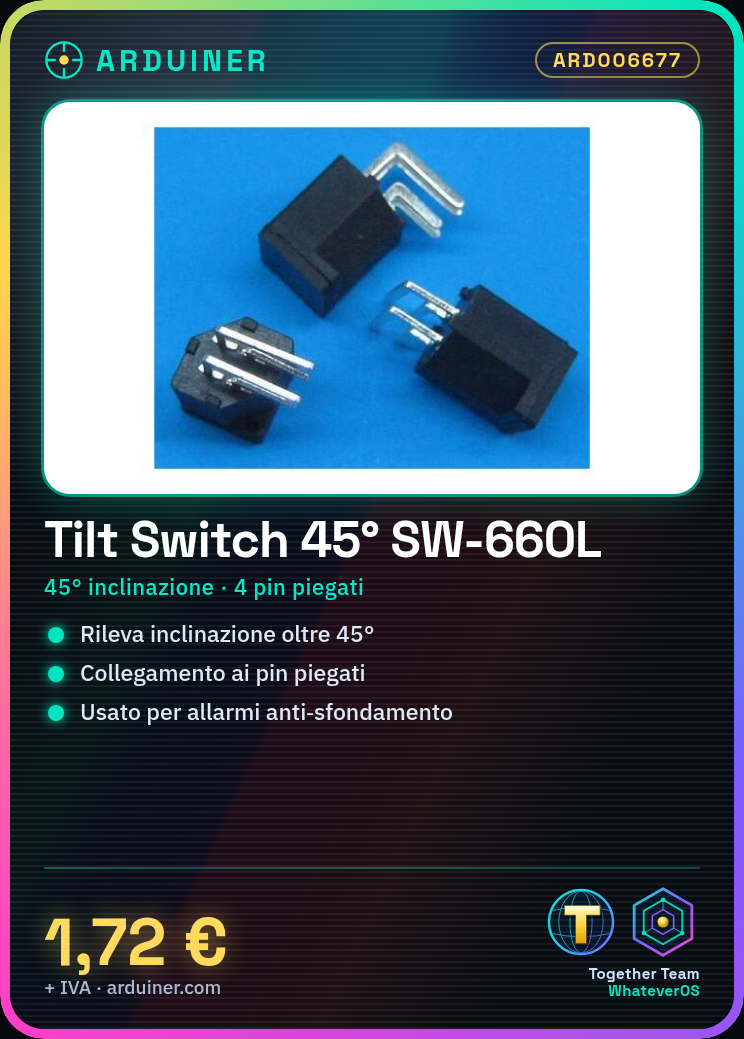
Description
What it is
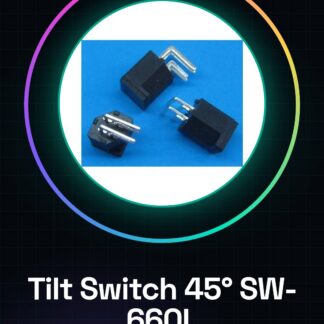
The Tilt Switch SW-660L 45° 4Pins is a sensor that detects when it is tilted beyond 45 degrees. It is a simple but useful electronic component for projects that require the measurement of movements or vibrations.
Features
- Name: SW-660L
- Tilt angle: 45 degrees
- Pins: 4
- Connection type: Bent pins
What it is for
The Tilt Switch SW-660L is ideal for Arduino projects and motion prototypes. It can be used to create anti-burglar alarms, motion sensors for games or robot prototypes. Its ease of use makes it suitable for beginners as well.
Tutorial: How to use Tilt Switch SW-660L
The Tilt Switch SW-660L is a simple sensor that detects when it is tilted beyond 45 degrees. Ideal for Arduino projects and motion prototypes.
What you need
- Arduino Uno
- USB cable
- Connectors for the circuit
Steps
- Connect VCC to +5V of the Arduino
- Connect GND to the ground of the Arduino
- Connect the tilt switch to a digital input pin
- Write and upload the Arduino sketch to read the pin value
- Check that the sensor works correctly by changing its position
- Customize the sketch to trigger specific actions when movement is detected
Example code
const int tiltPin = 2; // Pin di input digitale
int statoTilt;
void setup() {
pinMode(tiltPin, INPUT);
Serial.begin(9600);}
void loop() {
statoTilt = digitalRead(tiltPin);
Serial.println(statoTilt);
delay(1000);}
Mini project
Build a break-in alarm that activates a siren when the device is tilted.
Common mistakes
- Connect VCC to GND
- Do not verify the correct position of the sensor
- Use a non-digital pin to read the state
Recommended accessories
- Arduino Uno R3
- Arduino Buzzer
- RGB LED
Frequently asked questions
Can the Tilt Switch detect movements in all directions?
Yes, but only when the tilt reaches 45 degrees.
How sensitive is the SW-660L?
Check the datasheet for the exact sensitivity.

Reviews
There are no reviews yet.