 EN
 IT Italiano
 ES Español
 FR Français
 DE Deutsch
Description
What it is
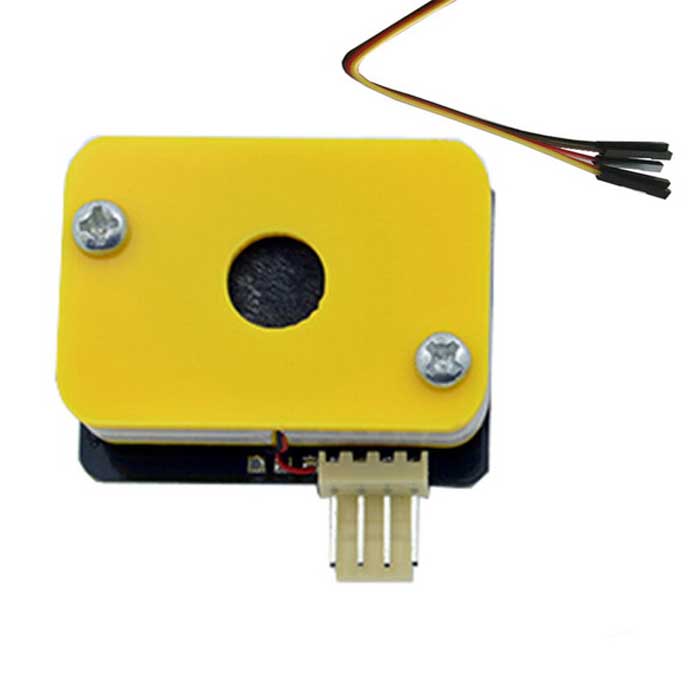
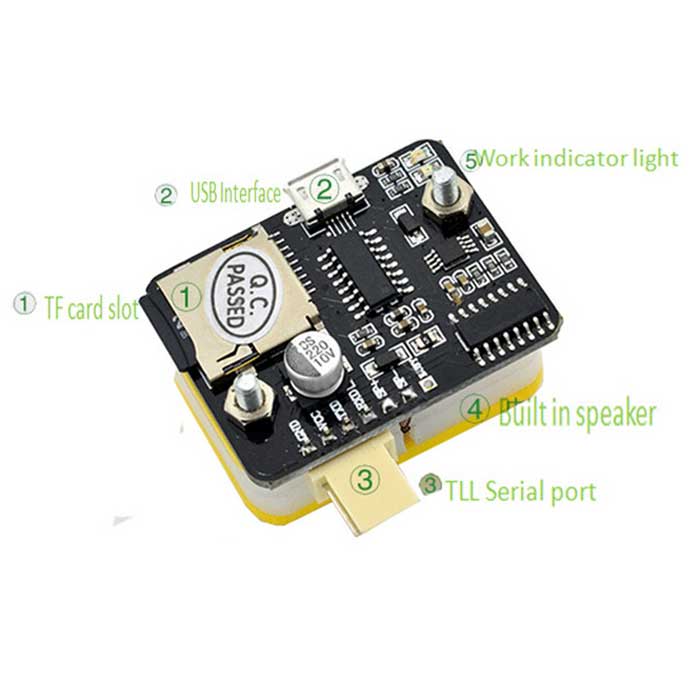
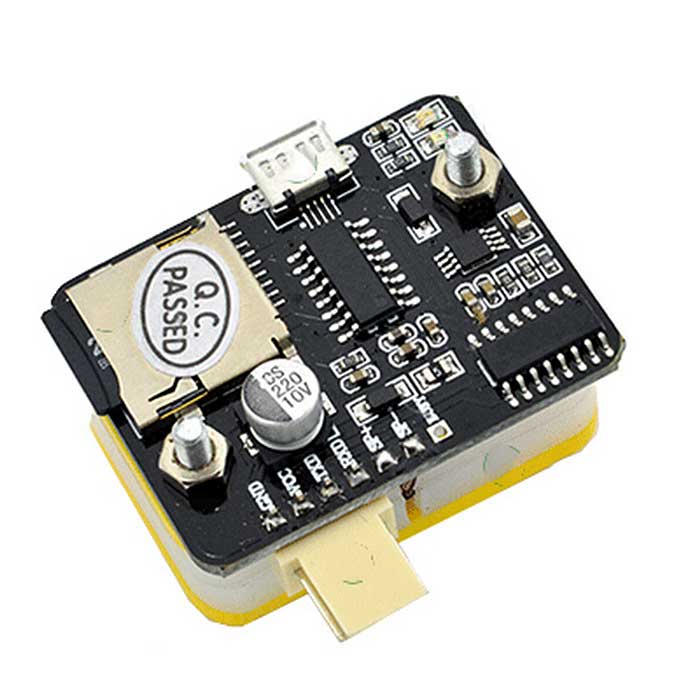
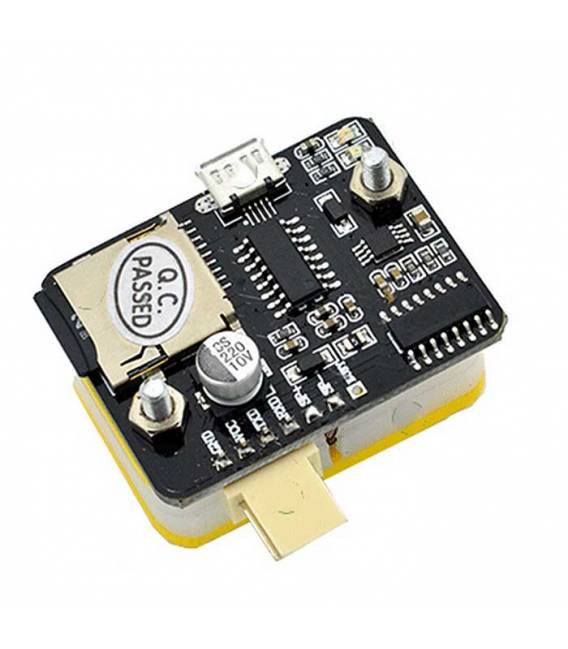
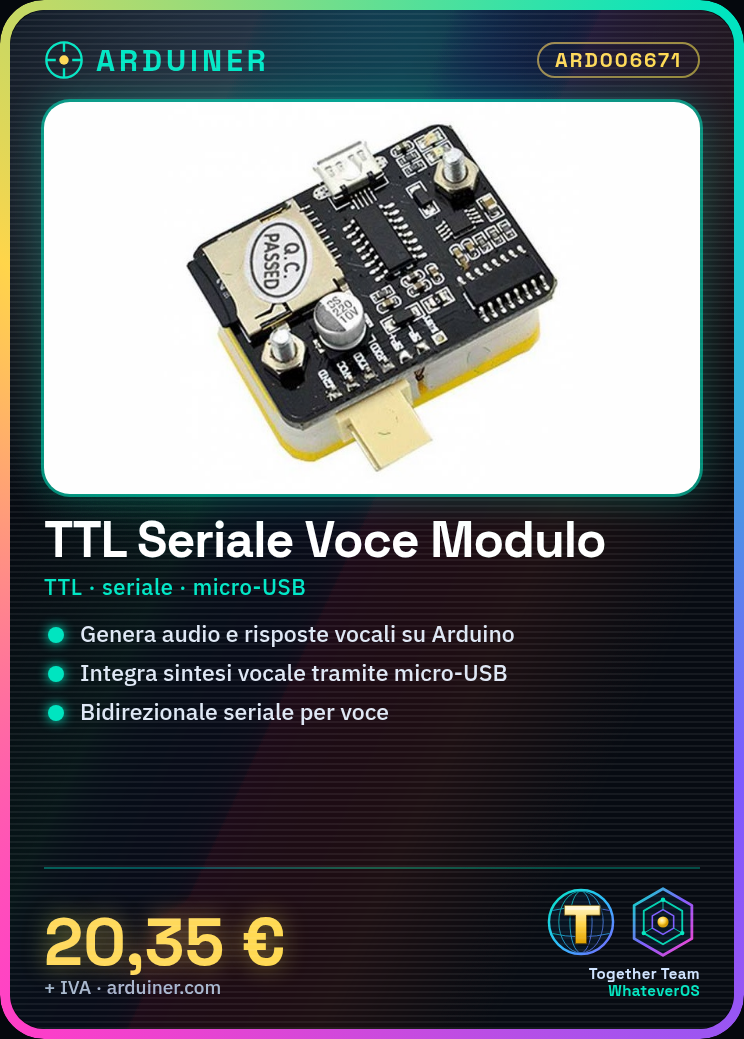
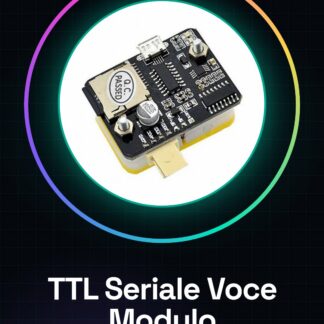
The TTL Serial Voice Module for Arduino is a component designed to generate audio and vocal communications directly on an Arduino device circuit. This module allows you to integrate voice synthesis functionality into your projects, making vocal interactions possible.
Features
- Enables the generation of sounds and vocal communications;
- Ideally used in projects that require vocal responses to questions or commands;
What it is for
It is used to create interactive devices that can respond to your vocal questions. For example, you can ask it the current time or the ambient temperature. It is compatible with Arduino and can be integrated into 3D printing projects, drones, and other electronic systems.
Tutorial: How to use TTL Serial Voice Module
The TTL Serial Voice module allows you to integrate voice functionality into your Arduino projects. Ideal for beginners and makers who want to add vocal interactions to their devices.
What you need
- Arduino Uno or compatible
- USB to micro-USB connection
- Arduino IDE development software
Steps
- Connect the TTL Serial Voice module to your Arduino using the appropriate serial cables.
- Open the Arduino IDE and upload a sample sketch to test serial communication.
- Configure the module settings through the configuration software provided by the manufacturer.
- Check the datasheet for the correct operating voltage to power the module.
- Program the Arduino with a sketch that sends voice commands to the module and receives responses.
- Test the bidirectional communication between Arduino and the module, ensuring that the voices are clear and free of interference.
Example code
void setup() {
  Serial.begin(9600);
}

void loop() {
  if (Serial.available()) {
    String comando = Serial.readString();
    // Aggiungi qui il codice per gestire i comandi vocali ricevuti
  }
}
Mini project
Create a device that responds to your voice queries. For example, ask it for the current time or the ambient temperature.
Common mistakes
- Make sure to configure the serial settings correctly in the Arduino software.
- Check the TTL logic levels to avoid damaging the Arduino.
- Ensure that the microphone and speakers are connected properly.
- Adhere to the power supply voltage specified in the datasheet.
Recommended accessories
- Omnidirectional microphone
- Low-cost speaker
- RS232 serial connection
- Audio amplification module
Frequently asked questions
How can I obtain the configuration software?
Check the documentation provided by the module manufacturer or visit the official website.
Does the module support real-time voice processing?
Check the datasheet for detailed technical specifications.
Reviews
There are no reviews yet.