 EN
 IT Italiano
 ES Español
 FR Français
 DE Deutsch
Description
What it is
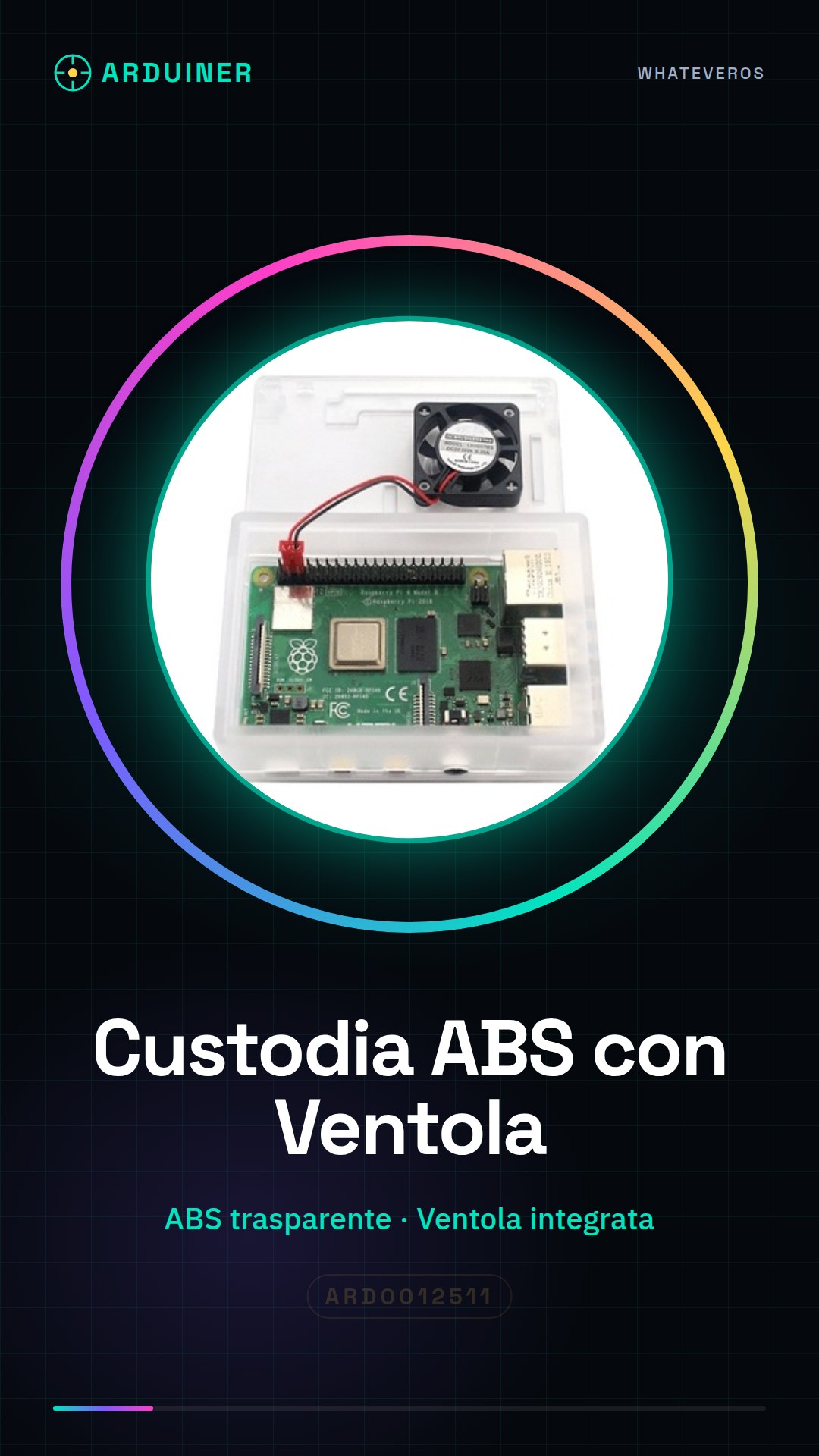
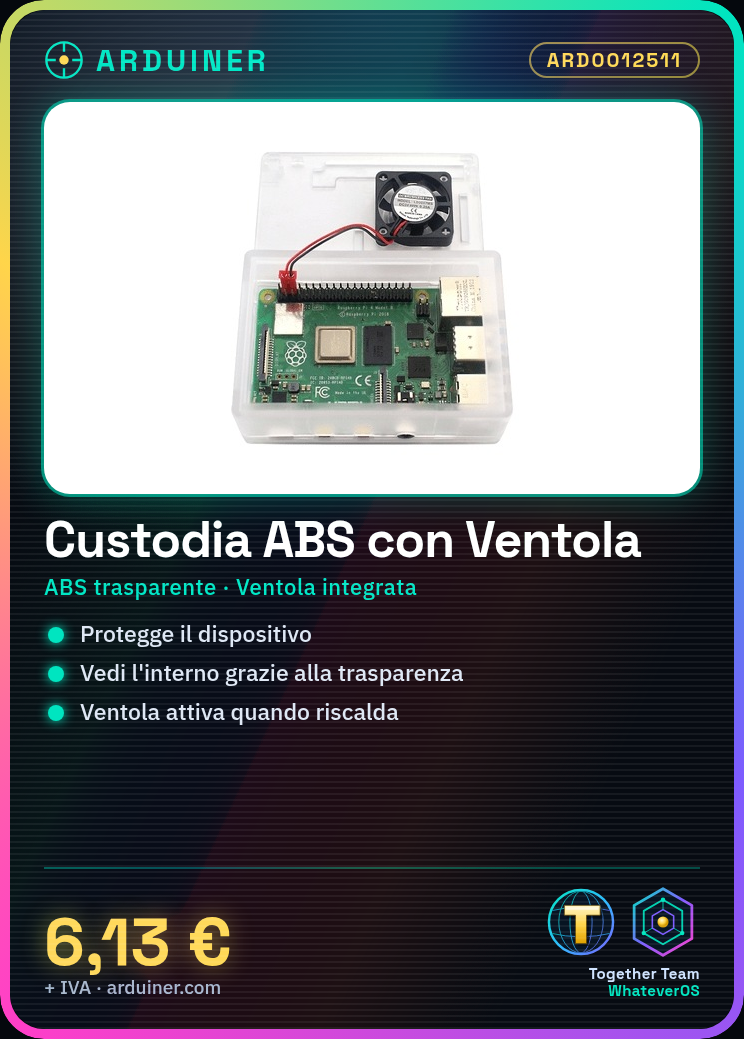
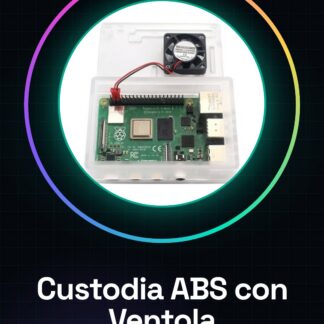
The clear ABS case for Raspberry Pi 3B+/3B with fan is an essential component to protect and cool your device. This clear ABS case allows you to see inside the Raspberry Pi while the integrated fan ensures effective cooling.
Features
- Transparent ABS Cases
- Compatible with Raspberry Pi 3B+/3B
- Integrated fan for cooling
What it is for
This case is ideal for beginners and makers who want a simple installation and effective heat management. You can use it to create a small web server or for any project that requires adequate cooling.
Tutorial: How to use the Transparent ABS Case for Raspberry Pi 3B+/3B with Fan
This clear ABS case for Raspberry Pi 3B+/3B with fan helps keep your device cool and protected. Ideal for beginners and makers who desire a simple installation and effective heat management.
What you need
- Raspberry Pi 3B+/3B
- Power connection
- Data connection (HDMI, mouse, keyboard, etc.)
- Standoffs (if necessary)
- Fan
- Work tools (scissors, pliers)
Steps
- Insert the Raspberry Pi 3B+/3B into the case, ensuring that all connectors are properly aligned.
- Connect the fan to the Raspberry Pi using the appropriate connectors. Check the datasheet for power supply details.
- If necessary, install standoffs to secure the Raspberry Pi to the case.
- Connect all external devices such as monitor, keyboard, mouse, etc. to the USB and HDMI ports of the Raspberry Pi.
- Check that all connectors are securely inserted and that there are no parts of the Raspberry Pi protruding from the case.
- If necessary, add a support or base to properly position the Raspberry Pi.
- Power on the Raspberry Pi and verify that the fan activates automatically when the device heats up.
- Configure the Raspberry Pi operating system to optimize heat management and performance.
Mini project
Create a small web server on Raspberry Pi using the fan case to keep the device cool during use.
Common mistakes
- Connect the fan incorrectly, causing it to operate sub-optimally.
- Do not secure the Raspberry Pi to the case properly, causing access issues to connectors.
- Do not configure the operating system correctly to manage heat effectively.
- Do not turn on the Raspberry Pi until you have verified that all connectors are securely inserted.
Recommended accessories
- Raspberry Pi Mount
- USB and HDMI Connector Kit
- Electrical Safety Kit
- Raspberry Pi Maintenance Kit
Frequently asked questions
Why doesn’t the fan activate?
Check the electrical connection of the fan and verify that the Raspberry Pi operating system is properly configured.
Can I use this case with other Raspberry Pi models?
Check the datasheet to see if the case is compatible with other Raspberry Pi models.
How can I improve ventilation?
Consider adding a heat sink or another cooling system.
Reviews
There are no reviews yet.