 EN
 IT Italiano
 ES Español
 FR Français
 DE Deutsch

Description
What it is
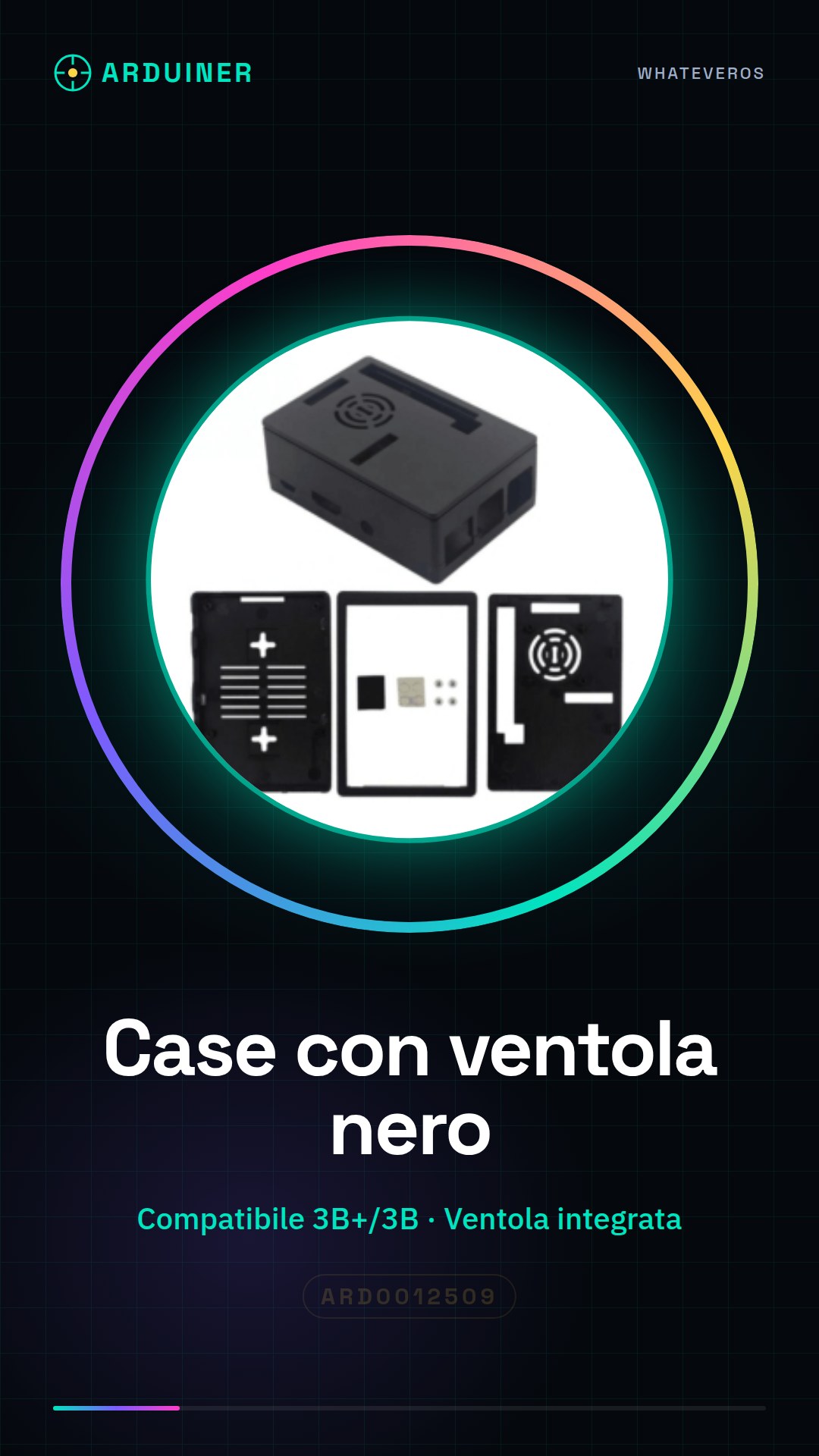
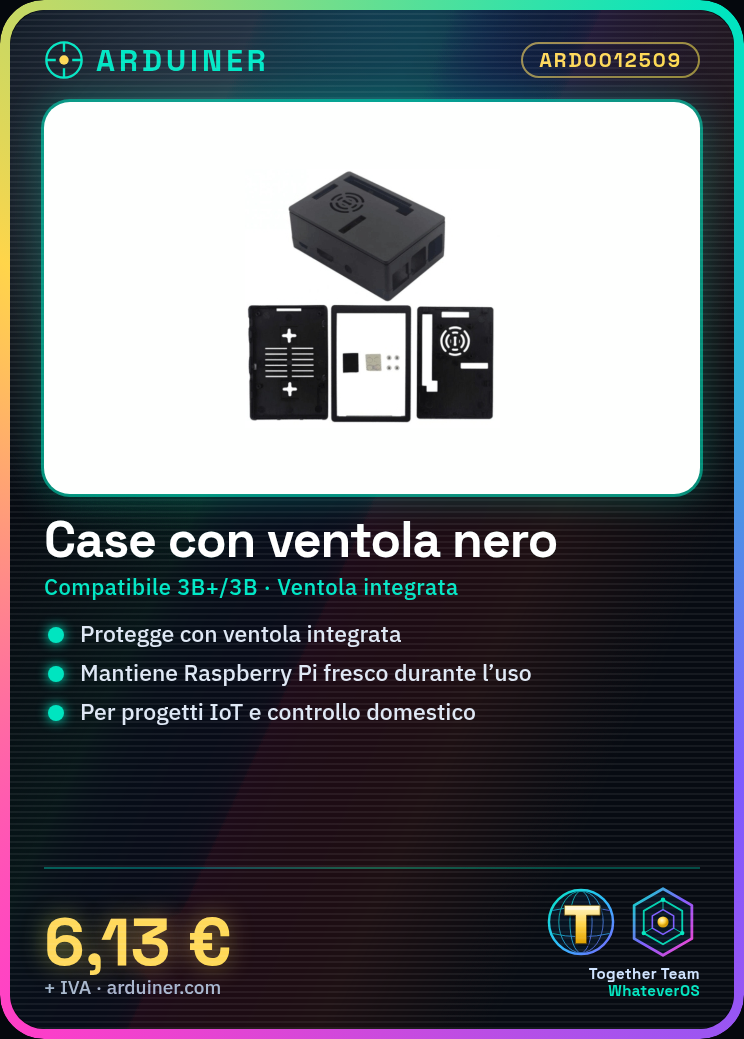
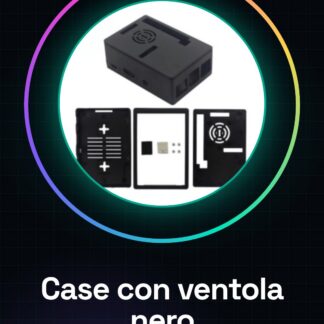
The Raspberry Pi 3B+/3B Case with Fan – Black is an external protection housing that includes an integrated fan to improve the cooling of the device. This product is designed to ensure the safety and cooling of the Raspberry Pi 3B+ or 3B.
Features
- Compatible with Raspberry Pi 3B+ and 3B
- Black protective case
- Integrated fan for cooling
- Check the datasheet for detailed technical specifications
What it is for
The fan case is ideal for electronic projects that require effective cooling and additional protection. You can use it to create a home control center, monitor and control IoT devices such as lights, thermostats, and locks. Additionally, it is useful for anyone who wants to protect their Raspberry Pi during intensive use.
Tutorial: How to use Raspberry Pi 3B+/3B Case with Fan
This product is ideal for anyone who wants to protect and cool their Raspberry Pi 3B+ or 3B. The case with fan provides an elegant and practical solution to keep the device cool during intensive use.
What you need
- Raspberry Pi 3B+ or 3B
- SD Card with installed operating system
- USB Power Supply
- Connections for peripherals (e.g., keyboard, mouse, screen)
- Custom accessories (e.g., LED, buttons)
- Configuration software (if necessary)
Steps
- Completely disconnect the Raspberry Pi from power.
- Open the Raspberry Pi 3B+ or 3B case.
- Insert the Raspberry Pi into the case, ensuring that all connections are correctly positioned.
- Check that the fan is correctly installed and connected to the Raspberry Pi power pins.
- Close the case, ensuring it is securely fastened.
- Connect the Raspberry Pi to the USB power supply.
- Connect the necessary peripherals (e.g., keyboard, mouse, screen).
- Verify that the Raspberry Pi turns on and functions correctly.
Mini project
Create a home control center with the Raspberry Pi 3B+ or 3B and the case with fan. Configure the Raspberry Pi to monitor and control IoT devices such as lights, thermostats, and locks.
Common mistakes
- Do not properly verify the fan connection.
- Do not fully close the case.
- Do not verify that the Raspberry Pi turns on after installation.
- Do not properly configure the power supply.
Recommended accessories
- Ethernet cable
- Wi-Fi antenna
- Environmental monitoring sensor kit
- Raspberry Pi programming kit
Frequently asked questions
Does the fan turn on automatically?
Yes, the fan activates automatically when the Raspberry Pi reaches a certain temperature.
Can I use this product with other Raspberry Pi models?
Check the datasheet to see if the case is compatible with other models of Raspberry Pi.
How much noise does the fan make?
The noise from the fan varies based on the rotation speed, which depends on the temperature of the Raspberry Pi.
Reviews
There are no reviews yet.