 EN
 IT Italiano
 ES Español
 FR Français
 DE Deutsch
Description
What it is
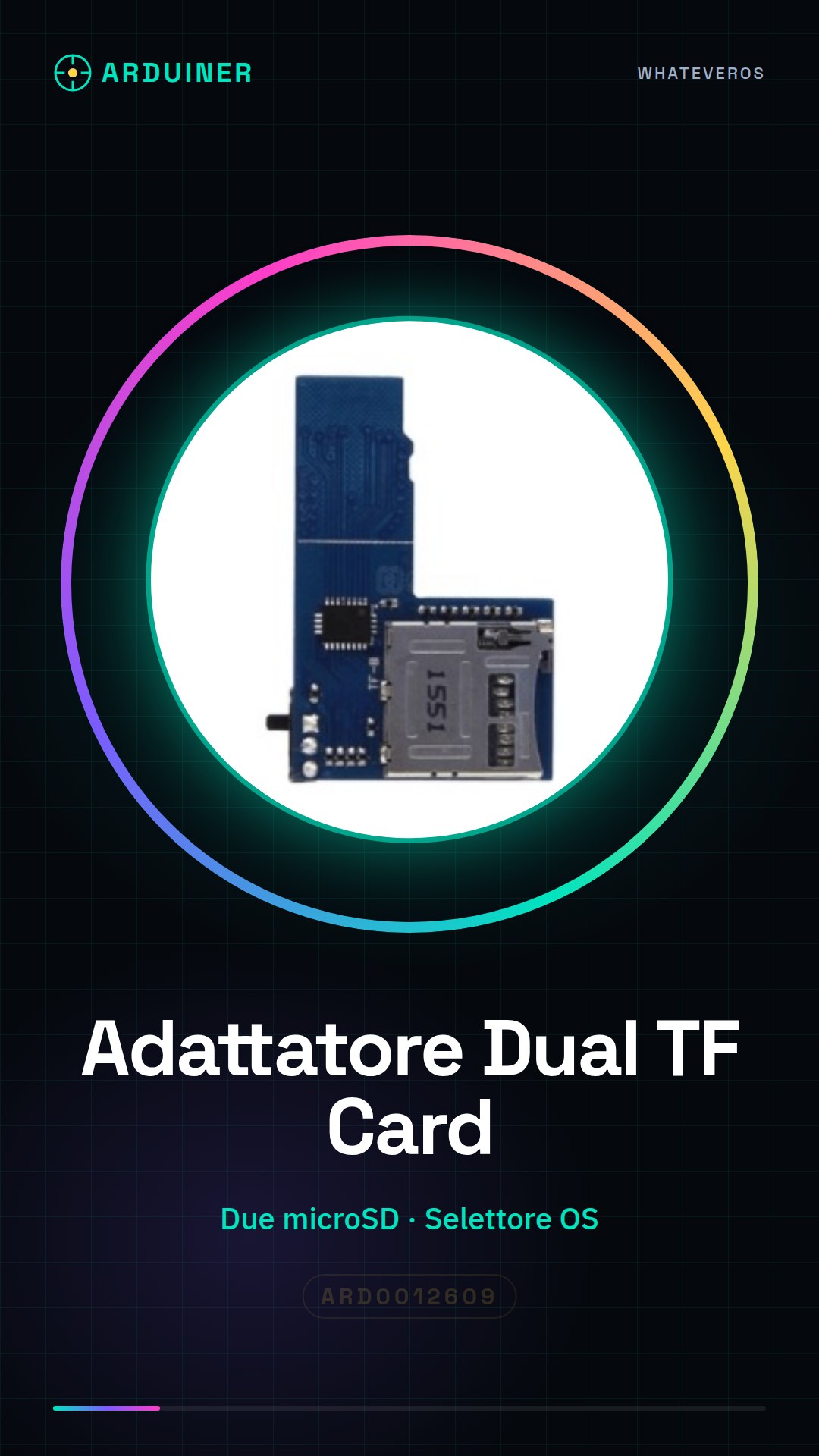
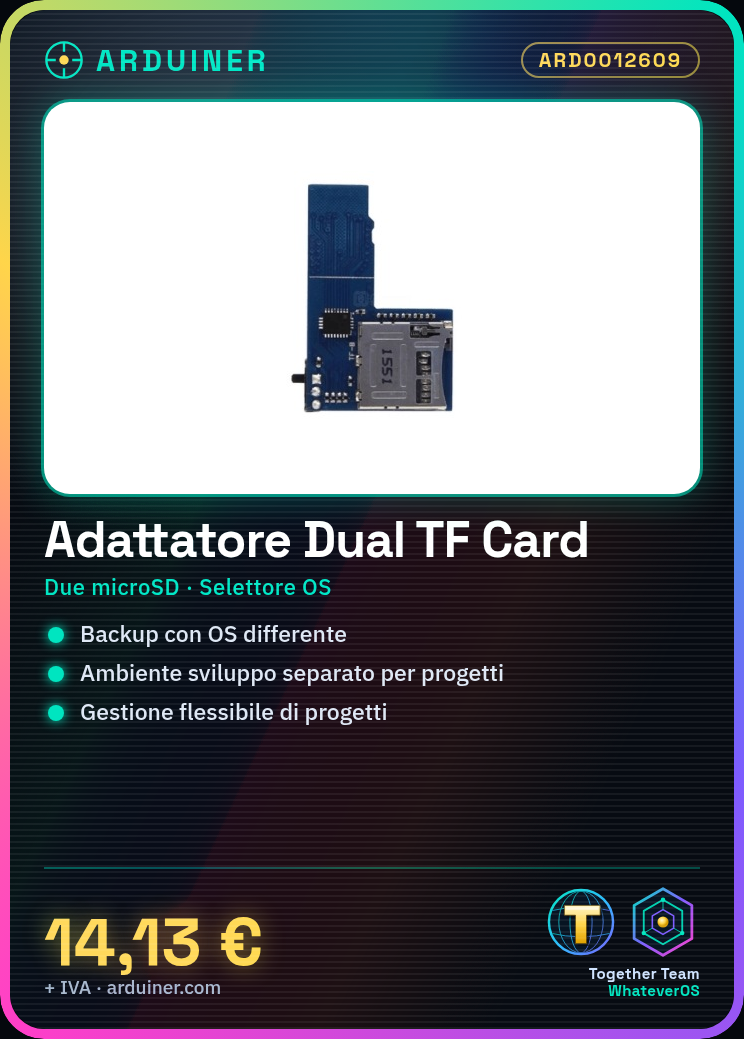
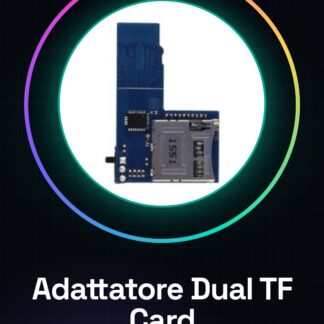
The Dual TF Card Adapter for Raspberry Pi 3B+/3B/2B/B+/4B is a component that allows the use of two separate microSD cards for two different operating systems, enabling the selection of the operating system in use.
Features
- Compatible with Raspberry Pi 3B+, 3B, 2B, B+, 4B
- Allows the use of two microSD cards
- Operating system selector
What it is for
The adapter is ideal for those who want to have a backup system or run different work environments on Raspberry Pi. It can be used to create a separate development environment for different projects, for example, using one microSD card for Python and another for other languages or work environments.
Tutorial: How to use Dual TF Card Adapter for Raspberry Pi
The Dual TF Card Adapter for Raspberry Pi allows you to use two separate microSD cards for two different operating systems, making it more flexible to manage your applications and projects. This component is ideal for makers who want a backup system or run different work environments on Raspberry Pi.
What you need
- Raspberry Pi 3B+/3B/2B/B+/4B
- Two microSD cards
- Dual TF Card Adapter
- Power supply for Raspberry Pi
- Network connection
- Operating system configuration software
Steps
- Check that your Raspberry Pi is compatible with the Dual TF Card Adapter.
- Insert the first microSD card into the first slot of the adapter.
- Insert the second microSD card into the second slot of the adapter.
- Connect the Dual TF Card Adapter to the Raspberry Pi following the instructions in the datasheet.
- Power on the Raspberry Pi.
- Access the Raspberry Pi via SSH or direct connection.
- Install the operating system configuration software to manage the two microSD cards.
- Configure the operating system to use the two separate systems.
Mini project
Create a separate development environment for different projects. For example, use one microSD card for Python and a sample script, and the other for a web development environment with Apache.
Common mistakes
- Insert the microSD cards incorrectly or with incompatible ones.
- Fail to properly configure the operating system to manage the two microSD cards.
- Use a Raspberry Pi that is not compatible with the adapter.
- Fail to provide proper power to the Raspberry Pi.
Recommended accessories
- Fast microSD cards
- Ethernet cable or Wi-Fi to connect the Raspberry Pi to the Internet
- Power adapter for Raspberry Pi
- Protective case for Raspberry Pi
Frequently asked questions
Can I use any operating system with the Dual TF Card adapter?
Check the datasheet for operating system compatibility.
What are the advantages of using two separate systems?
It allows isolating projects and configurations, improving security and project management.
How can I access the two separate systems?
Use the configuration software provided with the adapter to select the desired system.
Reviews
There are no reviews yet.