 EN
 IT Italiano
 ES Español
 FR Français
 DE Deutsch
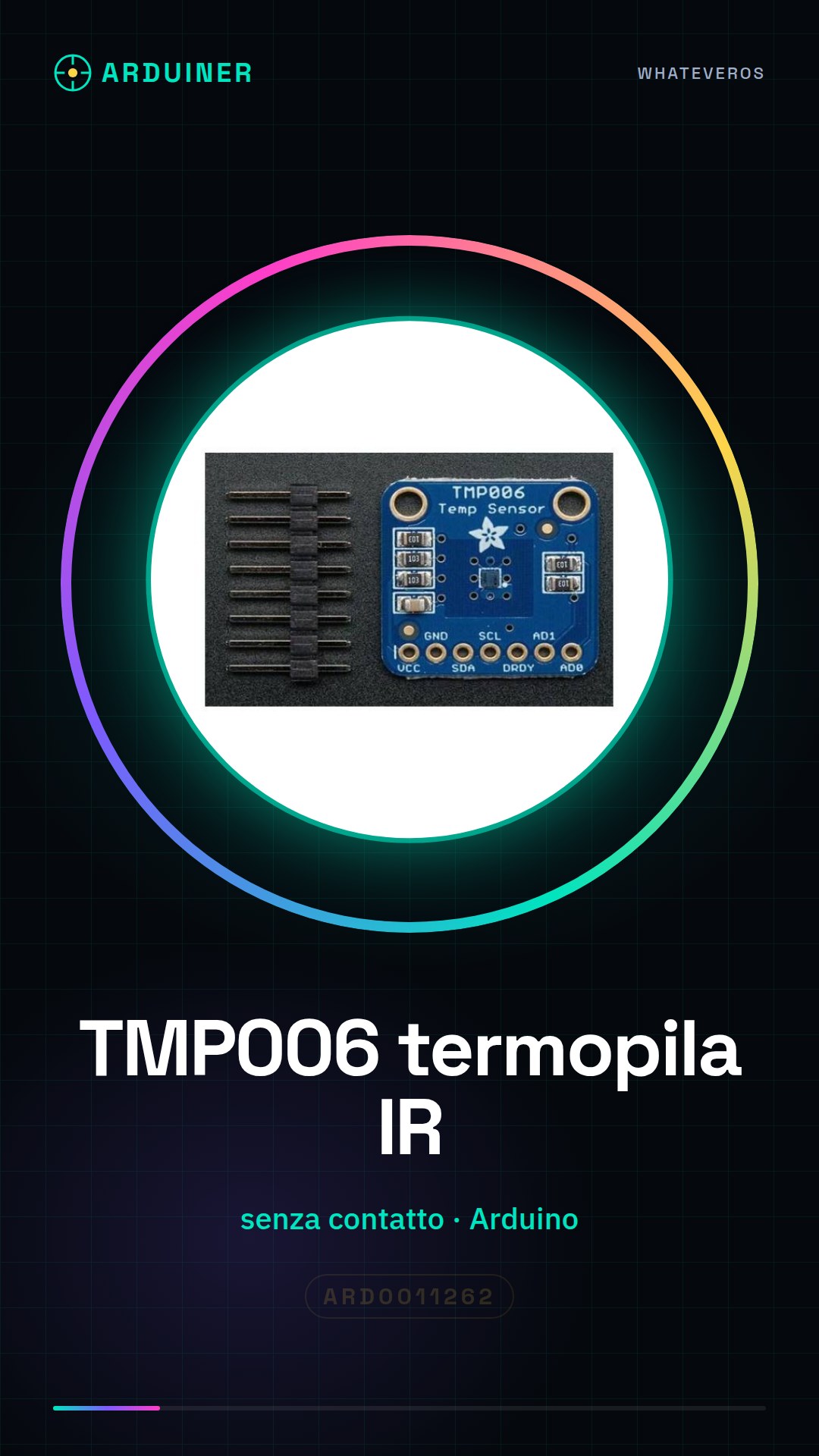
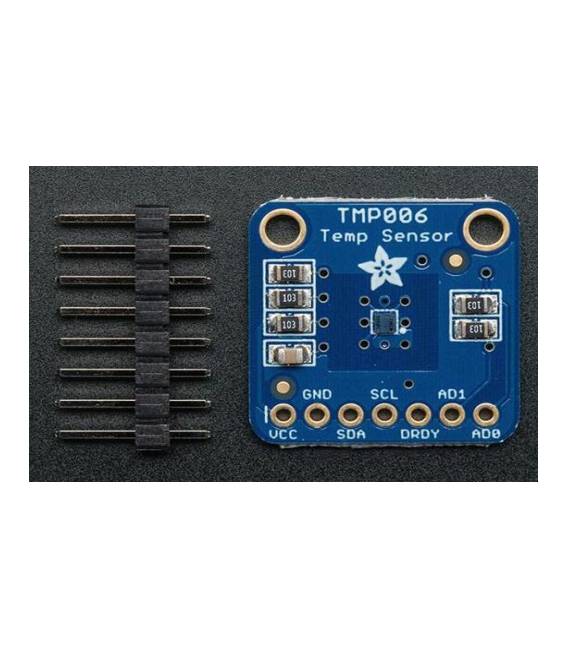
Description
What it is
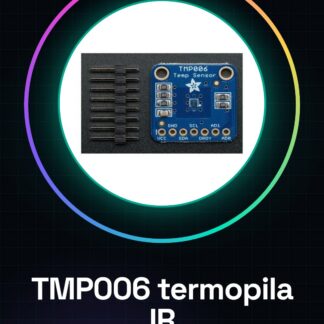
The TMP006 non-contact IR thermopile sensor is a tool for non-invasive temperature measurement. It is ideal for projects that require accuracy in reading the temperature of surfaces or environments.
Features
- Non-contact IR thermopile sensor TMP006
- Rapid and precise temperature measurement
What it is for
Ideal for creating a non-contact thermometer with Arduino that displays the temperature on an LCD screen. It is compatible with Arduino-based projects.
Tutorial: How to use TMP006 Sensor
The TMP006 non-contact IR thermopile sensor allows for contactless temperature measurement. Ideal for projects that require accuracy in reading ambient or surface temperature.
What you need
- Arduino Uno
- USB cable
- Trainable connections
Steps
- Connect the TMP006 sensor to pins 2, 3, and GND of the Arduino.
- Install the necessary library for the TMP006 sensor from the Arduino library manager.
- Load the provided sketch in Arduino IDE.
- Check the sensor settings in the datasheet to optimize temperature reading.
- Monitor the output on the Arduino serial monitor.
Example code
void setup() {
  Serial.begin(9600);
}

void loop() {
  // Leggi e stampa la temperatura dal sensore TMP006.
}
Mini project
Build a non-contact thermometer with Arduino that displays the temperature on an LCD screen.
Common mistakes
- Do not check the sensor settings in the datasheet before use.
- Omit installing the necessary library for the sensor.
- Connect the sensor without ensuring the pins are correct.
- Ignore optimizing the sensor settings.
Recommended accessories
- Arduino Uno
- 16×2 LCD with trainable connectors
- Trainable connections
- LiPo battery and charger
Frequently asked questions
How can I optimize the temperature reading?
Check the sensor settings in the datasheet to get the best result.
Which library do I need to install?
Install the specific library for the TMP006 sensor from the Arduino library manager.



Reviews
There are no reviews yet.