 EN
 IT Italiano
 ES Español
 FR Français
 DE Deutsch
Description
What it is
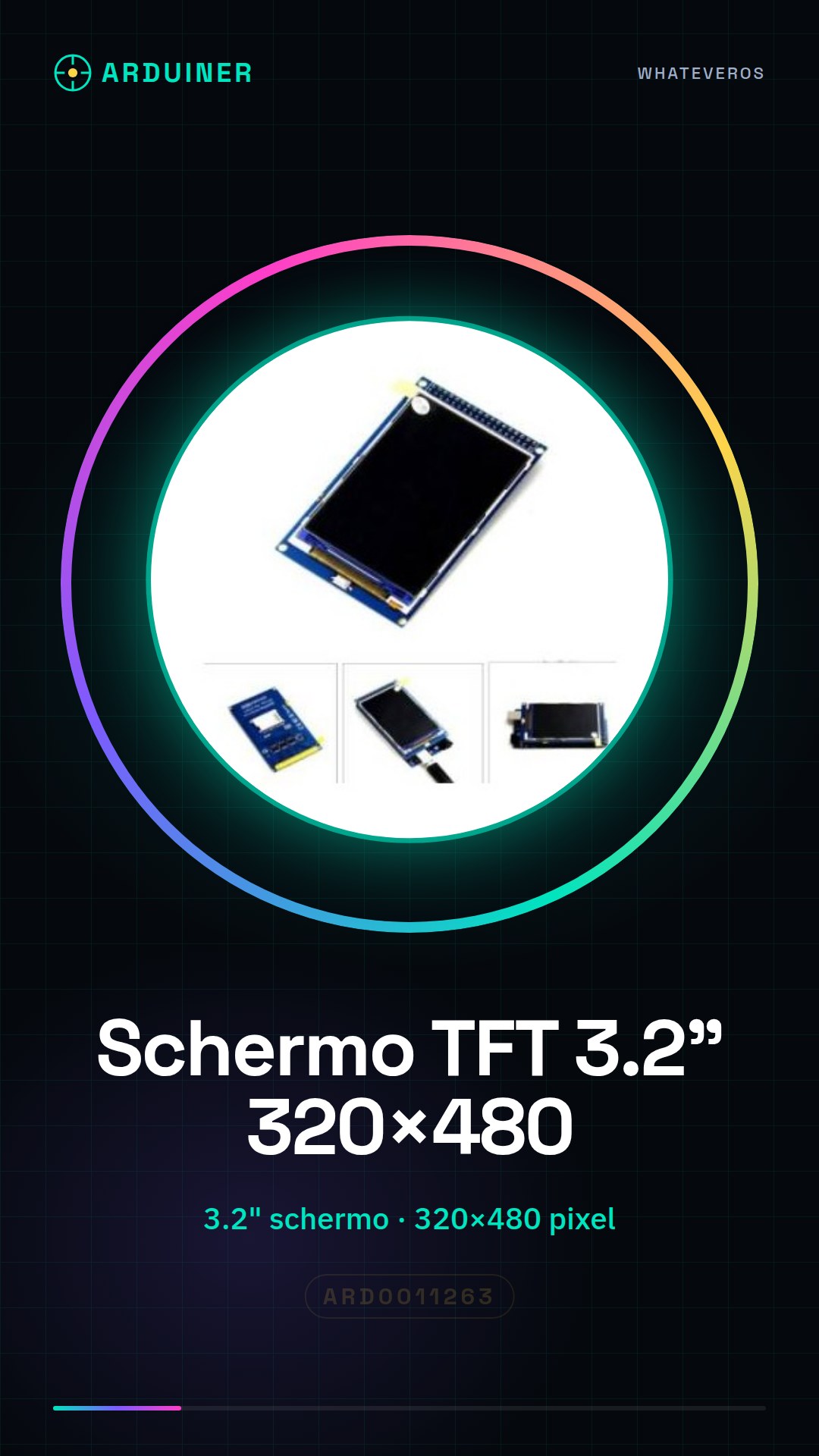
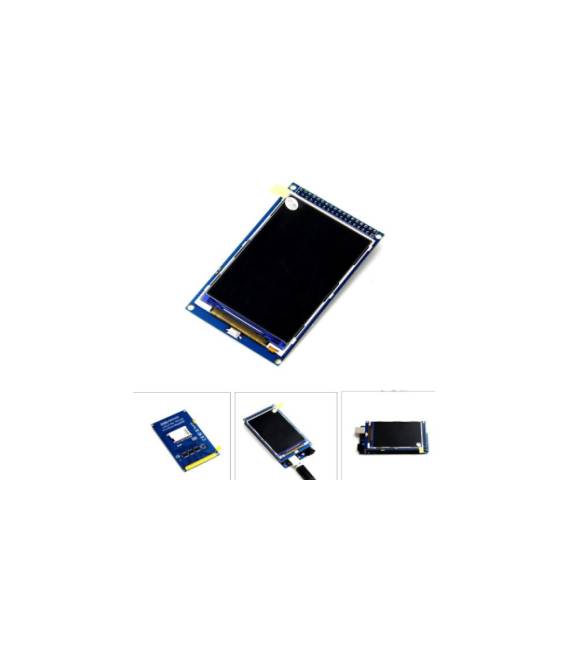
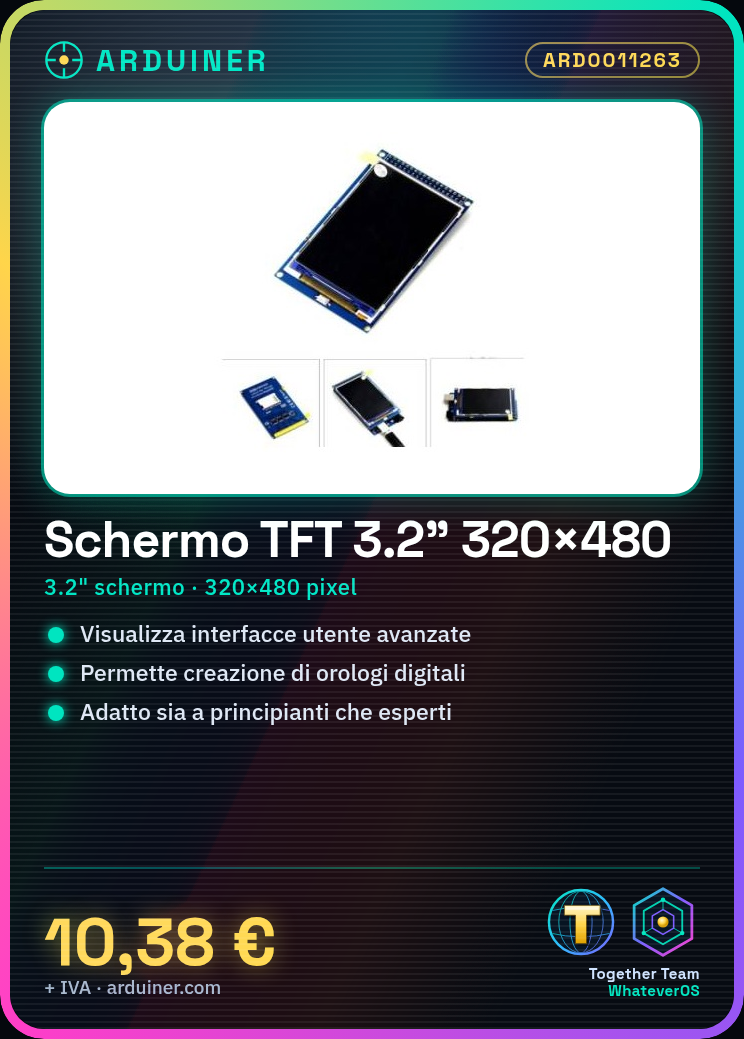
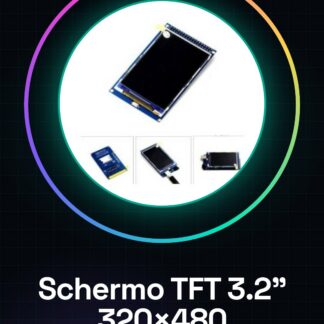
The 3.2″ TFT Display with a resolution of 320×480 is a graphic component compatible with Arduino Mega2560, ideal for projects requiring interactive and advanced visualization.
Features
- 3.2″ Color TFT Display
- Resolution: 320×480 pixels
- Compatible with Arduino Mega2560
What it is for
Ideally used for graphic and advanced user interface projects, this TFT display allows the creation of visual applications such as interactive digital clocks that show the time and date. It is suitable for both beginners and experts.
Instructions: How to use 3.2″ TFT Display 320×480 with Arduino Mega
The 3.2″ TFT display reserves a large surface for interactive and graphic applications on Arduino Mega. Ideal for beginners who want to explore visual programming.
What you need
- Arduino Mega
- USB A-Micro B cable
- Screwdriver set
Steps
- Connect the TFT module to the Arduino Mega SPI pins (11, 13, 49-52).
- Download the Adafruit GFX and Adafruit ST7735 libraries from the official website.
- Include the libraries in your Arduino project.
- Configure the display using the methods available in the library documentation.
- Draw a rectangle or a line to check the connection.
- Check that the display backlight is properly adjusted (check the datasheet).
- Add text and images to your project.
- Save the sketch file and upload it to the Arduino Mega.
Example code
// Includi le librerie
#include <Adafruit_GFX.h>
#include <Adafruit_ST7735.h>
// Configura l'oggetto display
Adafruit_ST7735 tft = Adafruit_ST7735(TFT_CS, TFT_DC);
void setup() {
tft.begin();
tft.fillScreen(ST77XX_BLACK);
tft.drawRect(0, 0, 160, 80, ST77XX_WHITE);}
void loop() {}
Mini project
Create an interactive digital clock that displays the time and date on the TFT display.
Common mistakes
- SPI pin connection error.
- Outdated or incompatible libraries.
- Incorrect display backlight configuration (check the datasheet).
- Issues with the integrated 3D printer drivers in the Arduino IDE software.
Recommended accessories
- USB A-Micro B cable
- LiPo battery for portable power supply
- Breadboard jumpers
- Brightness scroll wheel
Frequently asked questions
The display does not turn on.
Check that the SPI pins are correctly connected and that the module is properly powered.
How can I change the display resolution?
Check the settings of the library used in your project.
What colors does the TFT display support?
The display supports a range of 262,000 colors, check the datasheet for additional details.



Reviews
There are no reviews yet.