 EN
 IT Italiano
 ES Español
 FR Français
 DE Deutsch
Description
What it is
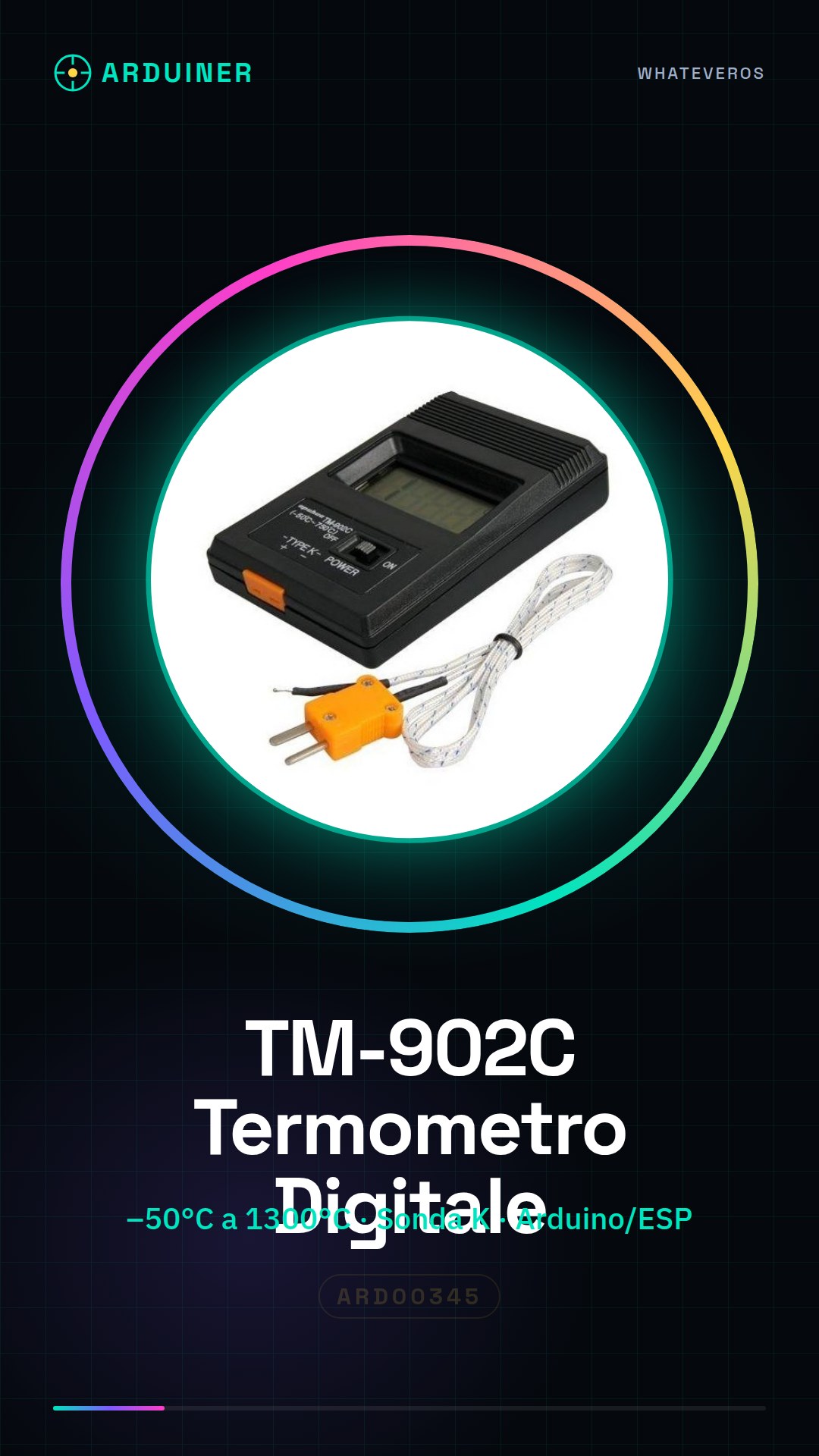
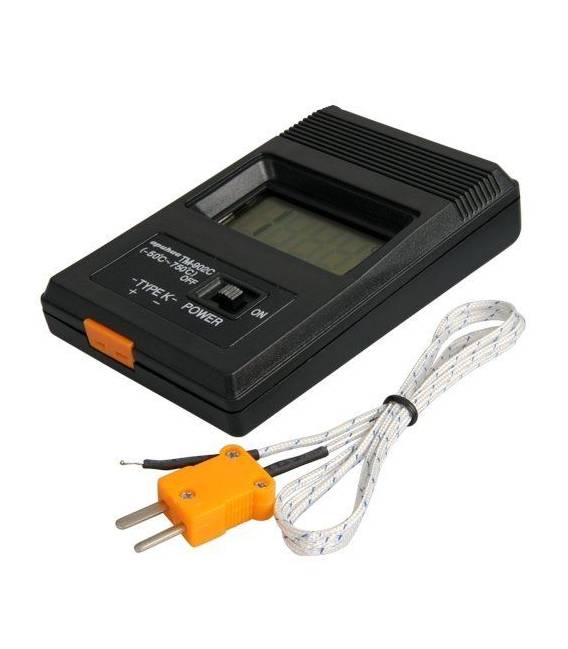
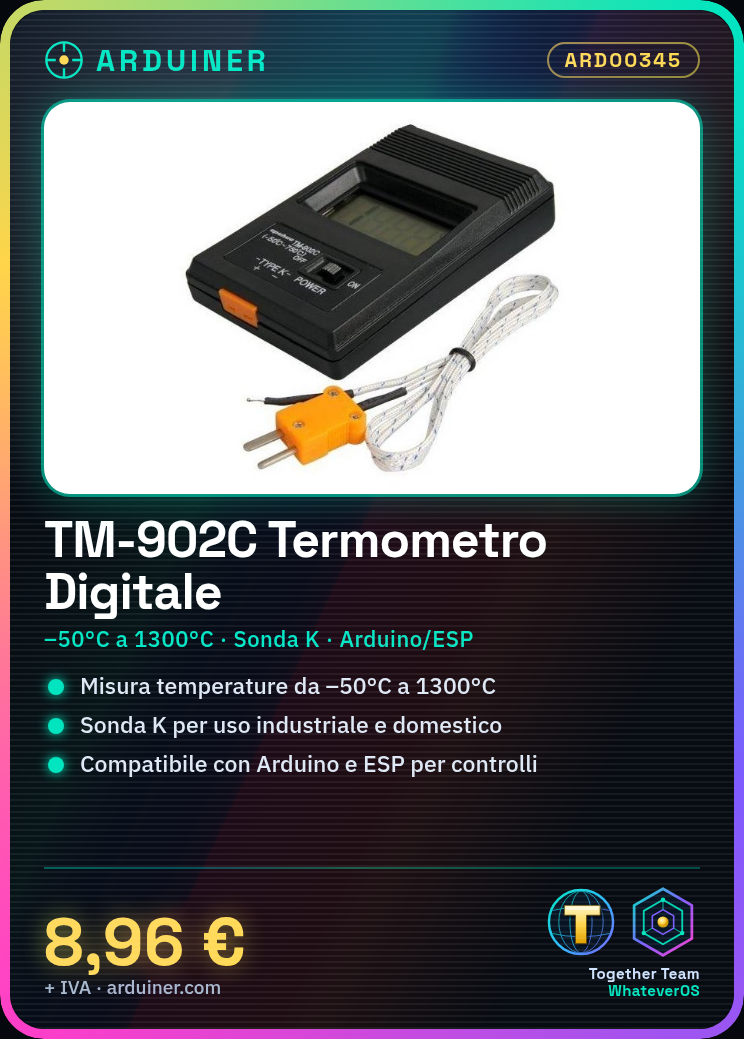
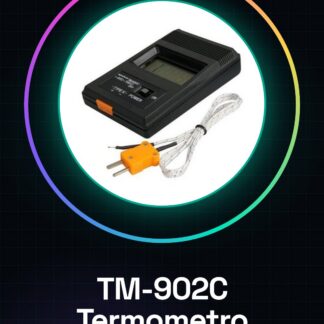
The TM-902C is a digital thermometer with K-type probe designed to measure temperatures over a wide range, from -50°C to 1300°C. This tool is suitable for both industrial applications and domestic or laboratory use.
Features
- Measures temperatures from -50°C to 1300°C with K-type probe
What it is for
Ideal for monitoring temperatures in applications such as food processing, industry, and scientific experiments. It can also be used to integrate with Arduino or ESP-based control systems.
Tutorial: How to Use TM-902C Digital Thermometer
The digital thermometer TM-902C with K-type probe is ideal for measuring temperatures over a wide range from -50°C to 1300°C. This tool is perfect for electronics enthusiasts, food manufacturers, or anyone who needs to monitor temperatures with precision.
What you need
- TM-902C Digital Thermometer
- K-type Probe
- Arduino (optional)
- Jumper Connections
Steps
- Check that the TM-902C and the K probe do not have any external damage.
- Connect the K probe to the thermometer following the instructions in the datasheet (check the datasheet).
- If using with Arduino, connect the thermometer pins to the Arduino digital pins using jumper connections.
- Download and upload the example sketch provided to read the temperature from the TM-902C.
- Check the readings on the Arduino serial monitor (or the TM-902C screen).
- If necessary, adjust the thermometer according to the instructions in the datasheet (check the datasheet).
Example code
// Esempio di codice per leggere la temperatura dal TM-902C con Arduino
// Includi le librerie necessarie
#include <OneWire.h>
#include <DallasTemperature.h>

#define ONE_WIRE_BUS 2 // Definisci il pin collegato al termometro
OneWire oneWire(ONE_WIRE_BUS);
DallasTemperature sensors(&oneWire);

void setup(void) {
  Serial.begin(9600); // Inizializza la comunicazione seriale
}

void loop(void) {
  sensors.requestTemperatures(); // Richiedi misurazioni di temperatura
  float temperature = sensors.getTempCByIndex(0); // Ottieni la temperatura in °C
  Serial.print("Temperature: ");
  Serial.println(temperature);
}
Mini project
Create a temperature monitoring system for your bakery oven. Connect the TM-902C to the oven and send data to your preferred platform.
Common mistakes
- Do not connect the K probe correctly
- Use a voltage that is out of the device’s limits (check the datasheet)
- Enter incorrect code to read temperature from Arduino
- Forget to calibrate the TM-902C according to the instructions
Recommended accessories
- Arduino Uno R3
- High precision K-type thermocouple probe
- Jumper connections
- LCD display for Arduino
Frequently asked questions
How do you calibrate the K probe?
Follow the TM-902C datasheet carefully (check the datasheet).
How precise is it?
Precision may vary, check the technical specifications in the datasheet.
Can it be used in humid environments?
Check the humidity resistance characteristics in the datasheet.
Reviews
There are no reviews yet.