 EN
 IT Italiano
 ES Español
 FR Français
 DE Deutsch
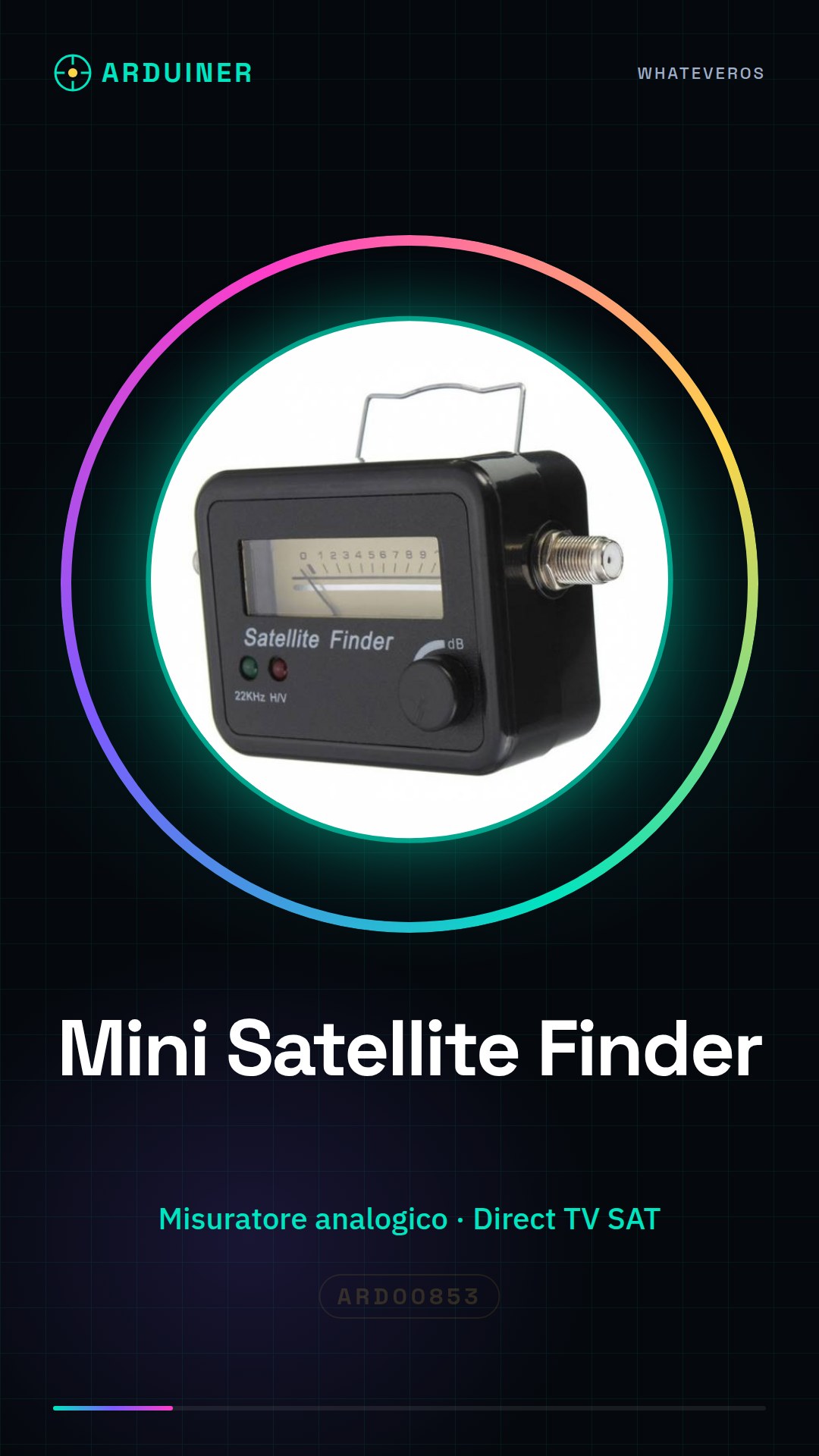
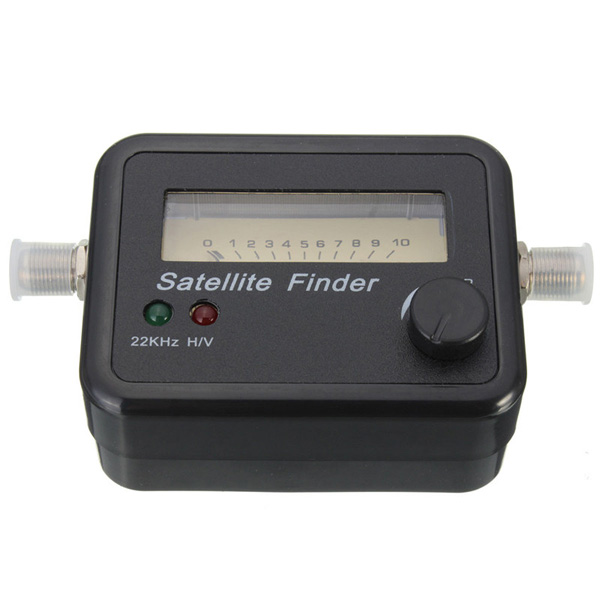
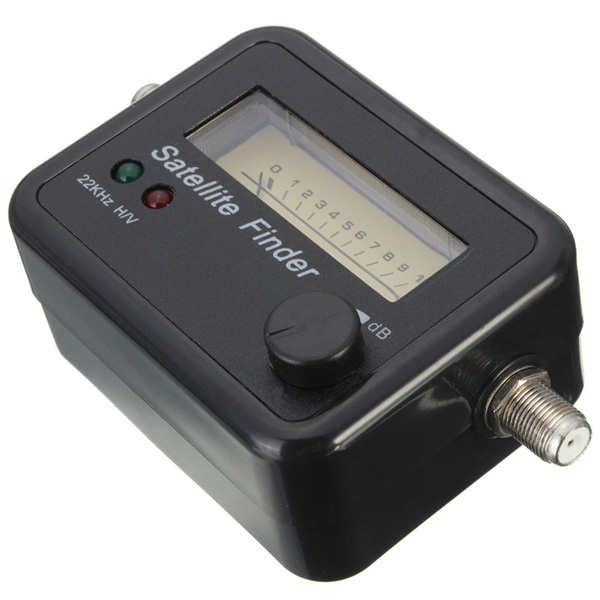
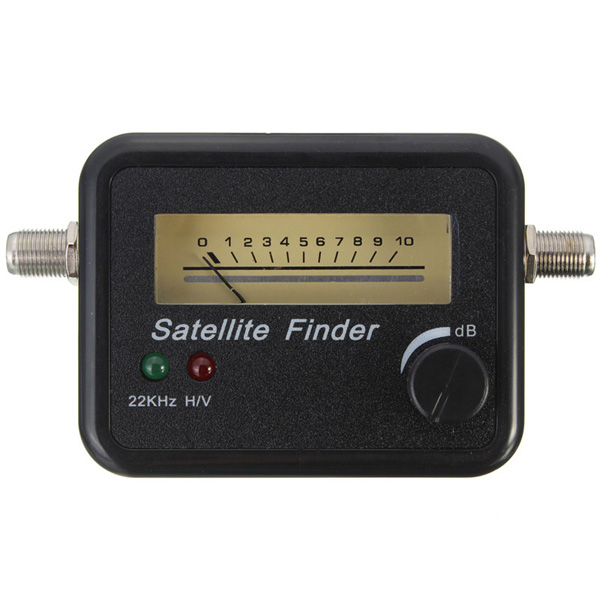
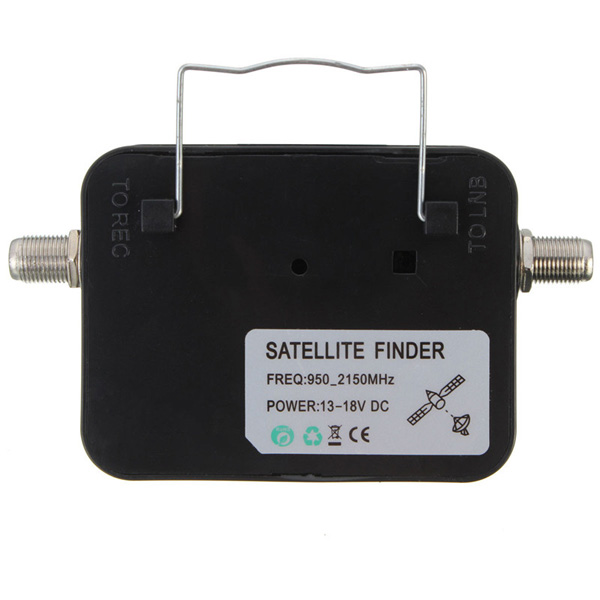
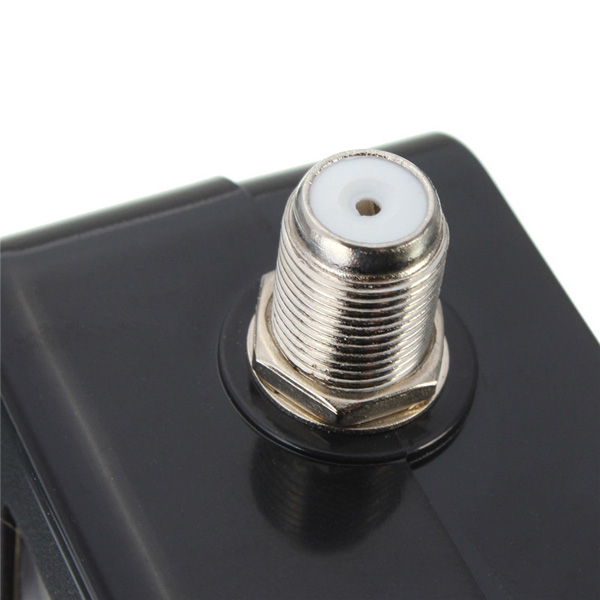
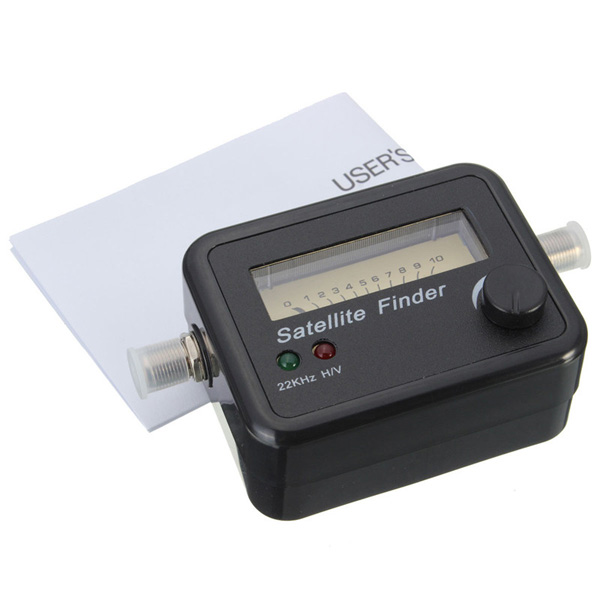
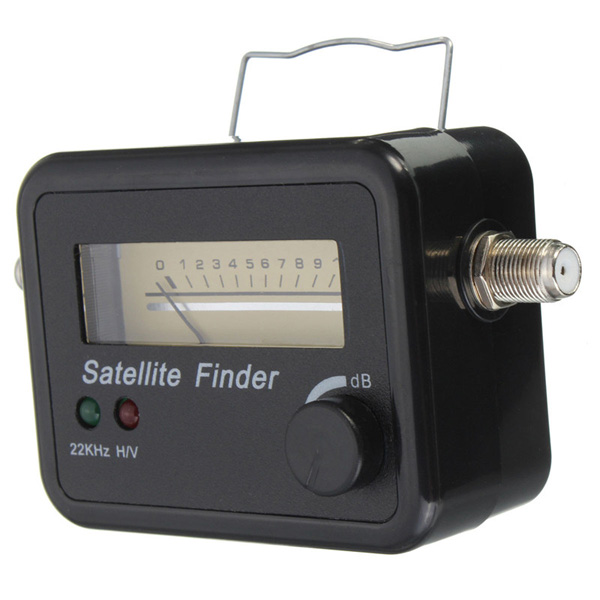
Description
What it is
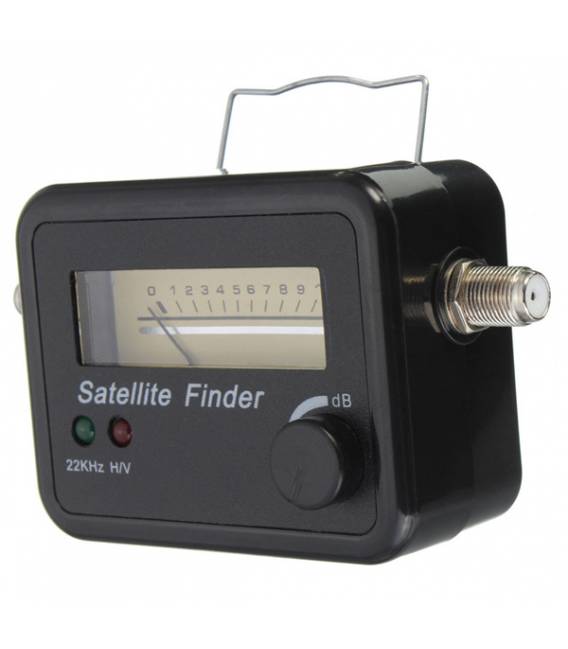
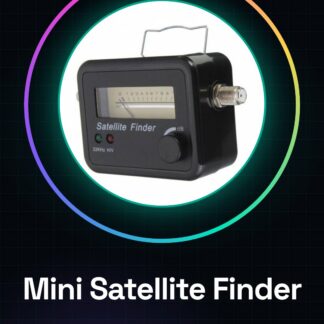
The Mini Satellite Finder is an analog signal meter designed to facilitate parabolic dish orientation and Direct TV SAT signal reception. This tool is ideal for both makers and professional installers.
Features
- Analog signal meter for parabolic dish orientation
- Compatible with Direct TV SAT systems
What it is for
The Mini Satellite Finder is used to optimize the orientation of the satellite parabolic dish to receive the strongest possible signal. It can be integrated with Arduino or other microcontrollers to automate and improve system configuration.
Tutorial: How to use Mini Satellite Finder
The Mini Satellite Finder is a practical tool for makers and satellite system installers who want to optimize the orientation of the parabola to receive the strongest possible signal from Direct TV. This guide will help you configure and use the device in just a few minutes.
What you need
- Mini Satellite Finder
- Arduino Uno or compatible
- USB cable
- Test antenna
Steps
- Connect the Mini Satellite Finder to the analog interface of the Arduino.
- Download and upload the provided Arduino sketch.
- Configure the device ID in the code if necessary (check the datasheet).
- Enter the access key to connect the module to the network (if applicable, check the datasheet).
- Position the test antenna to receive an analog signal.
- Run the uploaded sketch on the Arduino and monitor the signal values from the Serial Monitor.
- Optimize the position of the parabola to maximize the received signal (highest value on the display).
- Check the orientation is correct by monitoring the signal stability over various periods of time.
Example code
void setup() {
  Serial.begin(9600);
}

void loop() {
  int val = analogRead(A0); // leggi il valore dal pin A0
  Serial.println(val);
}
Mini project
Optimize the orientation of a satellite dish in less than an hour using the Mini Satellite Finder and an Arduino.
Common mistakes
- Do not properly connect the device to the Arduino.
- Ignore the device ID configuration (if necessary).
- Do not correctly position the test antenna to receive the analog signal.
Recommended accessories
- Test Antenna
- USB Cable
- Arduino Uno R3
- LCD Display
Frequently asked questions
How do you configure the device ID?
Follow the instructions in the datasheet to properly configure the device ID.
What is the maximum range of the signal that can be measured?
Check the device specification on the datasheet to obtain the precise value.
Reviews
There are no reviews yet.