 EN
 IT Italiano
 ES Español
 FR Français
 DE Deutsch
Description
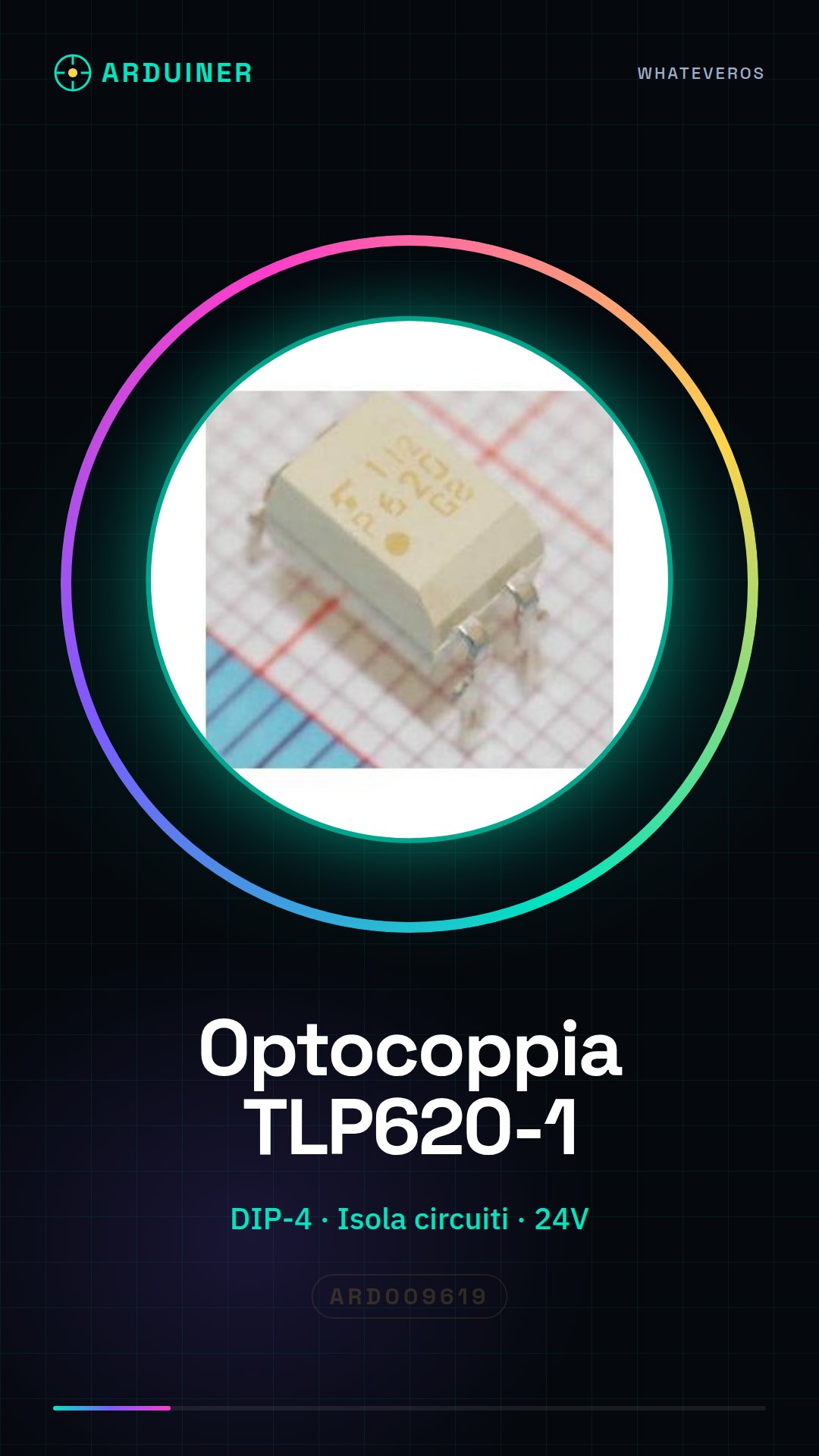
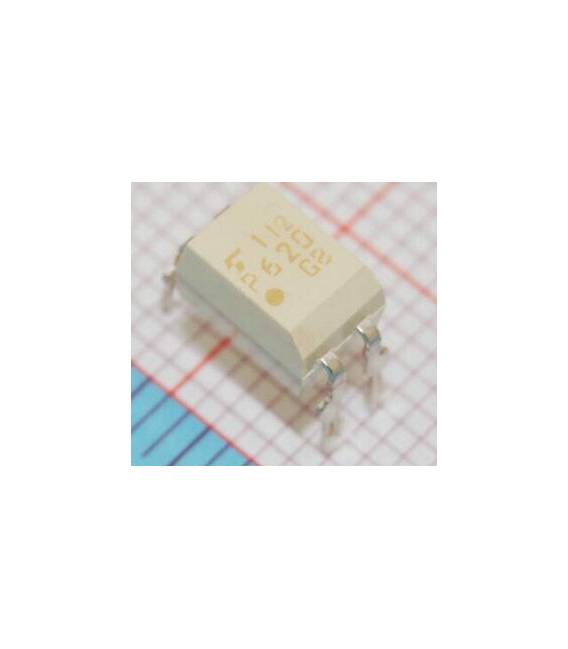
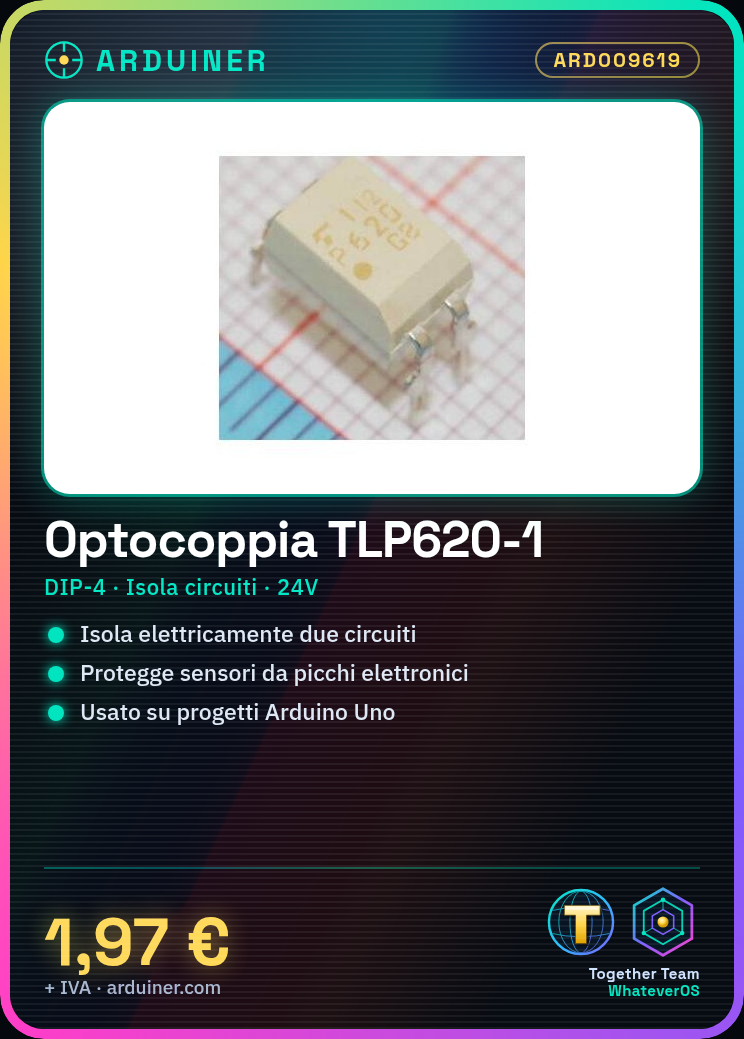
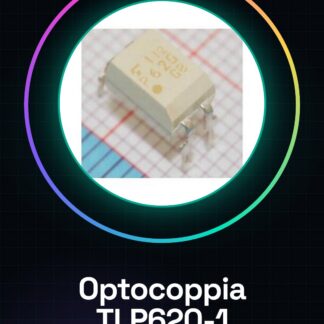
TLP620-1 DIP-4
Tutorial: How to Use TLP620-1 DIP-4
The TLP620-1 is an optocoupler that allows for electrical isolation between two circuits, ideal for protecting sensitive devices from electrical spikes. This component is particularly useful for beginner makers working on Arduino projects.
What you need
- Arduino Uno
- USB cable
- prototyping board
Steps
- Step 1: Connect the TLP620-1 optocoupler to the prototyping board. Verify the correct pin placement according to the documentation.
- Step 2: Connect the input pin of the TLP620-1 to a digital pin on the Arduino (for example, D3).
- Step 3: Connect the output pin to the external circuit that you want to isolate.
- Step 4: Write and upload an Arduino sketch to manage the input and output of the optocoupler.
Example code
void setup() {
  pinMode(3, OUTPUT);
}

void loop() {
  digitalWrite(3, HIGH); // Accende il LED collegato all'uscita del TLP620-1
  delay(1000);
  digitalWrite(3, LOW); // Spegne il LED
  delay(1000);
}
Mini project
Create a home alarm system with electronic isolation between the sensor side (connected to the network) and the output side (activated by a relay).
Common mistakes
- Connect the optocoupler to the circuit incorrectly
- Ignore the datasheet for the exact specifications of the component
- Fail to properly isolate the two connected circuits
Recommended accessories
- 5V 12V relay
- PIR motion sensors
- Arduino Uno R3
Frequently asked questions
What is the operating voltage of the TLP620-1?
Check the datasheet.
Can I use the TLP620-1 to isolate 24V circuits?
Yes, but check the voltage and current specifications on the datasheet.
Reviews
There are no reviews yet.