 EN
 IT Italiano
 ES Español
 FR Français
 DE Deutsch
Description
What it is
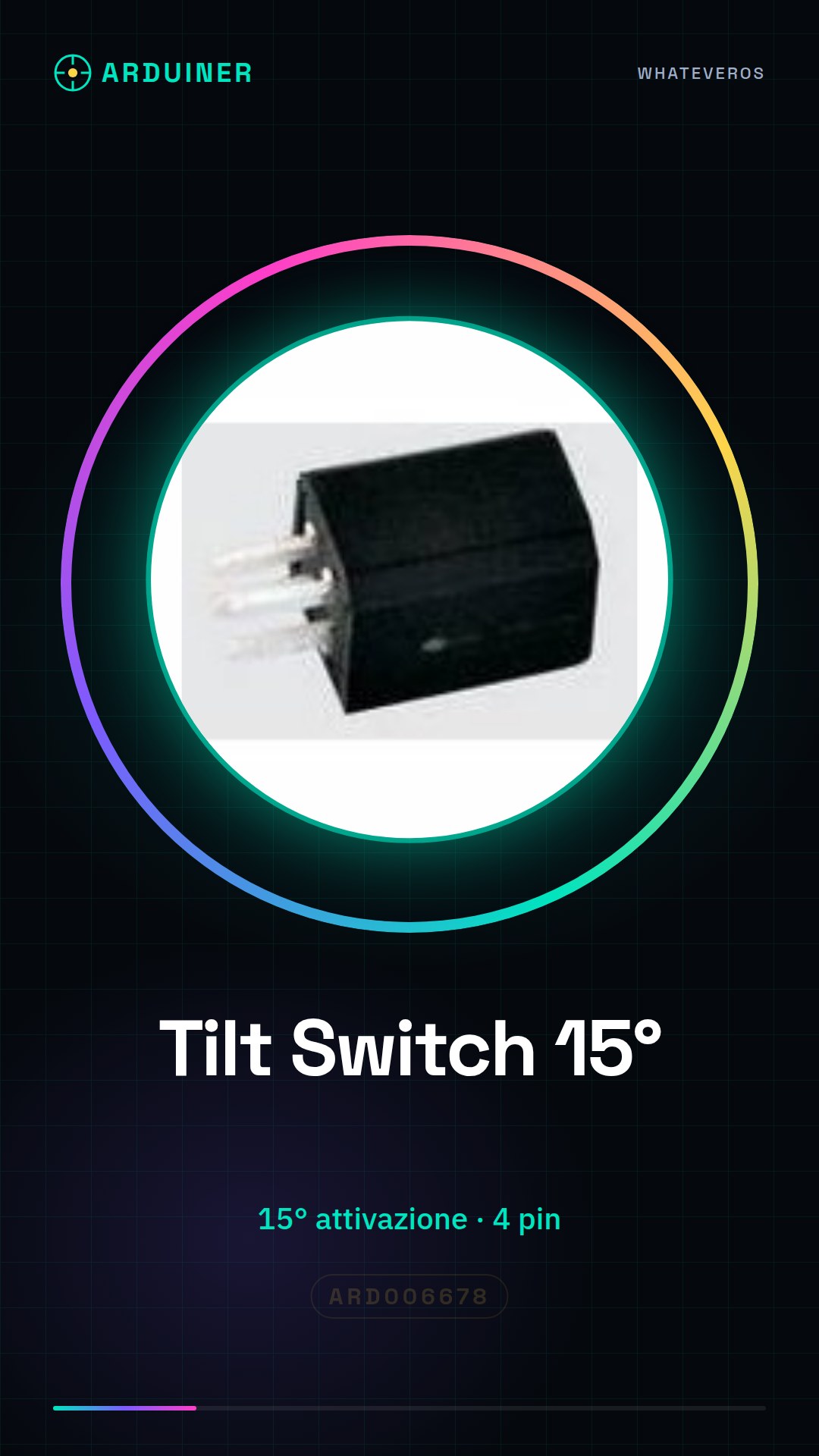
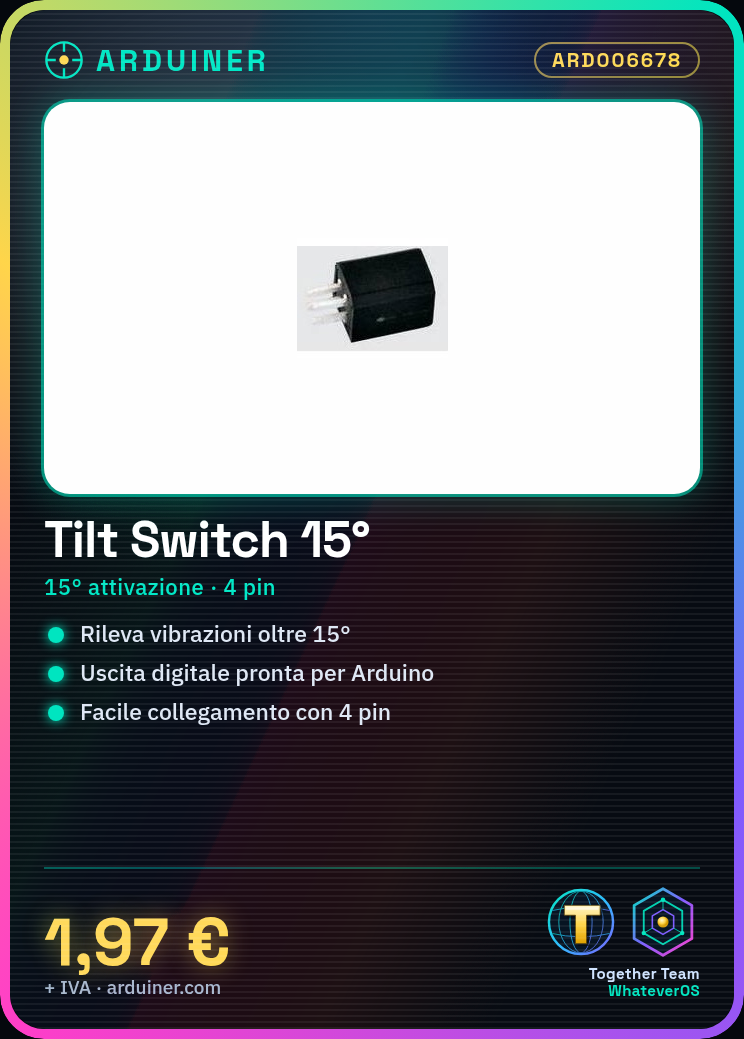
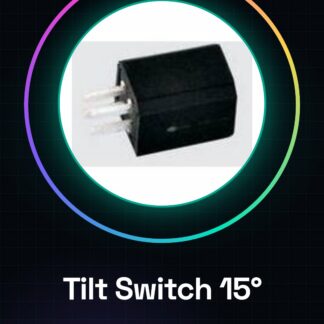
The Tilt Switch vibration detector SW-660C is an electronic device used to detect position changes due to movements or vibrations. This component activates when tilted beyond 15 degrees, providing a digital output that indicates the state of the sensor.
Features
- Activation tilt: 15°
- More than 4 pins (specify exactly the number and layout)
What it is for
Tilt Switches are useful for projects that require the identification of movements or vibrations, such as intrusion alarms, position control devices, or vibration sensors. Compatible with Arduino and other microcontrollers.
Tutorial: How to use Tilt Switch
The Tilt Switch SW-660C 15 degrees is ideal for detecting vibrations and position changes. Useful for vibration sensor or position control projects.
What you need
- Tilt Switch SW-660C 15 degrees
- Arduino
- Power supply cable (5V)
- 1 kΩ resistor
Steps
- 1. Connect the Tilt Switch to the Arduino: VCC to 5V, GND to GND, OUT to pin A0.
- 2. Connect a resistor between VCC and OUT.
- 3. Upload the code to the Arduino.
- 4. Try moving the Tilt Switch. Pin A0 should change value.
- 5. Check the datasheet for the output voltage.
- 6. Add a decoupling capacitor between VCC and GND.
- 7. Try reversing the VCC and GND connectors to check the direction.
- 8. Check the sensitivity of the Tilt Switch.
Example code
```
int sensorPin = A0;
int value = 0;

void setup() {
  Serial.begin(9600);
}

void loop() {
  value = analogRead(sensorPin);
  Serial.println(value);
}
```
Mini project
Create a simple vibration alarm. Connect the Tilt Switch to a digital pin and a relay. When the Tilt Switch vibrates, the relay turns on a light.
Common mistakes
- Forget to connect the resistor.
- Connect VCC and GND backwards.
- Do not check the sensitivity.
- Do not use a decoupling capacitor.
Recommended accessories
- Relay
- LED Light
- Decoupling Capacitor
Frequently asked questions
Does the Tilt Switch work with batteries?
Yes, check the datasheet for the operating voltage.
Which pins to use for the Tilt Switch?
Use the pins VCC, GND and OUT. Pin A0 for analog read.
Does the Tilt Switch work with an Arduino Uno?
Yes, the Tilt Switch is compatible with Arduino Uno.
How can I calibrate the Tilt Switch?
Check the datasheet for calibration.

Reviews
There are no reviews yet.