 EN
 IT Italiano
 ES Español
 FR Français
 DE Deutsch
Description
What it is
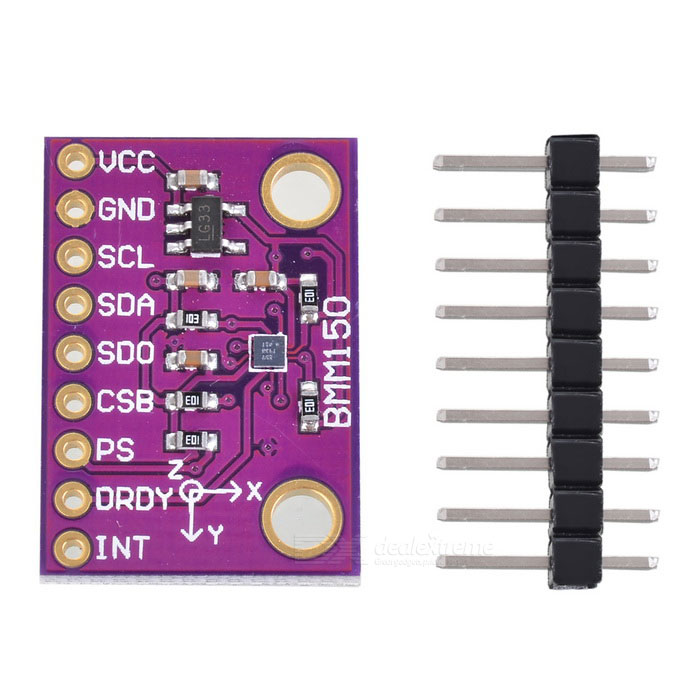
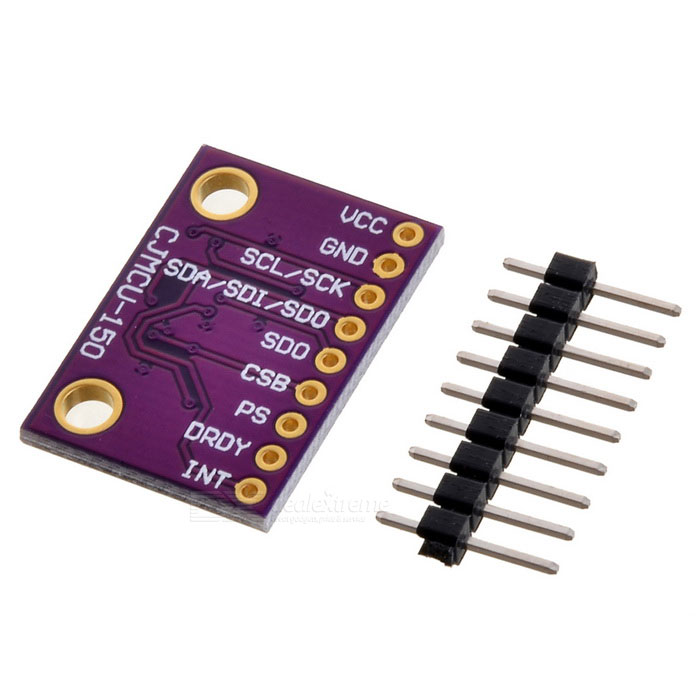
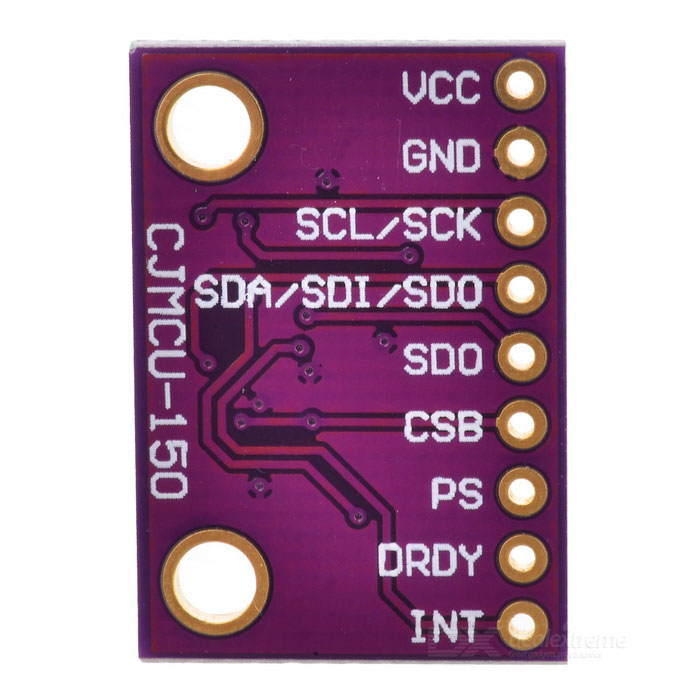
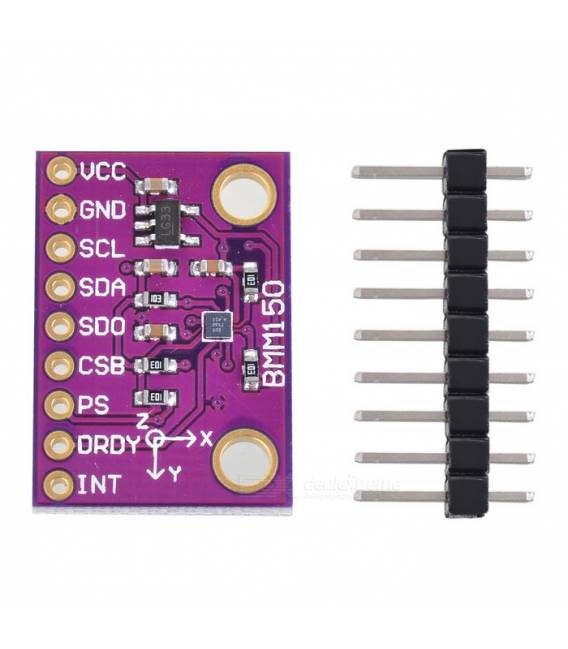
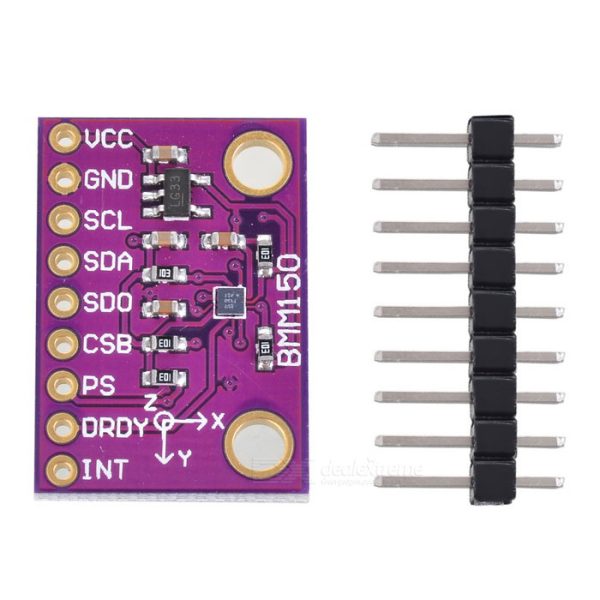
The CJMCU-150 BMM150 Magnetometer is a geomagnetic sensor that measures the intensity of the Earth’s magnetic field. It can be used to determine direction (north, south, east, west) and for orientation and navigation applications.
Features
- Geomagnetic Sensor BMM150
- I2C Protocol
- Power Supply: 3.3V
- SKU: ARD009105
- Price: 11.31 €
What it is for
The CJMCU-150 BMM150 Magnetometer is ideal for electronics, Arduino, and drone projects that require precise orientation. It can be used to create digital compasses, navigation systems, robots that follow a predefined path, and other motion control projects. It is compatible with Arduino and similar platforms.
Tutorial: How to Use CJMCU-150 BMM150
The CJMCU-150 BMM150 Magnetometer is ideal for orientation and navigation applications. Useful for beginners and intermediate makers.
What you need
- Arduino Uno or Compatible
- Power Supply Cable
- Design Desk
- Arduino IDE Software
Steps
- 1. Mount the CJMCU-150 BMM150 on a protoboard.
- 2. Connect VCC to the 3.3V or 5V of the Arduino.
- 3. Connect GND to the GND pin of the Arduino.
- 4. Connect SDA to pin A4 (SSD1306) or A5 (ILI9341) of the Arduino.
- 5. Connect SCL to pin A5 (SSD1306) or A4 (ILI9341) of the Arduino.
- 6. Load the provided Arduino code.
- 7. Check the datasheet for the temperature range and accuracy.
- 8. Test the magnetic orientation with a smartphone app.
Example code
```cpp
#include <Wire.h>
#include <BMM150.h>

BMM150 bmm;

void setup() {
  Wire.begin();
  if (bmm.init() == 0) {
    Serial.begin(9600);
    bmm.setContinuousMode();
    bmm.getHeading();
    while (1) {
      bmm.getHeading();
      Serial.print("Heading: ");
      Serial.println(bmm.heading);
      delay(1000);
    }
  }
}

void loop() {}
```
Mini project
Create a digital compass that indicates direction with an LED.
Common mistakes
- Connect SDA and SCL in reverse.
- Omit I2C bus configuration.
- Forget to check the datasheet.
- Use an incompatible Arduino.
Recommended accessories
- LED
- 220Ω resistor
- OLED SSD1306 Display
- 5V power cable
Frequently asked questions
How can I verify the magnetic orientation?
Use a smartphone app like Compass.
What are the temperature limits?
Check the datasheet for the temperature range.
Does the CJMCU-150 BMM150 work with Arduino Uno?
Yes, it works with Arduino Uno or compatible.
Reviews
There are no reviews yet.