 EN
 IT Italiano
 ES Español
 FR Français
 DE Deutsch
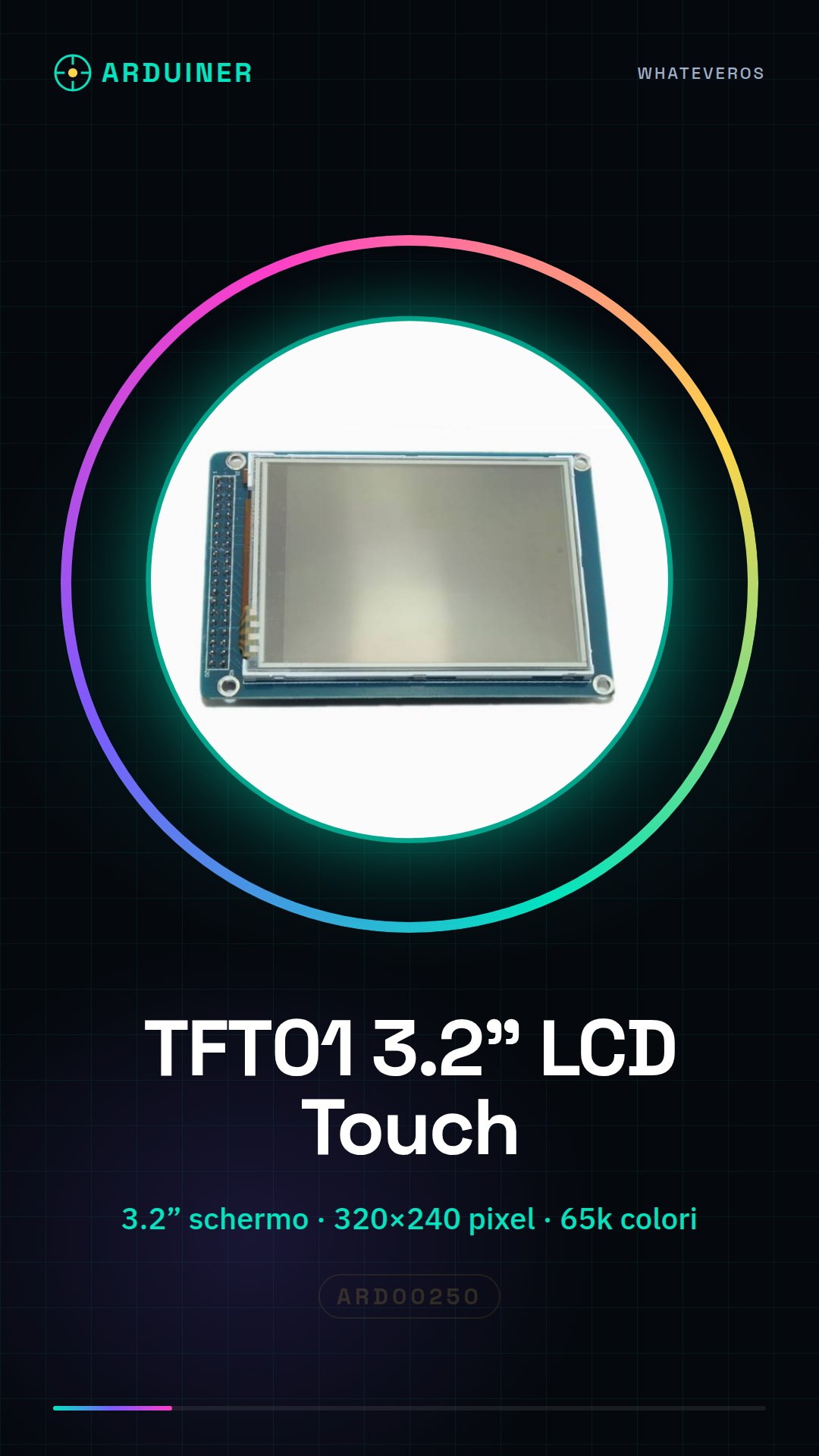
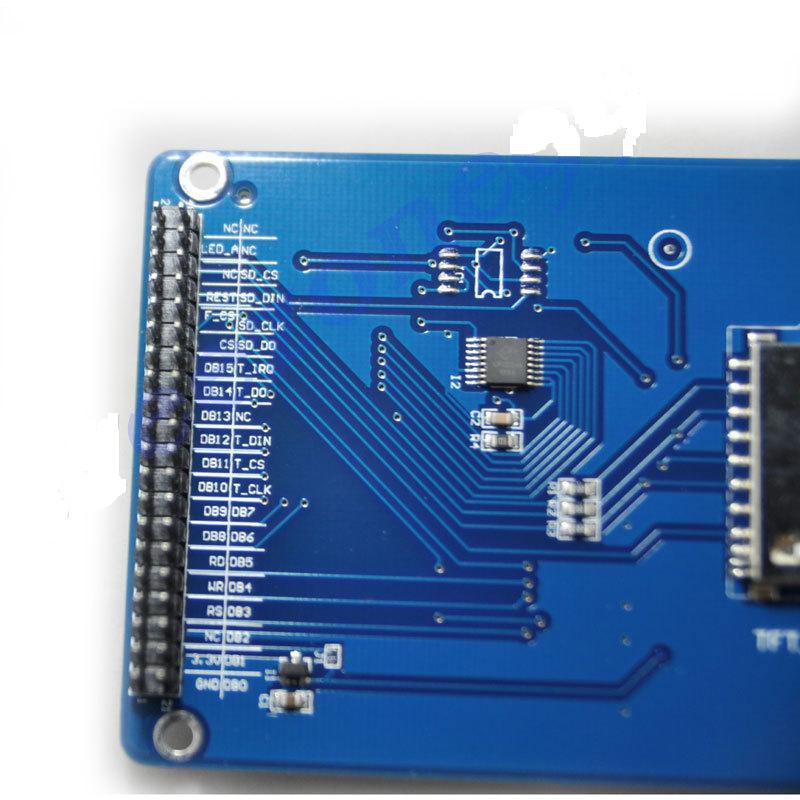
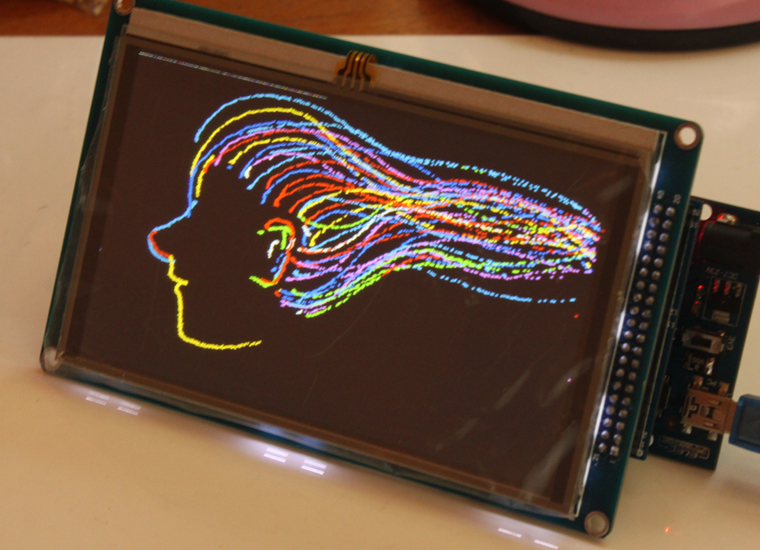
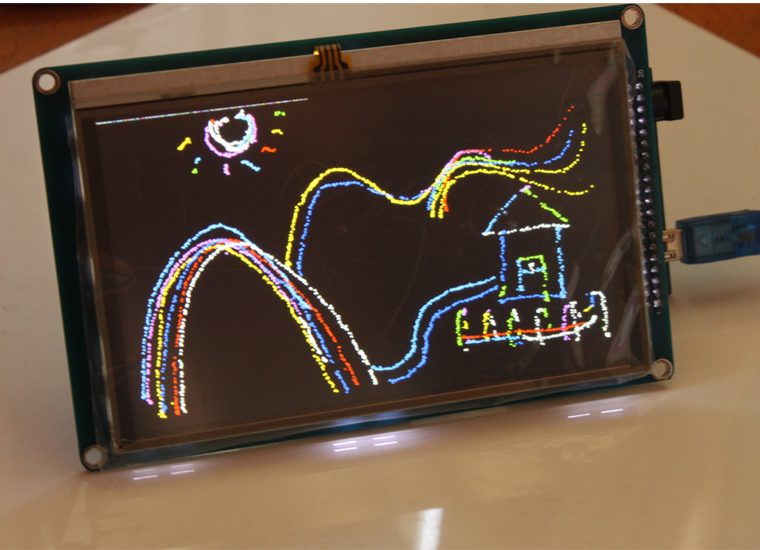
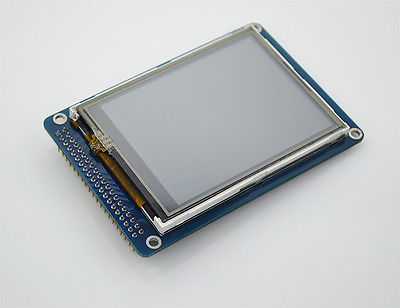
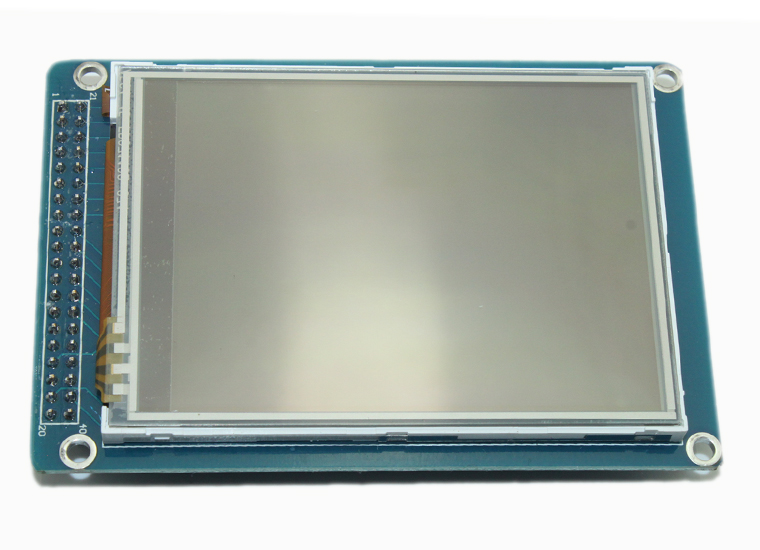
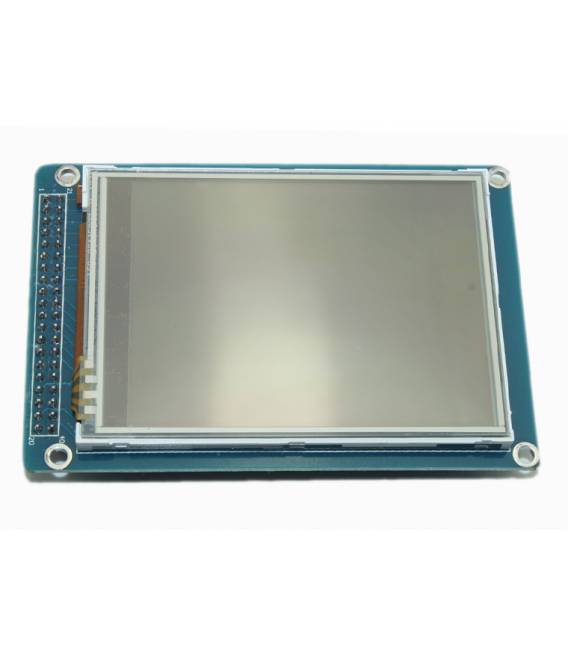
Description
What it is
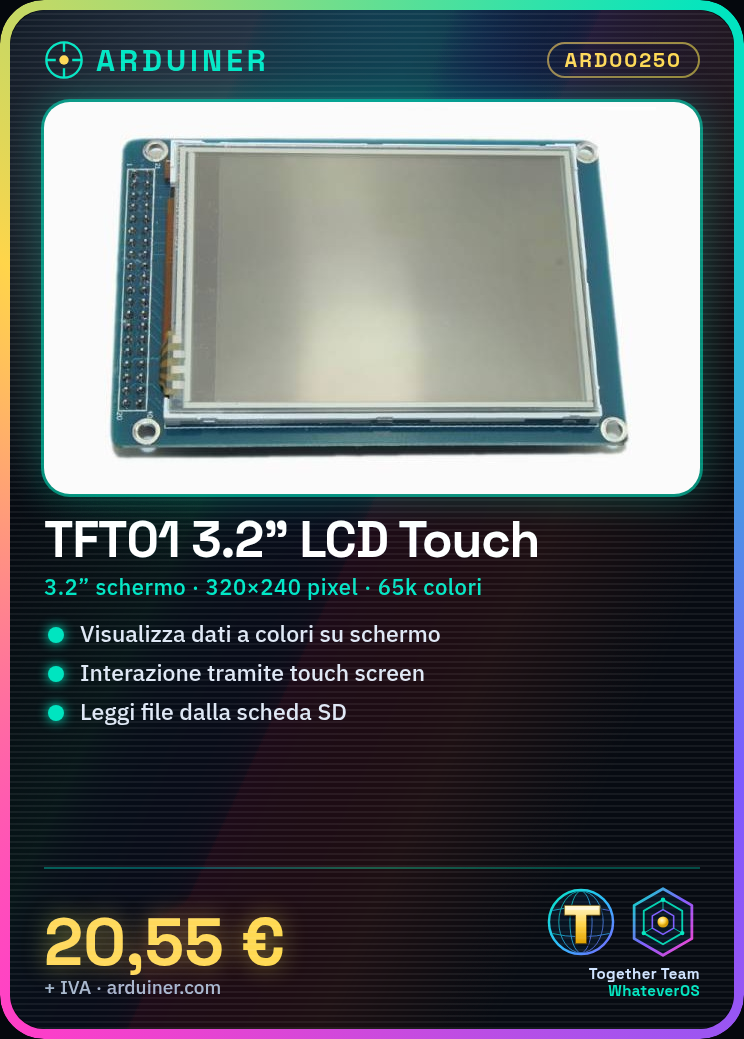
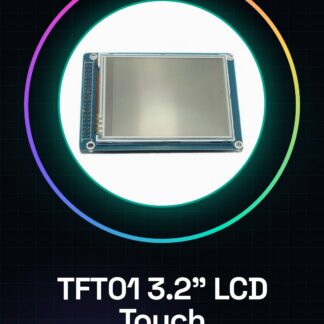
The TFT01 module is a small touch screen display with a 3.2” screen that supports up to 65k colors and offers a resolution of 320×240 pixels. Included is also support for reading data from SD cards.
Features
- 3.2” Touch TFT Screen with 320×240 resolution
- Supports up to 65k colors
- Includes SD card slot
What it is for
This LCD module is ideal for projects requiring graphical display and user interaction, such as creating simple temperature displays with DHT11 sensors. It is suitable for both beginners and experts and offers easy integration into various types of Arduino-based projects.
Tutorial: How to use TFT01 3.2” LCD Touch Screen Module
The TFT01 3.2” LCD Touch Screen Module is ideal for projects requiring graphical display and user interaction. Useful for beginners and intermediates, it offers easy integration into various types of projects.
What you need
- Arduino or compatible
- Pull-up resistor (10kΩ)
- Power cable
- I2C or SPI cable
Steps
- 1. Assemble the module on the breadboard or PCB.
- 2. Connect the pull-up resistor between VCC and the touch screen’s ground (GND) pin.
- 3. Connect VCC of the touch screen to 3.3V or 5V of the Arduino.
- 4. Connect GND of the touch screen to the ground of the Arduino.
- 5. Connect SDA of the touch screen to the Arduino’s SDA pin.
- 6. Connect SCL of the touch screen to the Arduino’s SCL pin.
- 7. Connect the TCS3370 CS pin to the Arduino’s ground pin (optional, if I2C is not used).
- 8. Load the example code onto the Arduino.
Example code
```
#include <Adafruit_TFTLCD.h>

Adafruit_TFTLCD tft = Adafruit_TFTLCD(320, 240, 65536);

void setup() {
  tft.begin();
}

void loop() {
  tft.fillScreen(TFT_BLACK);
  tft.setCursor(0, 0);
  tft.print("TFT01 3.2"');
}
```
Mini project
Create a simple temperature display with a DHT11 sensor and display the data on TFT01.
Common mistakes
- Forget to connect the pull-up resistor.
- Power the touch screen with a voltage different from 3.3V or 5V.
- Connect the SDA and SCL pins to the wrong pin.
- Omit the Arduino code configuration.
Recommended accessories
- DHT11 sensor
- Temperature Display
- Arduino Uno
- Breadboard
Frequently asked questions
Can I use this module with a microcontroller other than Arduino?
Yes, the module supports I2C and SPI, so it is compatible with various microcontrollers.
What is the difference between VCC and 3.3V?
VCC is the general power supply, while 3.3V is specifically for components that require this voltage.
Does the module support I2C or SPI connection?
Yes, the module supports both interfaces.
Reviews
There are no reviews yet.