 EN
 IT Italiano
 ES Español
 FR Français
 DE Deutsch
Description
What it is
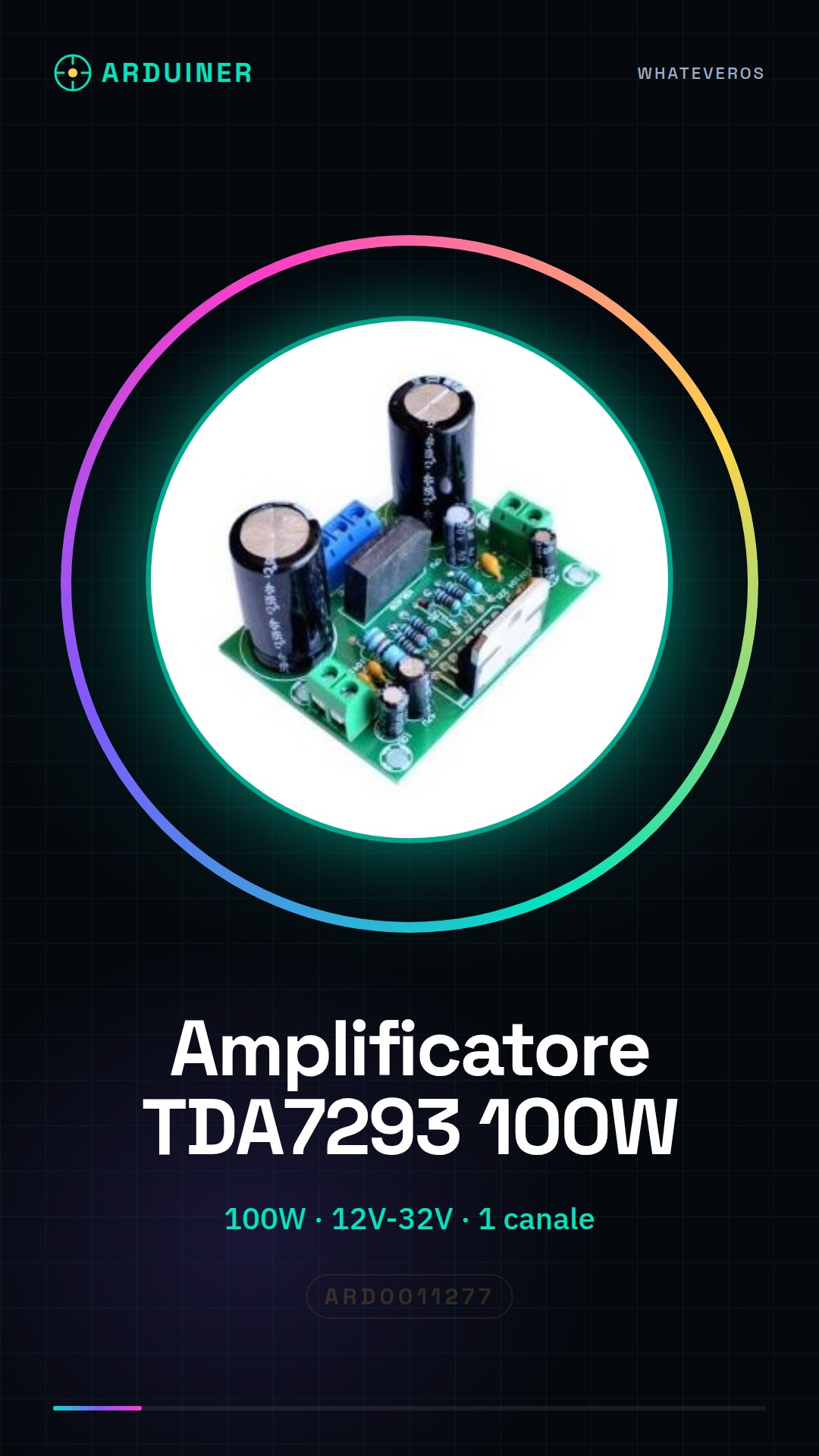
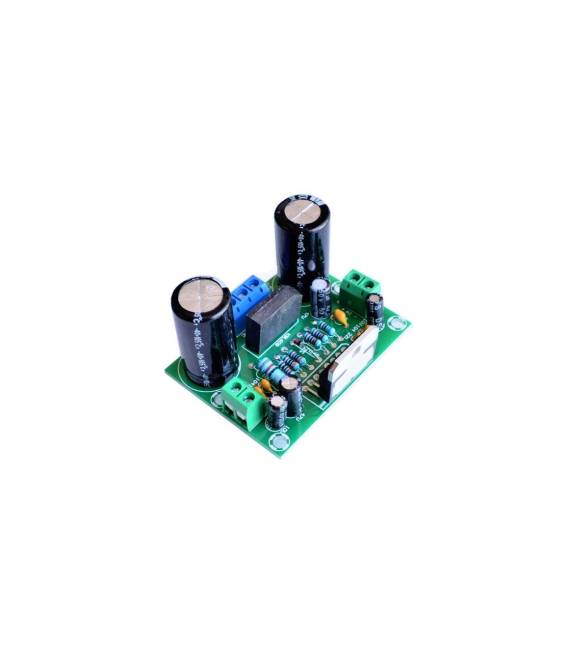
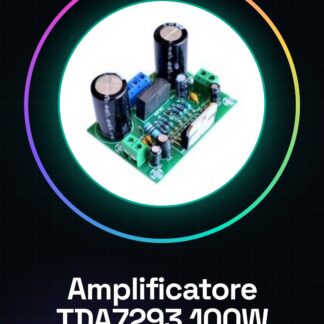
The TDA7293 audio amplifier module is an integrated circuit that provides audio signal amplification for a single channel. This module board is designed for DIY projects and offers high output power.
Features
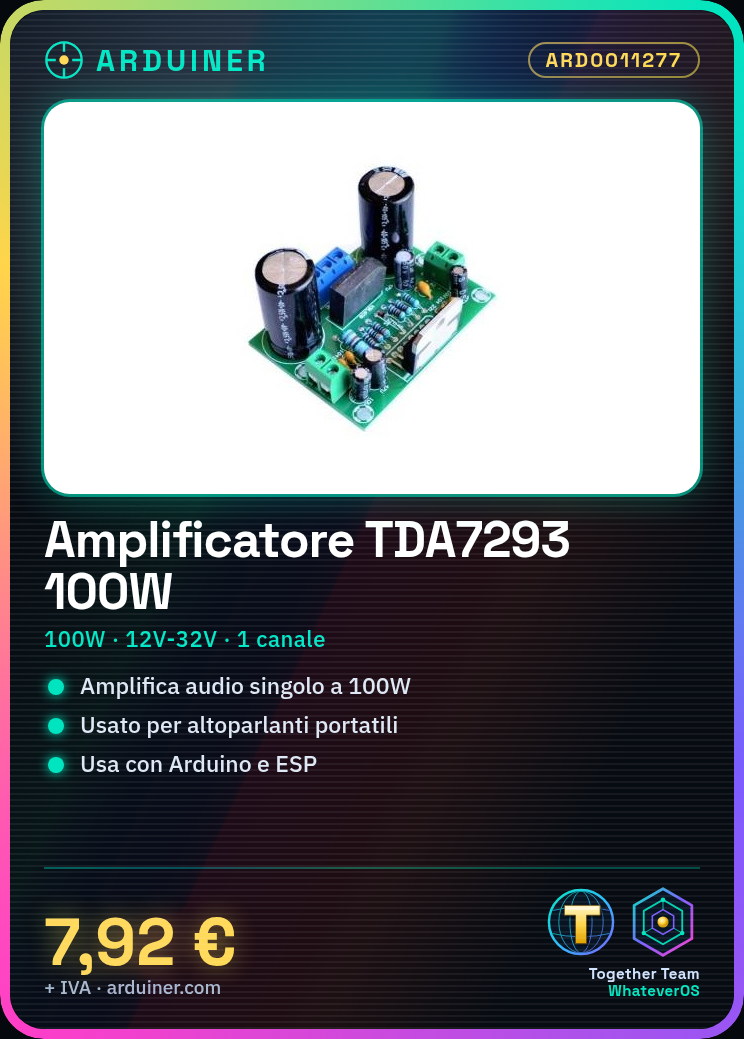
- TDA7293 single-channel audio amplifier
- Output power: 100W
- Power supply: 12V-32V
- SKU: ARD0011277
- Price: 7.92 €
- Category: Pre-order
What it is for
The TDA7293 audio amplifier module is ideal for DIY projects such as portable speakers, home cinema systems, or amplifiers for small audio setups. Its high power output also makes it suitable for applications with large speakers. It can be used with control boards like Arduino or ESP to create custom audio systems.
Tutorial: How to use TDA7293 Audio Amplifier
The TDA7293 audio amplifier module is ideal for DIY projects such as portable speakers or home theater systems. This tutorial will guide you through the installation and configuration of the module.
What you need
- Arduino Uno
- Breadboard
- Jumper Connections
- Speaker
- 12V-32V Power Supply
Steps
- Connect the TDA7293 module to the breadboard and ensure it is positioned correctly.
- Connect the power supply to the TDA7293 board. Check the power supply voltage (12V-32V) on the datasheet.
- Connect the audio pins of the module to the desired microphone or audio source.
- Connect the breadboard to the Arduino Uno using jumper connections for the necessary control signals.
- Check all connections and ensure there are no short circuits.
- Upload the Arduino sketch to the microcontroller.
- Test the amplifier with an audio signal. Adjust the volume to the desired level.
- If everything works correctly, proceed with the creation of your project.
Example code
void setup() {
pinMode(A0, OUTPUT);
}

void loop() {
analogWrite(A0, 128); // Imposta il volume a metà.
}
Mini project
Create a portable speaker with the TDA7293 module and Arduino. Connect the power supply to the board and mount it on a stable base to create a simple but powerful audio system.
Common mistakes
- Make sure the power supply voltage is within the correct range (12V-32V).
- Check all connections before uploading the Arduino sketch.
- Adjust the volume gradually to avoid damaging the amplifier or speaker.
Recommended accessories
- Speakers 8 Ohm
- Power Supply 12V-32V
- RCA Audio Cables
- Resistors and Capacitors
Frequently asked questions
How can I adjust the volume?
You can use a potentiometer to control the input signal to the TDA7293 module.
My amplifier is making noise, what should I do?
Check the connections and make sure there are no interruptions in the audio chain.



Reviews
There are no reviews yet.