 EN
 IT Italiano
 ES Español
 FR Français
 DE Deutsch
Description
What it is
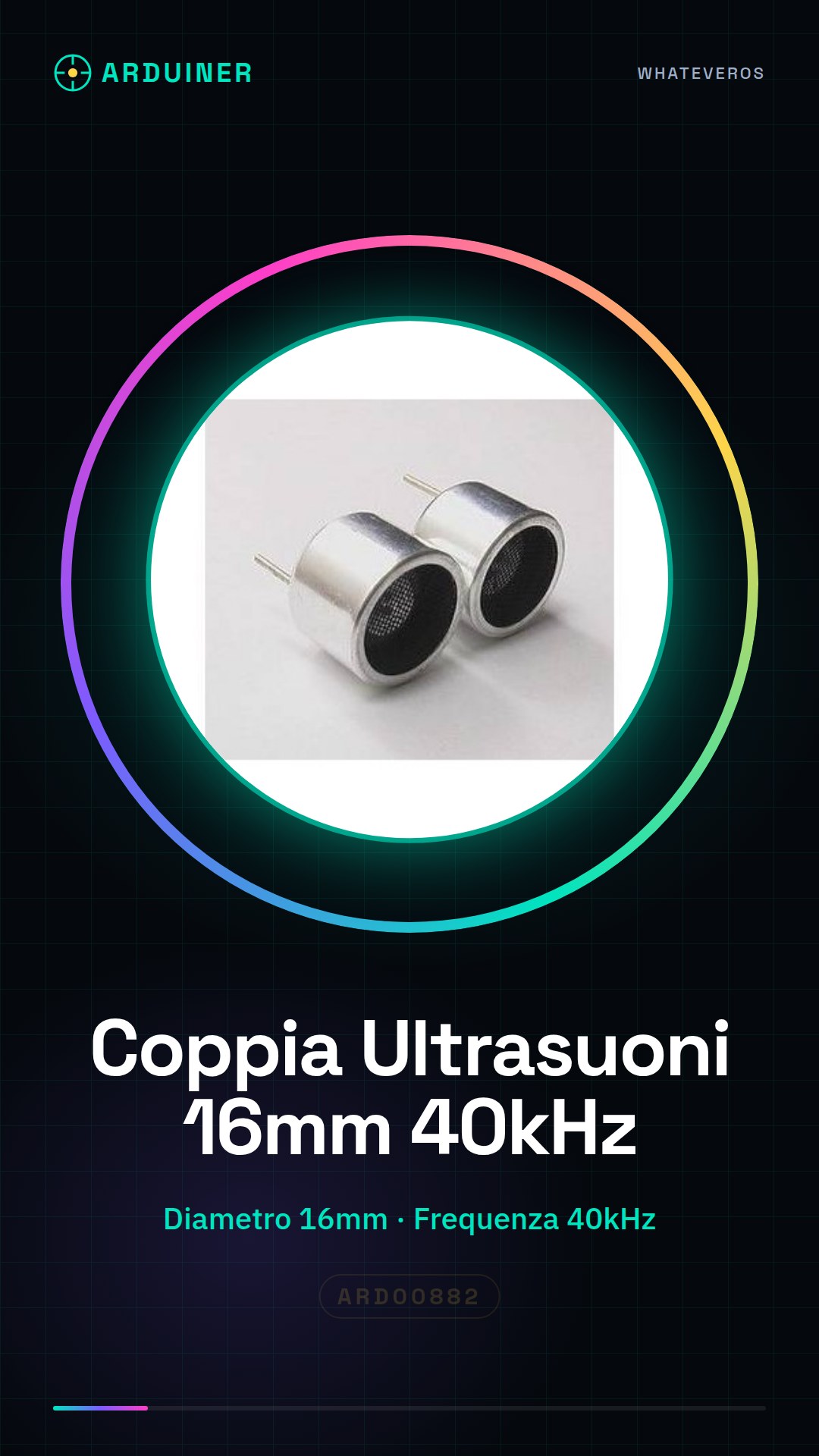
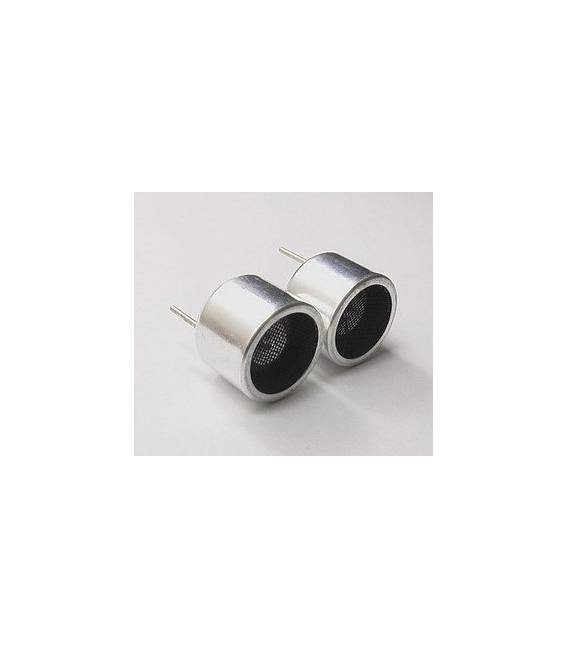
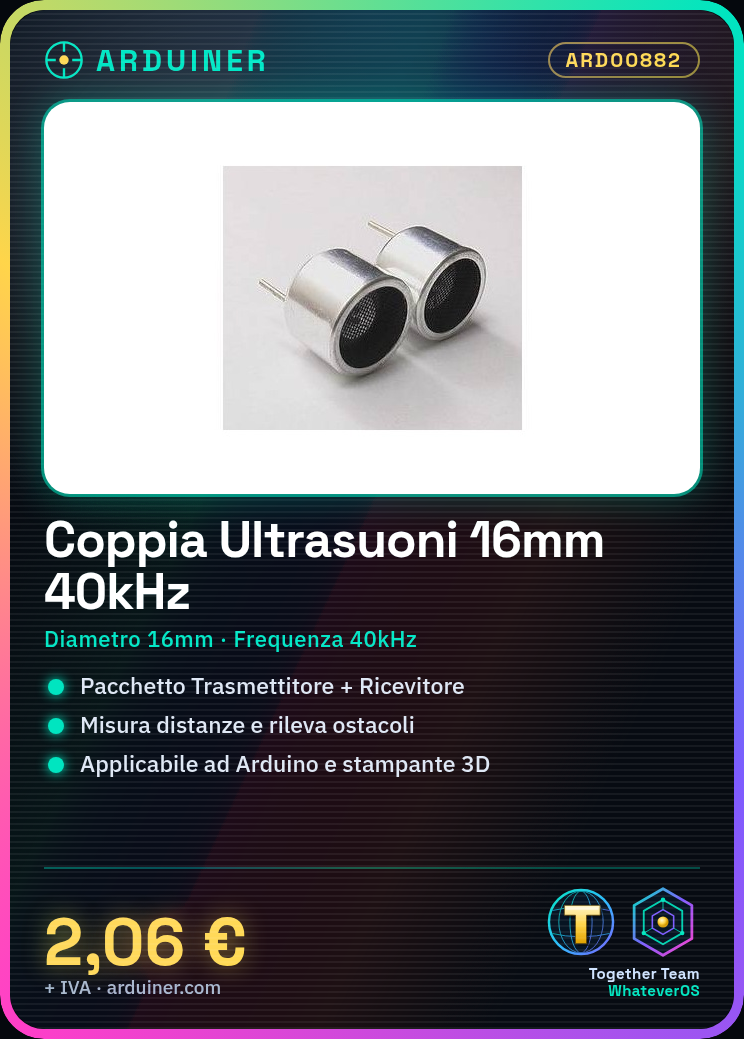
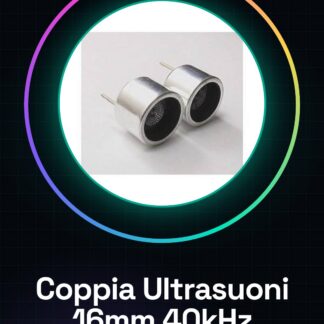
The TCT40-16R Ultrasonic Transceiver Pair is a device consisting of a transmitter and receiver with a diameter of 16mm and a frequency of 40kHz, ideal for measuring distances and detecting obstacles in various Arduino or 3D printing projects.
Features
- Diameter: 16mm
- Frequency: 40kHz
- Usable for distance measurement and obstacle detection
What it is for
The TCT40-16R sensors are useful for projects that require determining the distance from an object, such as parking warning systems or obstacle detection. For example, you can set the sensor to 10 cm and connect it to an LED on Arduino; when the object gets closer than 10 cm, the LED lights up.
Tutorial: How to use TCT40-16R
The TCT40-16R is a pair of ultrasonic transceivers ideal for measuring distances or detecting obstacles. Useful for Arduino and beginner maker projects.
What you need
- TCT40-16R (1 pair)
- Arduino
- 1 kΩ resistor
- Connection cable
Steps
- 1. Prepare the pair of TCT40-16R.
- 2. Connect the Transmitter (T) to pin 9 of Arduino.
- 3. Connect the Receiver (R) to pin 10 of Arduino.
- 4. Attach the 1 kΩ resistor between the GND pin and T.
- 5. Load the code onto Arduino.
- 6. Check the datasheet for the specifications of the TCT40-16R.
- 7. Test the system with an object at short range.
- 8. Adjust the measurement distance.
Example code
```
void setup() {
  pinMode(9, OUTPUT);
  pinMode(10, INPUT);
}

void loop() {
  digitalWrite(9, HIGH);
  delayMicroseconds(10);
  digitalWrite(9, LOW);
  duration = pulseIn(10, HIGH);
  distance = duration / 58;
  Serial.println(distance);
}
```
Mini project
Build a parking alert system. Set the TCT40-16R to 10 cm and connect an LED to pin 13 of Arduino. When the object comes within 10 cm, the LED lights up.
Common mistakes
- Forget to connect the resistor (1 kΩ) to the Transmitter (T) pin.
- Use incorrect pin numbers on Arduino.
- Forget to upload the code to Arduino.
- Do not calibrate the distance properly.
Recommended accessories
- LED
- Arduino Shield
- USB Cable
- Test Lead
Frequently asked questions
How to calibrate the system?
Check the datasheet for the speed of sound and adjust the formula.
Which pins to use on Arduino?
Use pin 9 for Transmitter and pin 10 for Receiver.
What are the measurement limits?
Check the datasheet for maximum measurement specifications.
Can I use TCT40-16R with other microcontrollers?
Check compatibility on the datasheet.
Reviews
There are no reviews yet.