 EN
 IT Italiano
 ES Español
 FR Français
 DE Deutsch
Description
What it is
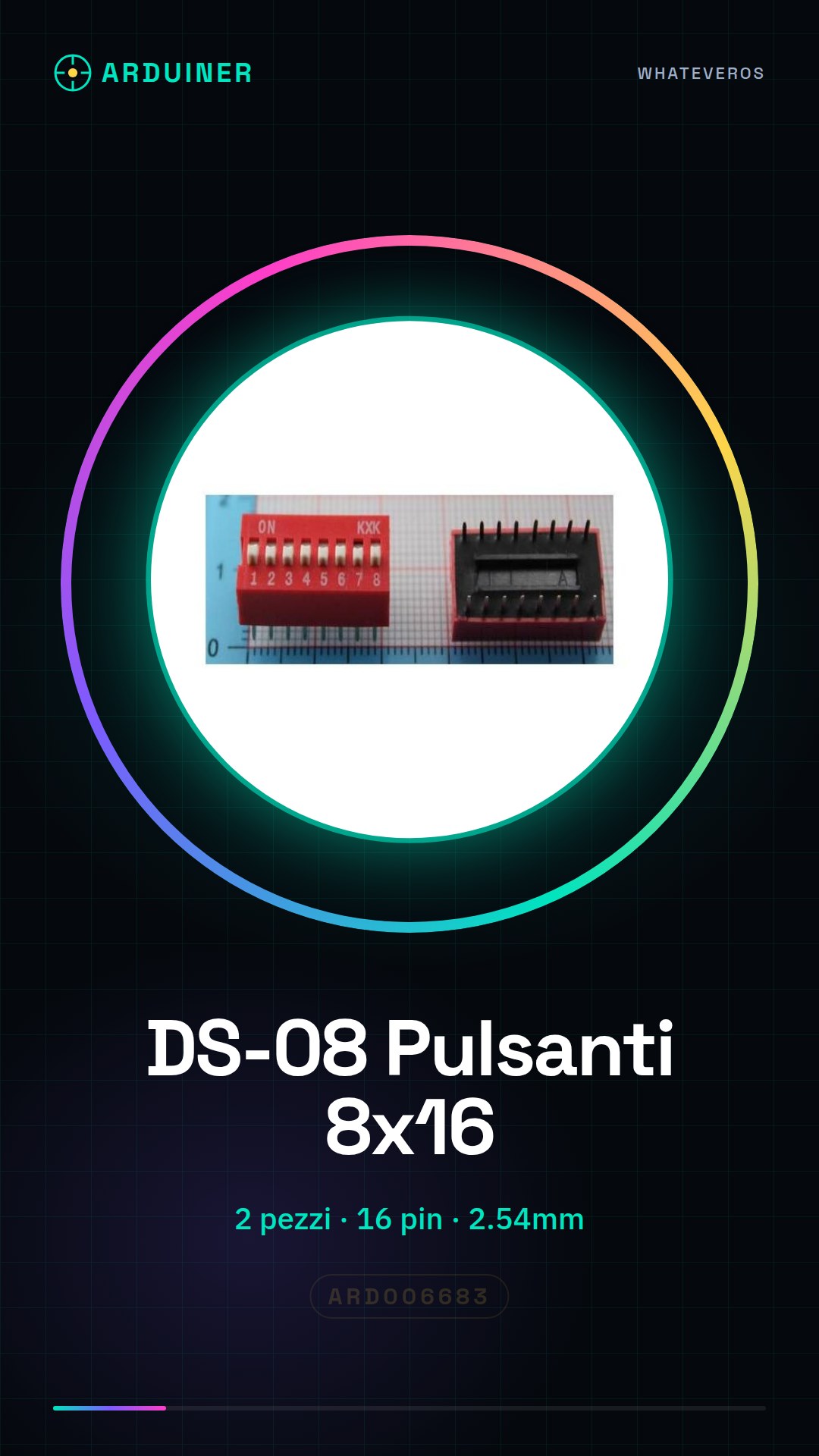
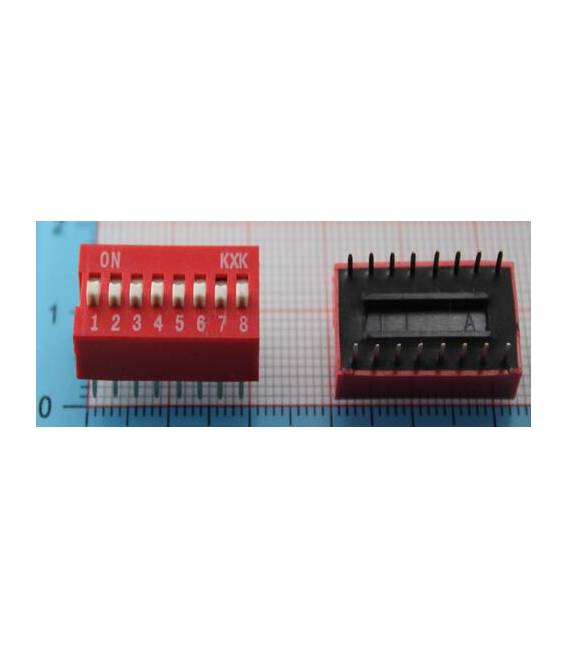
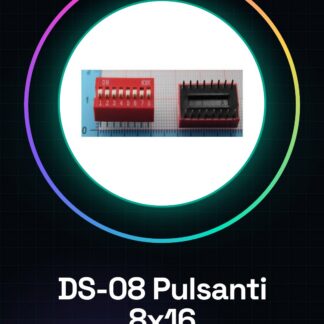
The DS-08 Code Button is a module consisting of 2 buttons with 8 sets of 16 pins each. The pitch between the pins is 2.54mm.
Features
- 2 pieces
- 8 sets of 16 pins
- Pitch 2.54mm
What it is for
The DS-08 buttons are ideal for user interfaces and Arduino prototypes. They can be used to control functions and gather user input. Examples of use include creating simple button counters or turning LEDs on based on button presses.
Tutorial: How to Use the DS-08 Buttons
These buttons are perfect for projects that require interactions as makers develop their skills in Arduino. They are useful for controlling functions and gathering input from users.
What you need
- Arduino or compatible
- Test lead
- Multimeter (optional)
Steps
- 1. Remove the buttons from the packaging.
- 2. Check that the buttons have 16 pins.
- 3. Connect a button to pin 2 of Arduino.
- 4. Connect the GND pin of the button to the GND of Arduino.
- 5. Load the example code.
- 6. Check the functionality with an LED.
- 7. Repeat for the other button.
- 8. Test the buttons with a custom program.
Example code
```void setup() { pinMode(2, INPUT); pinMode(13, OUTPUT);}void loop() { if (digitalRead(2) == HIGH) { digitalWrite(13, HIGH); } else { digitalWrite(13, LOW); }}```Mini project
Create a simple button counter with two buttons. Connect the buttons to two different pins and use an LED to indicate when a button is pressed.
Common mistakes
- Connect the buttons to VCC instead of GND.
- Forget to add a pull-down resistor.
- Insert the buttons incorrectly, causing incorrect connections.
- Omit the setup code for the input pins.
Recommended accessories
- LED
- Pull-down resistor
- Test leads
- Multimeter
Frequently asked questions
How can I verify the correct functioning of the buttons?
Use a multimeter to measure the resistance between the button pin and GND when the button is pressed.
Can I use these buttons with a microcontroller other than Arduino?
Yes, these buttons are compatible with any microcontroller that supports input pins.
How many buttons can I connect to a single pin?
Do not connect more than one button to a single pin to avoid interference.
How can I protect my buttons?
Use pull-down resistors to protect the buttons and prevent interference.
Reviews
There are no reviews yet.