 EN
 IT Italiano
 ES Español
 FR Français
 DE Deutsch
Description
Tutorial: How to Use TCST1103 IC
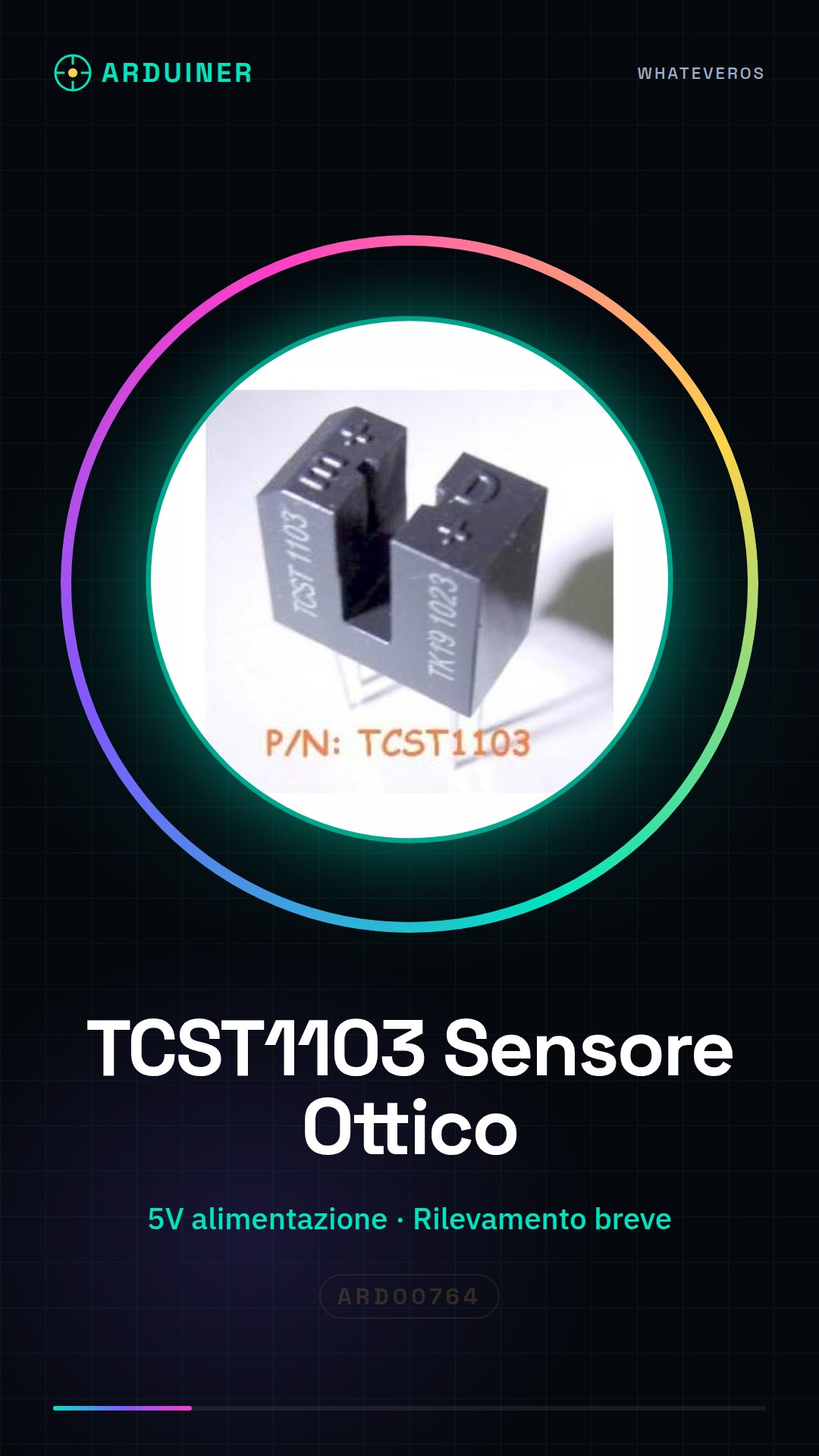
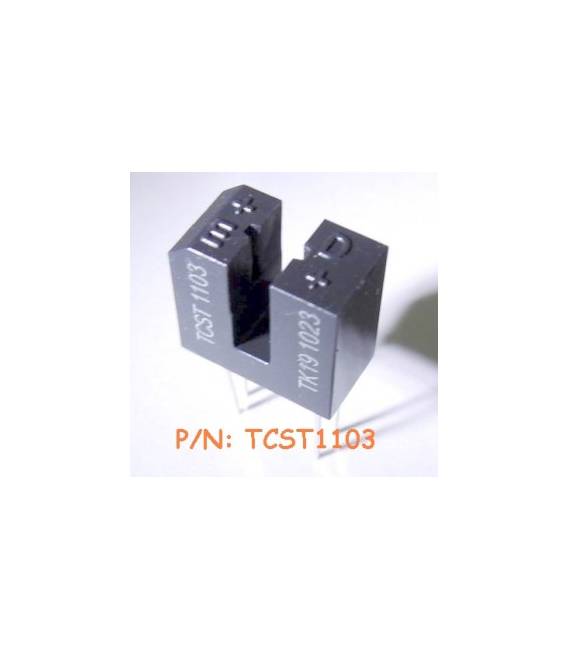
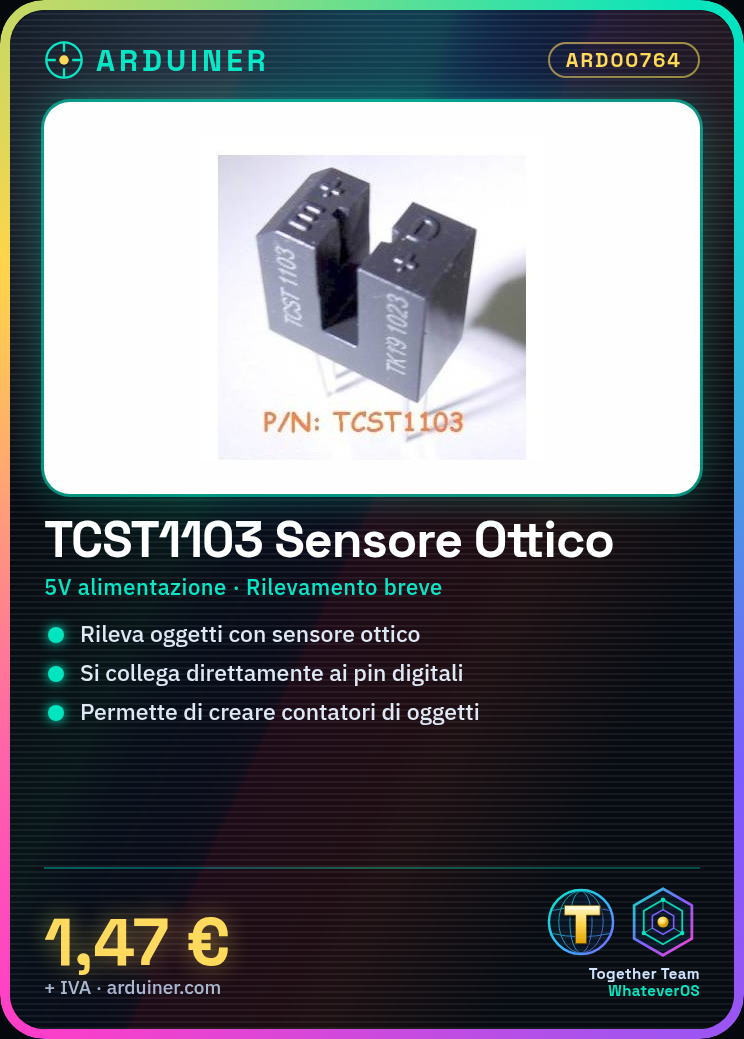
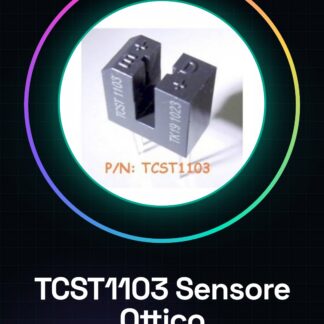
The TCST1103 is an optical sensor used to detect the presence of objects or reflective materials. It is perfect for projects requiring short-range detection, such as object counters or presence sensors.
What you need
- Arduino Uno
- 5V power supply
- connectors
- cable / wire / lead
Steps
- Connect the sensor pins to the Arduino microcontroller.
- Check the power supply voltage (refer to the datasheet).
- Configure the interrupts to receive signals from the sensor.
- Write the code to read the sensor state.
- Test the system by placing an object in front of the sensor.
- Optimize the detection range according to the project requirements.
Example code
void setup() {
  pinMode(sensorPin, INPUT);
}

void loop() {
  int sensorState = digitalRead(sensorPin);
  if (sensorState == HIGH) {
    Serial.println("Oggetto rilevato");
  }
}
Mini project
Create an object counter that sends a notification every time an object is placed in front of the sensor. You can also add an LCD display to show the count in real-time.
Common mistakes
- Do not verify the correct supply voltage.
- Configure the interrupt without testing the pin state first.
- Ignore the optimal detection distances specified in the datasheet.
Recommended accessories
- Arduino Uno
- 16×2 LCD Display
- Portable Battery for Arduino
- Wi-Fi Connection
Frequently asked questions
How can I increase the sensitivity of the TCST1103?
Check the datasheet for potentiometer settings or additional resistors.
Which microcontroller is best suited for the TCST1103?
Arduino Uno is sufficient, but you can use any other with digitalRead functionality.
Reviews
There are no reviews yet.