 EN
 IT Italiano
 ES Español
 FR Français
 DE Deutsch
Description
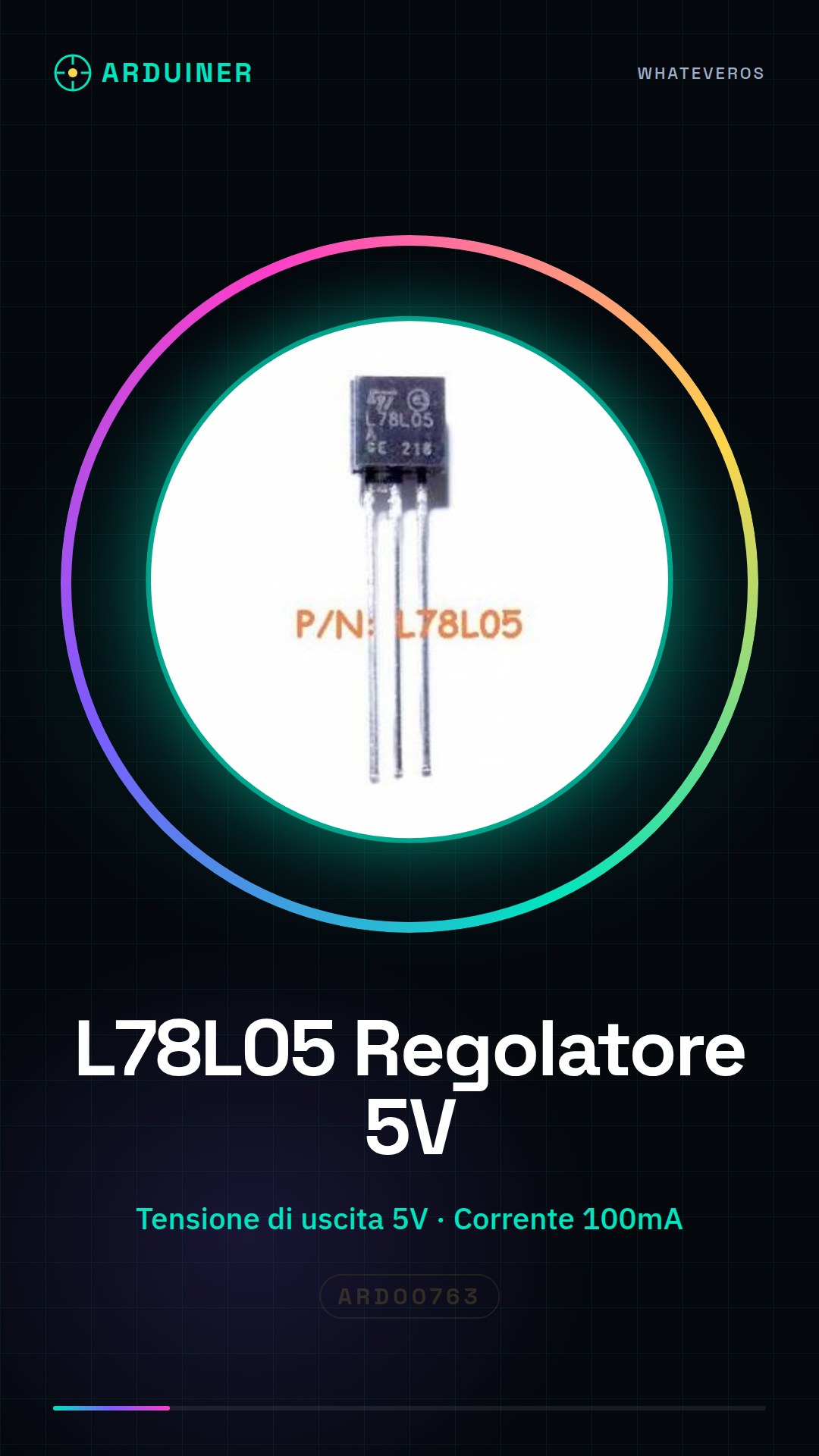
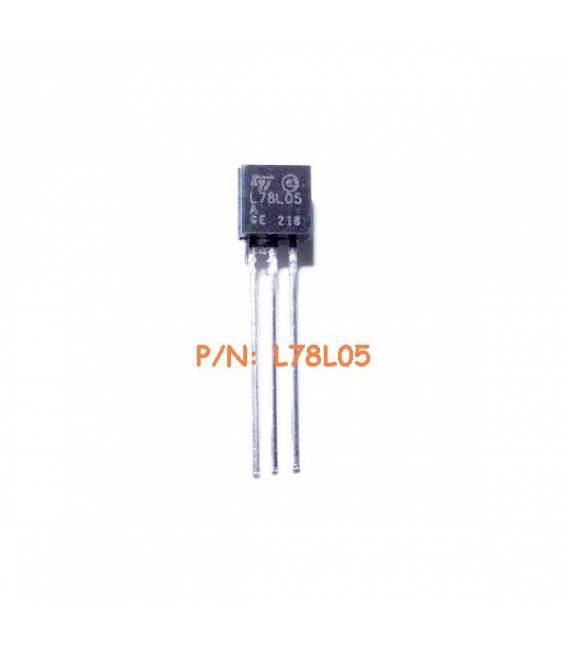
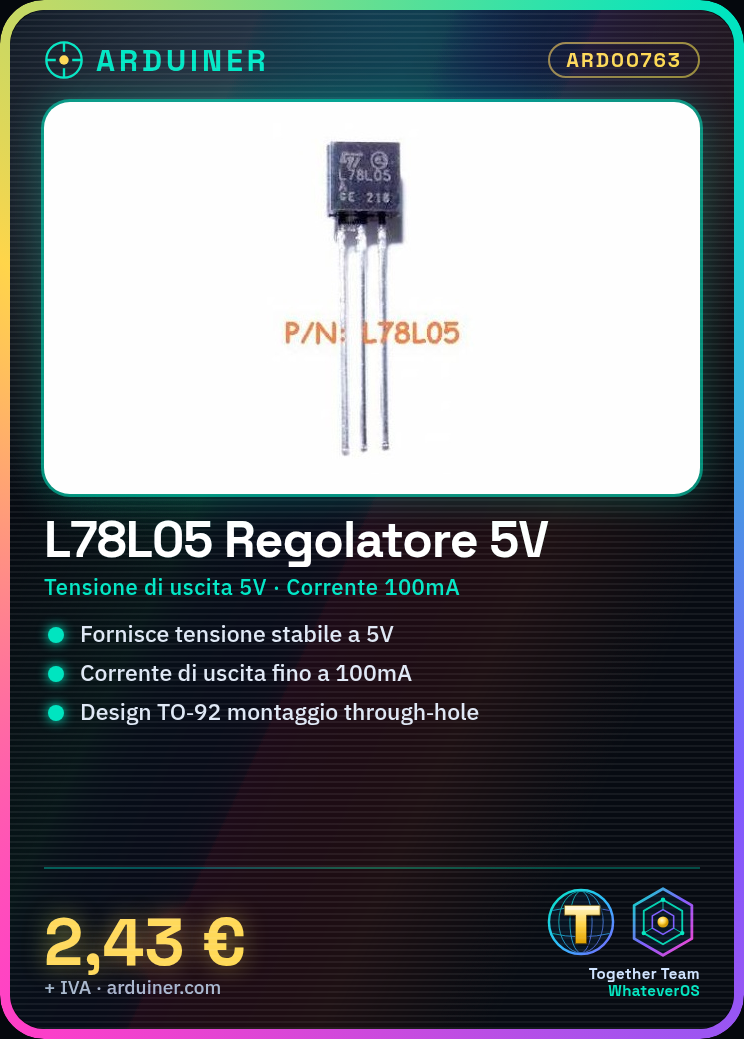
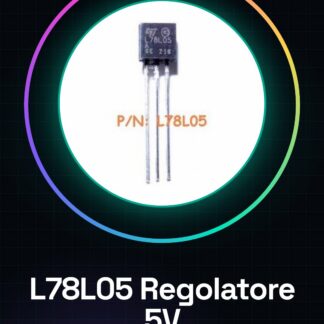
15PCS L78L05 IC Integrated Circuits
Component Specifications:
| Voltage Regulator Type | Standard |
| Topology | Standard |
| Voltage Regulator Output Type | Solved |
| Polarity Type | Positive |
| Number of Outputs | 1 |
| Input Voltage | 30V |
| Output Voltage | 5V | Package Type | TO-92 |
| Packaging | Bag |
| Output Current | 100mA |
| Load Regulation | 60mV |
| Line Regulation | 150mV |
| Output Voltage Precision | |
| Operating Temperature Range | from 0C to 125C |
| Operating Temperature Class | Commercial |
| Dropout Voltage @ Current (Typ) | 1.7@40mA |
| Pin Count | 3 |
| Mounting | Through Hole |
| Quiescent Current (max) | 6mA |
We have the technical specifications of all components available, if not present in the product download card, send us a message through the contact us form and we will publish it as soon as possible on our website.
Tutorial: How to Use the L78L05 Voltage Regulator IC
The L78L05 voltage regulator is a fundamental component for projects requiring a stable and constant 5V voltage. Ideal for beginners and makers building simple circuits or prototypes.
What you need
- Arduino Uno
- USB cable
- resistor
Steps
- Connect the input of the L78L05 to a stable power source (check the datasheet for the minimum required voltage).
- Connect the ground between the GND pin of the power supply and the GND pin of the regulator.
- Connect a 10µF electrolytic capacitor in parallel between the input and ground to filter out noise (check the datasheet).
- Connect the output pin to a resistor and then to the VCC pin of the Arduino.
- Connect another electrolytic capacitor of 10µF between the output of the regulator and ground (check the datasheet).
- Ensure everything is properly connected before powering the circuit.
Mini project
Create a simple LED projector with Arduino Uno, L78L05, and some LEDs. Connect the LEDs to pin 13 of the Arduino through resistors.
Common mistakes
- Do not connect the ground capacitor correctly.
- Too high or too low power supply.
- Use an incorrect resistance value for the LEDs.
Recommended accessories
- Arduino Uno
- LEDs of various colors
- Resistors of 220Ω
- Electrolytic capacitors
Frequently asked questions
What is the output voltage of the L78L05?
The stable output voltage is 5V.
How much current can the L78L05 regulator provide?
Check the datasheet for specific details of your version.
Reviews
There are no reviews yet.