 EN
 IT Italiano
 ES Español
 FR Français
 DE Deutsch
Description
What it is
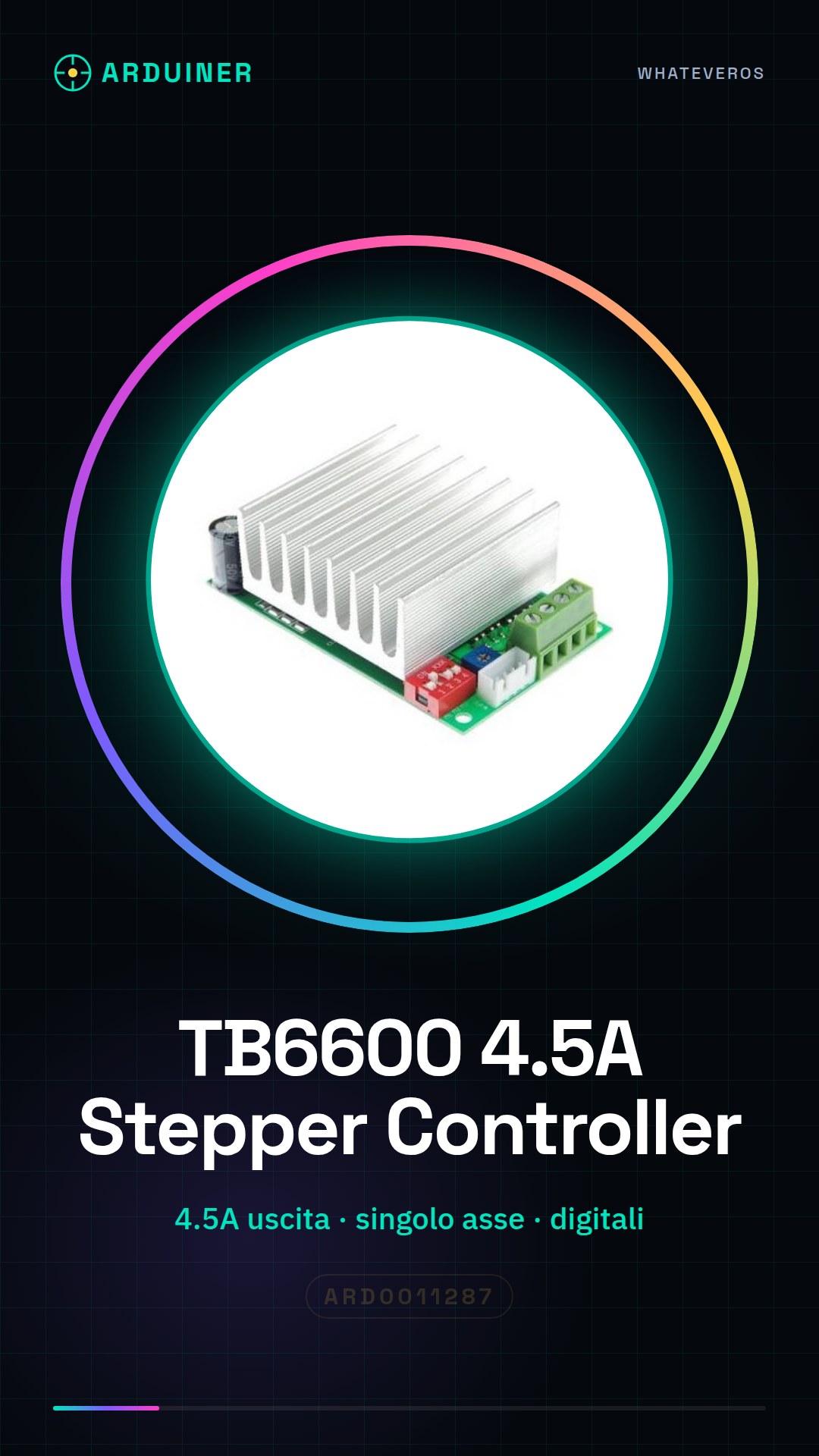
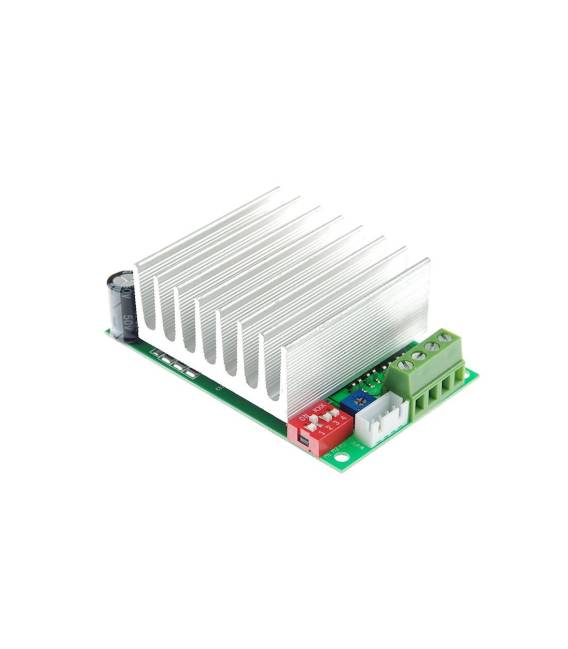
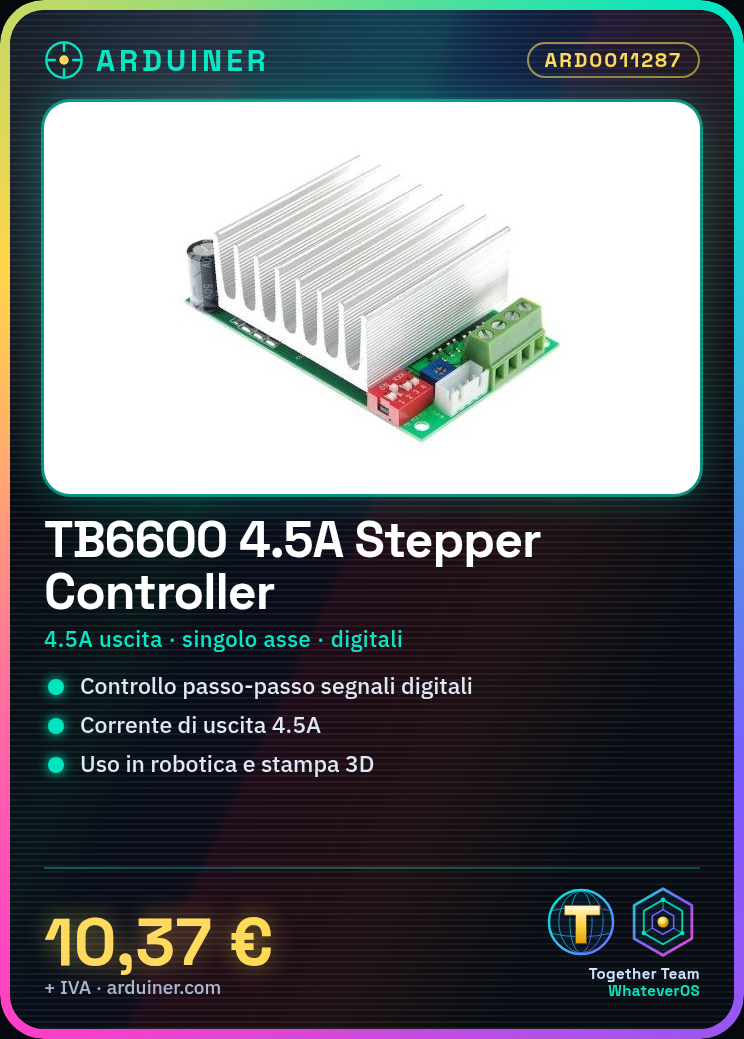
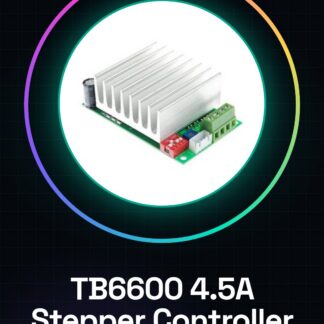
The TB6600 4.5A is a single-axis stepper motor driver controller board. It allows the control of a stepper motor’s movement through digital signals.
Features
- Supply voltage: check the datasheet
- Output current: 4.5A
- Motors type: check the datasheet
- Single-axis controller
What it is for
The TB6600 4.5A is ideal for robotics projects, Arduino-assisted mechanics, and 3D printing. It can be used to create robots that move forward and backward, motion systems, and other devices that require precise movement control. It is compatible with Arduino and similar platforms.
Tutorial: How to use TB6600
The TB6600 is a stepper motor controller suitable for robotics and Arduino-assisted mechanics projects. Suitable for beginners and intermediate users.
What you need
- Arduino or compatible
- 5V cable
- 10kΩ resistor
- Stepper motor
- Perfect connector
Steps
- 1. Connect the 5V to the VCC of the TB6600.
- 2. Connect GND to the GND of the TB6600.
- 3. Connect the motor driver base to pin OUT1 of the TB6600.
- 4. Connect the 10kΩ resistor between VCC and the motor driver base.
- 5. Upload the code to Arduino.
- 6. Check if the motor moves with the commands.
- 7. Adjust the pulse times with the registers of the TB6600.
- 8. Check the datasheet for further settings.
Example code
```void setup() {
  pinMode(9, OUTPUT);
}

void loop() {
  digitalWrite(9, HIGH);
  delay(1000);
  digitalWrite(9, LOW);
  delay(1000);
}```
Mini project
Build a simple robot that moves forward and backward.
Common mistakes
- Connect GND to VCC.
- Forget to connect the resistor.
- Set the pulse times correctly.
- Do not check the power supply constraints.
Recommended accessories
- Stepper motor
- Arduino Uno
- 5V cable
- 10kΩ resistor
Frequently asked questions
How to set the pulse times?
Check the datasheet. Use the T1H and T1L registers.
Can the TB6600 handle 2-phase or 4-phase steppers?
Yes, check the datasheet.
What are the power supply constraints?
Check the datasheet. Maximum 4.5A.



Reviews
There are no reviews yet.