 EN
 IT Italiano
 ES Español
 FR Français
 DE Deutsch
Description
What it is
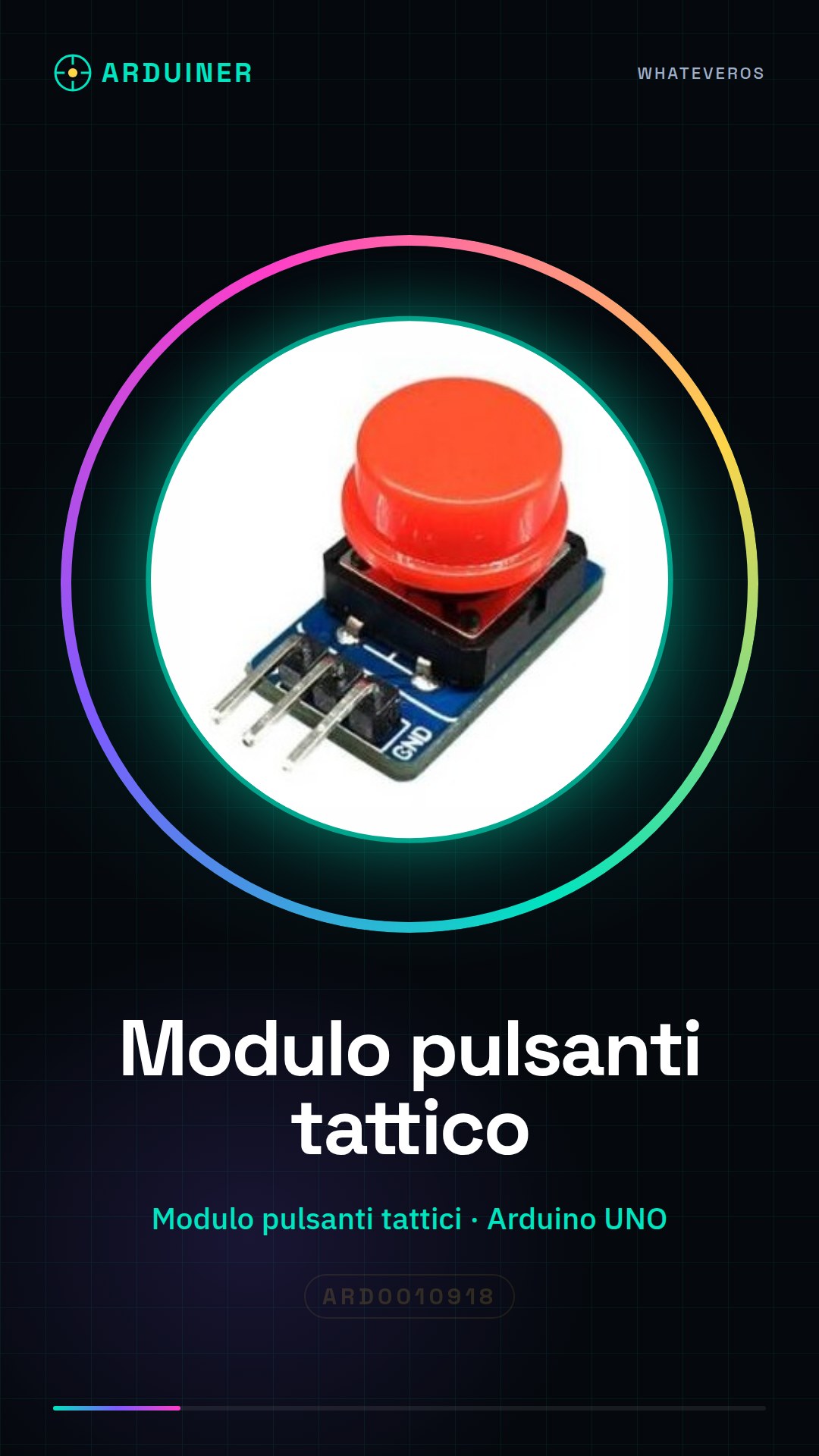
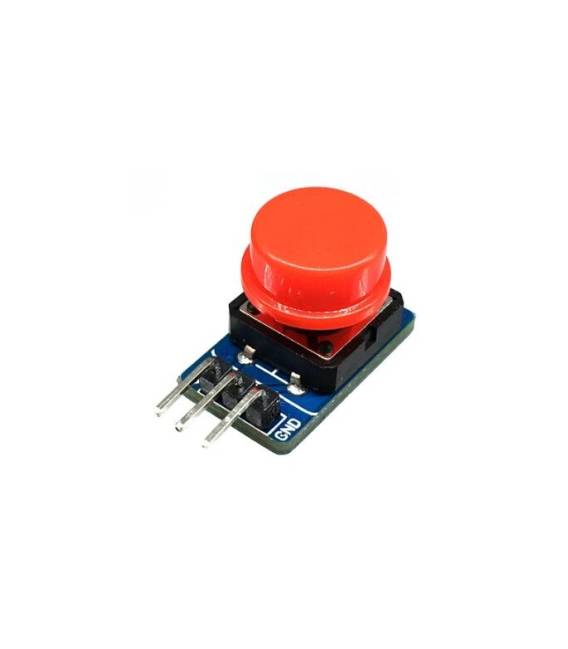
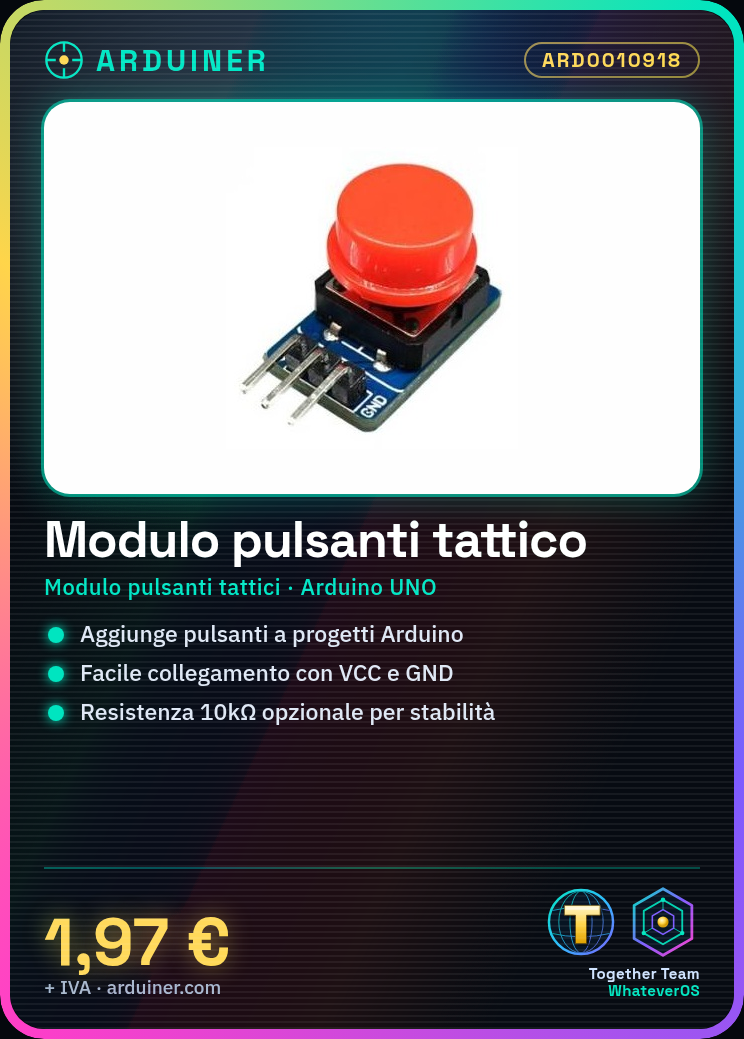
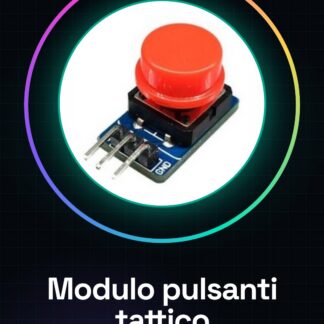
The Tactical Button Module (ARD0010918) is an electronic component designed to add button functionality to Arduino projects and other electronic devices.
Features
- Name: Tactical Button Module
- SKU: ARD0010918
- Price: 1.97 €
- Type: Tactical Button Module
What it is for
The Tactical Module is ideal for projects requiring robust user interfaces. Useful for beginners and intermediates, it allows adding button functionality to any project. Examples of use include creating a simple pulse counter by connecting the module to a display and incrementing the count each time the button is pressed.
Tutorial: How to Use the Tactical Module
The Tactical Module is ideal for projects that require robust user interfaces. Useful for beginners and intermediates, it allows you to add button functionality to any project.
What you need
- Tactical Module ARD0010918
- Arduino UNO or compatible
- USB cable
- 10kΩ resistor (optional)
Steps
- 1. Connect the tactical module to the Arduino via the ground and VCC pins.
- 2. Connect a button to one of the digital pins on the tactical module.
- 3. Connect the 10kΩ resistor between the button pin and GND (optional).
- 4. Load the code onto the Arduino.
- 5. Configure the tactical module pins in the Arduino code.
- 6. Use the button read functions in the code.
- 7. Try pressing the button and check the response.
- 8. Add custom features to your project.
Example code
```void setup() {} void loop() { if (digitalRead(BUTTON_PIN) == HIGH) { // Aggiungi codice per gestire il pulsante } } ```Mini project
Create a simple button counter. Connect the tactical module to a display and increment the count each time the button is pressed.
Common mistakes
- Pressing the button too quickly can cause oscillations.
- Check that the button pin is correct in the code.
- Ensure that the 10kΩ resistor is correctly connected (if used).
- Check the VCC voltage on the tactical module.
Recommended accessories
- LCD Display 16×2
- Different buttons to vary the functions
- Arduino UNO
- Connection cables
Frequently asked questions
How can I connect the tactical module to an Arduino?
Connect the tactical module to the Arduino via the ground and VCC pins. Connect a button to one of the digital pins on the tactical module and the 10kΩ resistor between the button pin and GND.
Which pins on the tactical module should I use?
Use the digital pins on the tactical module to connect the buttons. Check the datasheet for specific pins.
Can I use this module with Arduino Nano?
Yes, the tactical module is compatible with Arduino Nano or any other compatible Arduino.
Reviews
There are no reviews yet.