 EN
 IT Italiano
 ES Español
 FR Français
 DE Deutsch
Description
What it is
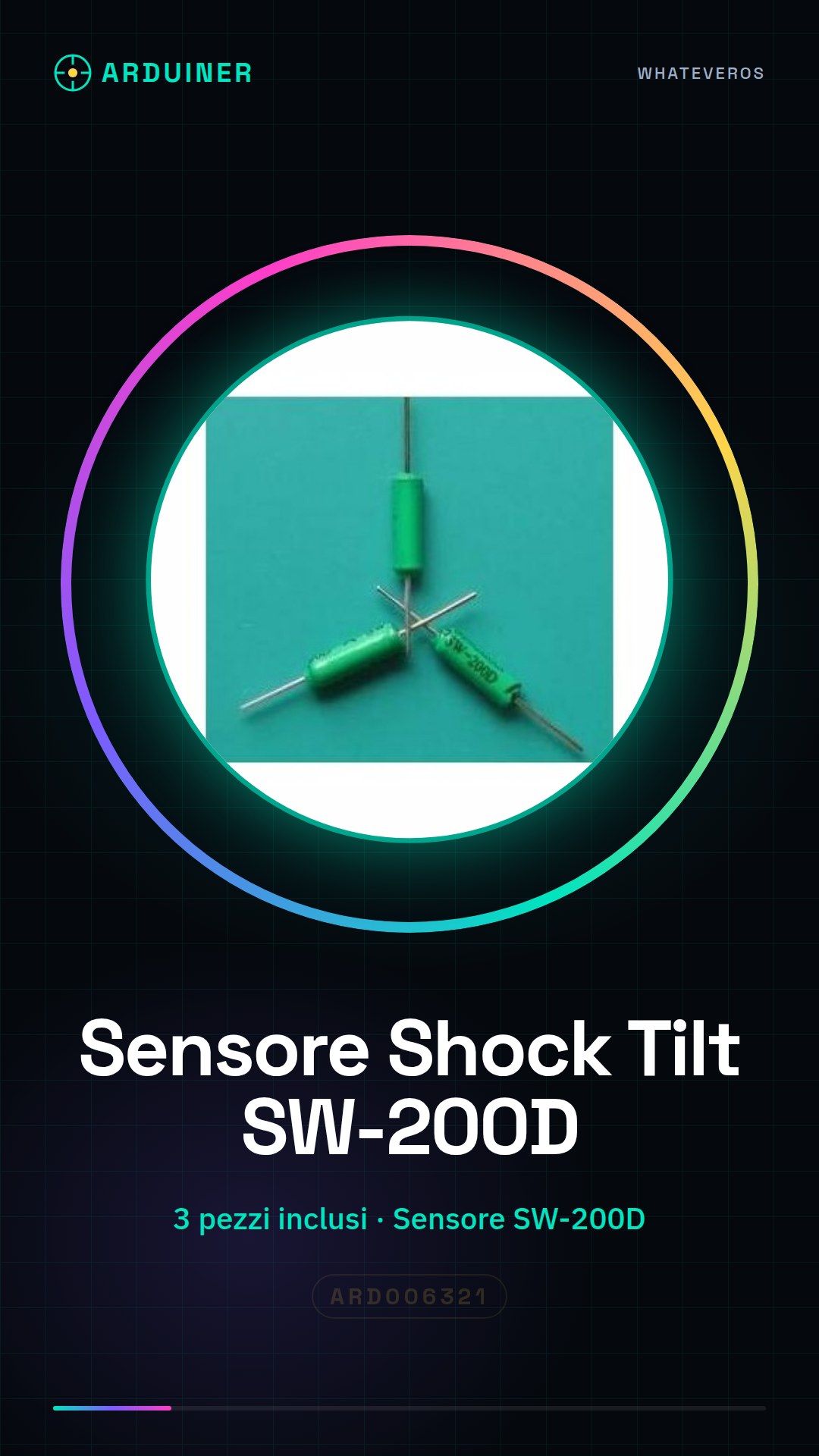
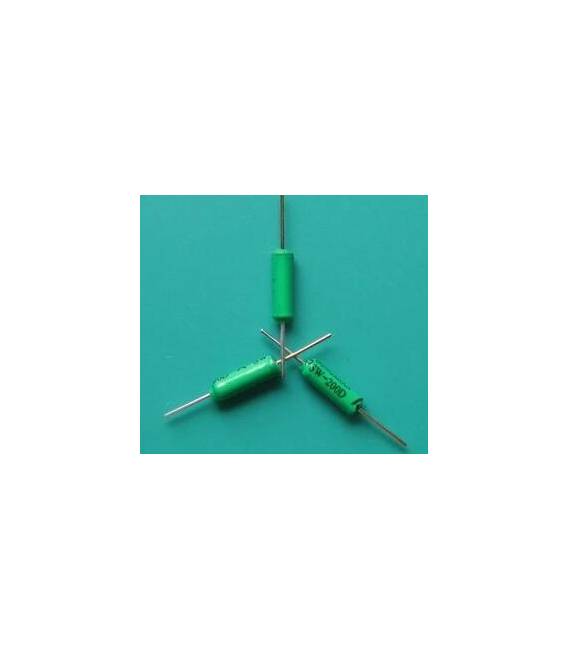
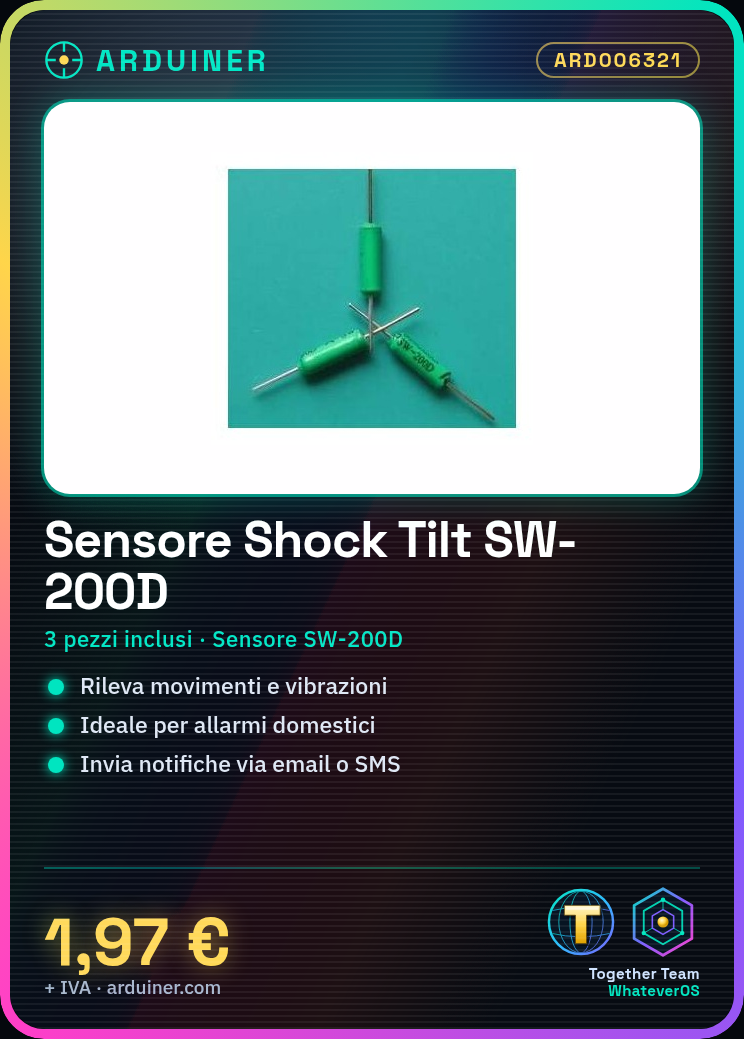
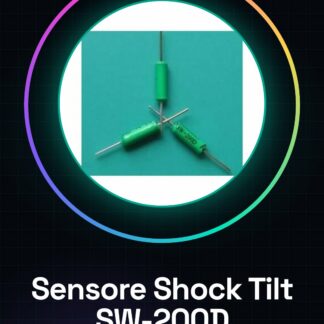
The shock tilt sensor SW-200D are useful devices for detecting movements and vibrations. This product includes three pieces of the sensor, ideal for projects that require accurate measurement of position changes or vibrations.
Features
- Type: Shock Tilt Sensor SW-200D
- Pieces Included: 3 pieces
What it is for
The shock tilt sensor SW-200D can be used to create home alarms, anti-theft devices, or presence sensors. They are compatible with Arduino projects and can send email or SMS notifications when movement is detected.
Tutorial: How to use Shock Tilt Sensor SW-200D
The shock tilt sensor SW-200D is a simple but useful component for projects that require movement or vibration detection. Ideal for beginners and makers who want to create home alarms, anti-theft devices, or presence sensors.
What you need
- Arduino Uno
- USB Cable
- Connect to PC
Steps
- Connect the SW-200D shock tilt detector to the digital pin of the Arduino according to the pinout table in the product datasheet.
- Download and install the Arduino IDE on a computer.
- Compile and upload the example sketch provided in the ‘Code’ section.
- Check that the sensor is correctly connected by monitoring the status variable on the Arduino serial monitor.
- If necessary, modify the sketch to suit your specific requirements.
- Try moving or vibrating the sensor and observe the changes on the serial monitor.
- Create a more complex project using the data collected from the SW-200D shock tilt sensor.
Example code
const int sensorPin = 2; // Collega il pin del sensore qui
void setup() {
  Serial.begin(9600);
  pinMode(sensorPin, INPUT);
}

void loop() {
  int sensorValue = digitalRead(sensorPin);
  Serial.println(sensorValue);
}
Mini project
Create a home alarm system that sends an email or SMS notification when the sensor detects movement.
Common mistakes
- Incorrect sensor connection
- Incorrect power settings
- Error reading data from the sensor
Recommended accessories
- ESP8266 Wi-Fi Module
- 16×2 LCD Display
- Buzzer
Frequently asked questions
Can the sensor be used with other microcontrollers besides Arduino?
Yes, but make sure to adapt the connection and sketch based on the device used.
What is the maximum detection distance of the sensor?
Check the datasheet for precise details.
Reviews
There are no reviews yet.