 EN
 IT Italiano
 ES Español
 FR Français
 DE Deutsch
Description
What it is
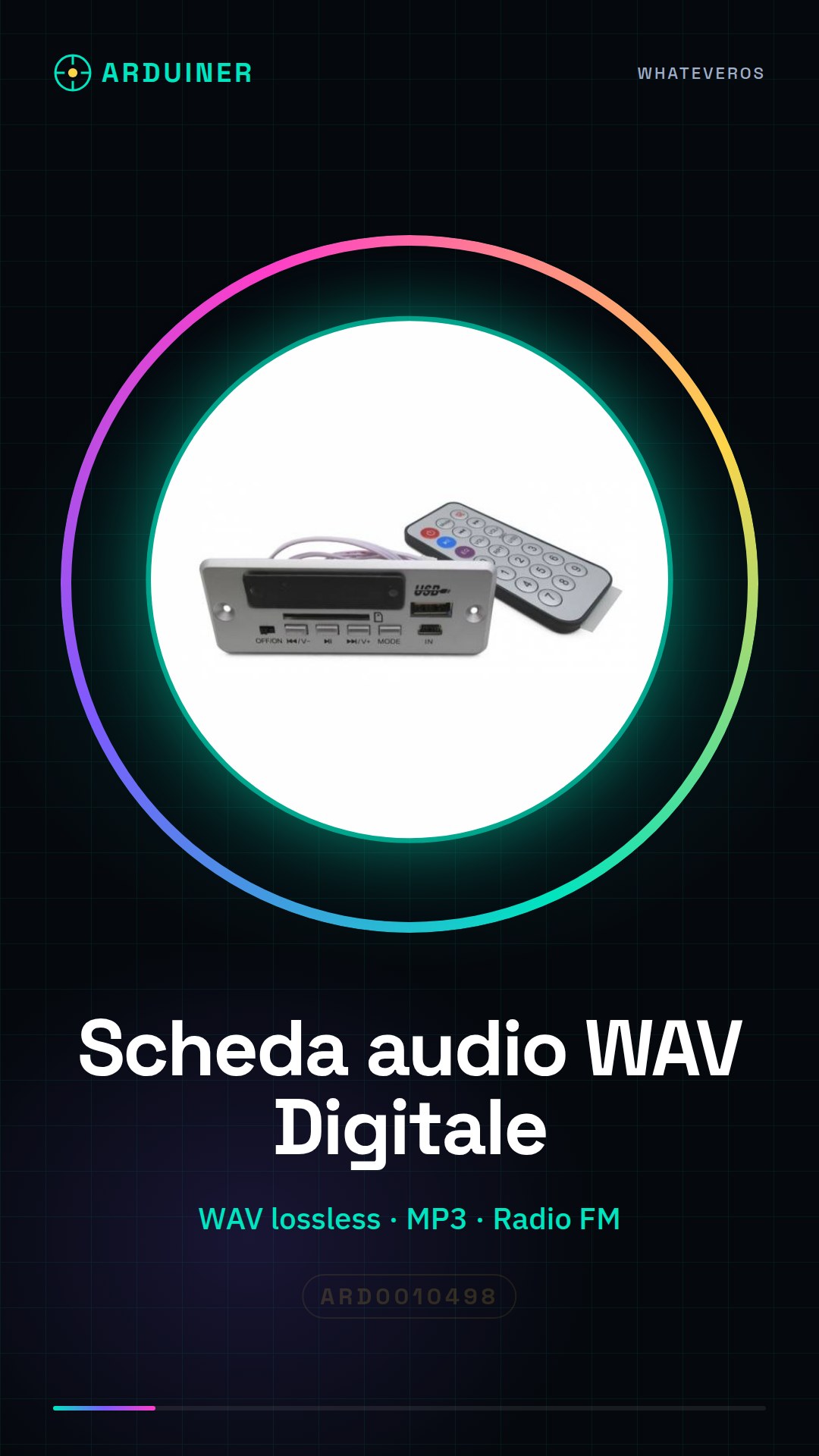
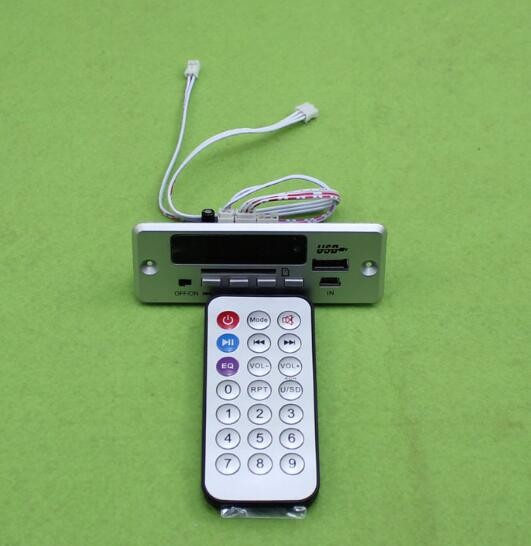
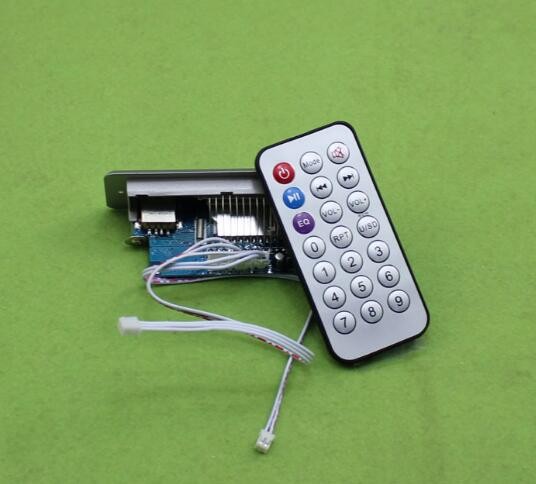
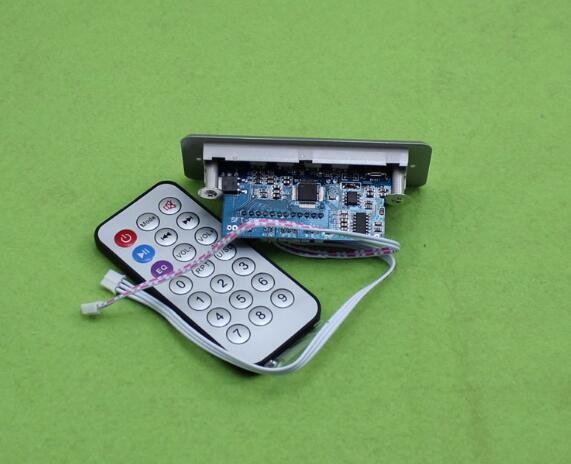
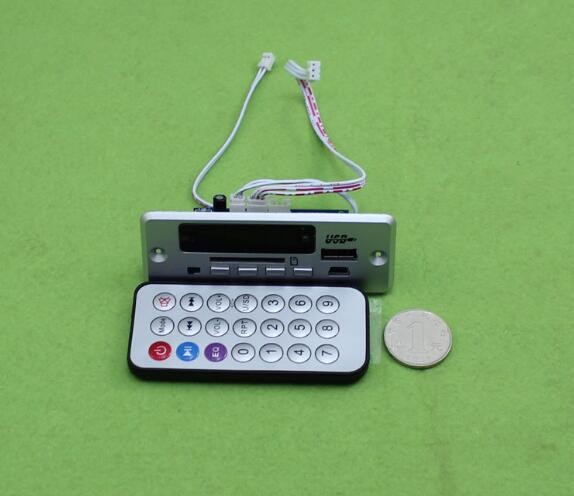
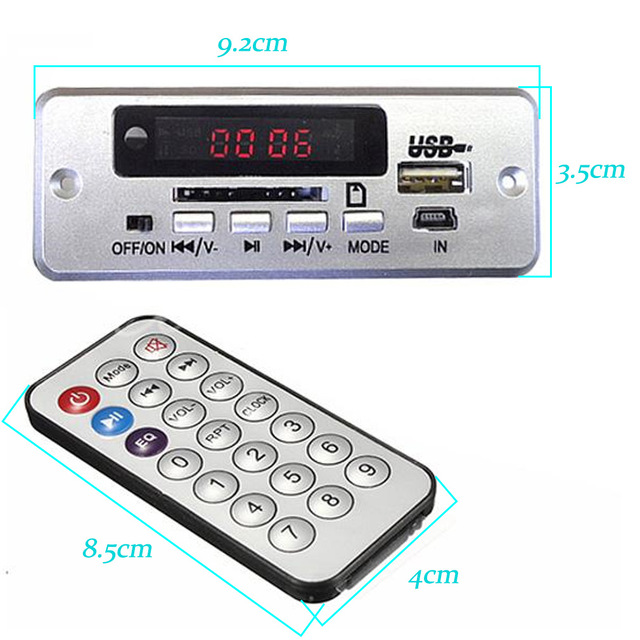
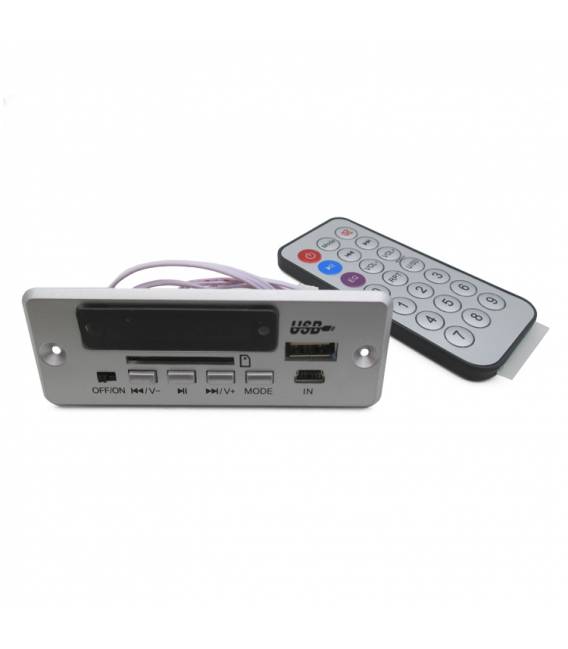
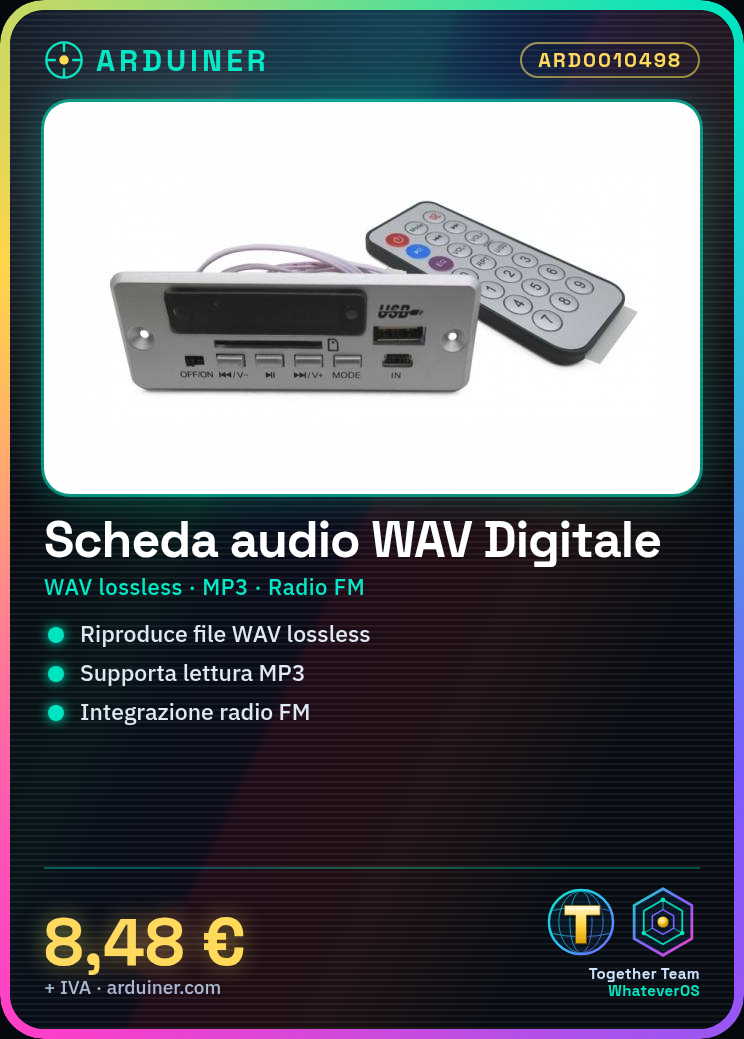
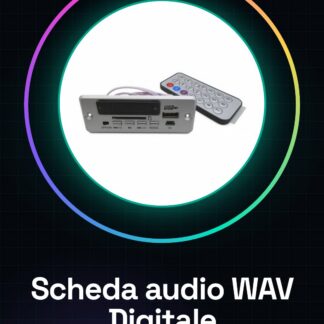
The Super Digitale WAV Audio Decode Board is an electronic module that allows lossless playback of MP3 files and FM radio listening. This component is designed to be used in conjunction with Arduino microcontrollers or similar, providing a complete solution for audio management in projects.
Features
- Lossless WAV audio playback and MP3
- Integrated FM radio player
- Power supply voltage range from 6 to 12V
What it is for
This board is ideal for projects requiring high-quality audio playback, such as custom MP3 players or systems integrated with FM radio. It is suitable for both beginners and experts, thanks to its ease of use and advanced performance.
Tutorial: How to use WAV Digital Board
This electronic board is ideal for projects requiring high-quality audio playback. Suitable for both beginners and those with some experience.
What you need
- Arduino UNO or compatible
- 6-12V power supply cable
- Prototype board piece
- Mono or stereo speaker
Steps
- 1. Connect the 6-12V power supply to the VCC pin of the board.
- 2. Connect the GND pin of the board to the GND of your circuit.
- 3. Connect the speaker to the OUT pin.
- 4. Load the provided Arduino code.
- 5. Load a WAV file onto your device.
- 6. Connect the WAV file to the SD pin of the board.
- 7. Turn on the power and listen to the audio.
- 8. Check the datasheet for additional configuration options.
Example code
```
#include <SD.h>

void setup() {
  Serial.begin(9600);
  if (!SD.begin(4)) {
    Serial.println("Card failed, or not present");
    return;
  }
  Serial.println("Card initialized.");
}

void loop() {
  File myFile = SD.open("file.wav");
  if (myFile) {
    Serial.println("Opening file.wav");
    while (myFile.available()) {
      Serial.write(myFile.read());
    }
    myFile.close();
  } else {
    Serial.println("Error opening file.wav");
  }
}
```
Mini project
Create a simple audio player that plays a WAV file when connected to the circuit.
Common mistakes
- Leave the WAV file unnamed.
- Connect the power supply to the wrong VCC pin.
- Omit SD pin configuration.
- Forget to upload the code to Arduino.
Recommended accessories
- MicroSD Card (8GB or higher)
- Mono speaker
- Arduino UNO
- Piece of prototyping board
Frequently asked questions
How can I test the board before connecting it?
Connect the board to an SD card reader and try to play a WAV file with an external audio player.
Can I use MP3 files?
Yes, but check the datasheet for MP3 support.
Which pins are used for power?
Use the VCC pin for 6-12V power and GND for ground.
Can I use another type of SD card?
Check the datasheet for compatibility with other SD cards.
Reviews
There are no reviews yet.