 EN
 IT Italiano
 ES Español
 FR Français
 DE Deutsch
Description
What it is
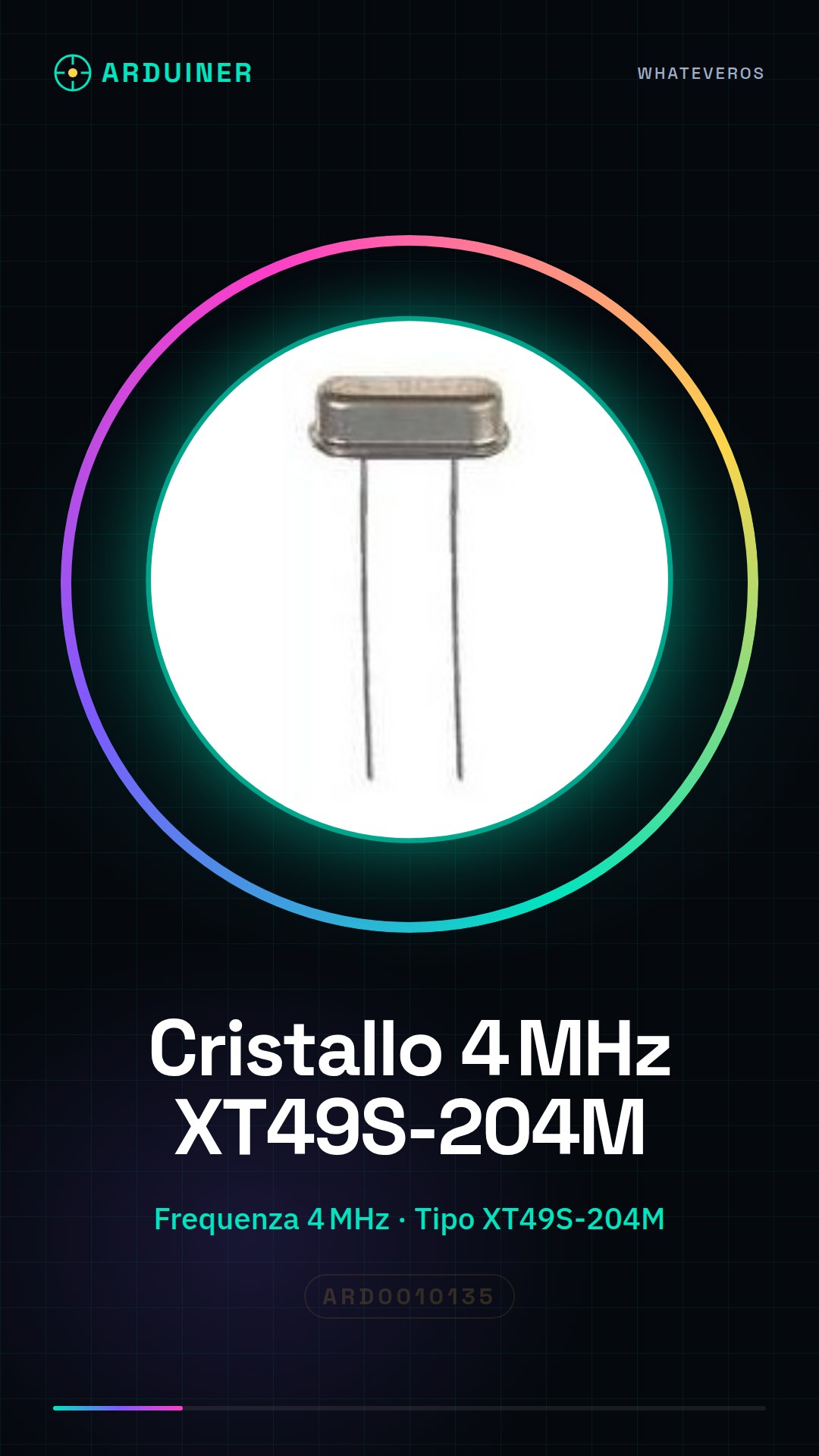
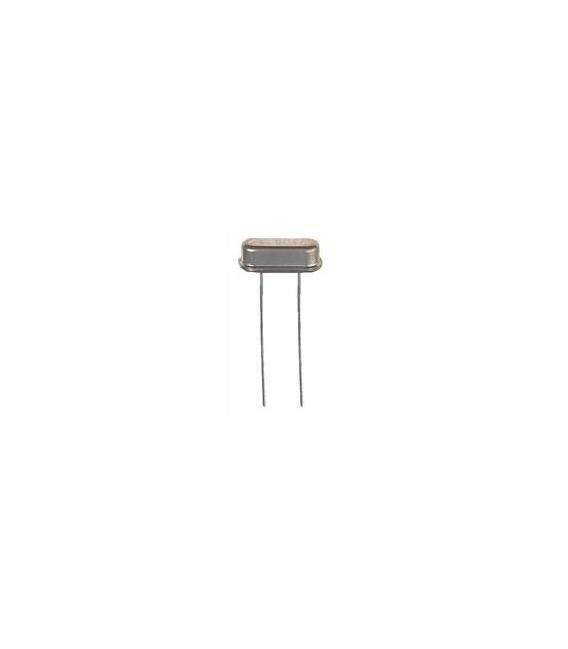
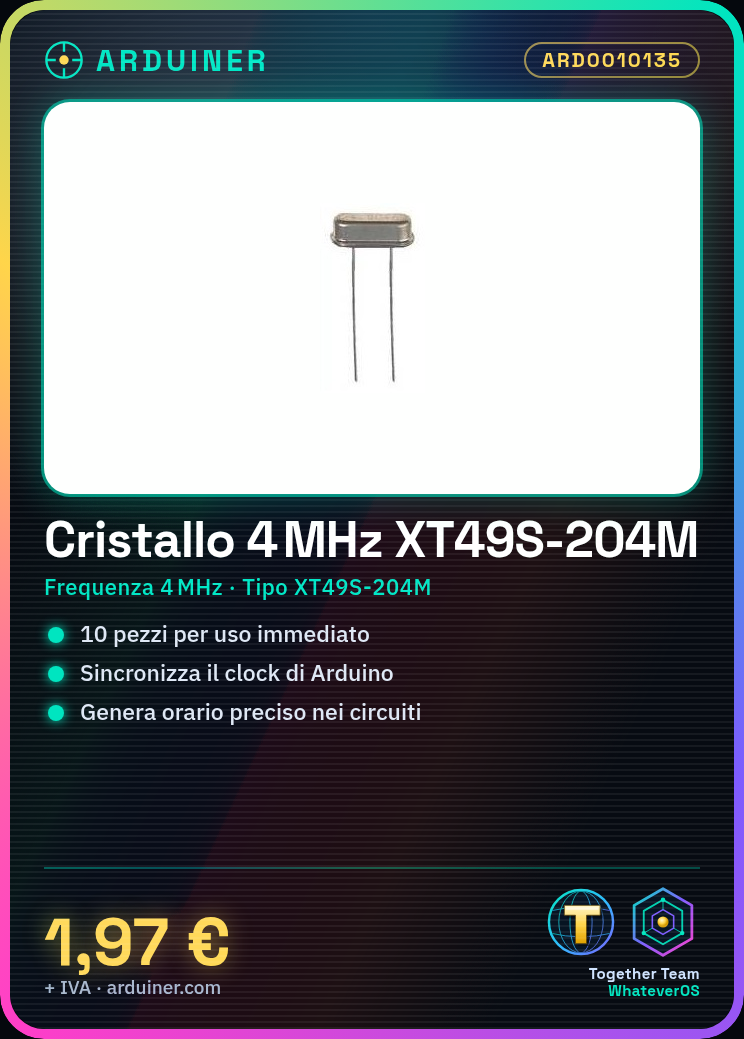
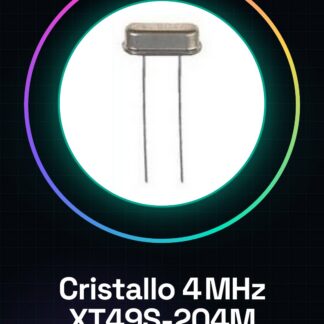
The XT49S-204M is a 4MHz crystal commonly used in electronics projects, especially with Arduino. This component is used to synchronize clocks and generate precise time in circuits.
Features
- Type: XT49S-204M Crystal
- Frequency: 4MHz
What it is for
4MHz crystals are ideal for basic and beginner projects, such as creating a simple digital clock with a 16×2 LCD display. They are compatible with Arduino and other microcontrollers.
Tutorial: How to Use XT49S-204M 4MHz Crystals
4MHz crystals are useful for generating precise time in Arduino circuits. Ideal for beginners and basic projects.
What you need
- XT49S-204M 4MHz Crystals (10 pieces)
- Arduino Uno or Compatible
- Multimeter
- 0.1″ Leads
Steps
- 1. Check the crystal specifications in the datasheet.
- 2. Draw a circuit with the crystal and pull-up resistors.
- 3. Connect the crystal pins to pins 9 and 10 of Arduino.
- 4. Connect the pull-up resistors to GND.
- 5. Load the example code in Arduino.
- 6. Check the time with a multimeter.
- 7. Test the time with an example program.
- 8. Verify the accuracy of the time.
Example code
```
#include <Wire.h>
#include <RTClib.h>

RTC_DS1307 rtc;

void setup() {
  Serial.begin(9600);
  if (!rtc.begin()) {
    Serial.println("Could not find RTC");
    while (1);
  }
  if (rtc.lostPower()) {
    Serial.println("RTC lost power, let's set the time!n");
    // Following line sets the RTC to the date & time this sketch was compiled
    rtc.adjust(DateTime(F(__DATE__), F(__TIME__)));
  }
}

void loop() {
  DateTime now = rtc.now();
  Serial.print("The current date is ");
  Serial.print(now.year(), DEC);
  Serial.print("/");
  Serial.print(now.month(), DEC);
  Serial.print("/");
  Serial.print(now.day(), DEC);
  Serial.print(" (");
  Serial.print(now.dayOfTheWeek(), DEC);
  Serial.print(") ");
  Serial.print("at ");
  Serial.print(now.hour(), DEC);
  Serial.print(":");
  Serial.print(now.minute(), DEC);
  Serial.print(":");
  Serial.print(now.second(), DEC);
  Serial.println(".");
  delay(1000);
}
```
Mini project
Create a simple digital clock with a 16×2 LCD display and the 4MHz crystal.
Common mistakes
- Connect the crystal to the wrong pins of Arduino.
- Omit the pull-up resistors.
- Do not check the time with a multimeter.
- Do not test the example code.
Recommended accessories
- 16×2 LCD Display
- 10kΩ resistors
- 4MHz crystal
- 0.1″ connectors
Frequently asked questions
Does the crystal work with Arduino Nano?
Yes, it works with Arduino Nano or compatible.

Reviews
There are no reviews yet.