 EN
 IT Italiano
 ES Español
 FR Français
 DE Deutsch
Description
What it is
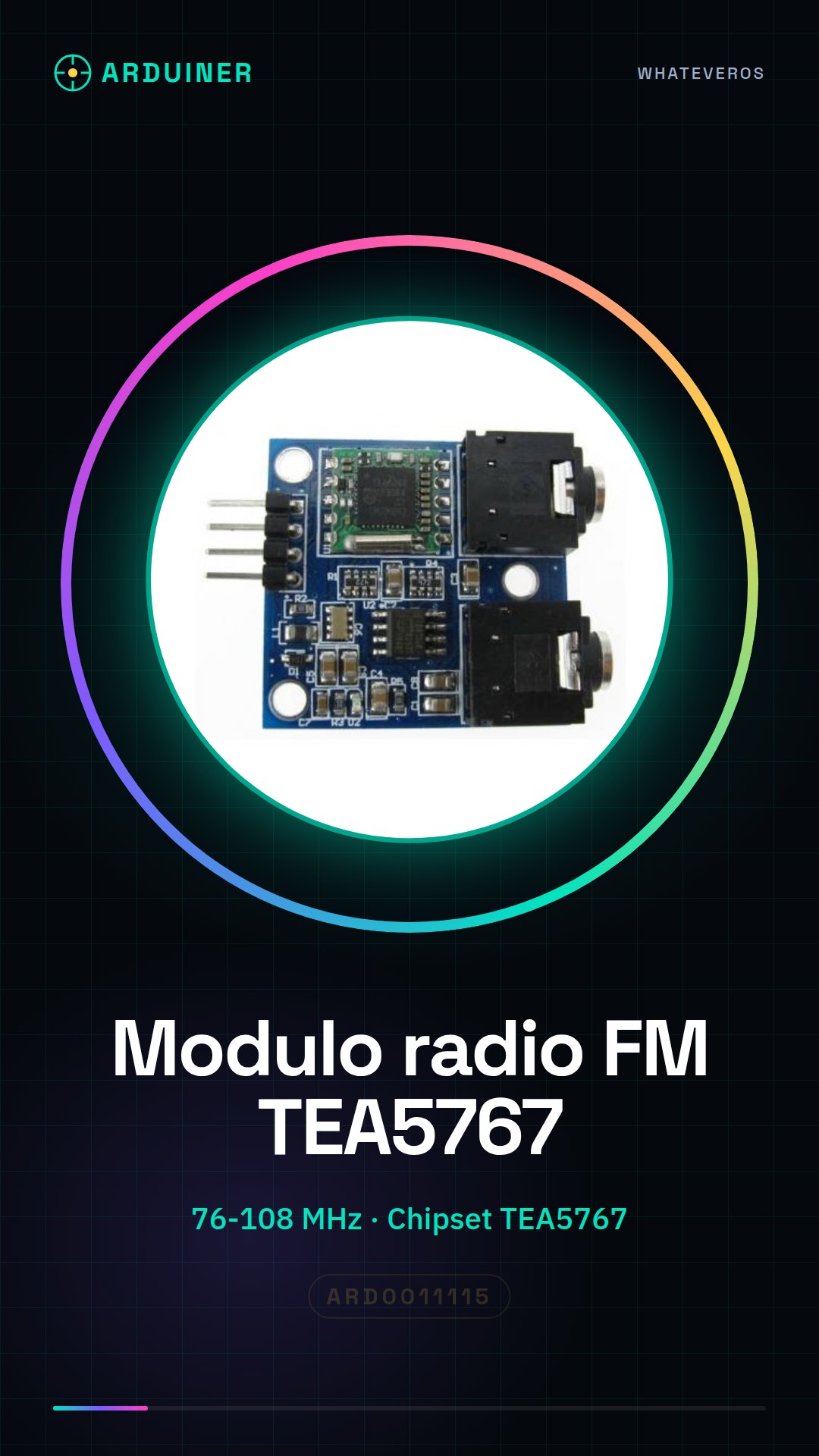
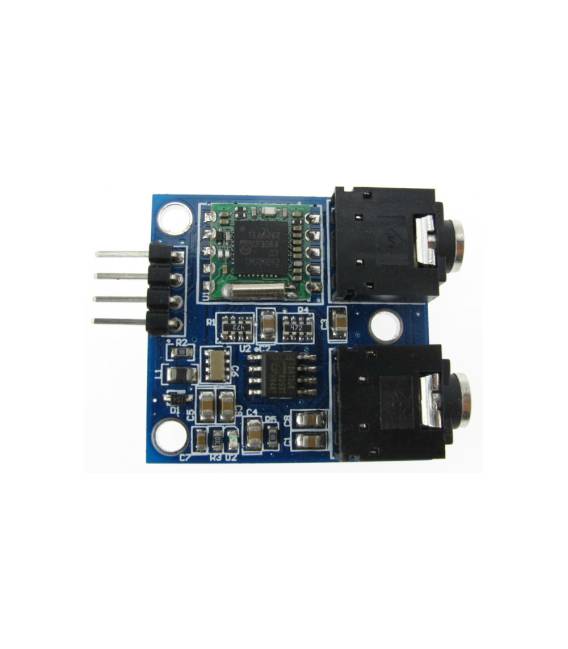
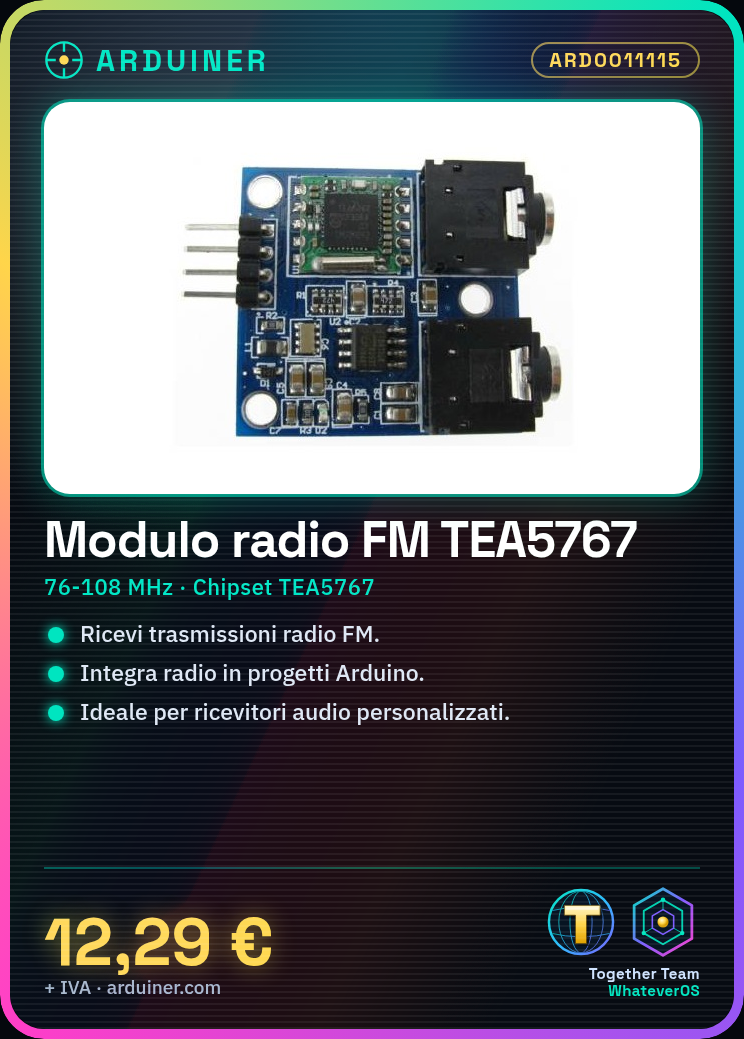
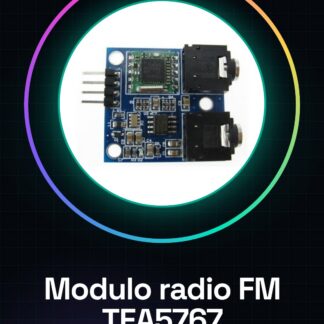
The TEA5767 stereo FM radio module for Arduino is an electronic component that allows receiving FM radio transmissions through an interface compatible with Arduino.
Features
- Operating frequency: 76-108 MHz
- Chipset: TEA5767
- Includes antenna
What it is for
This module is ideal for audio projects that require receiving FM radio signals, such as custom radios, audio signal receivers, or monitoring systems. It can be used to integrate radio functionality into Arduino projects, allowing the reception and processing of audio transmissions in real-time.
Tutorial: How to use TEA5767 FM Radio Module
This module allows you to receive FM radio on Arduino. Ideal for FM radio projects or for those who want to integrate radio reception functionality into their projects.
What you need
- Arduino
- 5V power supply cable
- 10kΩ resistor
- FM antenna (optional)
- Workbench
Steps
- 1. Download the provided Arduino code.
- 2. Connect the module to the Arduino with the following pins: VCC to 5V, GND to GND, SDA to A4, SCL to A5, AGND to GND, AGND to GND, 10kΩ to VCC.
- 3. Connect the FM antenna to the AGND pin (optional).
- 4. Check the datasheet for the remote control specifications.
- 5. Load the code onto the Arduino.
- 6. Set the desired frequency through the code.
- 7. Verify the FM radio reception.
- 8. Adapt the code to control volume and other features.
Example code
```
#include <Tea5767.h>
Tea5767 radio;
void setup() {
  radio.begin();
  radio.setFrequency(98.3); // Cambia la frequenza desiderata
}
void loop() {
  if (radio.isSignalPresent()) {
    Serial.println(radio.getFrequency());
  }
}
```
Mini project
Create a small FM radio that receives and prints the current frequency on the serial monitor in 30 minutes.
Common mistakes
- Forget to connect the FM antenna.
- Connect the pins incorrectly.
- Set the wrong frequency.
- Omit the code verification.
Recommended accessories
- FM Antenna
- 5V power supply cable
- 10kΩ resistor
- Arduino UNO
Frequently asked questions
How can I change the received frequency?
Modify the variable `radio.setFrequency(98.3);` in the Arduino code.
Does the module work with Arduino Nano?
Yes, the module is compatible with Arduino Nano.
Is there an issue with the antenna?
Check the connection and correct polarity of the antenna.



Reviews
There are no reviews yet.