 EN
 IT Italiano
 ES Español
 FR Français
 DE Deutsch
Description
What it is
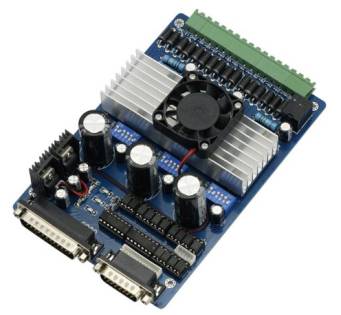
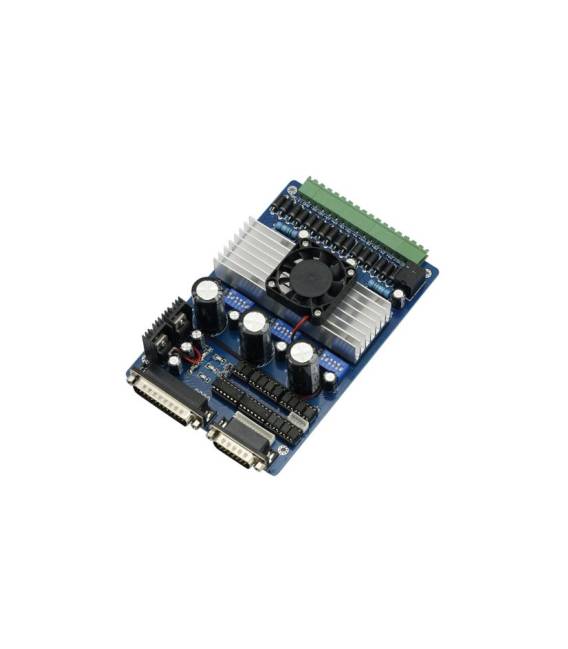
The 3 Axis Stepper Motor 3.5A CNC TB6560 is an electronic component that allows the control of an object’s movement in three independent directions.
Features
- 3 Axis of Movement
- Maximum Current of 3.5A
- Integrated Controller TB6560
What it is for
This motor is ideal for 3D printing, CNC, and robotics projects where precise and controlled movement is required. It can be used to create a simple 3D printer with a 3-axis movement carriage or to build custom machines. Compatibility with Arduino and ESP should be verified in the datasheet.
Tutorial: How to Use 3 Axis Stepper Motor TB6560
The 3 Axis Stepper Motor TB6560 is ideal for 3D printing, CNC, and robotics projects. This tutorial will guide you through installation and configuration for beginners.
What you need
- Arduino Uno
- USB Cable
- Connection to PC
- External Power Supply
- Stepper Motor Driver TB6560
- Connection Wire
Steps
- Connect the TB6560 stepper driver to the Arduino Uno following the datasheet
- Power the stepper driver with an external power supply (check the datasheet for the voltage)
- Connect the Arduino to the PC via the USB cable
- Install the AccelStepper library
- Write the Arduino sketch to control the motor
- Verify the correct configuration of the stepper motor
- Test the stepper motor with a simple forward and backward movement
- Configure the motor for more advanced movement
Example code
void setup() {
  stepper.setMaxSpeed(1000);
  stepper.setAcceleration(1000);
}

void loop() {
  stepper.runToPosition();
}
Mini project
Create a simple 3D printer with a 3-axis movement carriage using the 3-axis TB6560 stepper motor
Common mistakes
- Do not verify the power supply voltage
- Do not install the AccelStepper library correctly
- Do not configure the motor speed and acceleration correctly
- Do not test the motor movement before an advanced project
Recommended accessories
- 12V power supply
- Test connection
- AccelStepper library
- TB6560 stepper driver
Frequently asked questions
What is the power supply voltage for the stepper motor?
Check the datasheet of the stepper motor
How can I control the speed of the motor?
Use the setMaxSpeed function of the AccelStepper library
Which libraries are needed to control the motor?
The AccelStepper library is sufficient for most cases



Reviews
There are no reviews yet.