 EN
 IT Italiano
 ES Español
 FR Français
 DE Deutsch
Description
What it is
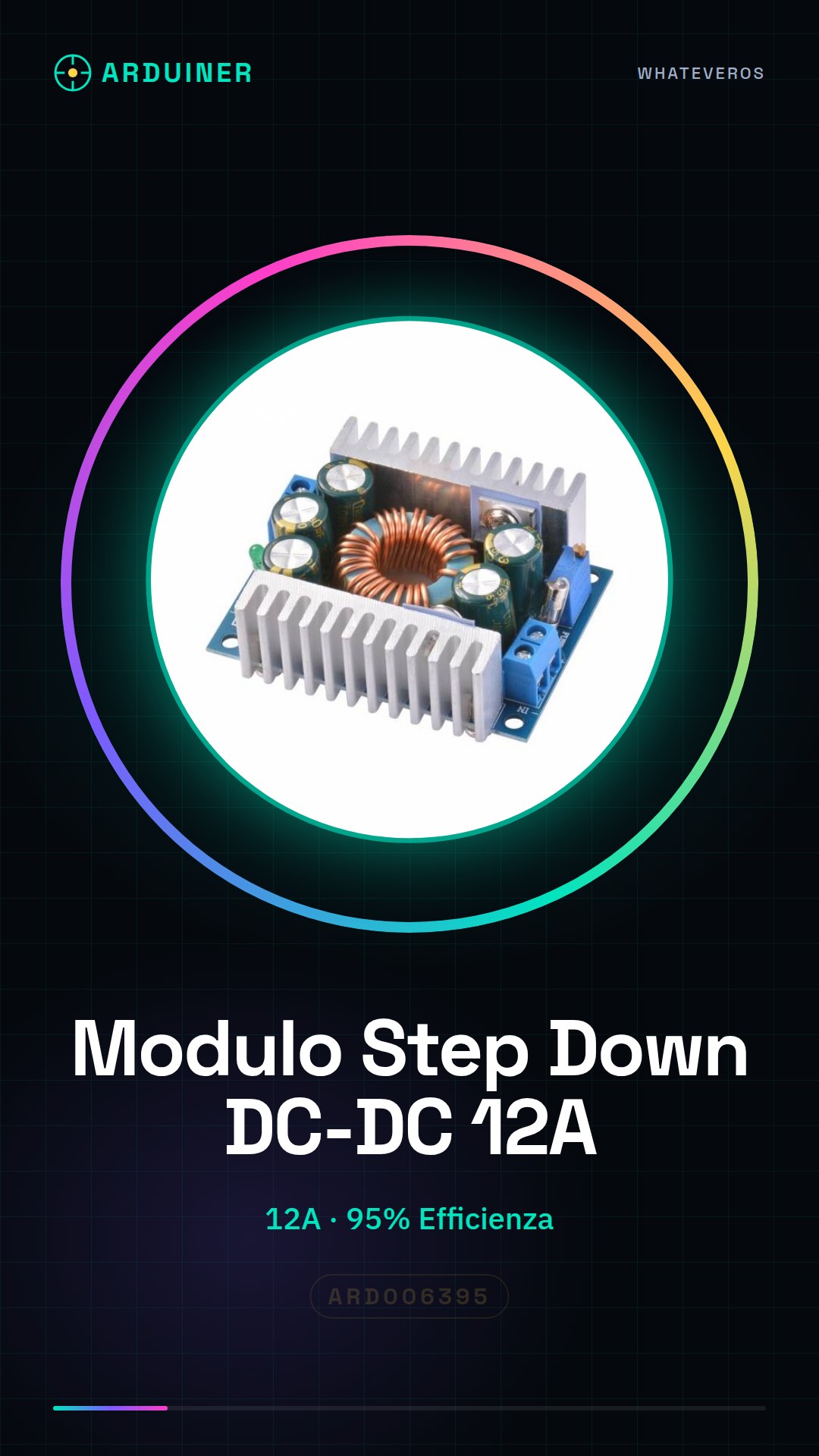
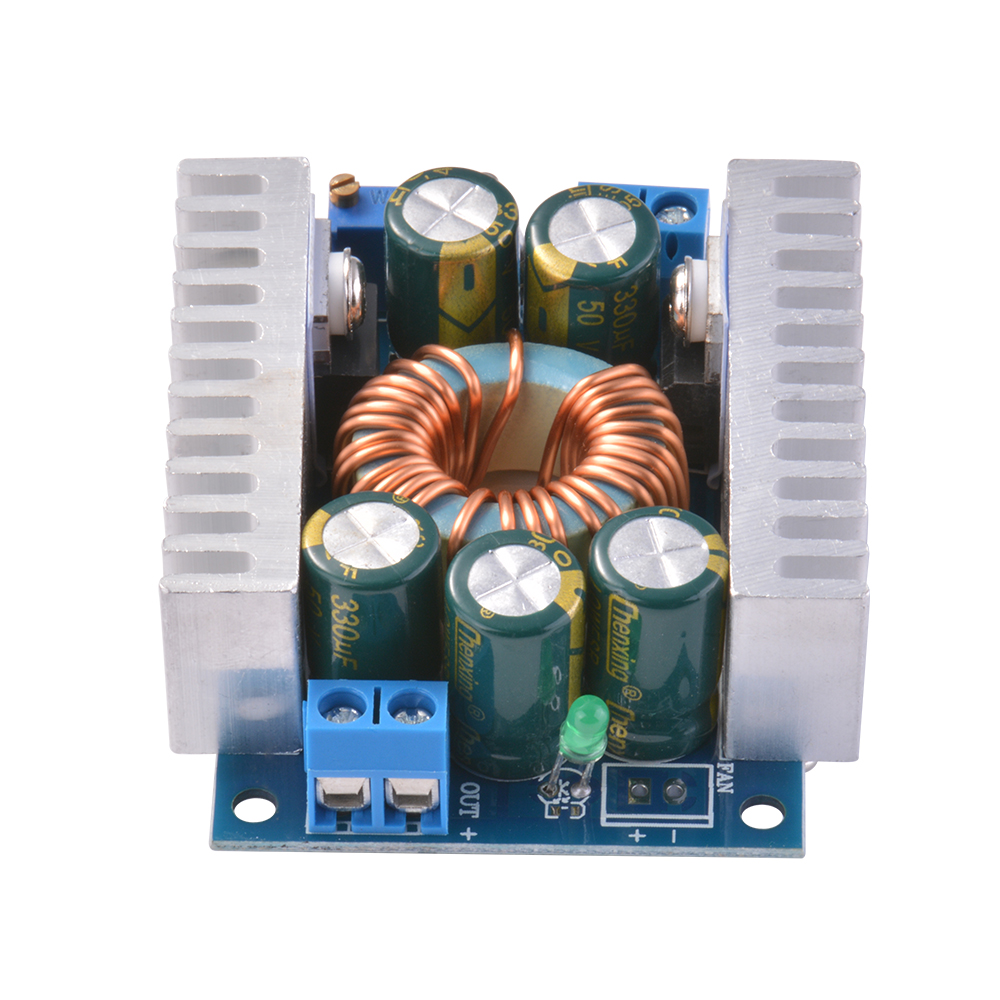
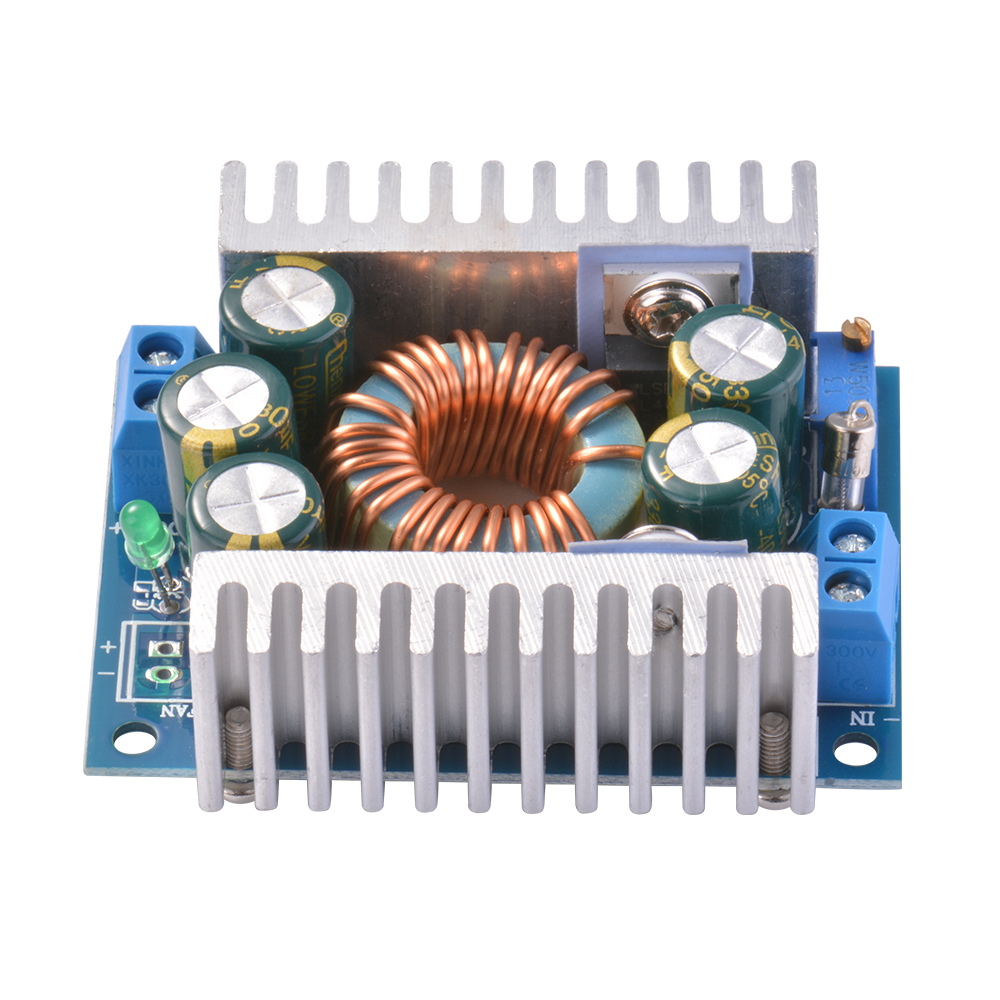
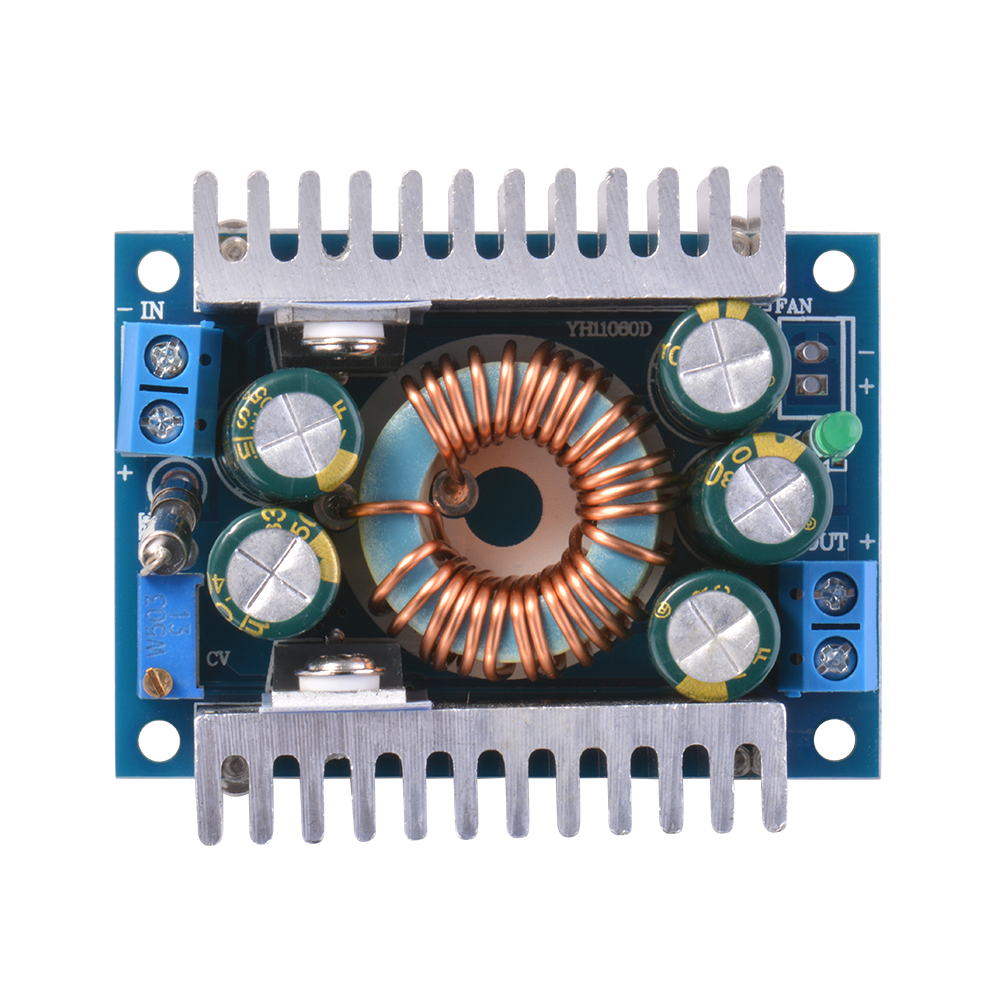
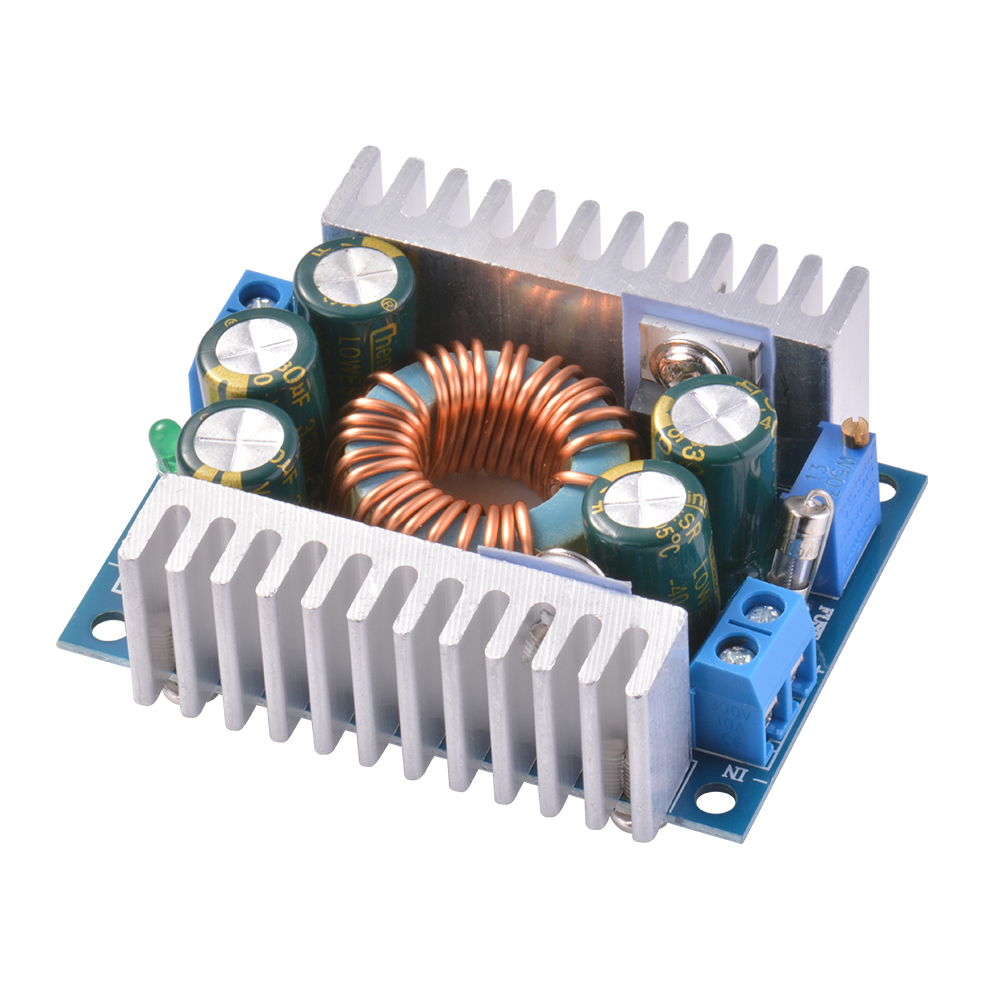
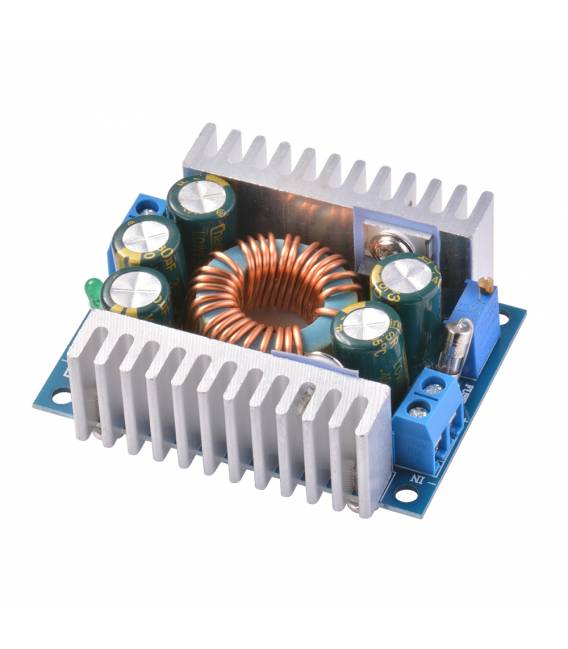
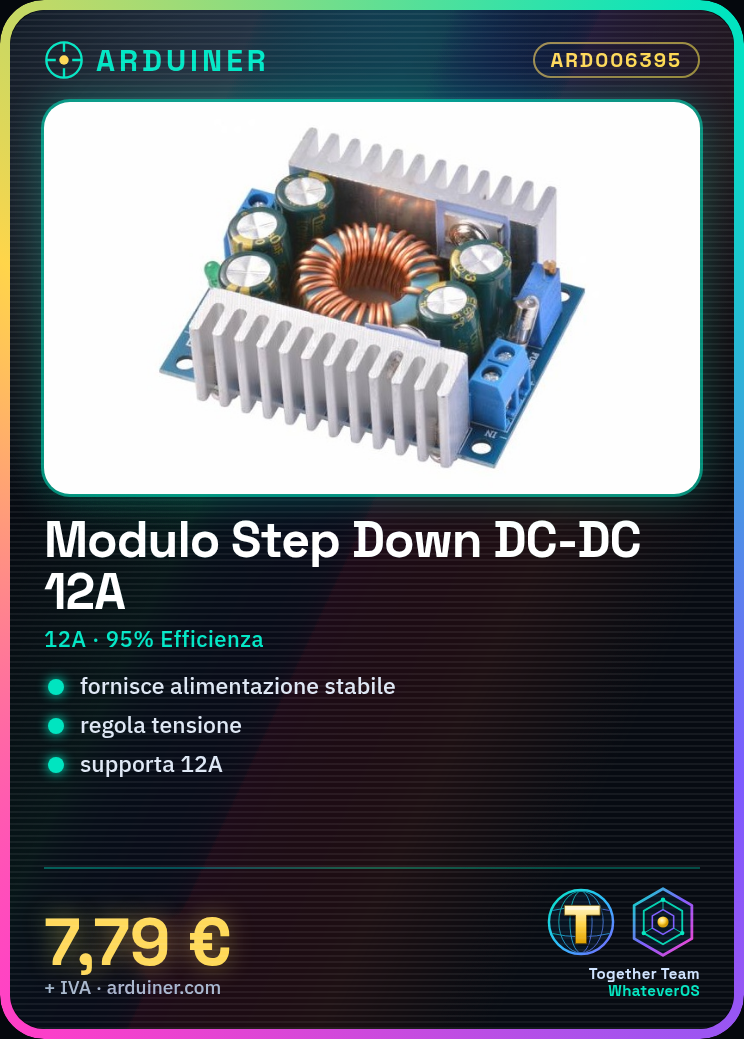
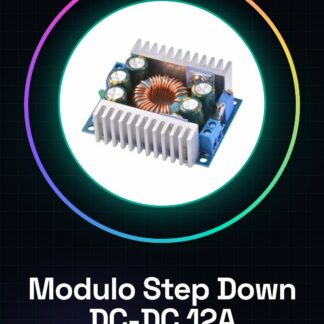
The Step Down DC-DC 12A Module is a adjustable voltage converter that guarantees a high efficiency of 95%. This electronic component is designed to stabilize power supply in various devices and prototypes, providing a reliable solution for makers and developers.
Features
- Maximum current capacity: 12A
- Efficiency: 95%
What it is for
This module is ideal for stabilizing power supply in projects that require adjustable voltage and high efficiency. It is particularly useful for mobile devices or prototypes that need stable power supply, such as adjustable lighting models.
Tutorial: How to use Step Down DC-DC 12A Module
The Step Down DC-DC 12A module is a variable voltage converter ideal for projects requiring high-efficiency power supply. This component is particularly useful for makers and developers working on mobile devices or prototypes needing stable power.
What you need
- Step Down DC-DC 12A module
- Arduino Uno (or compatible)
- JST connectors
- external power supply
Steps
- Connect the module to the external power supply using the JST connectors.
- Adjust the desired voltage using the resistors on the module (check the datasheet for specifications).
- Connect the Arduino Uno to the module through a JST connector.
- Ensure that the external power supply and the module are compatible in terms of input voltage.
- Write an Arduino sketch to monitor the regulated voltage (optional).
- Test the system with a light load, such as an LED lamp.
- Adjust the voltage further if necessary.
- Monitor the efficiency of the converter during testing.
Example code
void setup() {
  Serial.begin(9600);
}

void loop() {
  int voltage = analogRead(A0); // Legge il valore della tensione dal pin A0
  float vout = (voltage * 5.0) / 1024.0; // Converte il valore in volt
  Serial.print("Tensione: ");
  Serial.println(vout);
}
Mini project
Create a dimmable lighting system for model trains or small scale models using the Step Down DC-DC 12A module and RGB LEDs.
Common mistakes
- Do not verify the input voltage compatibility.
- Omit the testing steps with a light load.
- Adjust the voltage without first testing the system.
- Ignore the importance of efficiency during testing.
Recommended accessories
- Arduino Uno
- JST Connector
- RGB LED
- 12V Power Supply
Frequently asked questions
How do you adjust the voltage?
Using the resistors on the module (check the datasheet for specifications).
What are the benefits of 95% efficiency?
Energy savings and reduction of heat generated.
Can it be used with Arduino?
Yes, it can be controlled through a simple Arduino sketch.
Reviews
There are no reviews yet.