 EN
 IT Italiano
 ES Español
 FR Français
 DE Deutsch
Description
What it is
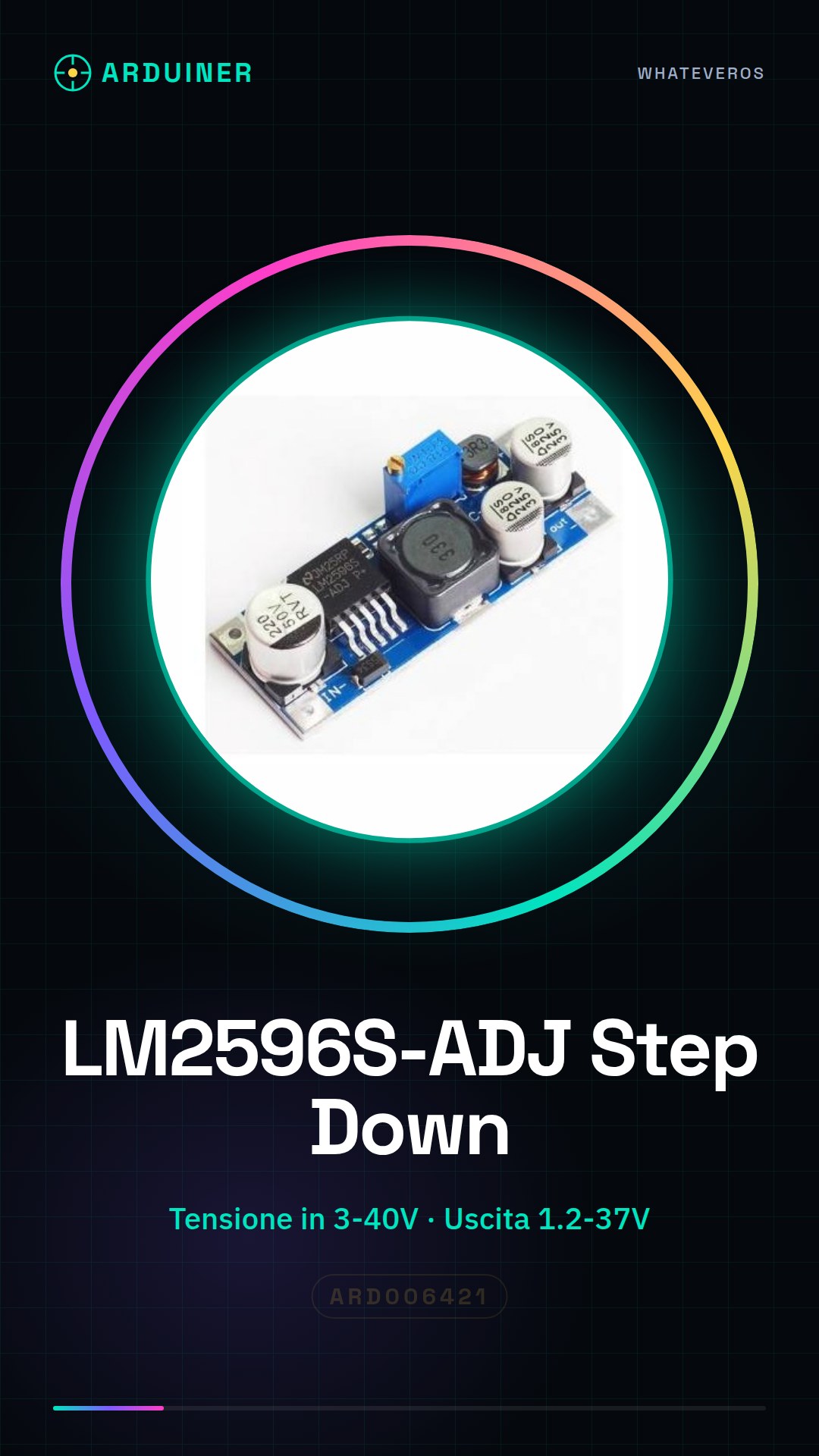
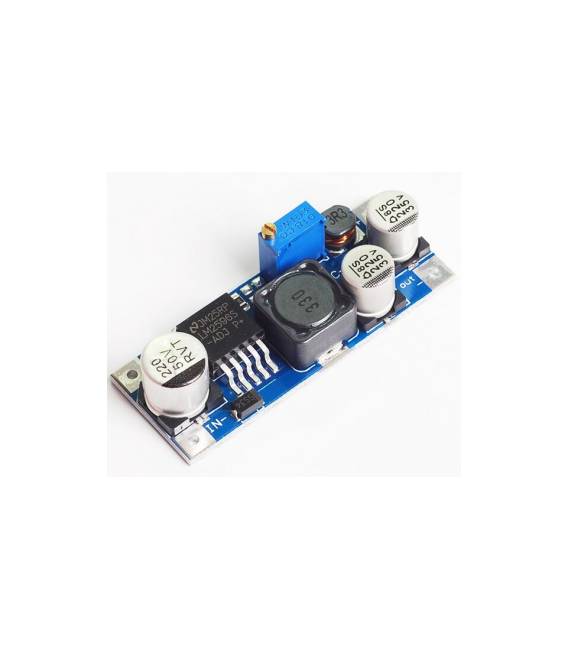
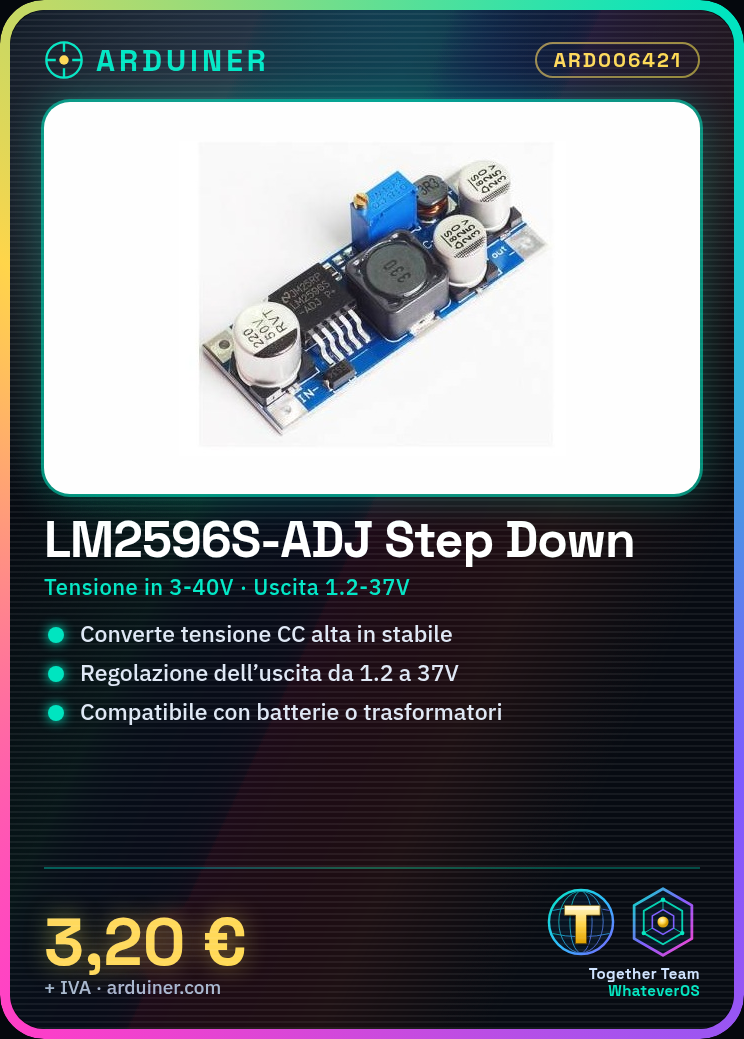
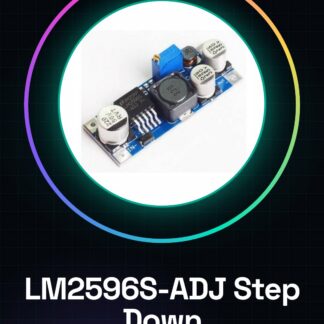
The LM2596S-ADJ is a step down (buck) voltage regulator module used to convert a high voltage DC input into a stable and adjustable output voltage. This component is ideal for powering electronic projects such as those based on Arduino or Raspberry Pi.
Features
- Step down (buck) voltage regulator
- Input voltage from 3V to 40V
- Adjustable output voltage from 1.2V to 37V
What it is for
The LM2596S-ADJ is used to power electronic circuits that require a stable and adjustable DC voltage, such as projects based on Arduino or ESP. It is particularly useful when converting an external power source into a suitable power supply for the device.
Tutorial: How to use LM2596S-ADJ Step Down DC-DC Buck Regulator Module
The LM2596S-ADJ module is a step down (buck) voltage regulator ideal for makers who want to convert a high voltage DC to a stable and adjustable voltage. This component is particularly useful for powering Arduino or Raspberry Pi circuits from batteries or external power supplies. With a wide output range (1.2V to 37V), the LM2596S-ADJ offers flexibility and reliability in projects requiring adjustable DC voltage.
What you need
- LM2596S-ADJ Module
- DC Power Supply (e.g., battery or transformer)
- Multimeter
- Connectors for wiring
Steps
- Check the input voltage of your power supply and ensure it is between 3V and 40V.
- Connect a multimeter in continuity mode to the output jack of the LM2596S-ADJ module to measure the current voltage.
- Use the potentiometer on the module to adjust the output to the desired value (check the datasheet for the limits of the output voltage).
- Once the desired voltage is reached, connect the circuit or device you want to power.
- Periodically check the temperature of the module during use to ensure safe operation.
Mini project
[‘Create a portable weather station powered by battery. Use the LM2596S-ADJ to convert the battery output voltage to a stable voltage to power a temperature and humidity sensor, an LCD display, and a WiFi module. ‘]
Common mistakes
- Do not check the input voltage before installation.
- Adjust the output outside the allowed range (check the datasheet).
- Omit the step of checking the temperature during use.
- Use inadequate wiring that can cause losses or overloading.
Recommended accessories
- 3.7V LiPo battery
- Temperature and Humidity Sensor Module DHT11
- LCD 16×2 Display
- Connections for Wiring
Frequently asked questions
How can I adjust the output of the LM2596S-ADJ module?
Use the potentiometer on the module to adjust the output to the desired value (check the datasheet for output voltage limits).
What is the maximum recommended temperature during use of the LM2596S-ADJ module?
Check the datasheet for detailed specifications. Generally, it is recommended to keep the module cool and well-ventilated.
Reviews
There are no reviews yet.