 EN
 IT Italiano
 ES Español
 FR Français
 DE Deutsch
Description
What it is
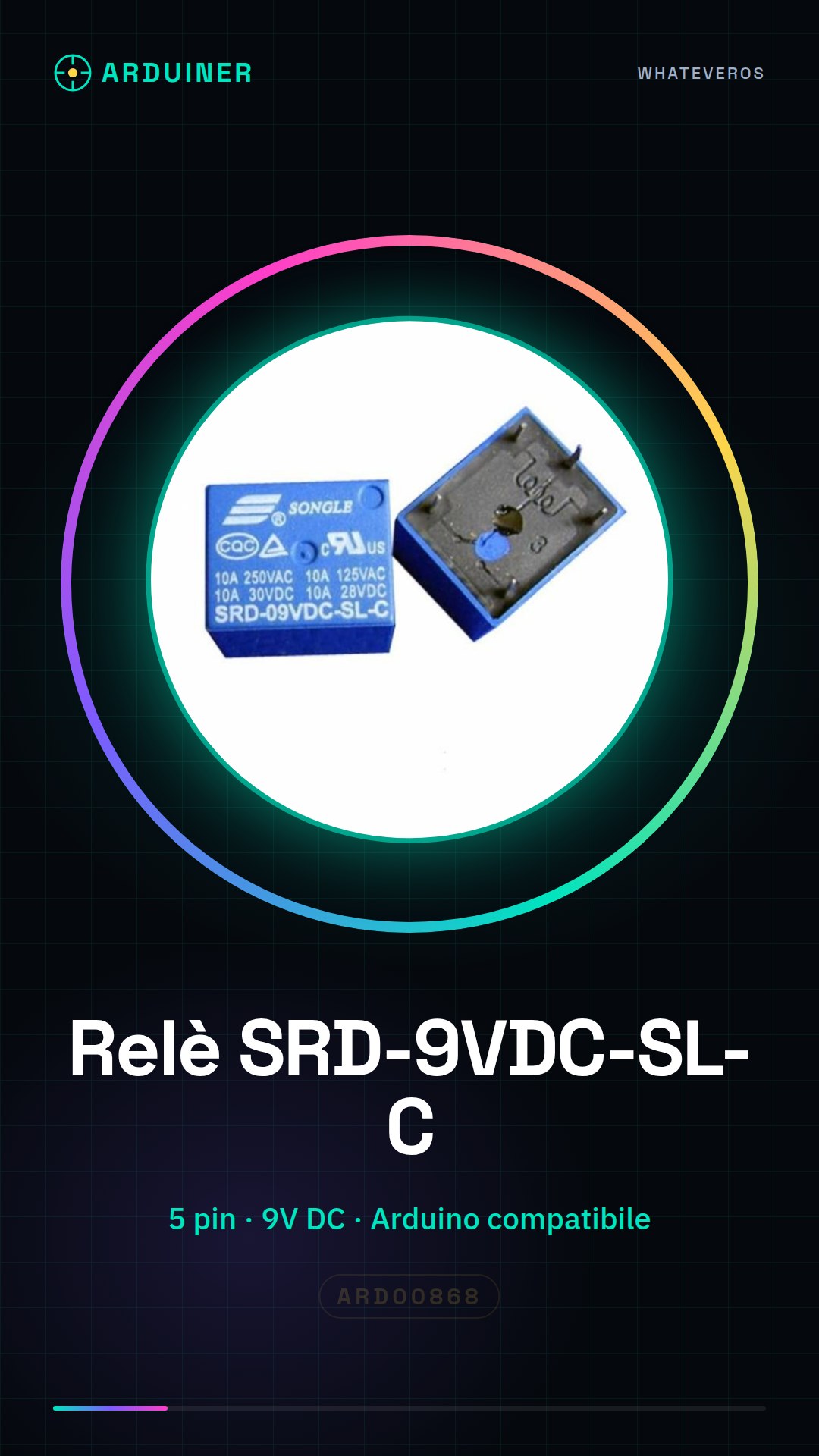
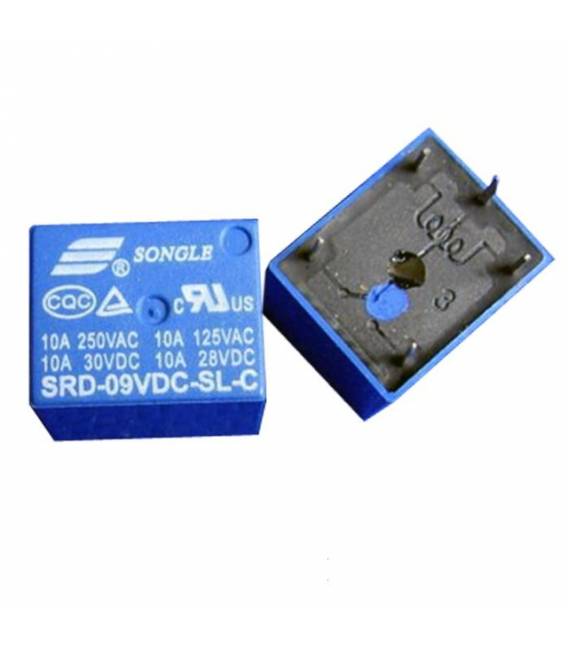
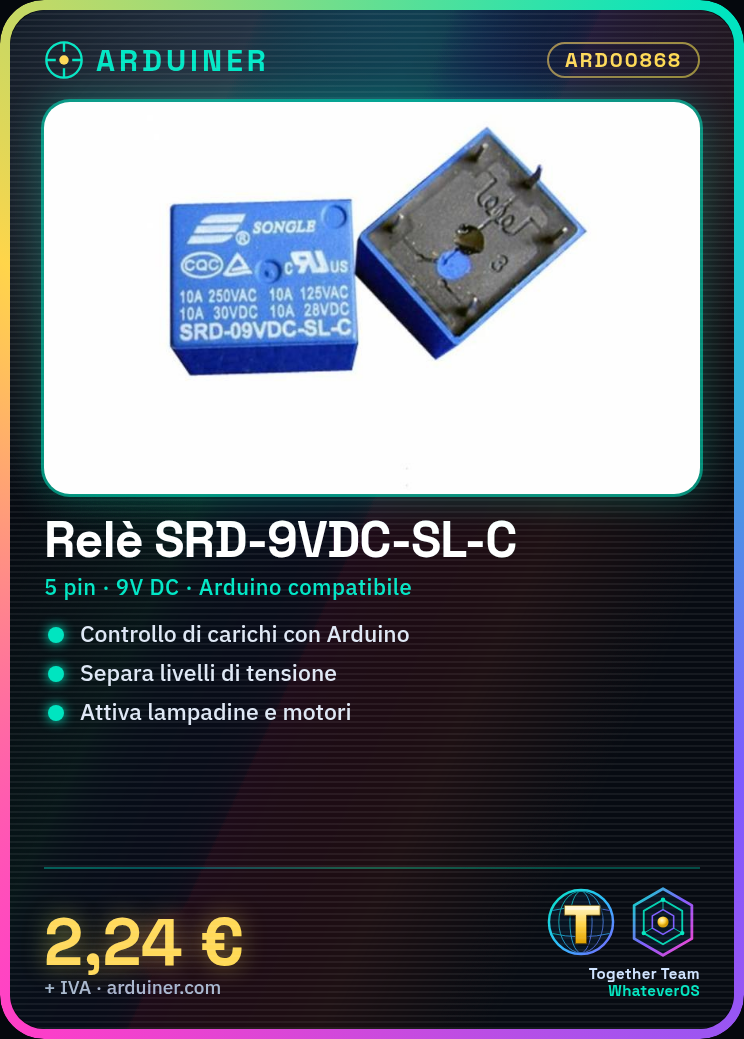
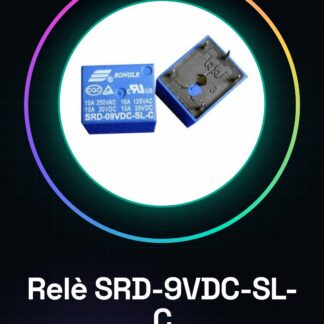
The SRD-9VDC-SL-C relay from Songle is a five-pin electronic component that allows the control of electrical devices and circuits through logic signals provided by microcontrollers such as Arduino. This type of relay is commonly used in electronics projects to isolate voltage levels between the controller and the actuator.
Features
- Operating Voltage: 9V DC (check the datasheet)
- No. of Pins: 5
- Compatible with Arduino and other control circuits
What it is for
The SRD-9VDC-SL-C relay is ideal for projects that require the activation or deactivation of electrical loads such as lamps, motors, or other devices. It can be used in simple alarm systems, automatic light controls, or any other system where remote control of electrical circuits is necessary.
Tutorial: How to use SRD-9VDC-SL-C Relay
The SRD-9VDC-SL-C relay is an essential component for controlling electrical devices from Arduino. It is ideal for projects that require the activation of electrical loads such as lamps or motors.
What you need
- Arduino Uno
- JST 2-pin connectors
- 9V power supply cable
Steps
- Check the relay’s operating voltage (check the datasheet).
- Connect the JST connector to the VCC and GND pin of the relay.
- Connect the 9V power supply to the relay’s power input.
- Connect a wire from Arduino to one of the digital pins (e.g., D2) to control the relay’s control signal.
- Check the required pull-up/pull-down resistor (check the datasheet).
- Upload the example sketch to the Arduino.
- Start the sketch execution and verify that the relay activates/deactivates correctly.
Example code
const int relayPin = 2;

void setup() {
pinMode(relayPin, OUTPUT);
digitalWrite(relayPin, LOW); // disattiva il relè inizialmente
}

void loop() {
digitalWrite(relayPin, HIGH); // attiva il relè
delay(1000);
digitalWrite(relayPin, LOW); // disattiva il relè
delay(1000);
}
Mini project
Create a simple alarm system that turns on a lamp when activated.
Common mistakes
- Connect the wrong voltage to the relay.
- Do not verify the required pull-up/pull-down resistance.
- Use the relay control signal without protection (resistor).
- Do not check if the relay activates/deactivates correctly.
Recommended accessories
- Variable resistors for testing (ARD00123)
- Portable 9V power supply (ARD00456)
- Project bulb (ARD00789)
- Electronic prototyping kit (ARD00321)
Frequently asked questions
Can the relay handle loads up to 2A?
Check the product specification on the datasheet.
Can I use a different power supply than 9V?
Yes, but check the relay’s operating voltage (check on the datasheet).
What is the relay control pin?
The control pin is the one you connect to the Arduino microcontroller.
Reviews
There are no reviews yet.