 EN
 IT Italiano
 ES Español
 FR Français
 DE Deutsch
Description
What it is
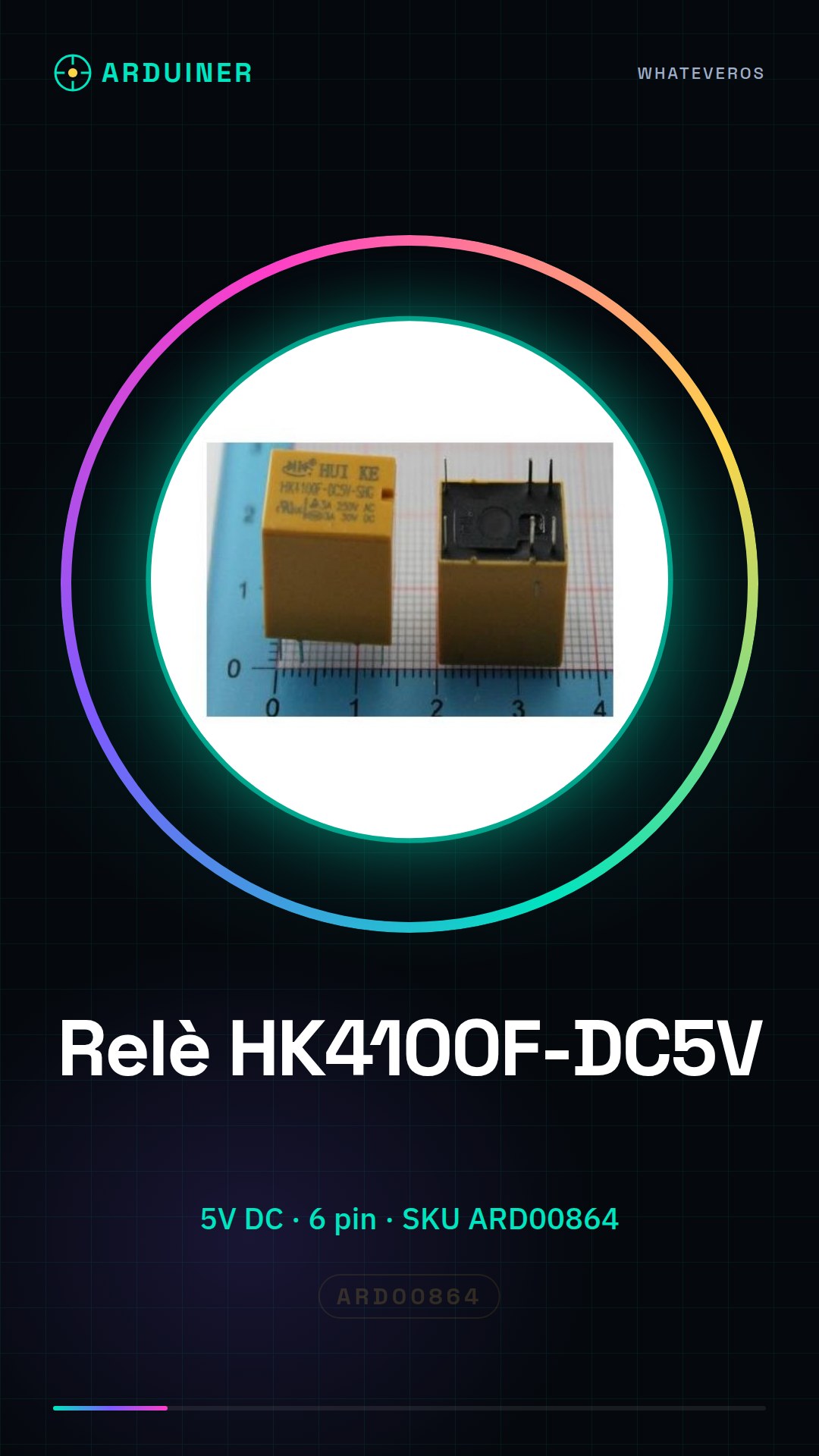
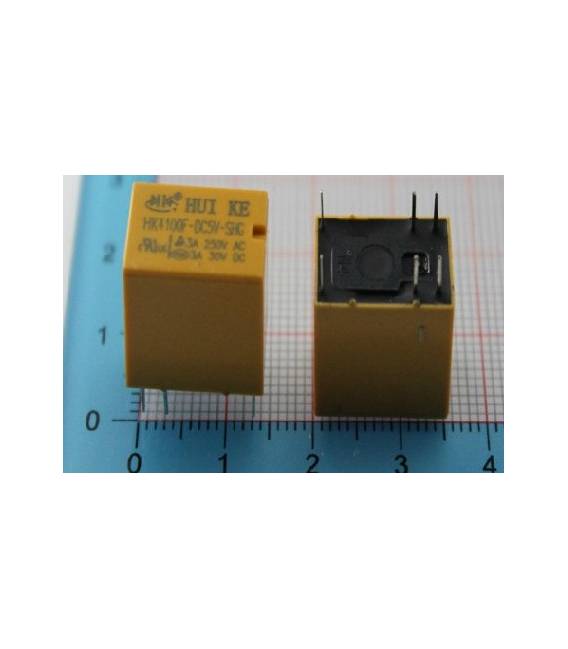
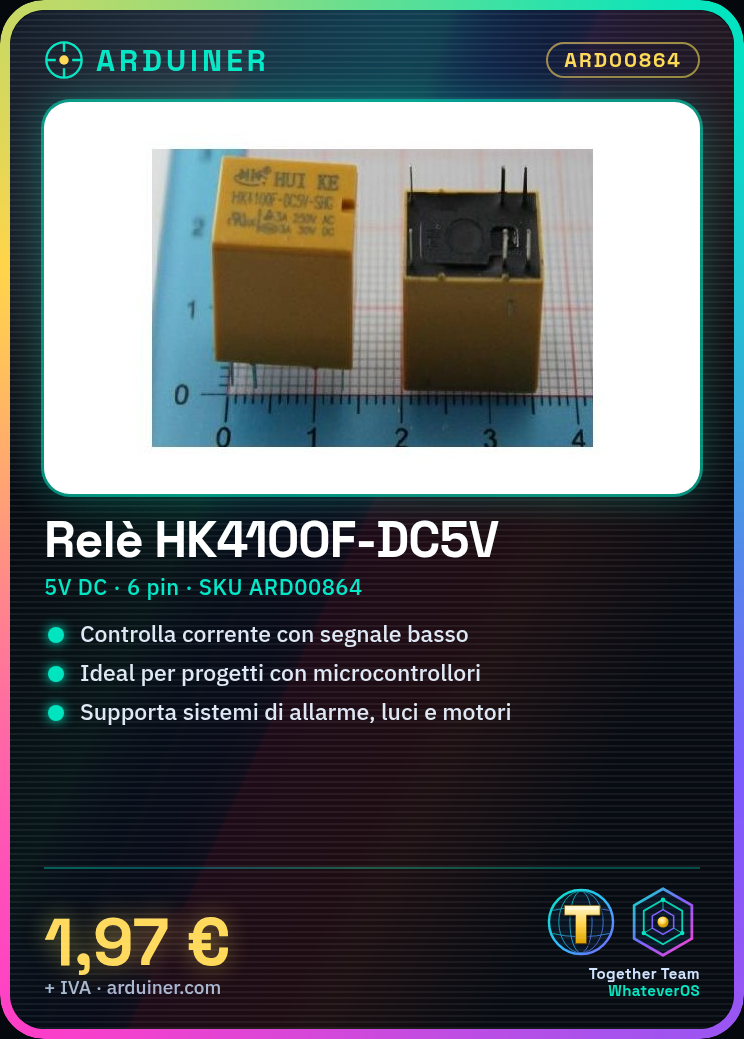
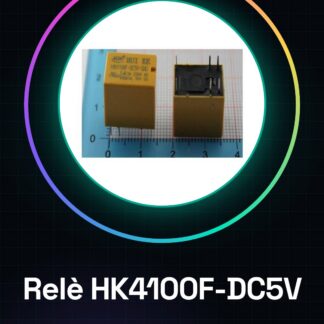
The HK4100F-DC5V-SHG relay, also known as SRS-5VDC-SL or 4100-5V, is an electronic component that allows the control of current flow in an external circuit through a low-power electrical signal.
Features
- Supply voltage: 5V DC
- Number of pins: 6
- SKU: ARD00864
- Price: 1.97 €
What it is for
The HK4100F-DC5V-SHG relay is ideal for Arduino and other microcontroller projects that require the control of high-power devices. It can be used to create alarm systems, turn lights on and off, control motors, and much more. Its 5V DC supply voltage makes it compatible with most Arduino microcontrollers.
Tutorial: How to use HK4100F-DC5V-SHG Relay
The HK4100F-DC5V-SHG relay is a fundamental component for controlling electrical devices from Arduino or other microcontrollers. Ideal for beginners who want to start working with external power control.
What you need
- Arduino Uno
- USB cable
- breadboard
- decoupling capacitor (check the datasheet)
- LED and resistor
Steps
- Connect the Arduino to the PC via USB cable.
- Connect the relay to the breadboard following the pin layout indicated in the datasheet.
- Check the connections between Arduino and relay, ensuring that the voltages are compatible (5V).
- Write the sketch to control the relay activation via a button or a digital pin of the Arduino.
- Upload the code to the Arduino using Arduino IDE.
- Monitor the communication between Arduino and relay through the serial console of Arduino IDE.
- Test the relay functionality by connecting an LED to its output to see the switching effect.
Example code
const int bottone = 2;
const int relay = 3;

void setup() {
pinMode(bottone, INPUT);
pinMode(relay, OUTPUT);
}

void loop() {
digitalWrite(relay, digitalRead(bottone));
}
Mini project
Create a simple home alarm system that activates an external 12V siren when a button connected to Arduino and the relay is pressed.
Common mistakes
- Do not check the voltage compatibility between Arduino and relay.
- Omit the decoupling capacitor needed to stabilize the relay’s power supply.
- Connect a DC device directly to the relay without protection.
- Ignore the relay’s activation/deactivation times in the Arduino code.
Recommended accessories
- Decoupling capacitor
- Push button
- External 12V siren
- Relay Shield for Arduino
Frequently asked questions
How can I control the relay from an app?
Use a library like Blynk or Particle to send commands from a smartphone to Arduino.
How long does it take for the relay to change state?
Check the component’s datasheet.

Reviews
There are no reviews yet.