 EN
 IT Italiano
 ES Español
 FR Français
 DE Deutsch
Description
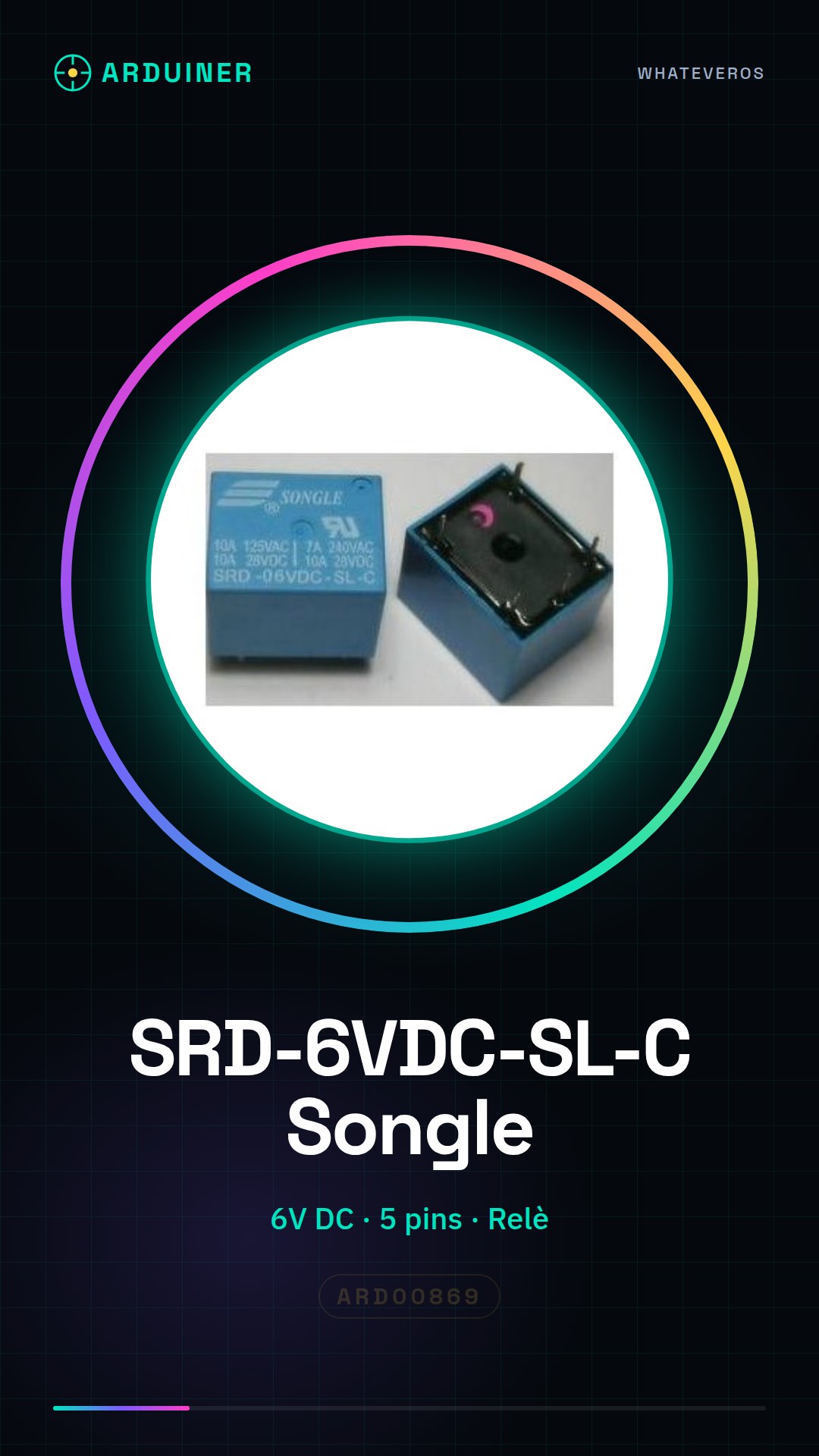
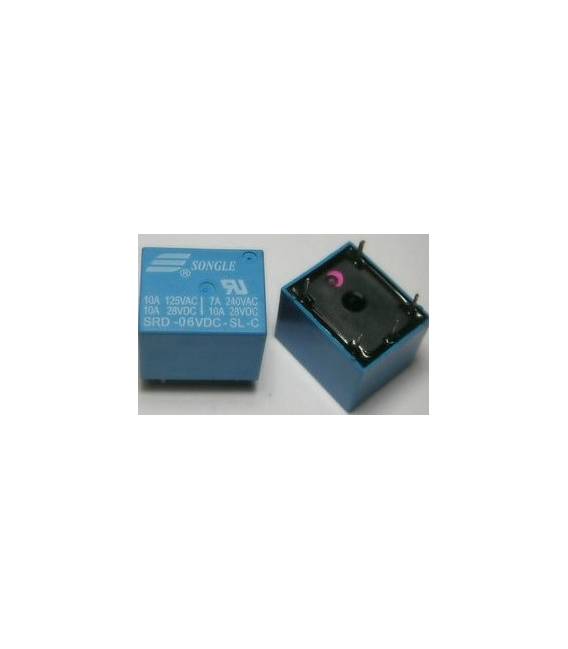
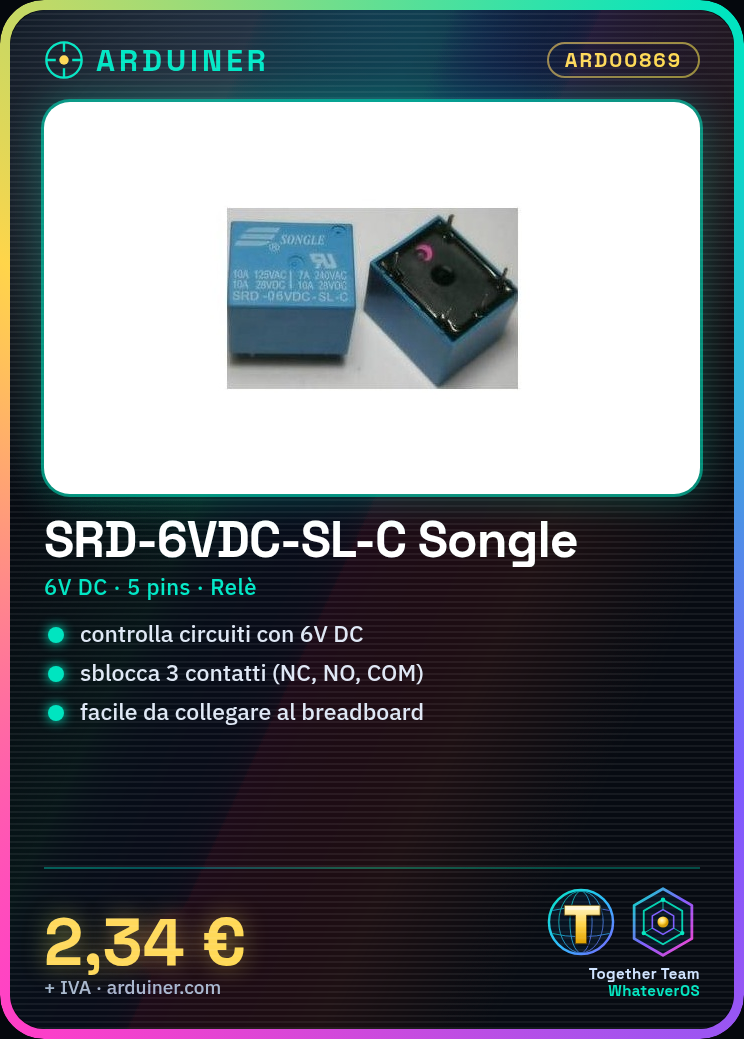
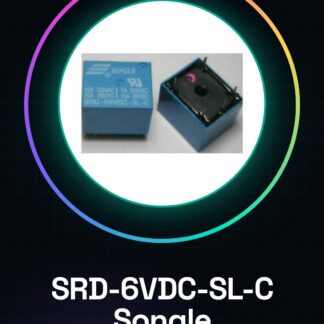
SRD-6VDC-SL-C Relay Songle T73-6V 5pins
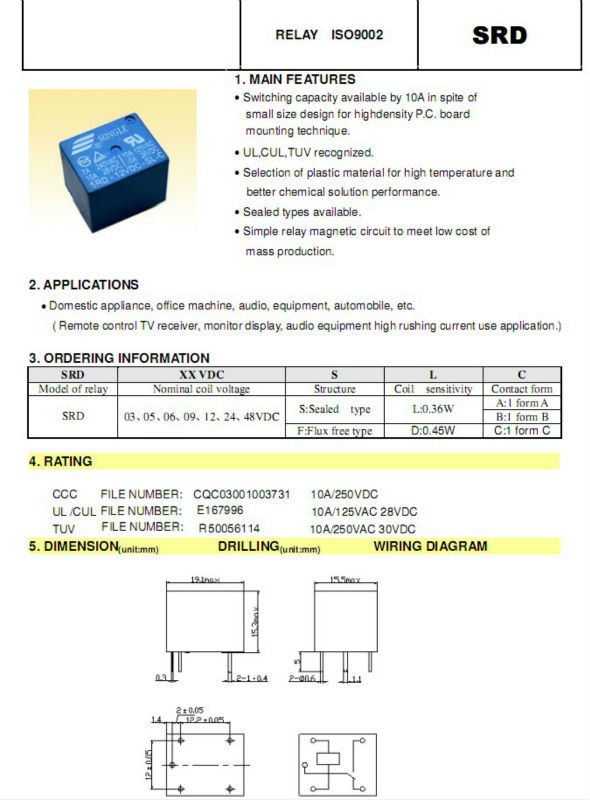
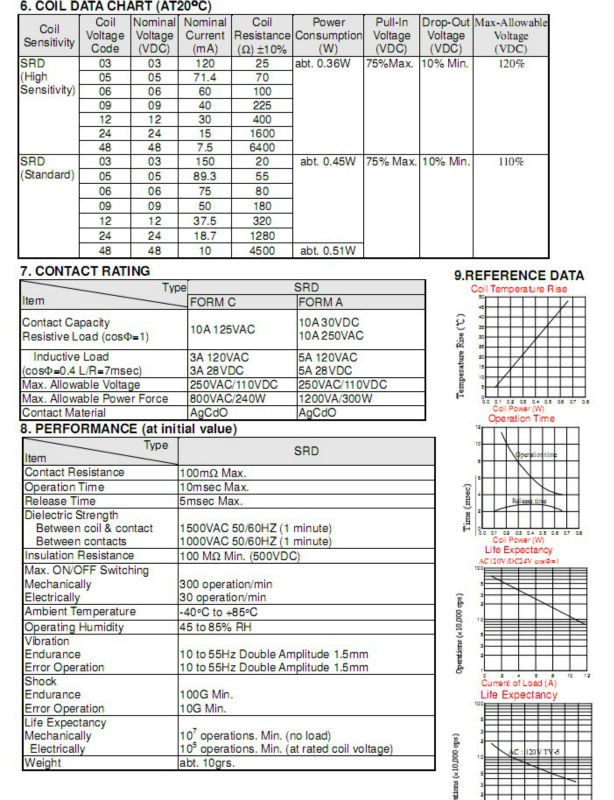
We have the technical specifications of all components available, if not present in the product download sheet, send us a message from the contact us module and we will publish it as soon as possible on our website.
Tutorial: How to use SRD-6VDC-SL-C Songle Relay T73-6V
The SRD-6VDC-SL-C relay is an electronic component very useful for controlling electrical devices from Arduino or other microcontrollers. Ideal for beginners who want to learn how to manage the power supply of external loads.
What you need
- Arduino Uno
- USB cable
- Breadboard
- 6V power supply
Steps
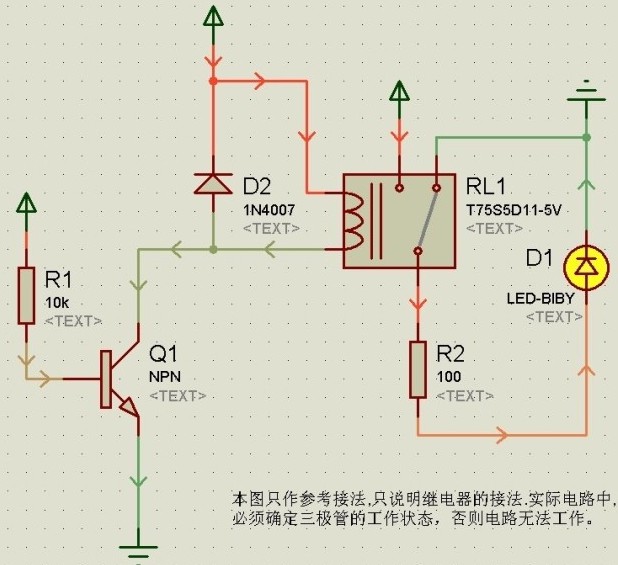
- Connect the COM, NO and NC pins of the relay to the breadboard.
- Connect the VCC pin to the +6V of the power supply.
- Connect the GND pin to the -6V of the power supply.
- Connect the IN1 pin to a digital pin of Arduino (e.g., 7).
- Open Arduino IDE and connect the Arduino to the USB port of the computer.
- Upload the following sketch to the microcontroller.
Example code
void setup() {
  pinMode(7, OUTPUT);
}

void loop() {
  digitalWrite(7, HIGH); // Attiva il relè
  delay(1000);
  digitalWrite(7, LOW); // Disattiva il relè
  delay(1000);
}
Mini project
Create an automatic lighting system that turns on a lamp connected to the relay when a light sensor is activated.
Common mistakes
- Connect the IN1 pin to an analog pin.
- Do not check the VCC voltage of the relay.
- Use a load that is too heavy without an intermediate resistor.
- Ignore the polarity of the power connector pins.
Recommended accessories
- Breadboard
- Jumper wires
- Light sensors
Frequently asked questions
How can I control multiple relays?
Use a multiplexer module or connect the relays to other digital pins on the Arduino.
The relay is not working, what to do?
Check all connections and the relay voltage. Try to upload a simple sketch to test it.
Reviews
There are no reviews yet.