 EN
 IT Italiano
 ES Español
 FR Français
 DE Deutsch
Description
What it is
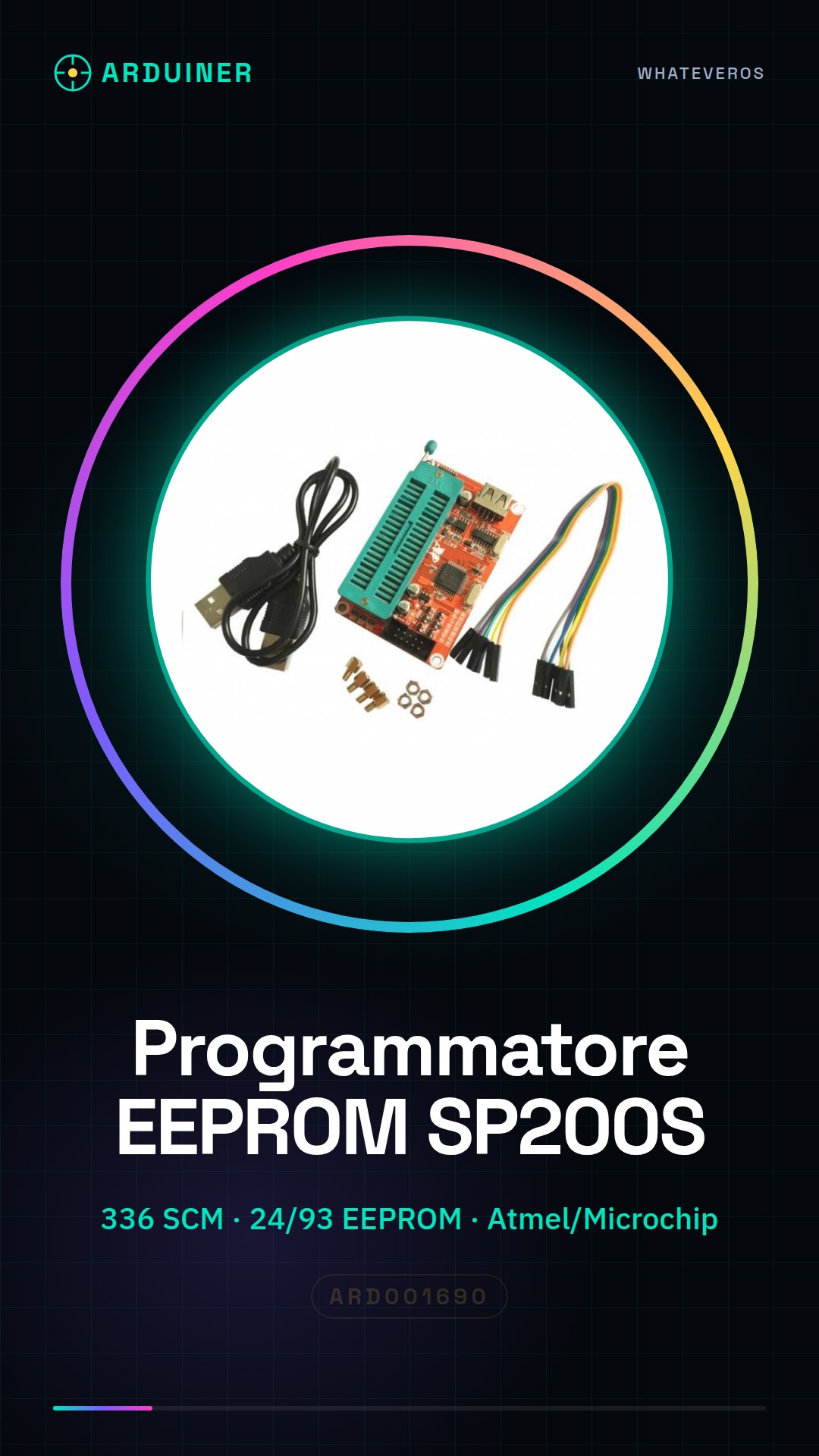
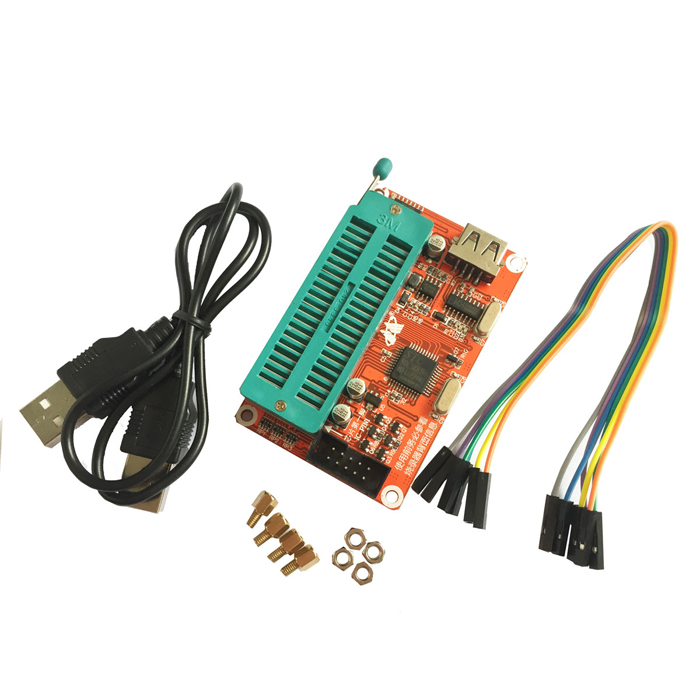
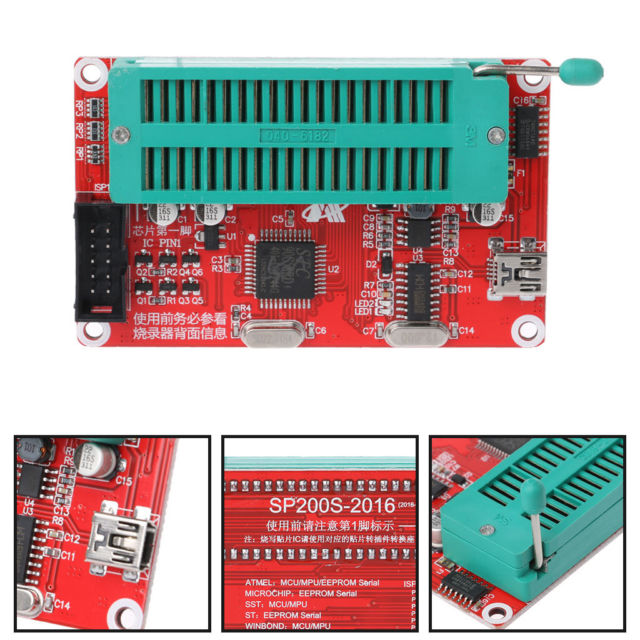
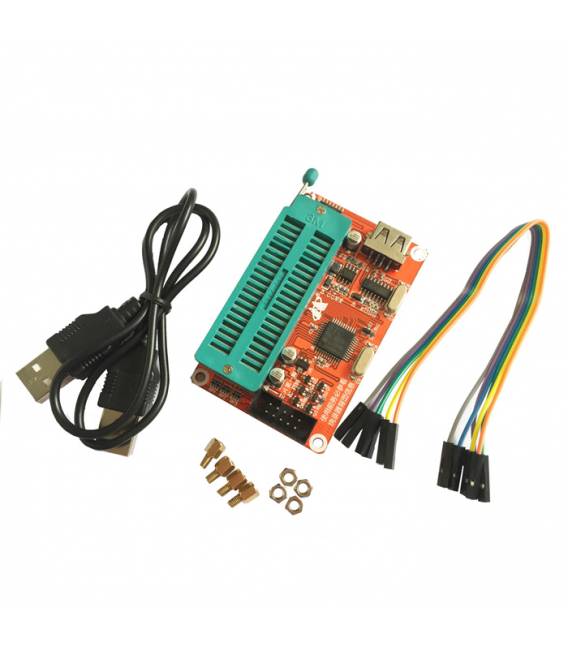
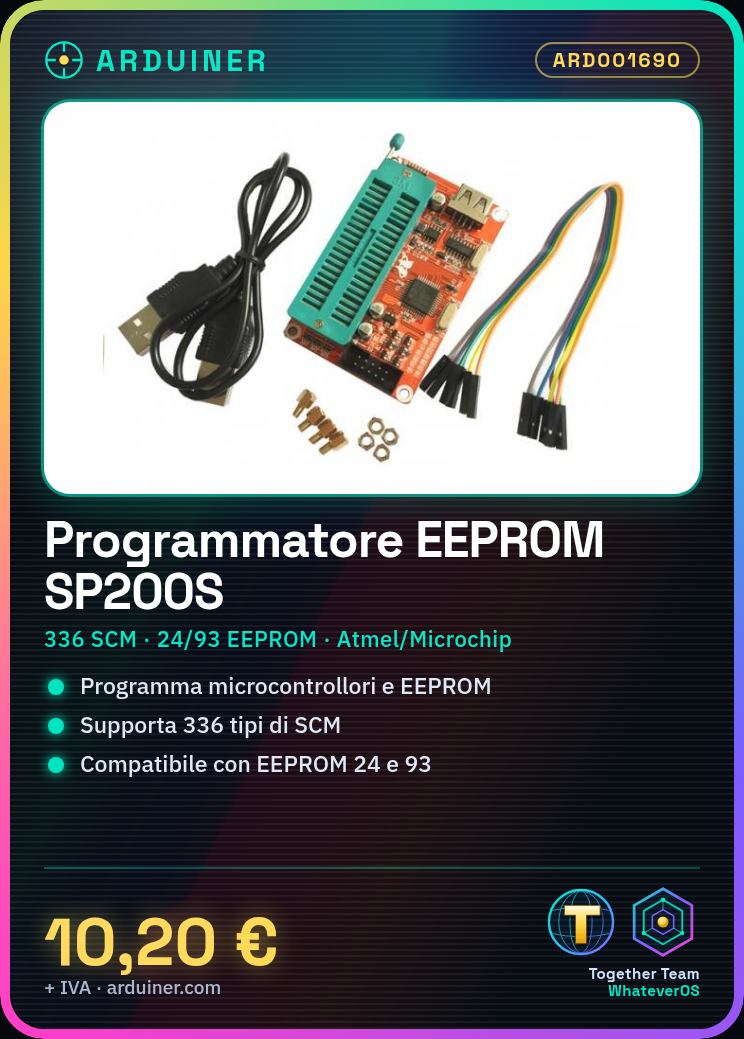
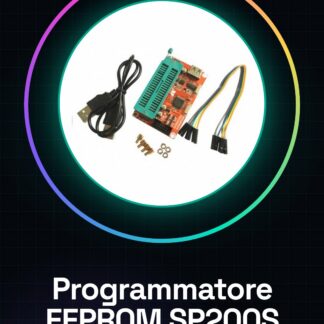
The SP200S EEPROM programmer is a tool for programming microcontrollers and EEPROM chips.
Features
- Supports 336 types of SCM
- Compatible with Atmel, Microchip, SST, ST, WINBOND chips
- Supports 24 and 93 series EEPROM chips
What it is for
The SP200S programmer is ideal for quickly and accurately programming electronics such as microcontrollers. It is suitable for makers and professionals working on Arduino or 3D printing projects. Example use: programming a small control device with Arduino, such as a light that changes color based on the time or a temperature sensor.
Tutorial: How to use SP200S EEPROM Programmer
The SP200S EEPROM programmer is a versatile device that allows programming of Atmel, Microchip, SST, ST, and WINBOND microcontrollers. It is ideal for makers and professionals working on Arduino or 3D printing projects.
What you need
- Microcontroller to program
- USB cable
- Computer with Windows/Linux/MacOS operating system
Steps
- Connect the programmer to the computer via USB cable
- Download and install the necessary drivers from the manufacturer’s website
- Open the programming interface on your computer
- Choose the EEPROM memory to program (check the datasheet)
- Load the desired code or data into the programming software
- Connect the microcontroller to the SP200S programmer
- Start the programming process following the software instructions
- Verify the correct execution of the program
Mini project
Design a small control device with Arduino and program it using the SP200S. You can create a light that changes color based on the time or a temperature detector.
Common mistakes
- Ensure that the drivers are correctly installed
- Check the connection between the programmer and the microcontroller
- Use the correct programming software for your device
- Check the specifications in the datasheet before starting to program
Recommended accessories
- USB A-Micro B cable
- Atmel or Microchip microcontrollers
- Arduino development software
- Prototype board and flexible conductors
Frequently asked questions
How can I verify if my microcontroller is compatible?
Check your microcontroller’s datasheet to see if it is supported by the SP200S.
What is the difference between EEPROM and Flash Memory?
EEPROM can be repeatedly written to and read, while flash memory is generally used only for the microcontroller’s code.
Reviews
There are no reviews yet.