 EN
 IT Italiano
 ES Español
 FR Français
 DE Deutsch
Description
What it is
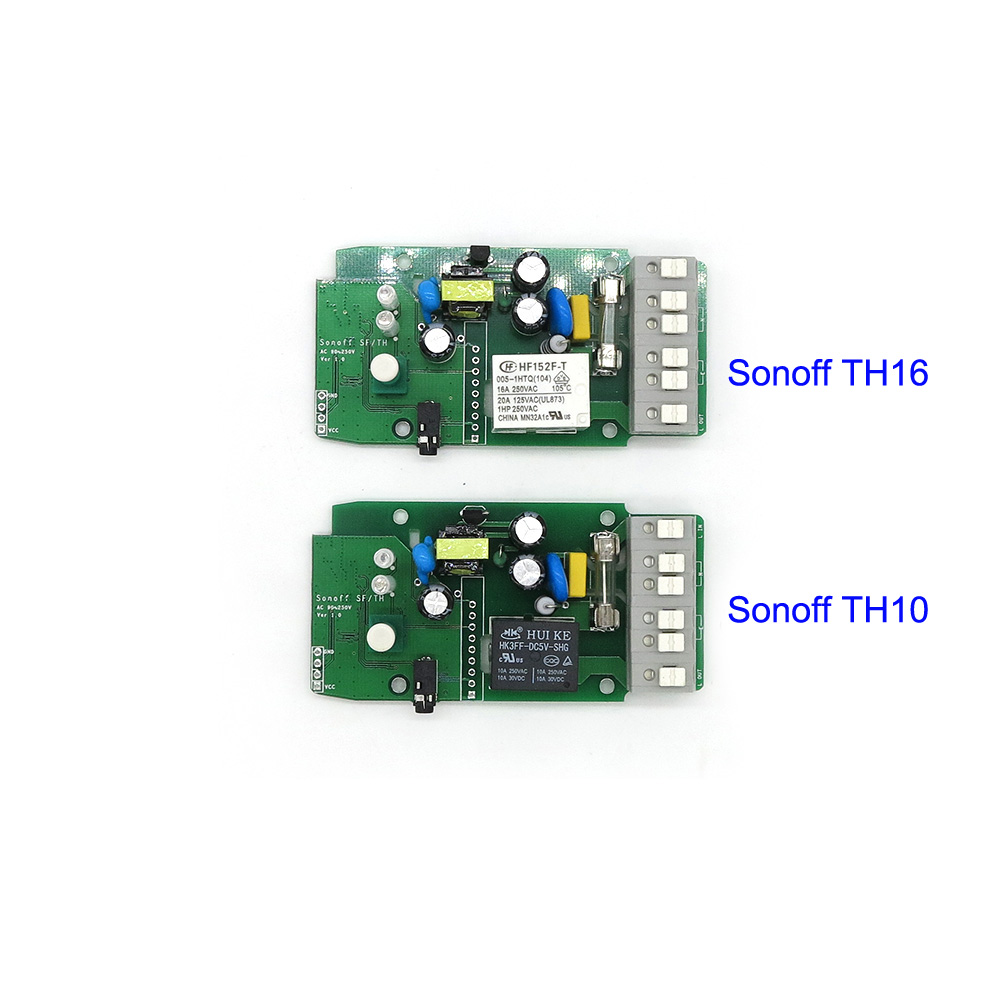
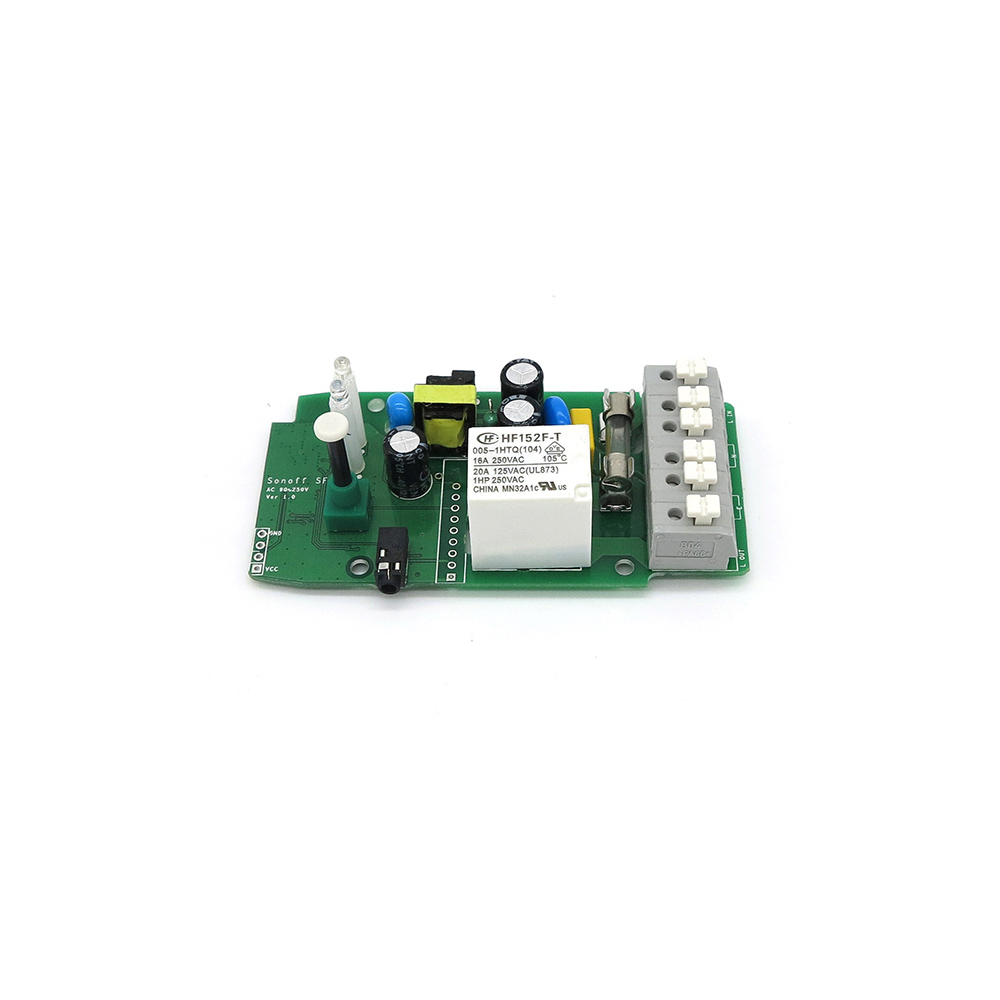
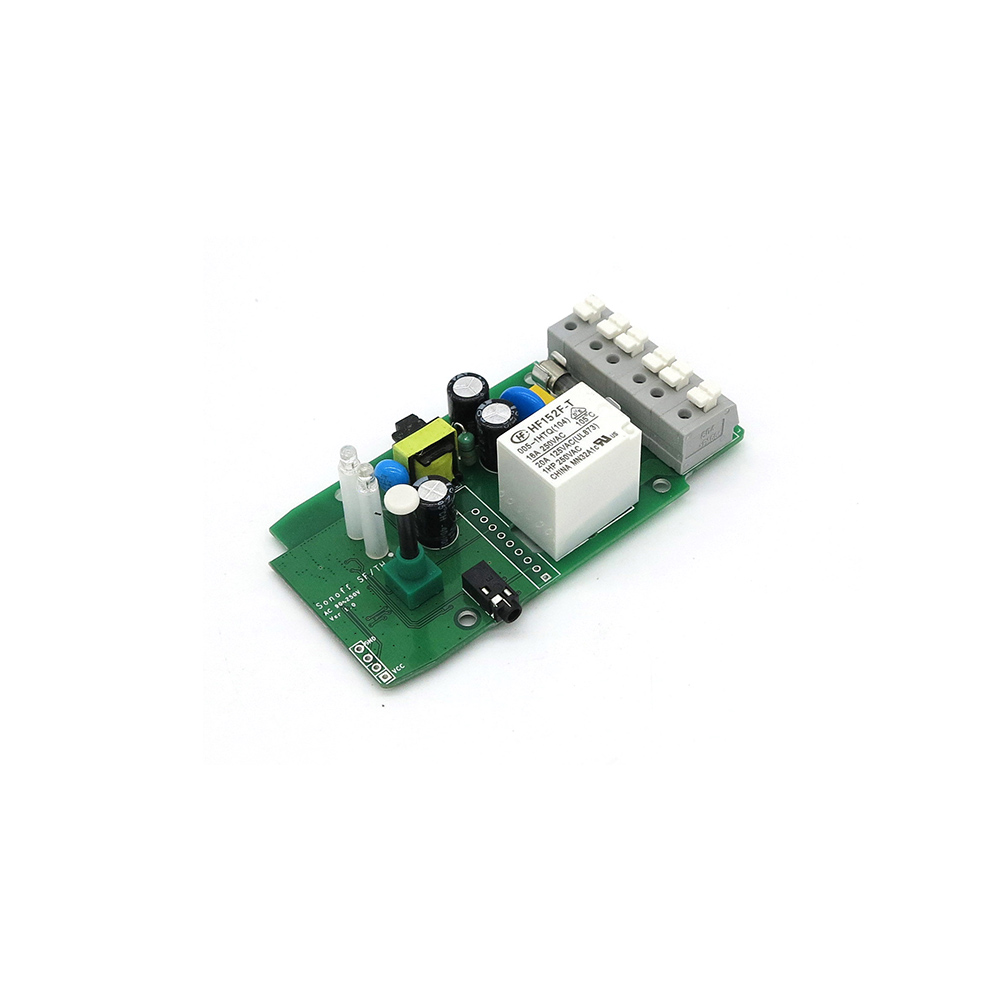
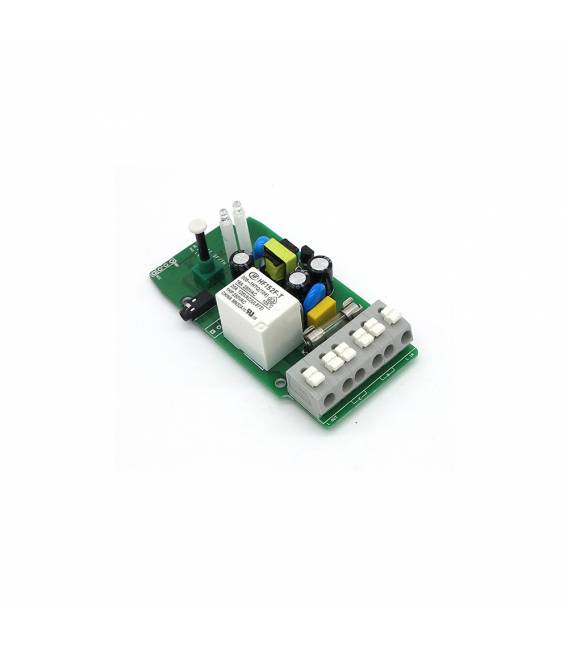
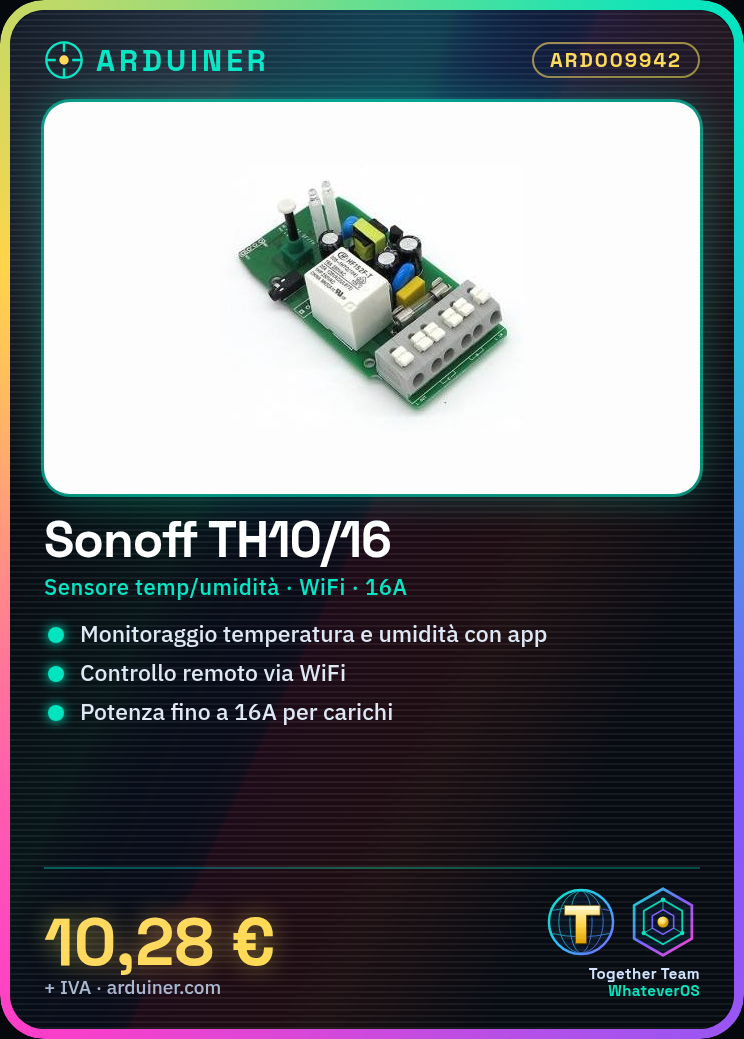
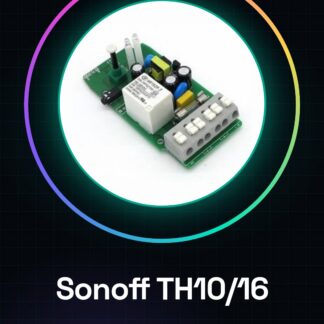
The Sonoff TH10/16 is an electrical control device with integrated temperature and humidity sensing capabilities. When connected to a Wi-Fi network, it allows for remote monitoring of temperature and humidity through a dedicated app.
Features
- Integrated temperature and humidity sensor
- Wi-Fi control for remote management
- Compatible with smartphone apps for control
- Maximum power: 16A (check the datasheet)
What it is for
Ideal for IoT and home automation projects, it allows monitoring of environmental conditions such as temperature and humidity. It can be used with Arduino or ESP to create automatic alarm systems when humidity levels exceed a certain limit.
Tutorial: How to use Sonoff TH10/16
The Sonoff TH10/16 is a Wi-Fi sensor for monitoring temperature and humidity. Ideal for IoT and home automation projects.
What you need
- Arduino IDE
- PC or laptop
- Wi-Fi network
- USB cable
Steps
- 1. Download and install Arduino IDE.
- 2. Connect the Sonoff TH10/16 to your PC via USB cable.
- 3. Check the datasheet for Wi-Fi configuration.
- 4. Create a new project in Arduino IDE.
- 5. Insert the minimum code to connect the TH10/16.
- 6. Upload the code to your Arduino.
- 7. Configure the Wi-Fi connection on the TH10/16.
- 8. Install the mobile app to control the device.
Example code
```cpp
#include <ESP8266WiFi.h>

const char* ssid = "TUSSID";
const char* password = "TUPASSWORD";

void setup() {
  Serial.begin(115200);
  WiFi.begin(ssid, password);
}

void loop() {
  if (WiFi.status() == WL_CONNECTED) {
    Serial.println("Connesso a Wi-Fi");
  }
}
```
Mini project
Create a simple humidity alarm system for a home area. Connect the TH10/16 to a relay and set an alarm if the humidity exceeds a certain limit.
Common mistakes
- Forgetting to correctly configure the Wi-Fi connection.
- Failing to correctly connect the TH10/16 to the PC.
- Entering incorrect Wi-Fi credentials.
- Failing to correctly install the mobile app.
Recommended accessories
- Relay
- Power cable
- Arduino
- Mobile app
Frequently asked questions
How do I configure the Wi-Fi connection?
Go to the TH10/16 configuration and set the SSID and password parameters.
What are the minimum requirements for the Arduino IDE?
Install the latest version of Arduino IDE and support for ESP8266.
Can I use this sensor with a Raspberry Pi?
Yes, but you might need to use a Wi-Fi module like ESP8266.
What are the specifications of the sensor?
Check the datasheet for detailed specifications.
Reviews
There are no reviews yet.