 EN
 IT Italiano
 ES Español
 FR Français
 DE Deutsch
Description
What it is
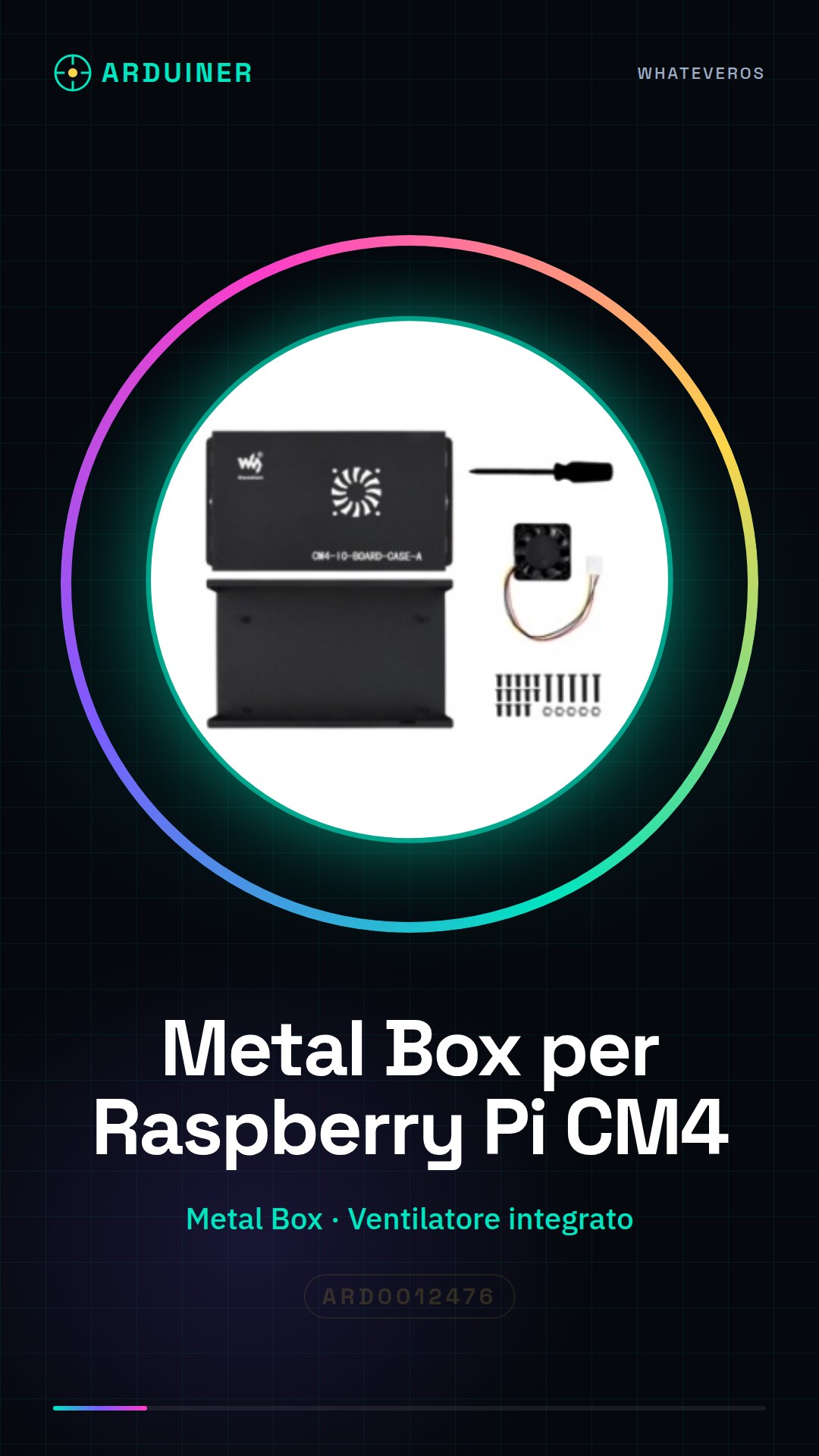
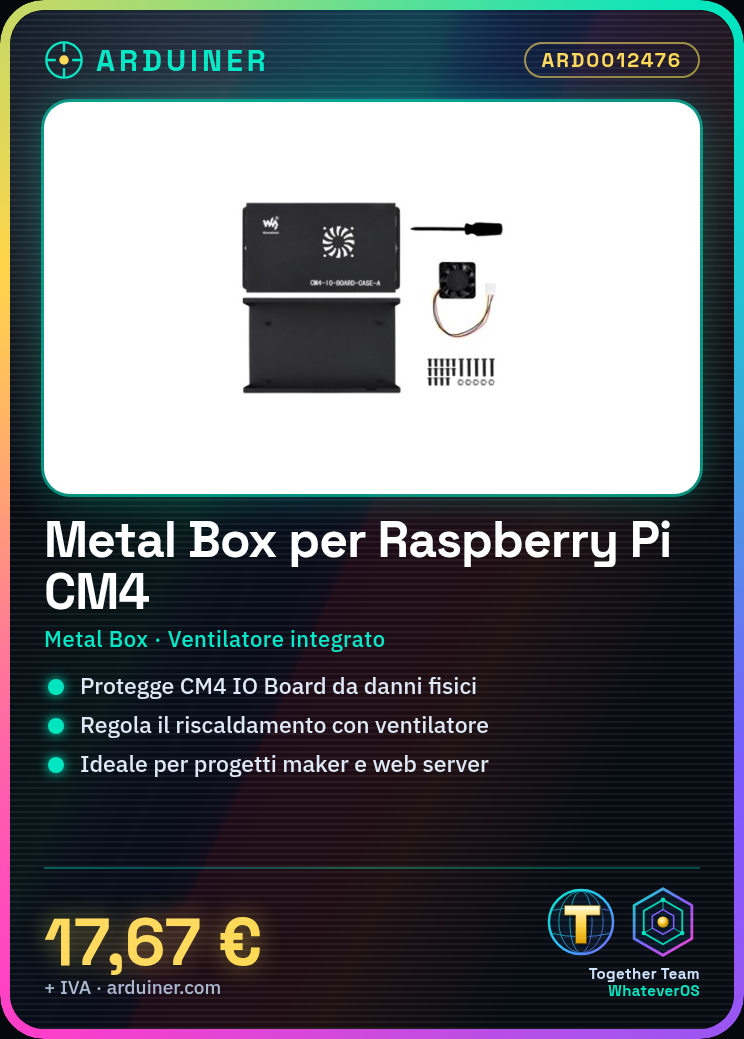
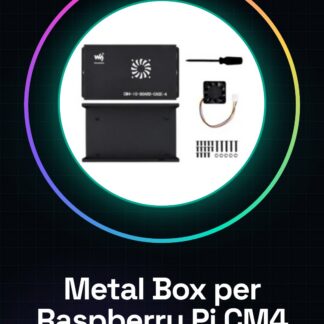
The Metal Box (A) is a metal container designed to house and protect the Raspberry Pi Compute Module 4 IO Board. Includes an integrated fan to manage heating during use.
Features
- Metal container for Raspberry Pi Compute Module 4 IO Board
- Integrated with a fan for cooling
- SKU: ARD0012476
What it is for
The Metal Box (A) is ideal for protecting the Raspberry Pi CM4 IO Board from physical damage and regulating its heating. Useful for maker projects, web server applications, and other applications that require a protected and cooled environment.
Tutorial: How to use Metal Box (A) for Raspberry Pi Compute Module 4 IO Board
This metal container is ideal for protecting the Raspberry Pi Compute Module 4 IO Board and regulating its heating. Useful for beginner and intermediate makers.
What you need
- Metal Box (A) for Raspberry Pi Compute Module 4 IO Board
- Raspberry Pi Compute Module 4 IO Board
- Cooling Fan
- Electric cables
Steps
- 1. Check that the Metal Box (A) and the Raspberry Pi Compute Module 4 IO Board are both in good condition.
- 2. Gently remove the Raspberry Pi Compute Module 4 IO Board from its holder.
- 3. Connect the Cooling Fan to the Raspberry Pi Compute Module 4 IO Board. Check the datasheet for the correct pins.
- 4. Position the Raspberry Pi Compute Module 4 IO Board inside the Metal Box (A).
- 5. Connect the Cooling Fan inside the Metal Box (A). Check the datasheet for the correct pins.
- 6. Close the Metal Box (A) and ensure that the Raspberry Pi Compute Module 4 IO Board and the Cooling Fan are properly positioned.
- 7. Start the Raspberry Pi Compute Module 4 IO Board. Check that the Cooling Fan turns on and functions correctly.
- 8. Ensure that the Metal Box (A) does not obstruct the electrical cable connections and that the Raspberry Pi Compute Module 4 IO Board functions without issues.
Mini project
Mount a Raspberry Pi Compute Module 4 IO Board protected by the Metal Box (A) with a Cooling Fan. Configure a simple web server application in 30 minutes.
Common mistakes
- Do not properly connect the Cooling Fan.
- Do not check if the Raspberry Pi Compute Module 4 IO Board and the Cooling Fan are properly positioned.
- Omit the check of electrical connections.
- Do not use the Metal Box (A) as intended, causing electronic overheating.
Recommended accessories
- Cooling Fan
- Electrical cables
- Insulating stickers (optional)
- Iron (optional)
Frequently asked questions
The Cooling Fan does not turn on?
Check the proper electrical connection and check the datasheet to see if the fan requires external power.
Can I use this Metal Box (A) with other Raspberry Pis?
The Metal Box (A) is specifically designed for the Raspberry Pi Compute Module 4 IO Board. Check compatibility on the datasheet.
Can the Metal Box (A) protect from overheating even if I don’t connect the Cooling Fan?
The Metal Box (A) provides electrical and mechanical protection, but it does not regulate heating. The Cooling Fan is necessary to prevent overheating.

Reviews
There are no reviews yet.