 EN
 IT Italiano
 ES Español
 FR Français
 DE Deutsch
Description
What it is
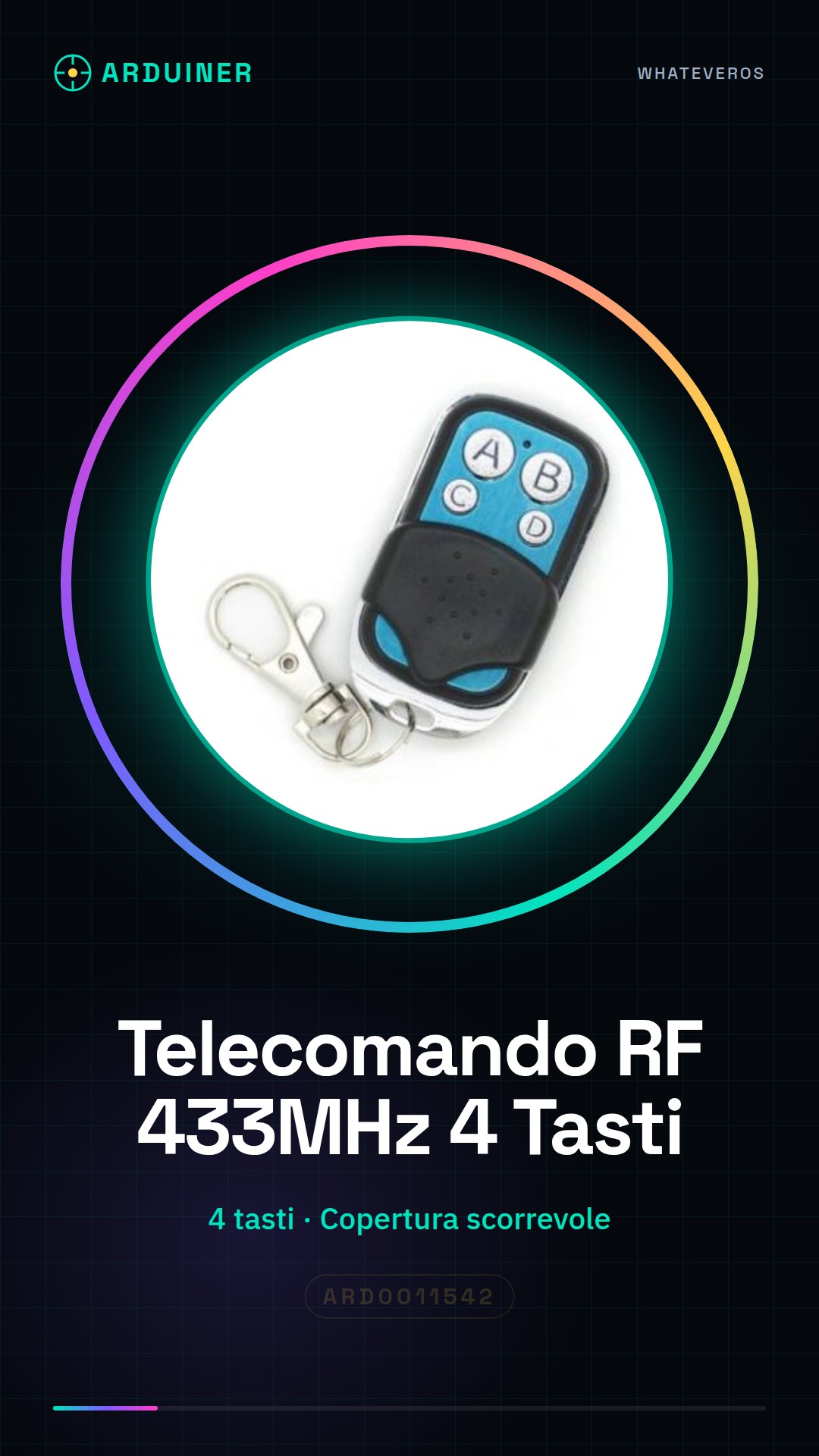
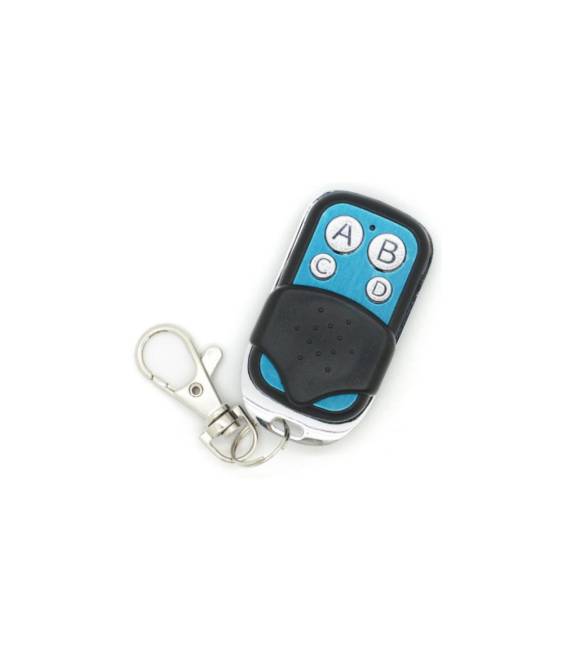
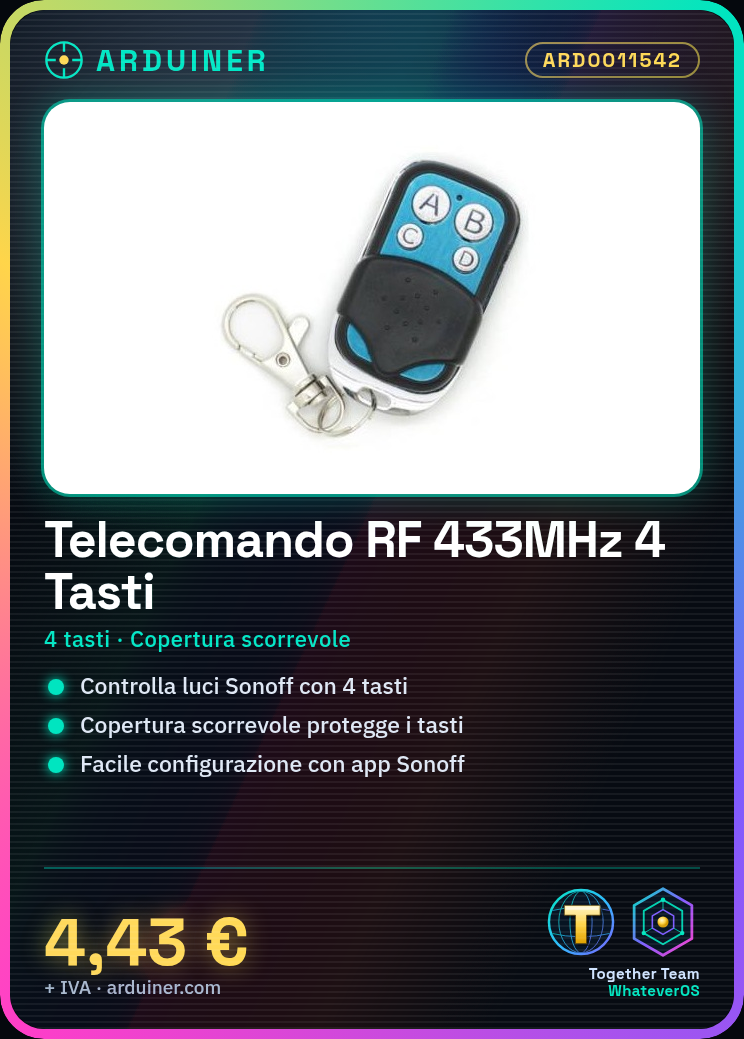
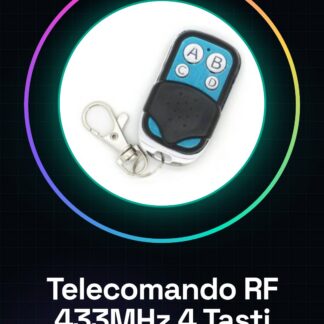
The 4-button 433 MHz RF remote control is a device designed to control Sonoff devices. With a practical and easy-to-use design, it allows you to manage your lights and other smart home devices without any issues.
Features
- 433 MHz RF Remote Control
- 4 control buttons
- Sliding cover to protect the buttons
What it is for
This RF remote control is ideal for configuring and controlling Sonoff lighting devices. You can set the buttons to turn lights on and off, adjust the brightness, or activate other control functions. It is compatible with Arduino and ESP for advanced home automation projects.
Tutorial: How to Use the 4-Button 433 MHz RF Remote Control
This RF remote control allows you to control Sonoff devices using a 433 MHz remote control. Ideal for beginners and makers who want to automate their home or garden.
What you need
- 4-Button 433 MHz RF Remote Control
- 433 MHz Compatible Sonoff Devices
- Power Supplies for Sonoff Devices
Steps
- 1. Ensure that the remote control and Sonoff devices are compatible with 433 MHz.
- 2. Make sure that the Sonoff devices are properly powered.
- 3. Turn on the remote control and press a button.
- 4. Check the datasheet to see if the remote control emits different codes for each button.
- 5. Connect the remote control to a computer to configure it if necessary.
- 6. Configure the Sonoff devices through the Sonoff mobile app.
- 7. Assign functions to the remote control buttons on the Sonoff devices.
- 8. Check that the remote control correctly controls the Sonoff devices.
Mini project
Configure the remote control to control a Sonoff lighting device. Set a button to turn the light on and off.
Common mistakes
- Do not check the compatibility between the remote control and Sonoff devices.
- Do not properly configure Sonoff devices.
- Do not properly connect Sonoff devices.
- Do not use a remote control with different codes for each button.
Recommended accessories
- Sonoff compatible devices
- Power supplies
- Sonoff mobile app
- Remote control datasheet
Frequently asked questions
Does the remote control emit different codes for each button?
Check the remote control datasheet to see if it emits different codes for each button.
Can I use this remote control with Sonoff devices at 2.4 GHz?
No, make sure the remote control and Sonoff devices are compatible with 433 MHz.
How can I configure Sonoff devices?
Configure Sonoff devices through the Sonoff mobile app.



Reviews
There are no reviews yet.