 EN
 IT Italiano
 ES Español
 FR Français
 DE Deutsch
Description
What it is
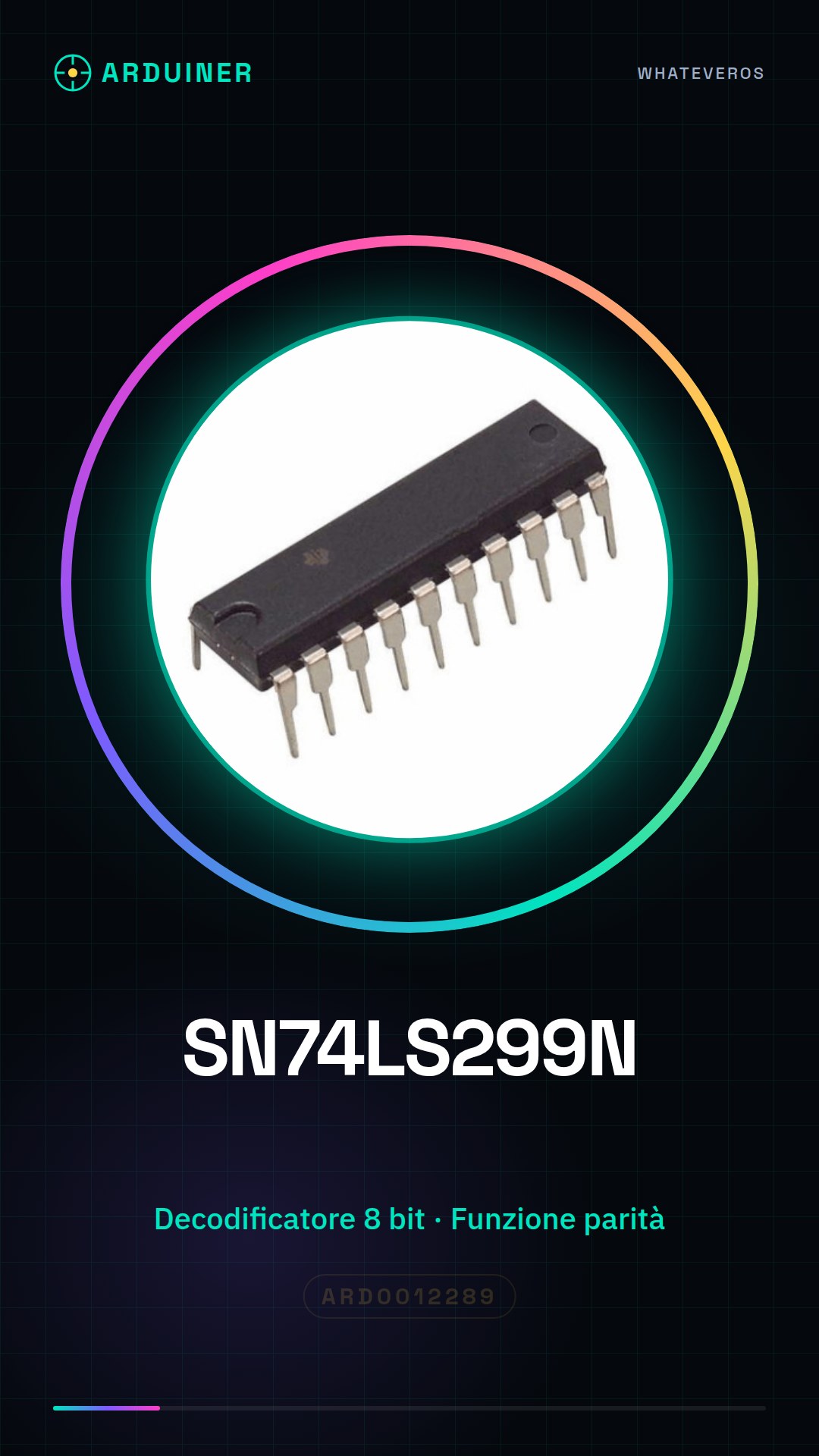
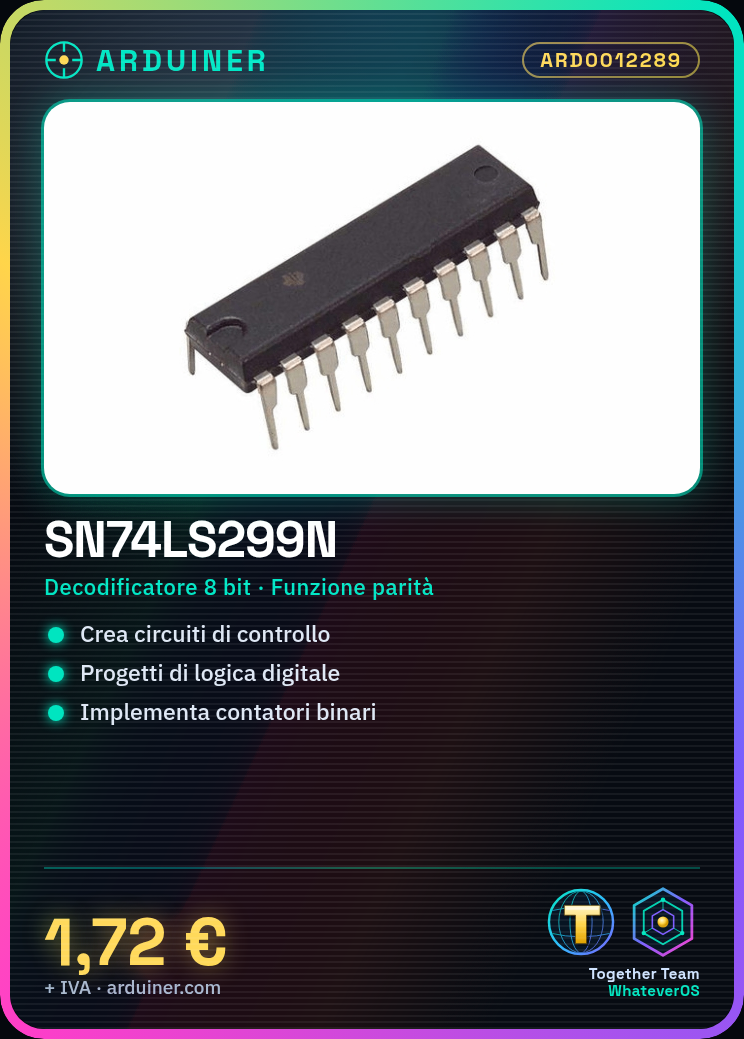
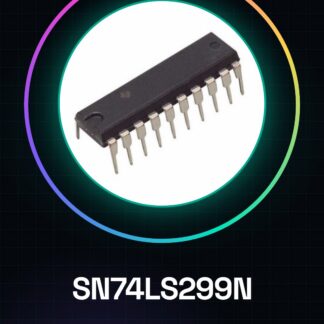
The SN74LS299N is an Integrated Circuit (IC) used in digital logic projects and control circuits. This device is an 8-bit decoder with parity and overflow control functions.
Features
- 8-bit decoder
- Parity function
- Overflow control
- Ideally suited for data processing applications
What it is for
The SN74LS299N is used to create control circuits and digital logic projects. It is compatible with Arduino and can be used to implement simple binary counters. Check the datasheet for further details on its application.
Tutorial: How to use SN74LS299N
The SN74LS299N is an 8-bit decoder with parity and overflow control. Useful for data processing applications in Arduino.
What you need
- SN74LS299N
- Arduino
- Resistors (10kΩ)
- Connecting wires
Steps
- 1. Check the SN74LS299N datasheet specifications.
- 2. Connect VCC to pin 14 of the Arduino.
- 3. Connect GND to pin 7 of the Arduino.
- 4. Connect pins D0-D7 of the SN74LS299N to digital pins 2-9 of the Arduino.
- 5. Connect pins A0-A1 of the SN74LS299N to digital pins 10-11 of the Arduino.
- 6. Connect pins S0-S1 of the SN74LS299N to digital pins 12-13 of the Arduino.
- 7. Connect pins Q0-Q7 of the SN74LS299N to digital pins 14-21 of the Arduino.
- 8. Verify correct functionality with a sample sketch.
Example code
void loop() {
  // Esempio di lettura e scrittura
  digitalWrite(S0, HIGH);
  digitalWrite(S1, LOW);
  int data = digitalRead(Q0); // Leggi dato
  Serial.println(data);
}
Mini project
Create a simple binary counter with the SN74LS299N on Arduino in 30 minutes.
Common mistakes
- Connect pins S0-S1 correctly to VCC.
- Check the correct polarity of the pins.
- Ensure that the digital pins are in digital mode.
Recommended accessories
- Arduino Uno
- Pull-up resistors
- 7-segment display
- Connection wires
Frequently asked questions
How can I verify the functionality of the SN74LS299N?
Use a sample sketch to control the output pins Q0-Q7.
Which pins of the SN74LS299N are used for control?
The pins S0 and S1 control the function of the decoder.
Can I use an Arduino Due with this component?
The SN74LS299N supports only digital pins from 2 to 13. Check compatibility.
Which pins of the SN74LS299N are used for parity and overflow?
The pins P and Ov are used for parity and overflow, but they are not connected in the example code.
Reviews
There are no reviews yet.