 EN
 IT Italiano
 ES Español
 FR Français
 DE Deutsch
Description
What it is
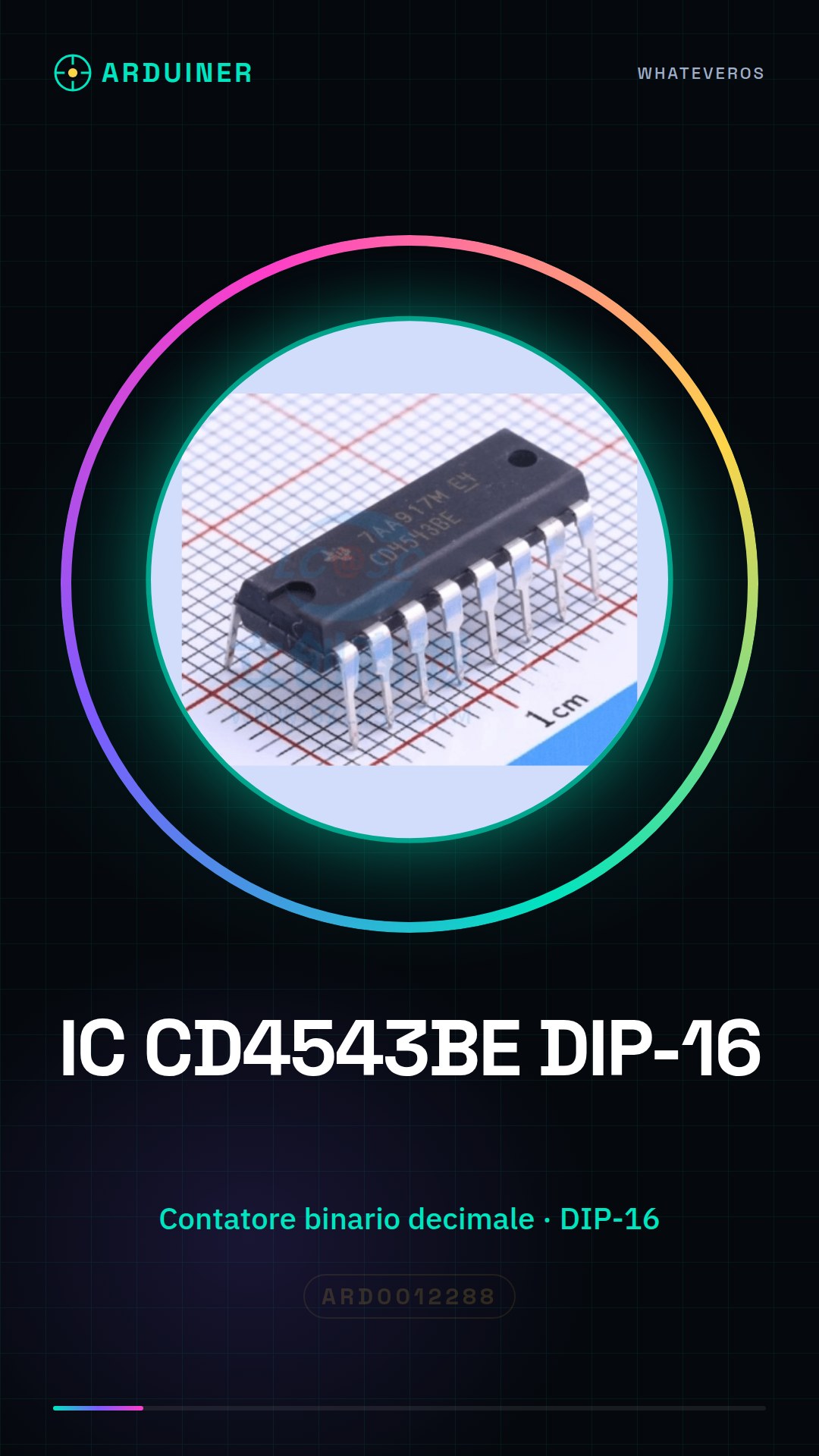
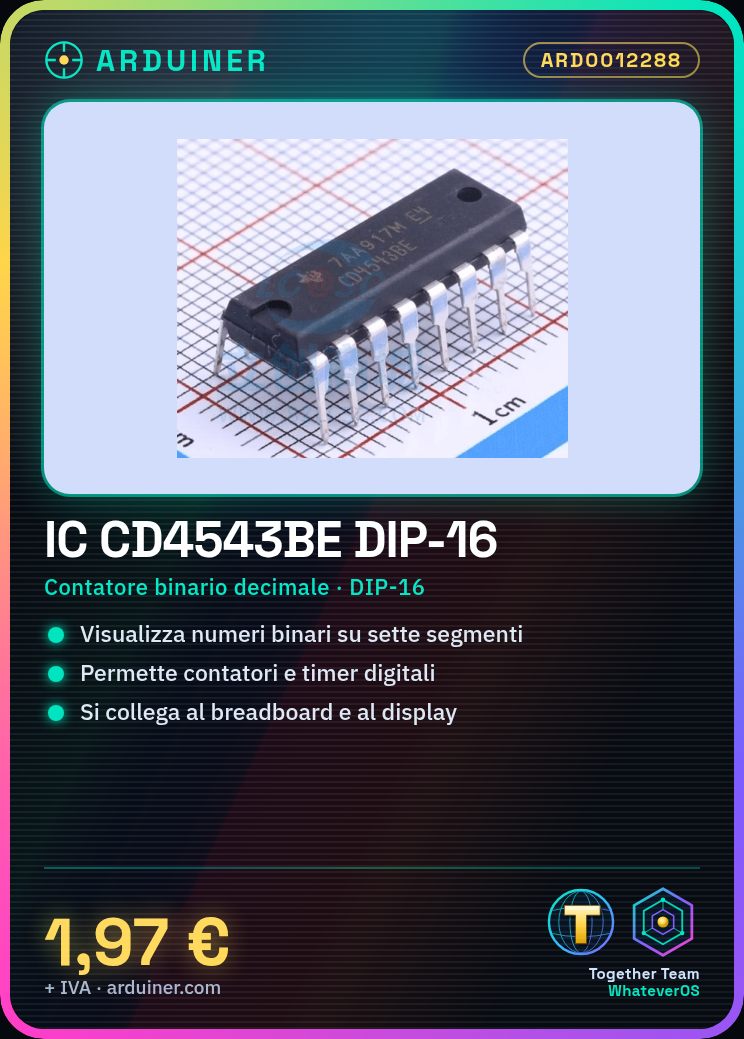
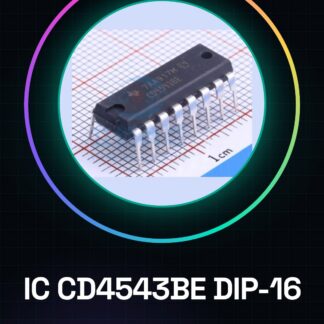
The CD4543BE DIP-16 is a binary-coded decimal counter. It allows converting a binary number into a visible format on a seven-segment display.
Features
- Type: Binary-coded Decimal Counter
- Format: DIP-16
- Brand: CD4543BE
What it is for
The CD4543BE IC is ideal for Arduino projects and electronic circuits that require the display of binary numbers on a seven-segment display. It can be used to create counters, timers, and digital displays.
Tutorial: How to use CD4543BE DIP-16
The CD4543BE is a seven-segment BCD decoder that allows converting a binary number into a visible format on a seven-segment display. Perfect for counter, timer, and digital display projects.
What you need
- Arduino uno
- Seven-segment display
- Pull-up resistors
- USB cable
- Breadboard
- Connecting wires
Steps
- Connecting the CD4543BE to the breadboard
- Connecting the CD4543BE input signals to the Arduino
- Connect the seven-segment display to the CD4543BE
- Check the connections with a multimeter
- Write the Arduino sketch
- Upload the sketch to the Arduino
- Verify that the display shows the correct number
- Test the circuit with different numbers
Example code
void setup() {
  for (int i = 0; i < 4; i++) {
    pinMode(i, OUTPUT);
  }
}

void loop() {
  for (int i = 0; i < 10; i++) {
    displayNumber(i);
    delay(500);
  }
}

void displayNumber(int number) {
  // Codifica del numero in base al datasheet del CD4543BE
  // verifica sul datasheet
}
Mini project
Create a counter that displays the elapsed time in seconds on a seven-segment display. Use the CD4543BE to decode binary numbers into a visible format.
Common mistakes
- Connect the pins of the seven-segment display to the CD4543BE in reverse
- Do not check the connections before uploading the sketch
- Use the CD4543BE datasheet for number encoding
- Do not add pull-up resistors to the input pins
Recommended accessories
- Seven-segment display
- Pull-up resistors
- Breadboard
- Connection wires
Frequently asked questions
How can I control the CD4543BE?
Use a multimeter to verify electrical connections.
Which numbers can it decode?
Decode binary numbers in seven-segment format, check the datasheet for the specification.
Reviews
There are no reviews yet.