 EN
 IT Italiano
 ES Español
 FR Français
 DE Deutsch
Description
What it is
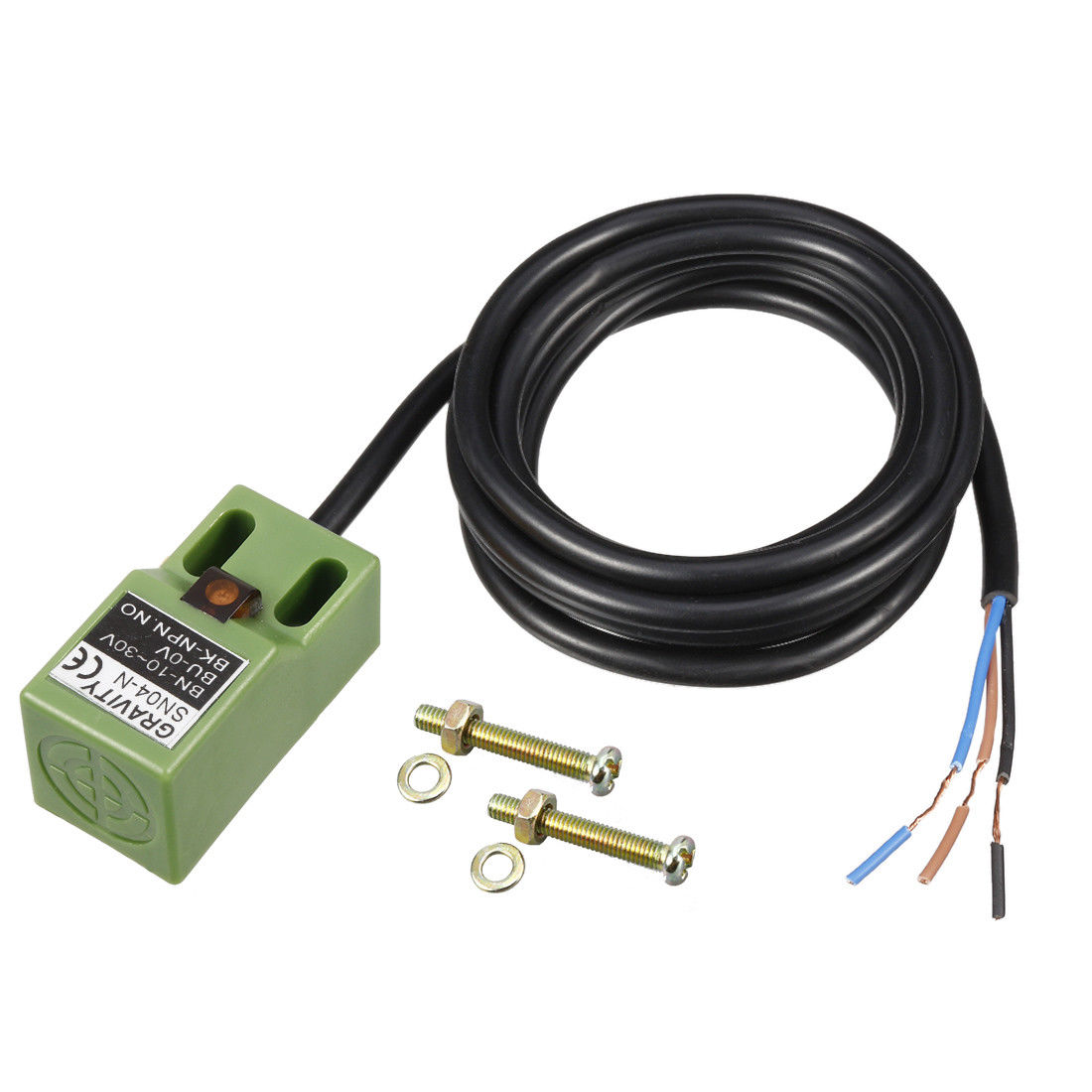
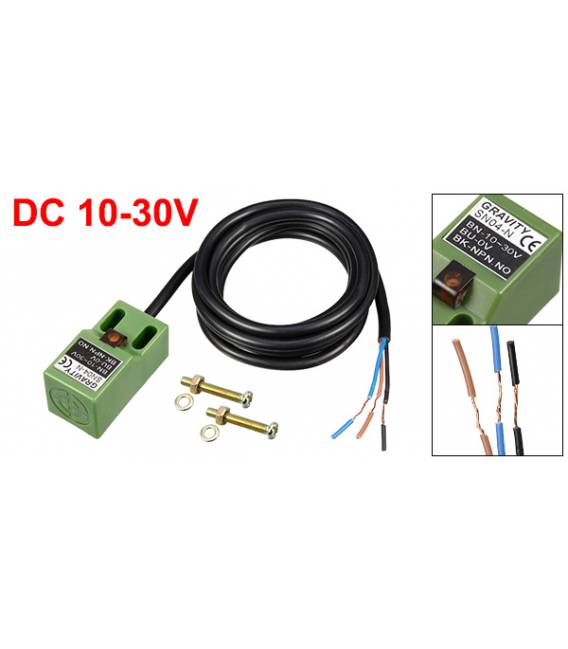
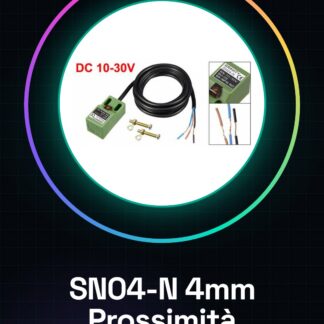
The SN04-N proximity sensor is an electronic component that detects the presence of metallic objects near its surface. It uses an inductive magnetic field to measure distance and the presence of objects.
Features
- Type: Inductive Proximity Sensor
- Operating Voltage: 10-30V DC
- Output Type: NPN NO (Normally Open)
- Detection Range: up to 4 mm
- Number of Leads: 3
What it is for
The SN04-N is ideal for obstacle detection applications, such as door or cabinet alarm systems, fluid leakage monitoring, or device opening/closing control. It is compatible with platforms like Arduino and ESP.
Tutorial: How to Use SN04-N
The SN04-N is an inductive proximity sensor ideal for monitoring fluid leakage or door opening. Useful for beginners and intermediate makers.
What you need
- Arduino or compatible microcontroller
- 10-30V power cable
- 10kΩ resistor
- 3-wire NPN connection cable
Steps
- 1. Check the datasheet for power supply specifications.
- 2. Connect the gray wire (NC) to GND.
- 3. Connect the red wire (VCC) to 5V.
- 4. Connect the black wire (OUT) to a digital pin.
- 5. Connect a 10kΩ resistor between VCC and OUT.
- 6. Load the Arduino code.
- 7. Verify the reaction to state changes.
- 8. Adapt the code for your project.
Example code
int sensorPin = 2;
int state = 0;

void setup() {
  pinMode(sensorPin, INPUT);
  Serial.begin(9600);
}

void loop() {
  int reading = digitalRead(sensorPin);
  if (reading != state) {
    state = reading;
    Serial.println(state);
  }
}
Mini project
Build an alarm system for a closet door.
Common mistakes
- Incorrect power supply: check specifications.
- Incorrect connections: verify NPN configuration.
- Wrong pin: make sure to use the correct pin.
- Code not working: check VCC and GND connections.
Recommended accessories
- Arduino Uno
- USB cable
- 10kΩ resistor
- Pin header
Frequently asked questions
How can I modify the code to handle different states?
Add if-else conditions to handle the different states of the sensor.
The sensor is not responding. What could be the problem?
Check the proper power supply and NPN connections.
Can I use a power supply different from 5V?
Check the power supply specifications on the datasheet.
The sensor does not turn on. What should I do?
Check the GND and VCC connections.
Reviews
There are no reviews yet.