 EN
 IT Italiano
 ES Español
 FR Français
 DE Deutsch
Description
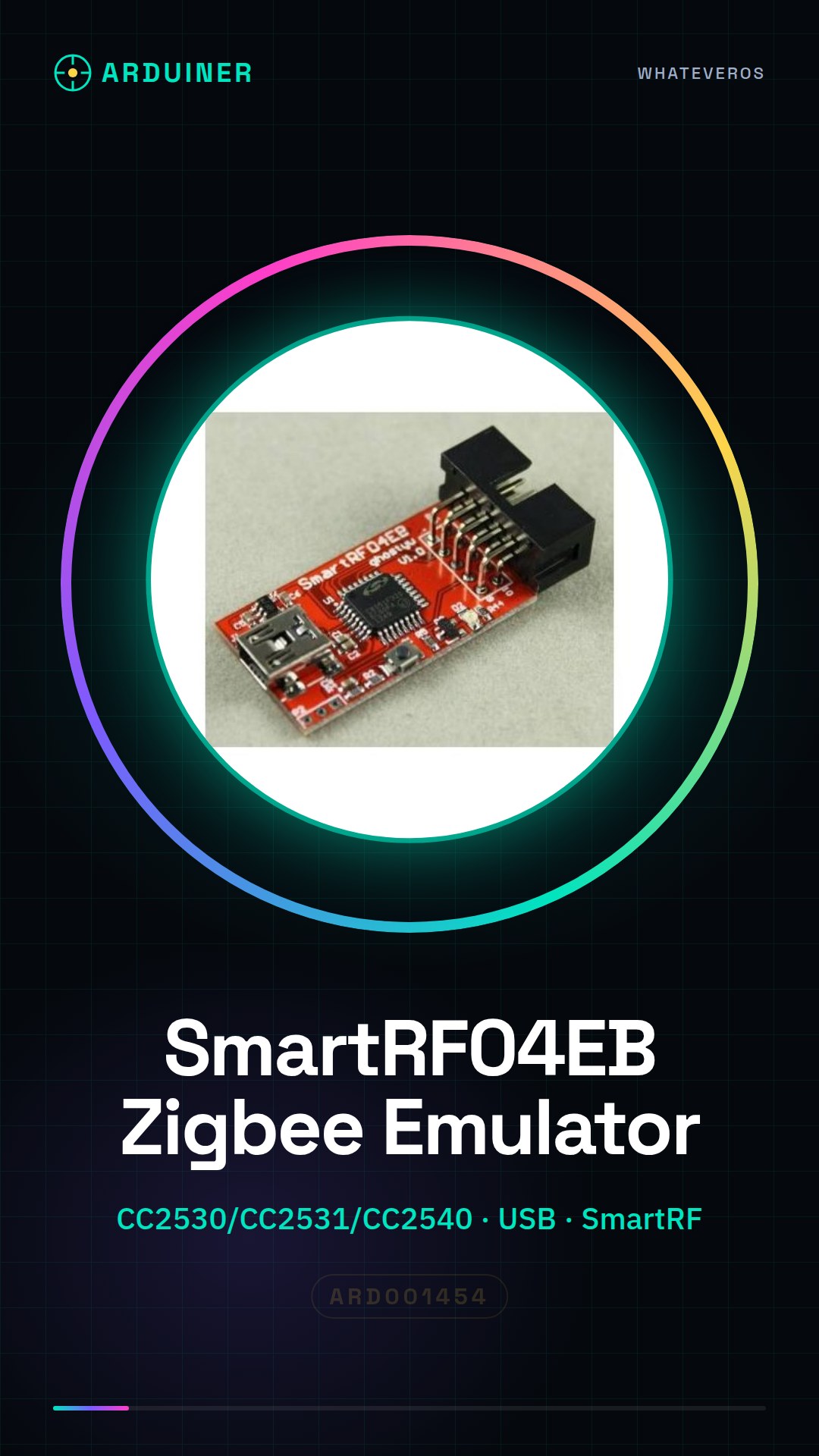
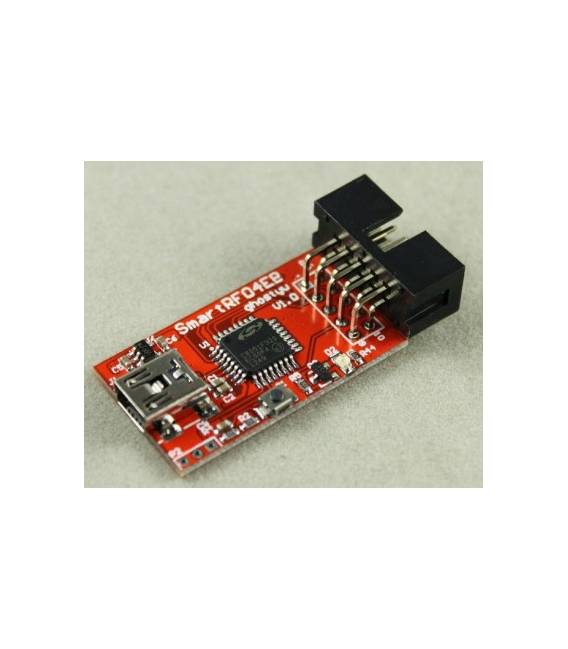
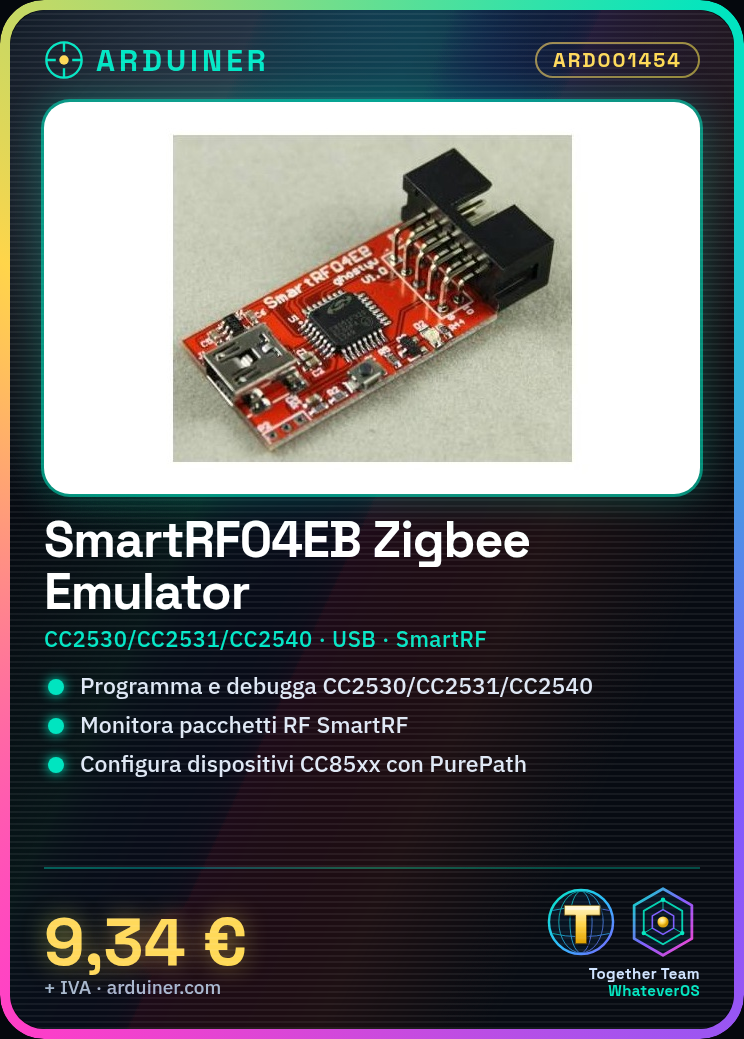
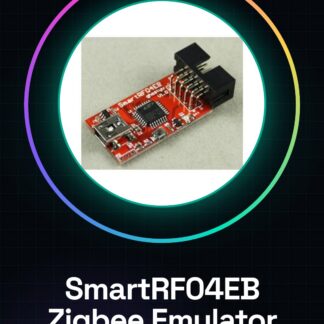
SmartRF04EB Zigbee Emulator Programmer CC2530 CC2531 CC2540
Supports Texas Instruments devices. CC Debugger also supports RF transceivers CCxxxx. Additionally, CC Debugger is used to configure CC85xx devices with PurePath Wireless Configurator.
Tutorial: How to use SmartRF04EB Zigbee Emulator Programmer
The SmartRF04EB is an essential tool for developers and makers working with Texas Instruments wireless devices such as CC2530, CC2531, and CC2540. This emulator allows you to program, debug, and test your Zigbee projects efficiently. It’s ideal for those creating wireless networks, smart sensors, or any other device requiring wireless communication.
What you need
- SmartRF04EB
- Windows/Linux/MacOS computer
- USB driver (check datasheet)
- SmartRF Tools software (check datasheet)
Steps
- Install the SmartRF04EB USB drivers from the Texas Instruments website.
- Download and install the SmartRF Tools suite from the same source.
- Connect the SmartRF04EB to your computer via a USB cable.
- Open the SmartRF Tools and select ‘SmartRF Packet Monitor’ to start monitoring RF packets.
- Select the CC2530/CC2531/CC2540 device you wish to program in the software.
- Load the source code of your project using the SmartRF Tools.
- Verify communication between your device and the SmartRF04EB by monitoring RF packets.
- Configure any additional options such as PurePath Wireless Configurator following the instructions in the datasheet.
Mini project
[“Create a simple Zigbee network with a temperature sensor and a receiver. Program the sensor to send data to the base every minute using the SmartRF04EB.”, ‘Remember to download the necessary firmware from the TI website and configure the devices correctly according to the datasheet specifications.’]
Common mistakes
- Device not recognized: check that all necessary drivers are installed.
- Error during code compilation: make sure you have selected the correct device in the software and check the specifications in the datasheet.
- RF packets not received: check the antenna and verify that both devices are correctly configured to communicate.
- USB connection problems: try restarting the computer or using another cable.
Recommended accessories
- CC2530 Starter Kit
- RF Antenna for CC253x
- TI JTAG Cable
- Zigbee Development Kit
Frequently asked questions
Is the SmartRF04EB compatible with Arduino?
No, the SmartRF04EB is not designed to be used directly with Arduino.
Can I use this tool to program other microcontrollers?
Yes, but only those specified by the manufacturer (CC2530/CC2531/CC2540).
Where can I find the complete datasheet?
The datasheet is available on the Texas Instruments website.
Reviews
There are no reviews yet.